Best Cloud Storage Services That Will Transform Your Digital Life
+
Table of Contents
- 1 The Best Cloud Storage Service
- 1.1 1. Google Drive
- 1.1.1 Key Features
- 1.1.2 Benefits
- 1.2 2. Dropbox
- 1.2.1 Key Features
- 1.2.2 Benefits
- 1.3 3. Microsoft OneDrive
- 1.3.1 Key Features
- 1.3.2 Benefits
- 1.4 4. iCloud Drive
- 1.4.1 Key Features
- 1.4.2 Benefits
- 1.5 5. Box
- 1.5.1 Key Features
- 1.5.2 Benefits
- 1.6 6. Sync.com
- 1.6.1 Key Features
- 1.6.2 Benefits
- 1.7 7. MEGA
- 1.7.1 Key Features
- 1.7.2 Benefits
- 1.8 8. pCloud
- 1.8.1 Key Features
- 1.8.2 Benefits
- 1.9 Why These Are Among The Best Cloud Storage Services
- 1.10 Benefits of Using the Best Cloud Storage Services
- 1.10.1 1. Access Files Anywhere
- 1.10.2 2. Automatic Backup
- 1.10.3 3. Improved Security
- 1.10.4 4. Seamless Collaboration
- 1.10.5 5. Reduced Cost
- 1.10.6 6. Recovery from Disaster
- 1.10.7 7. Enhanced Efficiency
- 1.11 How to Find the Best Cloud Storage Services
- 2 Final Thought
- 2.1 FAQs
- 2.1.1 Which One Is the Best Cloud Storage Service?
- 2.1.2 Which Cloud Storage Service is More Secure?
- 2.1.3 Which Cloud Storage Service is More Generous?
- 2.1.4 Is Cloud Storage Still Better than External Hard Drives?
- 2.1.5 What is the best cloud storage service for businesses?
- 2.1.6 Is it possible to have more than one cloud storage service?
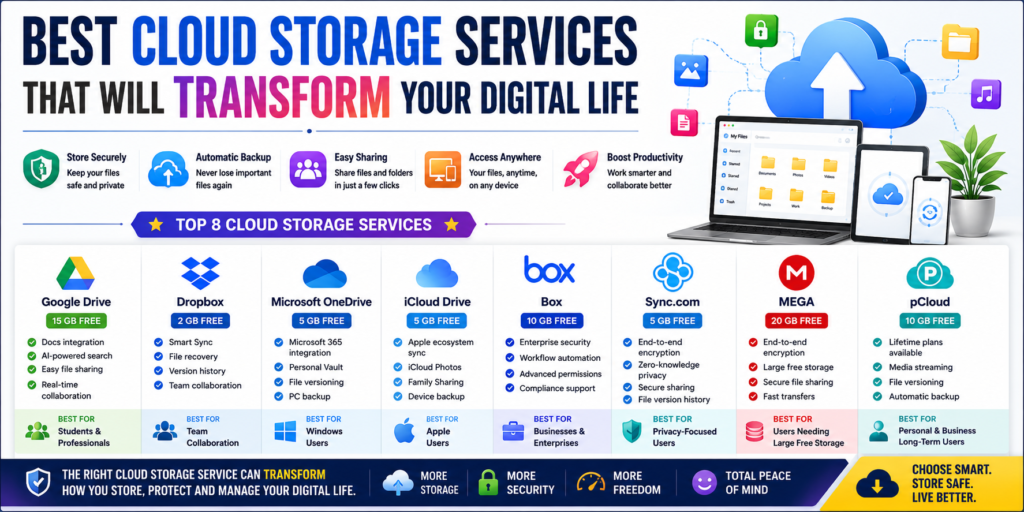
Storing files securely, like saving works in progress, has become an essential part of modern living. With the Best Cloud Storage Services, you can have a safe digital life and easily save your family’s memory snaps, work files, or business videos and data. Cloud storage eliminates the need for external drives, making files easily accessible at your fingertips and from the screens of your devices, whether it’s a computer, tablet, or smartphone.
With features such as automatic backup, security, file sharing, and collaboration, you can rest easy knowing your data is safe from threats and will not be lost to hardware malfunction or deletion. With the many available cloud storage services, choosing one can prove to be an inconvenience.
Except for the storage limits, price, and the service’s usability and security, choosing a cloud storage service can be an unfortunate but necessary inconvenience. The Best Cloud Storage Services have the most features when it comes to these services. The features of the Best Cloud Storage leave little to be desired.
The Best Cloud Storage Service
For comparison, we show you each service’s free storage amount along with its most notable features.
| Cloud Storage Service | Free Storage | Key Features | Best For |
|---|---|---|---|
| Google Drive | 15GB | Docs Integration, AI Search, File Sharing | Students & Professionals |
| Dropbox | 2GB | Smart Sync, File Recovery | Team Collaboration |
| Microsoft OneDrive | 5GB | Microsoft 365 Integration | Windows Users |
| iCloud Drive | 5GB | Apple Ecosystem Sync | Apple Users |
| Box | 10GB | Enterprise Security | Businesses |
| Sync.com | 5GB | End-to-End Encryption | Users Who Value Privacy |
| MEGA | 20GB | Zero-Knowledge Encryption | Large Free Storage |
| pCloud | 10GB | Lifetime Plans, Media Streaming | Personal & Business Use |
1. Google Drive
Google Drive is one of the Best Cloud Storage Solutions because of how easy and reliable it is. Millions of users do document creation, file sharing, and cloud backup through Google Drive because of how well it integrates with the rest of Google’s offerings.
Key Features
- 15GB free storage
- Google Docs, Sheets, and Slides Integration
- AI Search
- Collaboration
- Photo and Video Backups
- Multi Platform
Benefits
- Students and Teams love Google Drive
- Links make sharing easy
- Synchronization is automatic
- 2FA means your data is secure
Because Google Drive is collaborative, users can make productivity their main focal point. Google Drive is collaborative and secure enough to be easy to the edge of being not worth it. Users can do document creation, file sharing, and cloud backup.
2. Dropbox
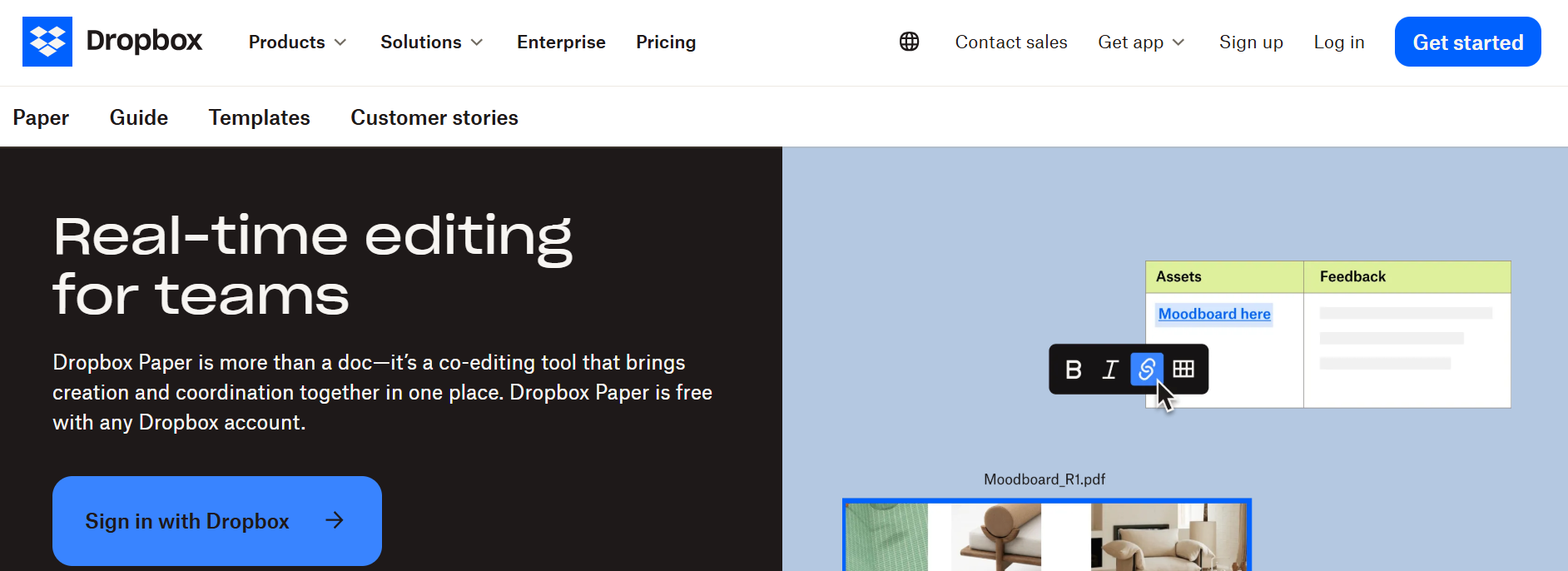
Dropbox popularized cloud storage. Because of how many features it has for professionals and businesses, it is one of the Best Cloud Storage Solutions today.
Key Features
- Smart Sync
- Automatic backups
- Version history
- Links to share with password protection
- File recovery
- Team collaboration
Benefits
- Fast file sync
- Great options for sharing
- Great desktop app
- Easy integration with Slack, Zoom, and Microsoft Office
Dropbox is especially convenient for businesses dealing with a ton of shared files.
3. Microsoft OneDrive
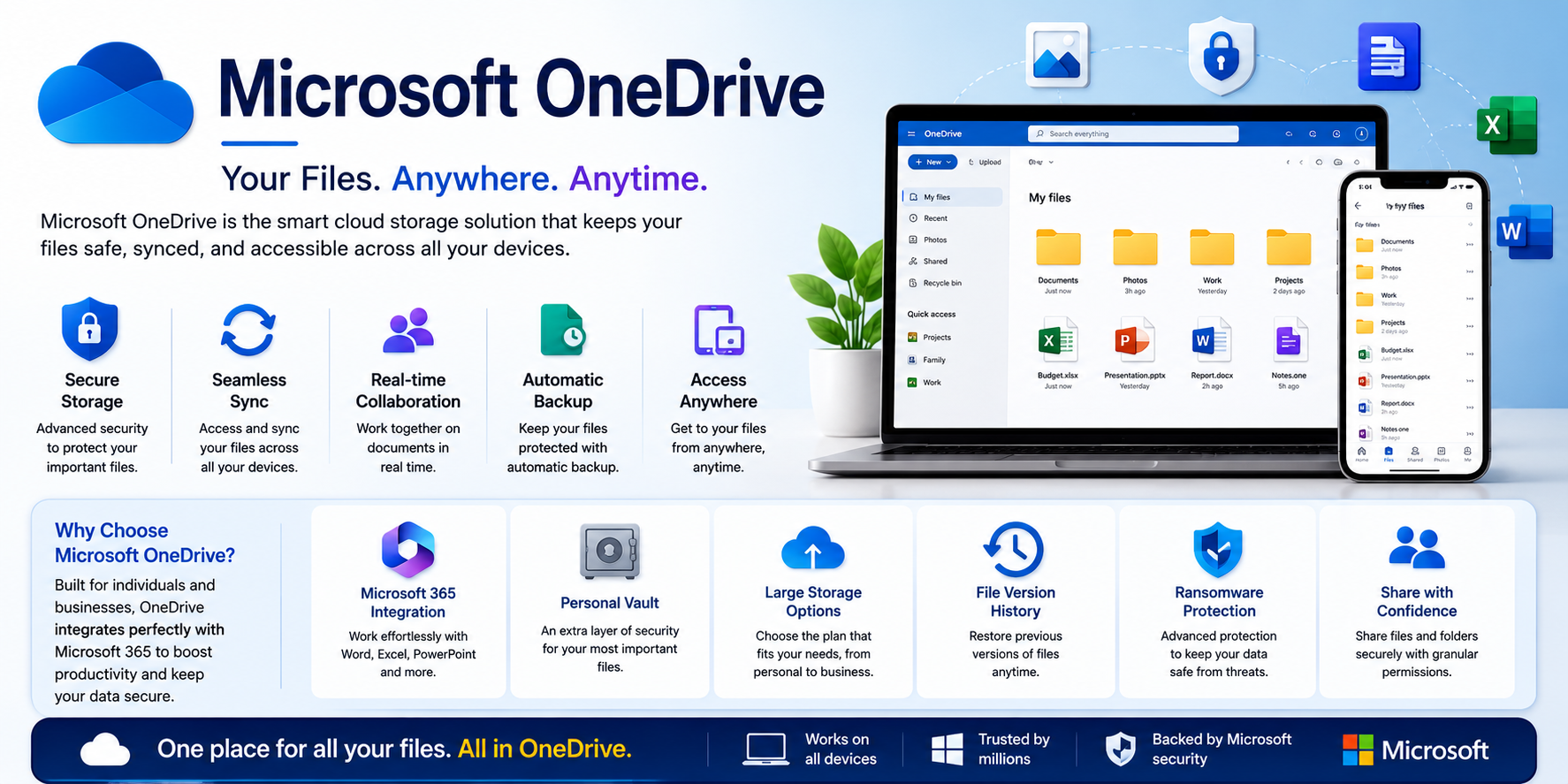
Of the Best Cloud Storage Services, Microsoft OneDrive is great for the Microsoft 365 user and cloud storage for Windows users.
Key Features
- Microsoft Office integration
- Personal Vault
- Automatic PC backup
- Version history
- Real-time collaboration
- Cross-device sync
Benefits
- Great for Office docs
- Cheap Microsoft 365 bundles
- Good ransomware protection
- Easy file recovery
OneDrive is a great, flexible cloud storage service for both cloud storage and cloud productivity.
4. iCloud Drive
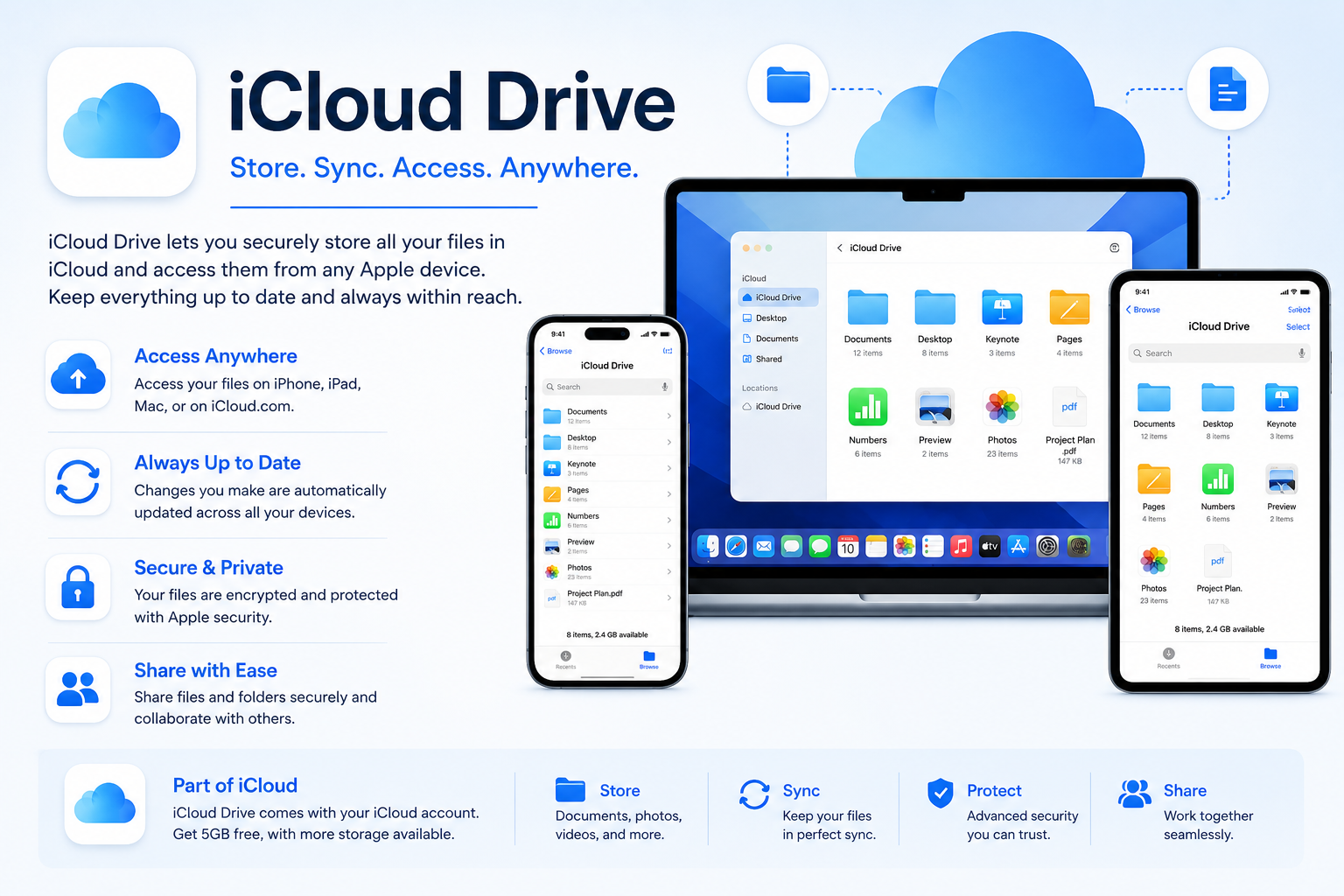
Of all the Best Cloud Storage Services, Apple users tend to pick iCloud Drive because of the seamless integration with the Apple ecosystem.
Key Features
- Automatic backups for the iPhone
- iCloud Photos
- File sync
- Family Sharing
- Device backup
- Verified with Apple ID
Benefits
- Seamless sync for iPhone, iPad, and Mac
- Easy device restoration
- Simple user interface
- Reliable security
For users in the Apple ecosystem, iCloud Drive is the most convenient of the cloud storage service options.
5. Box
Expanding enterprise cloud storage and secure collaboration, Box is among the Best Cloud Storage Services for enterprises.
Key Features
- Enterprise-grade security
- Workflow automation
- Compliance support
- Team collaboration
- Document management
- Secure file sharing
Benefits
- Excellent for businesses
- Advanced permission controls
- Secure compliance features
- Scalable storage plans
Box provides administrative controls and compliance to help companies with sensitive documents.
6. Sync.com
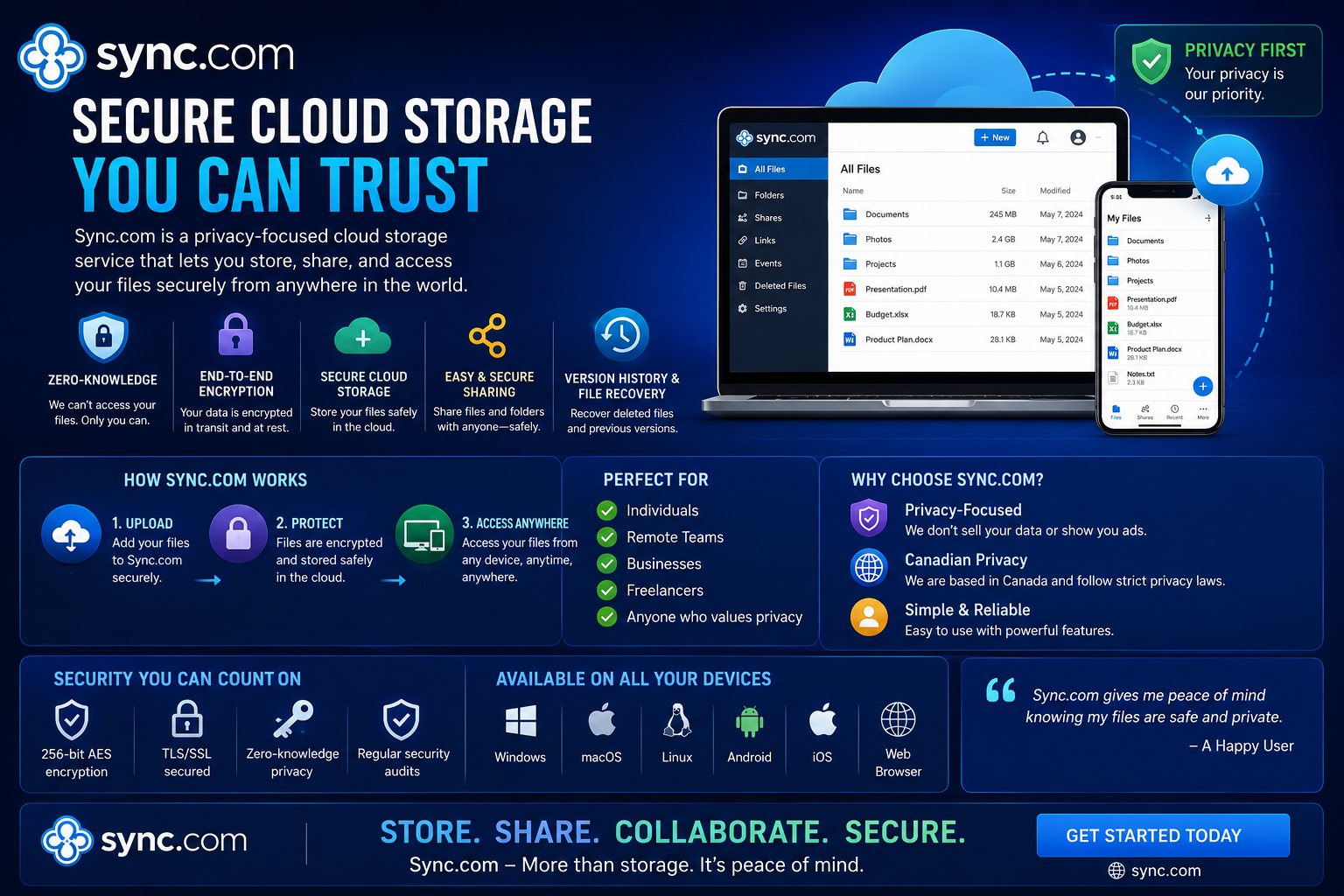
When privacy is most important to you, Sync.com belongs among the Best Cloud Storage Services. Among many distinctions, Sync.com is best known for its end-to-end encryption, meaning that files cannot be seen by anyone but the account owner. Because even the company cannot see your stored data, this service is a popular choice for people with access to private information in their profession.
Key Features
- End-to-end encryption
- No knowledge of privacy
- Secure file sharing
- Automated backup file
- File version history
- Cross-platform
Benefits
- Maximum privacy for personal and business files
- Collaboration is simple with secure sharing links
- Protection from unauthorized access
- Affordable premium plans
Sync.com is best for privacy, earning its place among the Best Cloud Storage Services.
Also Read- Powerful SaaS Trends 2026 Driving Business Growth
7. MEGA
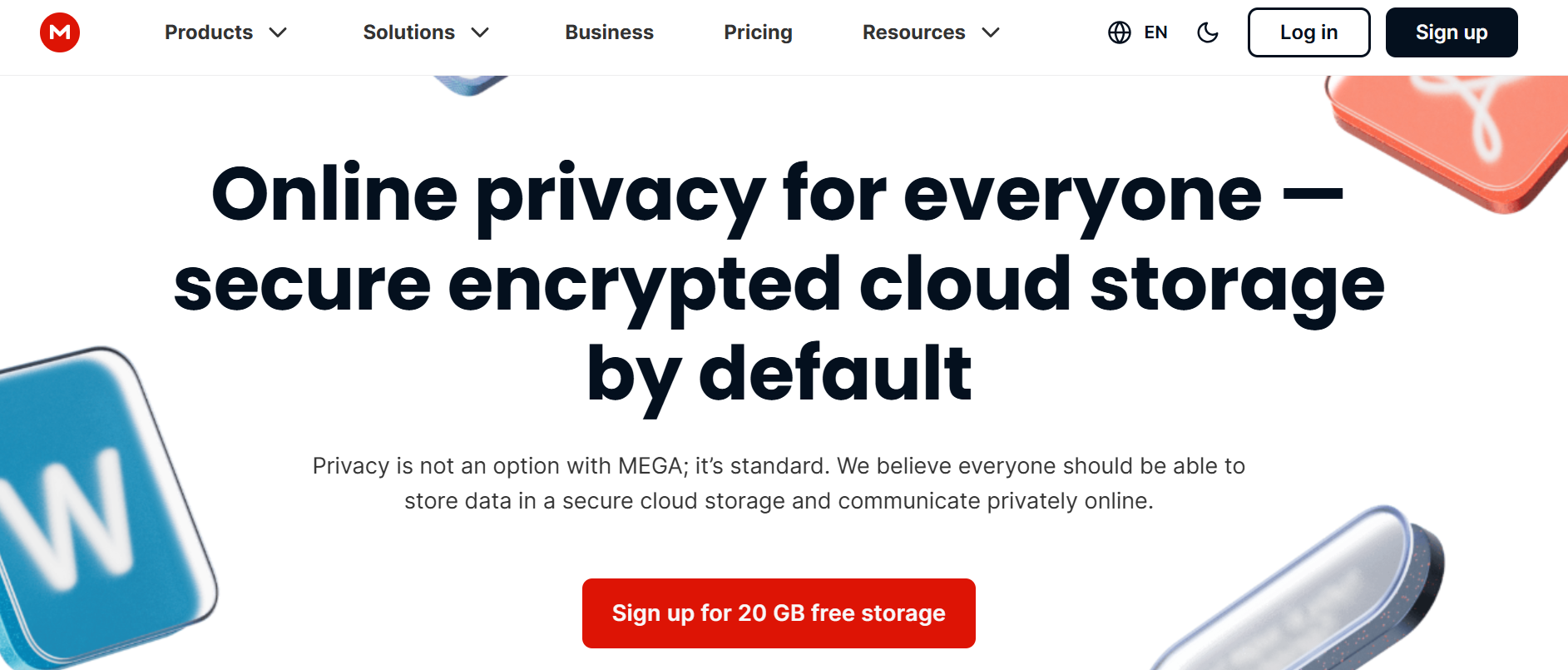
By offering privacy, security, and a large amount of free storage, MEGA has built a strong international following. Instant storage needs represent a small payment, and this service is one of the Best Cloud Storage Services for less frequent users.
Key Features
- 20 GB free storage
- End-to-end encryption
- Secure file sharing
- Apps for mobile and desktop
- File versioning
- Automatic sync
Benefits
- Large free storage
- Excellent privacy
- Fast uploading and downloading
- Collaboration is easy with secure links
MEGA fits students, frequent users storing large media, and users without a need for frequent storage.
8. pCloud
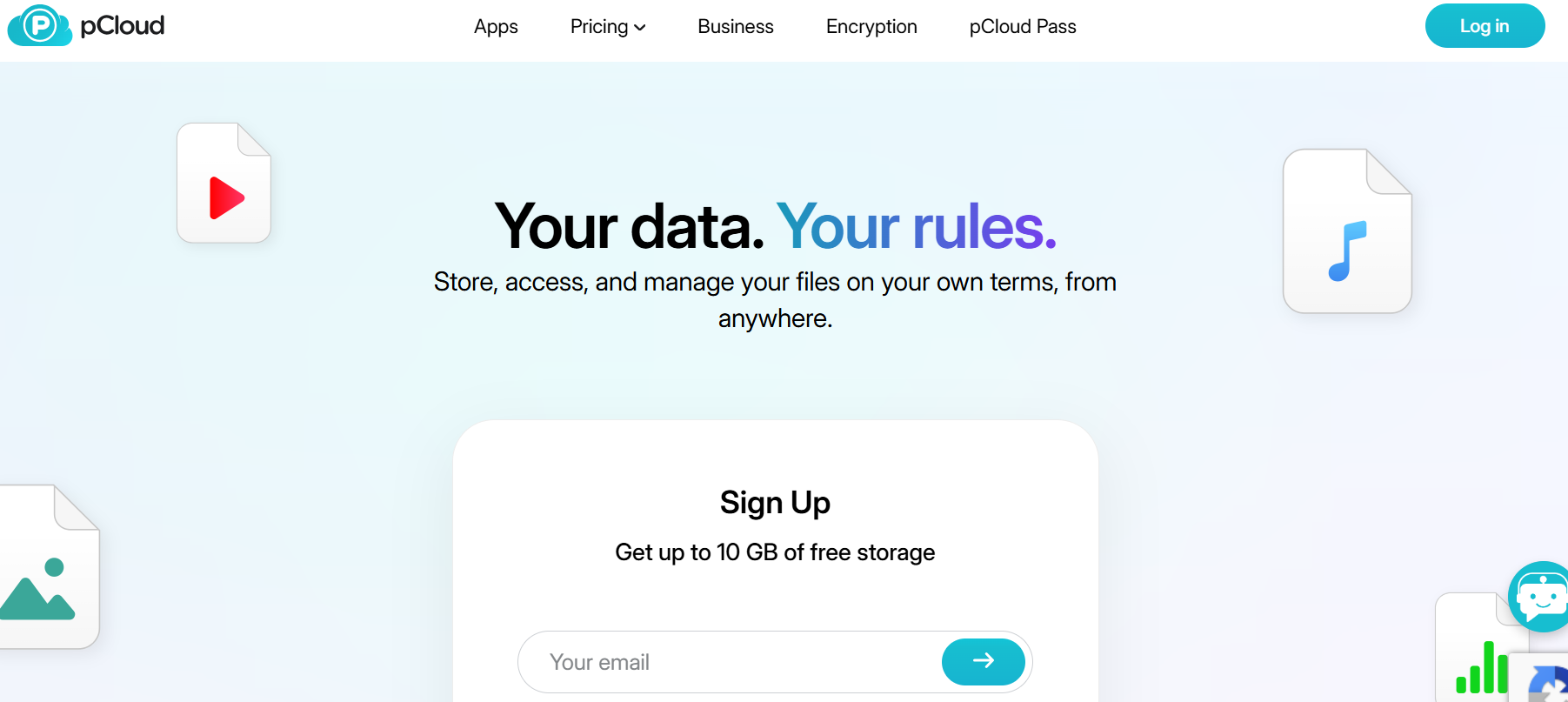
pCloud streamlines a few unique characteristics into an exceptional cloud file storage service. First, their pCloud Premo service gives users a one-time payment option to purchase a lifetime subscription. Second, their cloud storage partitions allow audio and video files to be streamed directly to subscribers, a function used by cloud storage platforms very few and far between.
Key Features
- 10 GB of free storage
- Lifetime subscription option
- Built-in media player
- File versioning
- Automatic backup
- Optional file encryption
Benefits
- One-time purchase for a lifetime subscription
- Superior audio and video file management
- Consistent and dependable file synchronization
- Convenient and easy file sharing
pCloud delivers a cloud file storage service without subscription fees.
Why These Are Among The Best Cloud Storage Services
The Best Cloud Storage Services provide significant and beneficial additions to modern online storage, especially in the areas of productivity, security, and collaboration across multiple devices. The services listed above are reliable and unique in the personal, educational, and business cloud storage offerings that they provide.
The features each service offers ensure that your important files remain protected and easy to access whenever you need them.
Benefits of Using the Best Cloud Storage Services
The Best Cloud Storage Services provide beneficial systems to meet your business storage needs beyond just additional storage space. These systems assist and support productivity as well as simplify collaboration and help secure valuable information.
1. Access Files Anywhere
You may access your files on a smartphone, tablet, laptop, or desktop computer as long as you (and they) have an internet connection.
2. Automatic Backup
The risk of losing important data due to hardware failure is greatly diminished with automatic backup services because all documents, videos, and photographs are uploaded to the cloud service.
3. Improved Security
To shield sensitive data from cyber threats, the Best Cloud Storage Services utilize encryption, multi-factor authentication, and maintain secure data centers.
4. Seamless Collaboration
The ability to share documents, collaborate in real time, and assign permissions to class and work colleagues allows for easy collaboration for any editing needs.
5. Reduced Cost
Scalable plans eliminate the need for the purchase of several external hard drives, as options can be selected based on the storage needs.
6. Recovery from Disaster
The ease of recovering documents after they are deleted, a computer fails, or a ransomware attack is made simple through Cloud backup.
7. Enhanced Efficiency
To boost the ability to work from anywhere, Automatic Synching provides the latest version of the files.
How to Find the Best Cloud Storage Services
Think about the following before you pick the service provider.
- The maximum storage space
- The safety of the data
- How easy are the documents to share
- If all the necessary devices can access the storage server
- The costs
- Boost and retrieval options
- Help with customer service
- Options for working together
To find the Best Cloud Storage Services for your business or individual needs, look at all the options together.
Final Thought
How people share, access, and store files has been revolutionized with the Best Cloud Storage Services. There is a service that has everything from secure, free options to platforms that make working together easy at every level.
Google Drive is among the best cloud storage services as it has a variety of free storage options and collaboration features, as well as integration with Google Workspace. Microsoft OneDrive is an excellent choice for Windows users, and iCloud Drive syncs effortlessly to your Apple devices. If you are concerned about your company’s security, Box is a great option. For users who want more privacy with their data, Sync.com is a great option to consider. MEGA is good for free, encrypted data storage, and pCloud offers a variety of features for multimedia use.
Using one of the best cloud storage services reduces your concerns about data storage, improves productivity, and offers safe access to your files anywhere.
FAQs
-
Which One Is the Best Cloud Storage Service?
Google Drive is a good choice for its many collaboration features, free storage, and its Google Workspace integration.
-
Which Cloud Storage Service is More Secure?
Privacy is no concern for MEGA and Sync.com since neither has encrypted user data.
-
Which Cloud Storage Service is More Generous?
With an impressive 20 GB of storage for free accounts, MEGA is definitely worth the switch.
-
Is Cloud Storage Still Better than External Hard Drives?
This is a resounding yes! Cloud services have enhanced features like the ability to access your data remotely.
-
What is the best cloud storage service for businesses?
From a business perspective, Box, Dropbox and Microsoft OneDrive are solid options. They’re all equipped with collaboration tools, administrative controls, and security at the enterprise level.
-
Is it possible to have more than one cloud storage service?
Definitely. A lot of individuals use a combination of Google Drive, Dropbox, OneDrive, etc. to optimize free storage, increase redundancy, and compartmentalize personal and work files.