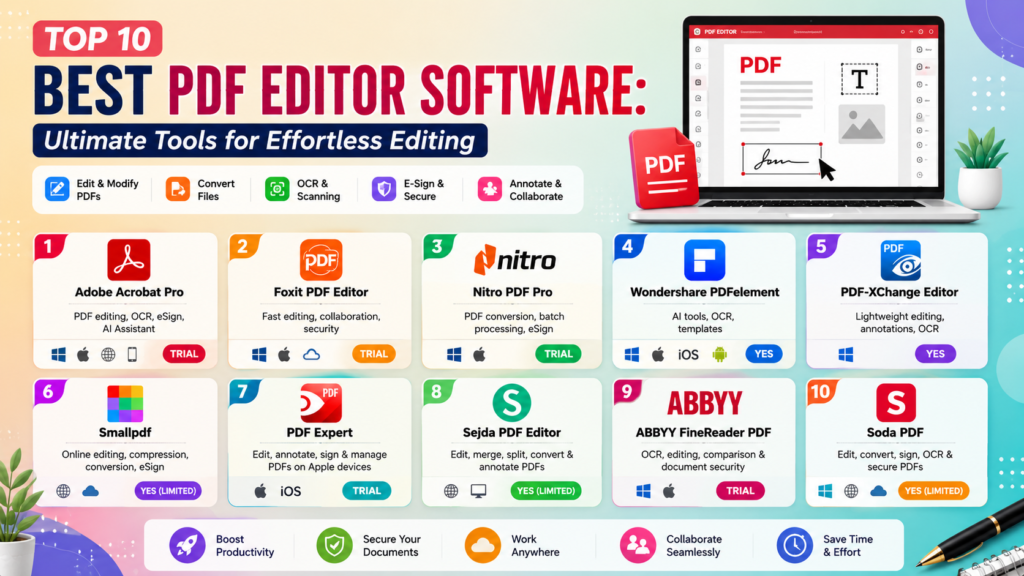
Top 10 Best PDF Editor Software: Ultimate Tools for Effortless Editing
+
Table of Contents
- 1 Quick Comparison Table of PDF Editor Software
- 1.1 1. Adobe Acrobat Pro
- 1.1.1 Key Features
- 1.1.2 Benefits
- 1.2 2. Foxit PDF Editor
- 1.2.1 Key Features
- 1.2.2 Benefits
- 1.3 3. Nitro PDF Pro
- 1.3.1 Key Features
- 1.3.2 Benefits
- 1.4 4. Wondershare PDFelement
- 1.4.1 Features
- 1.4.2 Advantages
- 1.5 5. PDF-XChange Editor
- 1.5.1 Key Features
- 1.5.2 Benefits
- 1.6 6. Smallpdf
- 1.6.1 Key Features:
- 1.6.2 Benefits:
- 1.7 7. PDF Expert
- 1.7.1 Key Features
- 1.7.2 Benefits
- 1.8 8. Sejda PDF Editor
- 1.8.1 Key Features
- 1.8.2 Benefits
- 1.9 9. ABBYY FineReader PDF
- 1.9.1 Key Features
- 1.9.2 Benefits
- 1.10 10. Soda PDF
- 1.10.1 Key Features
- 1.10.2 Benefits
- 1.11 Why PDF Editor Software is Important?
- 1.12 How To Find the Top PDF Editors
- 1.12.1 Factors to consider include:
- 2 Conclusion
Today’s world requires the management of documents, whether for work, school, or personal business. What is the best PDF editor software? It can help manage contracts by editing, filling, signing, and merging. It is a major time saver and increases the efficiency of your work. Compared to traditional PDF readers, modern editors let users modify and convert documents. They also have a range of annotation features. They are also great for team collaboration. Many even have AI-powered document management features.
This article will help you find the best PDF editor software to suit your needs. Each tool caters to different demographics, including students, freelancers, and businesses.
Quick Comparison Table of PDF Editor Software
| PDF Editor Software | Best For | Key Features | Platforms | Free Version |
|---|---|---|---|---|
| Adobe Acrobat Pro | Professionals & Businesses | PDF editing, OCR, eSign, AI Assistant | Windows, macOS, Web, Mobile | Trial |
| Foxit PDF Editor | Businesses | Fast editing, collaboration, security | Windows, macOS, Cloud | Trial |
| Nitro PDF Pro | Office Users | PDF conversion, batch processing, eSign | Windows, macOS | Trial |
| Wondershare PDFelement | Students & Small Businesses | AI tools, OCR, templates | Windows, macOS, iOS, Android | Yes |
| PDF-XChange Editor | Advanced Windows Users | Lightweight editing, annotations, OCR | Windows | Yes |
1. Adobe Acrobat Pro
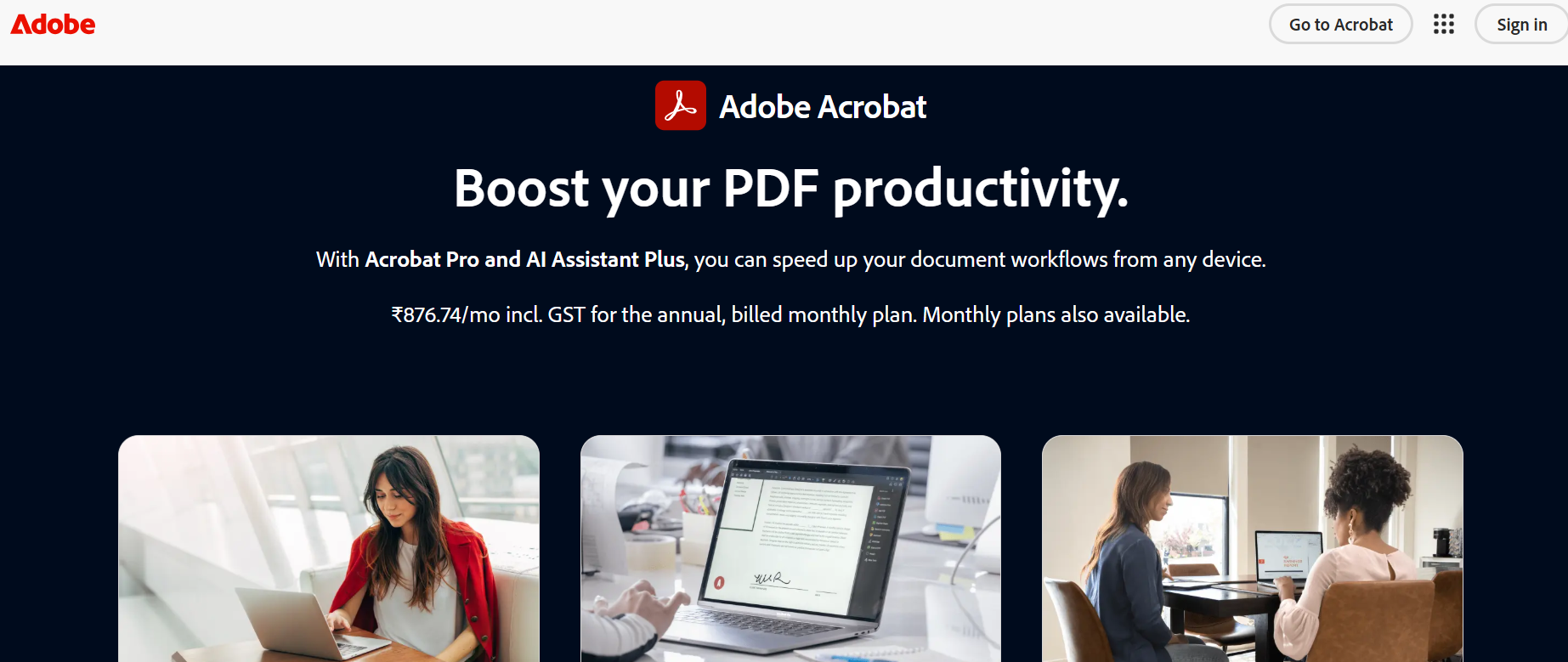
It’s no wonder why Adobe Acrobat Pro is one of the best PDF Editor software programs available, as Adobe is the company that created the PDF. It has all the tools required for professional-grade editing and makes document management of documents so easy.
Adobe Acrobat Pro is a powerful software program that lets you edit text directly in a PDF without losing the original formatting. You can also modify images easily using the software. Advanced Optical Character Recognition (OCR) means that you can convert scanned documents into searchable and editable PDFs.
Adobe Acrobat Pro’s integrated AI Assistant is a nice addition that can summarize long documents, answer questions, and pull important data. Businesses are able to take advantage of the security offered by password protection, redaction, and electronic signatures that are legally binding.
Key Features
- Edit images and text in PDFs
- Advanced OCR technology
- AI-powered document assistance
- Electronic signatures
- PDF conversion to Word, Excel, and PowerPoint
- Cloud storage and collaboration
- Password protection and encryption
Benefits
- Industry-standard reliability
- Excellent document compatibility
- Powerful security features
- Ideal for professional environments
- Seamless integration across desktop and mobile
2. Foxit PDF Editor
Foxit PDF Editor is a great alternative to Adobe Acrobat because it is fast, inexpensive, and has great collaboration tools. Foxit PDF Editor has many of the same features as Adobe Acrobat, but at a lower subscription price.
Foxit PDF Editor allows you to edit text and graphics, but also allows you to edit headers and footers and page layouts. You can also collaborate with others by having them leave comments on the PDF in real time.
Foxit PDF Editor has great security tools. You can encrypt your documents, redact information you want to keep confidential, and control what others can do with your document. Cloud integration with other popular productivity tools also improves your workflow.
Key Features
- Complete PDF editing
- Collaboration tools
- Team files integration
- Cloud integration
- Protect with passwords
- Redaction
- Digital signature
- Batch processing
Benefits
- Fast
- Business pricing
- Great collaboration tools
- Document security
- User-friendly design
3. Nitro PDF Pro
Nitro PDF Pro also ranks high in the Best PDF Editor Software list. It’s a popular choice for businesses focused on managing documents and productivity.
Users can create a PDF from any file type and convert a PDF back to a Word, Excel, or PowerPoint file, as well as back to images, all while keeping the original layout. Nitro PDF Pro even offers the ability to convert multiple PDF files at once.
Nitro also offers great electronic signature features. This, along with Cloud integration and Microsoft Office, allows businesses to manage their documents fully.
Key Features
- PDF creation and editing
- Batch processing
- MS Office integration
- Electronic signatures
- OCR
- PDF merge and split
- Secure sharing
Benefits
- Great business productivity tools
- Fast document workflow
- Perfect file conversions
- Business features ready
- Clean design
4. Wondershare PDFelement
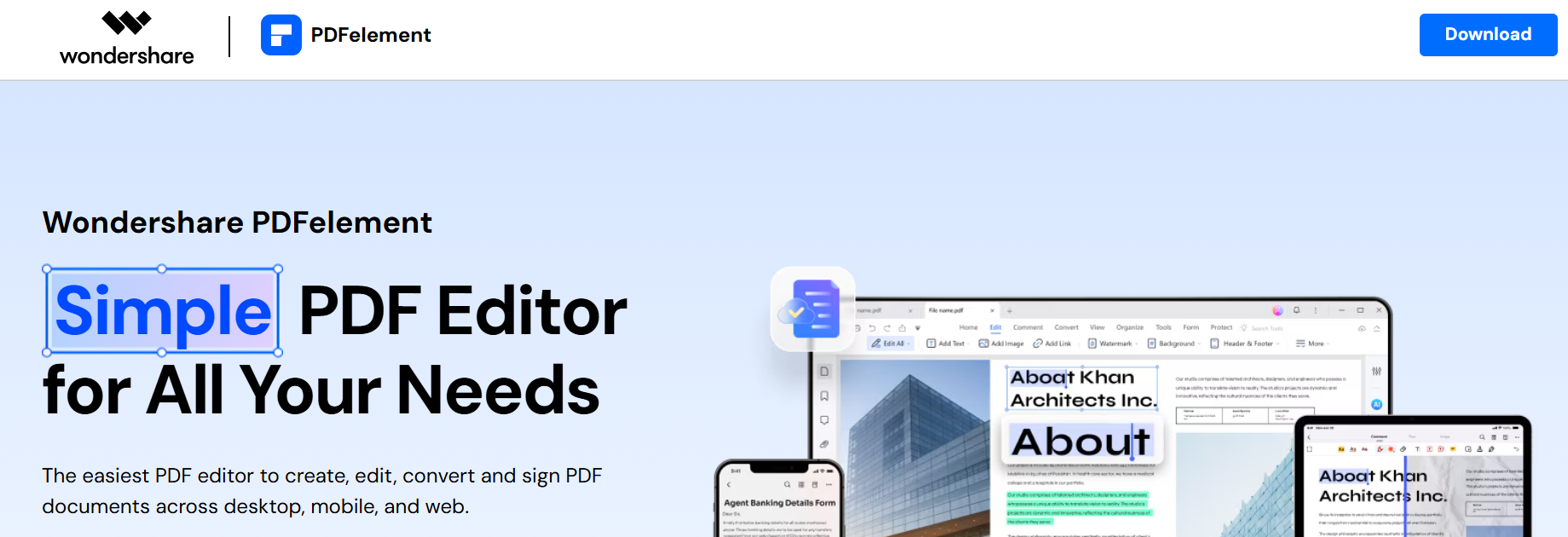
Wondershare PDFelement is a great choice for students, freelancers, and people who run small businesses. It combines an easy-to-use design with a lot of features, while being much more affordable than its main competitors.
The software allows edits to text, images, hyperlinks, backgrounds, watermarks, and page layouts. Its strongest selling point is the collection of AI tools that summarize PDFs, rewrite text, translate documents, and explain different content. These tools decrease the time needed to review long files.
PDFelement uses new advanced OCR technology and achieves high accuracy levels in recognizing text from scanned documents. Users can also change the PDF file to Word, Excel, PPT, HTML, EPUB, and other file types without the original PDF’s formatting.
Features
- AI PDF assistant
- Document editing
- OCR for scanned documents
- PDF file conversion
- Form creation and editing
- Annotation
- Batch processing
Advantages
- Affordable
- Simple to use
- Great AI tools
- High accuracy for conversions
- Cross platform
Also Read- Best AI Coding Platforms: Unlock Smarter Development
5. PDF-XChange Editor
For users on the Windows operating system who prioritize fast and efficient tools, PDF-XChange Editor is considered to be the best PDF Editor Software. With a small and fast installation, it has a surprisingly extensive collection of all the professional editing tools.
Users can change the text, add and edit comments, highlight different pieces of content, add and edit different shapes, add bookmarks, and manage layers. The software also has OCR, making scanned documents searchable and editable. Unlike most lightweight software, PDF-XChange has many advanced annotation tools useful for a researcher, teacher, and lawyer.
Performance is a big strength of the software. Even large PDF files open quickly, and editing operations are responsive, while not overconsuming system resources.
Key Features
- Takes little time to install
- Supports OCR
- Edit advanced annotations
- Edit Text
- Manage bookmarks
- Protect documents
- Use custom stamps and comments
Benefits
- High performance
- Varied edits
- Advanced annotations
- Low cost licensing
- Windows Professional Friendly
6. Smallpdf
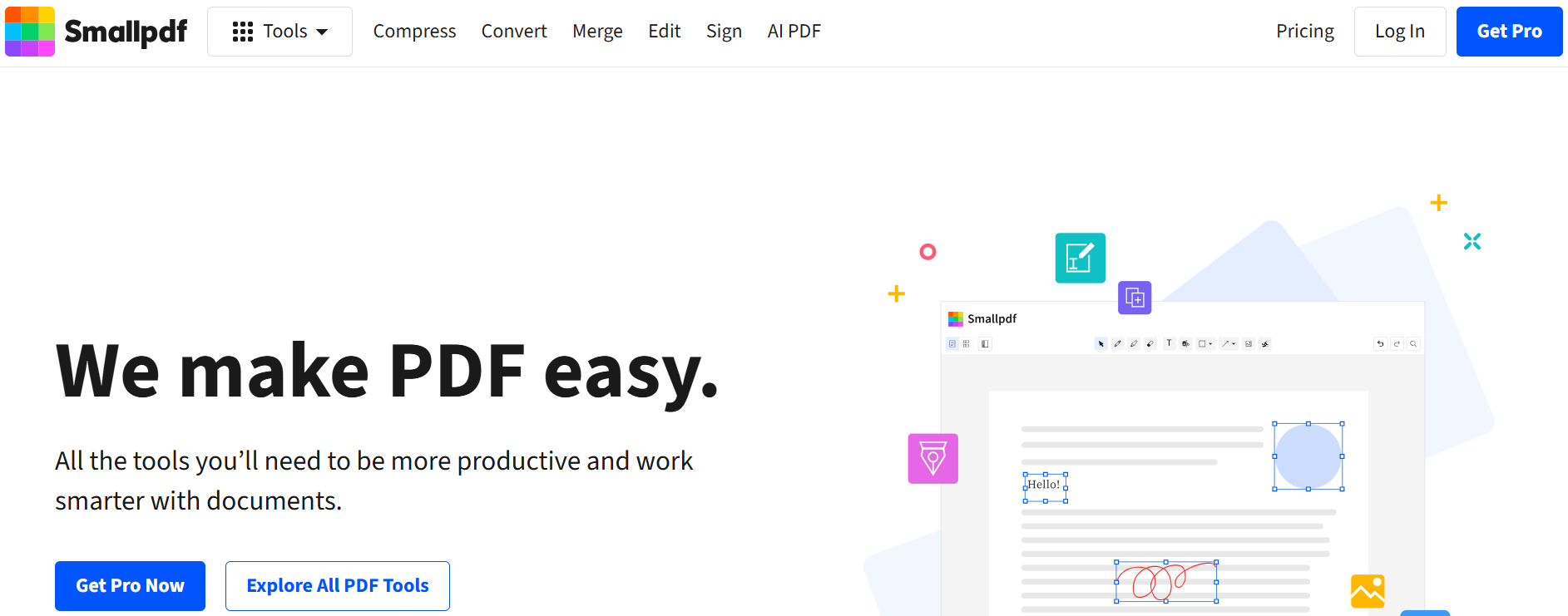
Smallpdf is one of the best-rated, simple, cloud-based PDF editors. It is a great solution for people who dislike traditional desktop PDF editors, because it edits PDFs directly on the web without a bulky software install. This makes this software ideal for people who frequently work on different computers or who work remotely and need to collaborate with others.
Smallpdf has all the tools PDF editors need to work, including editing, compressing, converting, merging, signing, splitting, and more. Its drag-and-drop features simplify document management, and it even works with most popular cloud storage apps.
Key Features:
- Edit PDFs in the browser
- Compress pdfs
- Merge and split PDFs
- Sign pdfs
- Convert pdfs
- Cloud storage integration
- Encrypt pdfs
Benefits:
- No installs
- Easy to use
- Fast processing
- Editing is simple
- Good cloud storage support
7. PDF Expert
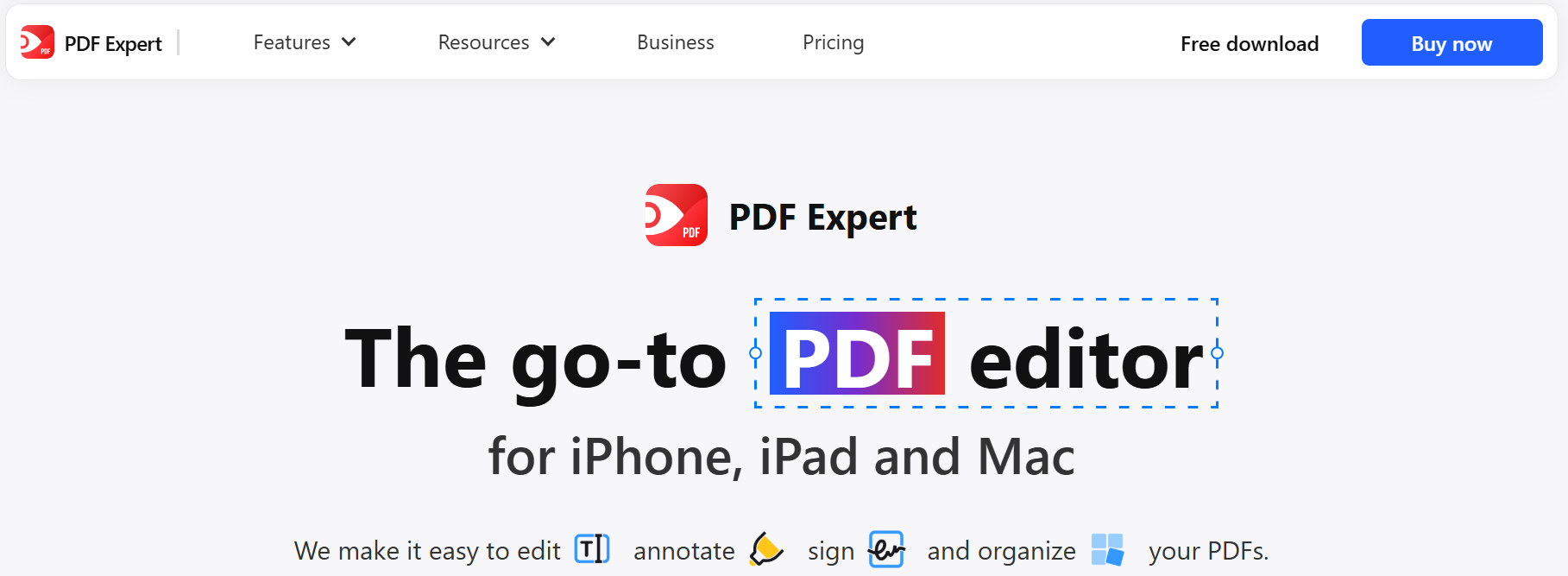
PDF Expert is one of the best rated pdf editors among Apple users. It is designed with Apple in mind, and as it is only on macOS, iPhones, and iPads, it performs beautifully.
Users are able to edit text, images, and links. They can also change outlines and page layouts. Strong annotation tools let professionals highlight, comment, draw, and work as a team on PDFs. PDF Expert has digital signatures, password protection, and good old iCloud to help you keep everything up to date.
Even with its lightweight design to help with its large PDF filing, its design helps in on the MacBook.
Key Features
- Optimized design for macOS
- Edit text and images
- Annotation tools
- Digital signature
- iCloud sync
- Fast search
Benefits
- Helpful for Apple users
- Simple and professional design
- Fast sync
- Great for all users
- Fast editing
8. Sejda PDF Editor
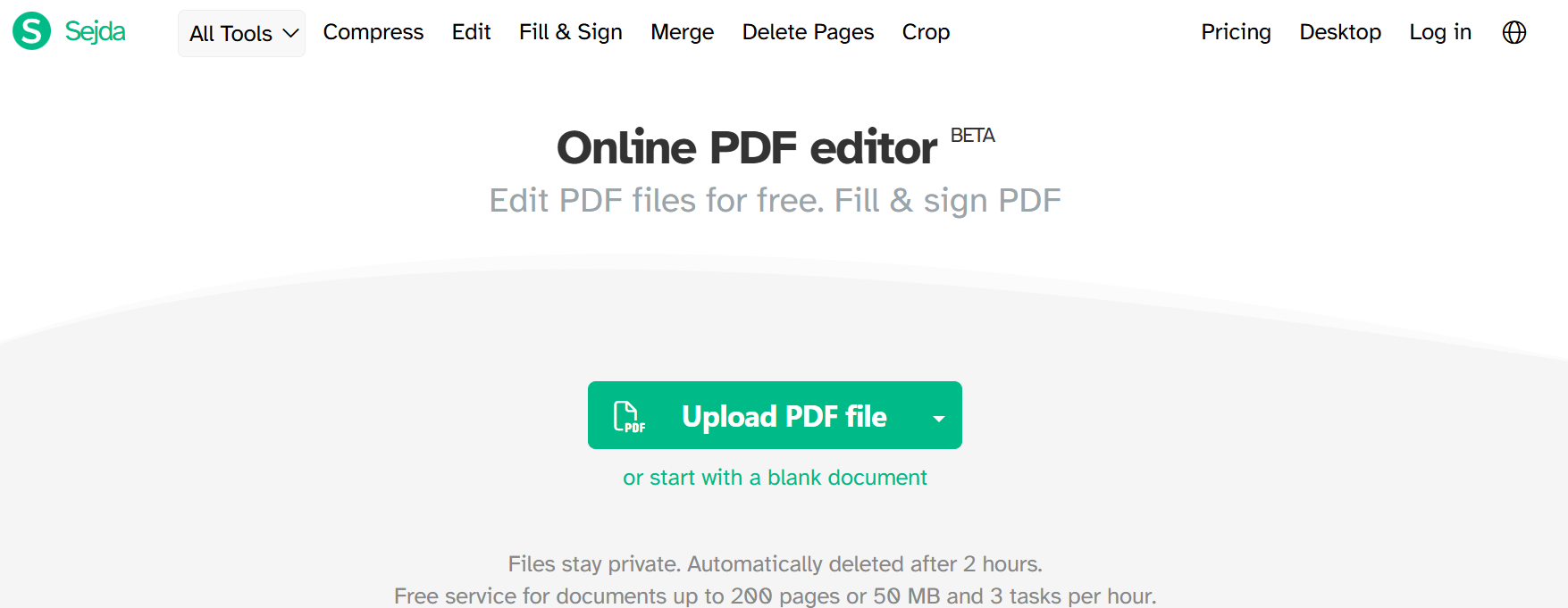
Sejda PDF Editor is another best PDF Editor Software and a good choice for users who only edit PDFs a few times a month to get good editing tools without paying a lot.
It has an online version and a desktop app. Users can edit text, add images, edit links, and fill and edit forms. Unlike its competitors, Sejda manages to edit text and keep the original styles.
The free version has a lot, and the paid version has no limits and more premium edits.
Key Features
- Edit PDF text
- Insert comments
- Image editing
- Link addition
- Form filling
- Merge and split documents
- Manage pages
- Cloud-based edits
- Desktop version
Benefits
- User-friendly design
- Low-cost premium plans
- Easy document editing
- Personal/business use
- No steep learning curve
9. ABBYY FineReader PDF
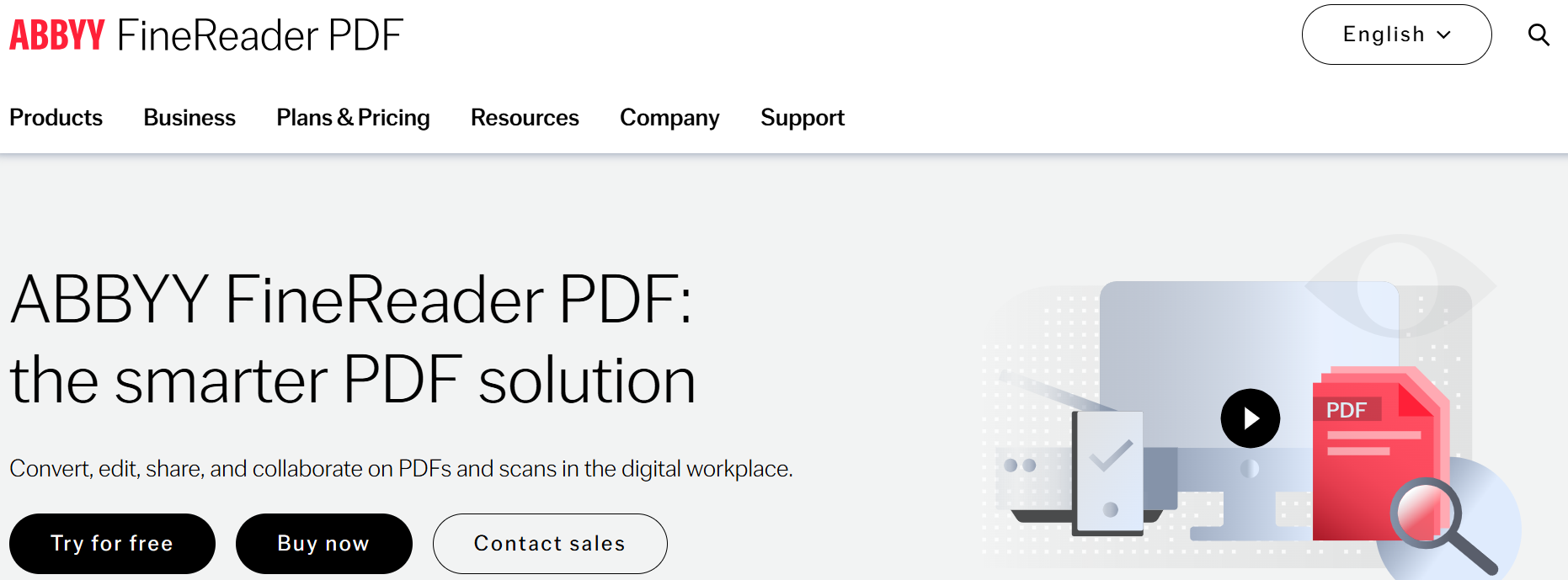
ABBYY FineReader PDF is one of the best PDF editing software for professionals dealing with scanned documents. ABBYY’s industry-leading OCR technology allows users to convert scanned documents, papers, books, invoices, and contracts into searchable and editable digital documents.
Beyond OCR technology, the software packs many advanced editing, annotation, document comparison, and collaboration tools. ABBYY FineReader PDF is ideal for businesses that deal with a lot of paperwork because it automates the process of digitizing paperwork with great accuracy.
Furthermore, its multi-language support is a plus for international businesses.
Key Features
- Advanced OCR technology
- PDF editing
- Document comparison
- Annotation tools
- Multi-language recognition
- Batch processing
- Secure document management
Benefits
- Industry-leading OCR accuracy
- Excellent for document digitization
- Supports multilingual documents
- Saves significant manual effort
- Professional-grade workflow tools
10. Soda PDF
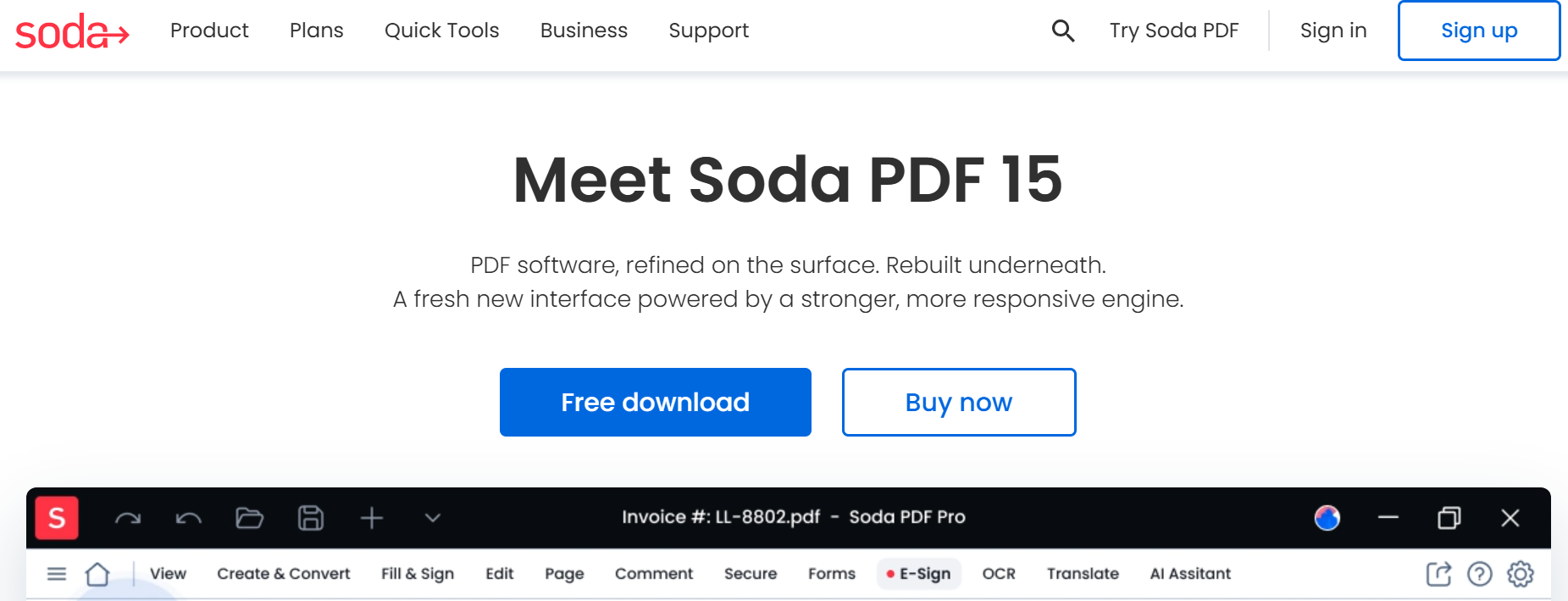
Soda PDF is a uniquely flexible PDF editing solution that combines both cloud and desktop functionality. Users can choose to edit documents online or offline depending on their needs.
Soda PDF packs a full set of editing tools, document conversion, compression, electronic signatures, OCR, and document protection. Additionally, the software’s modular pricing allows users to purchase only the features they need and use, avoiding the cost of a full suite.
The interface is simple enough for beginners while maintaining advanced options for businesses and professionals.
Key Features
- Available on Desktop and Online
- Edit PDFs
- OCR Services
- Electronic Signatures
- Convert PDFs
- Compress Files
- Secure with Password Protection
Benefits
- Affordable Pricing
- Easy to Use
- Good Features
- Individuals and Businesses
- Cloud Work
Why PDF Editor Software is Important?
PDF Editors do more than edit PDFs. They enhance productivity and automate tedious tasks to improve focus. They also secure sensitive information and offer a range of collaboration features. Whether you edit contracts, publish papers, or manage personal logs, quality PDF Editors allow you to focus on what you do best and deliver professional results.
Also Read- Best AI Voice Generator Software That Delivers Stunning Results
How To Find the Top PDF Editors
What you consider the best PDF editors will depend on your personal needs.
Factors to consider include:
- Editing Documents: Not all editors allow you to edit text, images, or documents the same way. Check how easy it is to edit PDFs.
- OCR Services: Look for this if you need to work with scanned documents.
- Converting Documents: Check that the PDF Editors you are considering allow you to accurately convert PDF files to Word, Excel, and PowerPoint.
- Document Security: If you need to protect sensitive information, look for editors that allow you to encrypt documents, add password protection, and redact sensitive information.
- Collaboration: If you need to work with a team, check that the PDF Editors you are considering allow you to leave comments and work on cloud documents.
- Cost: Check the subscription and free options to find Editors that fit your budget.
- Editor Availability: Check that the Editors you are considering offer Windows, Mac, Linux, Android, and iOS options.
Choosing the right PDF Editors will help you work with documents more easily and improve your productivity.
Conclusion
The ability to choose the Best PDF Editor Software provides more flexibility to help you better organize and manage your digital documents. This range of software gives users the ability to choose from enterprise solutions like Adobe Acrobat Pro, cost-effective AI editing solutions like Wondershare PDFelement, highly efficient software like PDF-XChange Editor, and user-friendly cloud-access software like Smallpdf.
While comparing different PDF editors, consider the pros and cons of editing precision, OCR, security, and collaboration features, and how easy the software is to use. The right choice of PDF editing software will help you save time and simplify your digital document management solutions.
Frequently Asked Questions
1. Which is the Best PDF Editor Software for professionals?
Adobe Acrobat is a popular choice among professionals. It provides users extensive editing capabilities and features like OCR, AI, electronic signatures, and enterprise security.
2. What is the best PDF software for students?
A good choice for students is Wondershare PDFelement. It is easy to use, provides AI features, editing and document conversion features, and annotations, and is budget friendly.
3. What is the best free PDF editor?
For daily document management, useful editing features can be found in the free versions of PDF-XChange Editor, Smallpdf, and Sejda PDF Editor.
4. Which PDF editor has the best OCR?
ABBYY FineReader PDF is well recognized for its outstanding OCR and is perfect for turning digital documents from scans.
5. Do PDF editors have the ability to convert a PDF to a Word or Excel document?
Yes. Most Top PDF Editor Software solutions provide accurate exports of PDFs to Microsoft Word, Excel, and other common formats. Some good examples of Editor Software include, Adobe Acrobat Pro, Nitro PDF Pro, PDFelement, and Soda PDF.