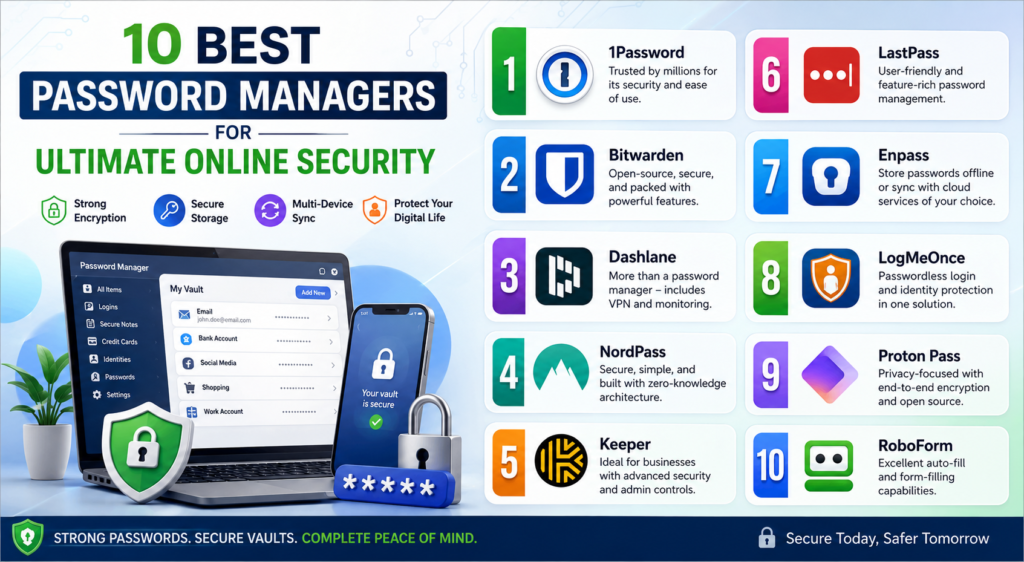
10 Best Password Managers for Ultimate Online Security
+
Table of Contents
- 1 Comparison Table
- 1.1 1. 1Password
- 1.2 2. Bitwarden
- 1.3 3. Dashlane
- 1.4 4. NordPass
- 1.5 5. Keeper
- 1.6 6. LastPass
- 1.7 7. Enpass
- 1.8 8. LogMeOnce
- 1.9 9. Proton Pass
- 1.10 10. RoboForm
- 1.11 How to Choose the Best Password Managers
- 1.12 What Are The Benefits of The Best Password Managers?
- 1.12.1 Some more benefits are:
- 2 Final Thoughts
- 2.1 Frequently Asked Questions (FAQs)
- 2.1.1 1. What are the Best Password Managers?
- 2.1.2 2. Are password managers safe?
- 2.1.3 3. Can I use a password manager for free?
- 2.1.4 4. Do password managers work on mobile devices?
- 2.1.5 5. Which password manager is best for businesses?
- 2.1.6 6. Why should I use a password manager instead of remembering passwords?
Cybersecurity threats mean you should take extra care protecting your online accounts. Spending money online or even logging into your email now requires each account to have a unique, strong password. Complex passwords that are unique to each account are nearly impossible to memorize. Password managers solve this issue.
There are a number of features that make the Best Password Managers your best security tool. They store passwords in encrypted vaults, generate secure passwords automatically, and fill passwords when you need them to. No more weak or repeated passwords. Now you only need to memorize one “master” password.
The Best Password Managers reduce the likelihood of being a victim of a hack or phishing attack. In addition, they will protect your identity. Choose one of the Best Password Managers for your family or business. You won’t regret your decision. Below are ten of the most popular password managers.
Comparison Table
| Password Manager | Best For | Free Version | Password Generator | Multi-Device Sync | Starting Price |
|---|---|---|---|---|---|
| 1Password | Families & Professionals | No | Yes | Yes | $2.99/month |
| Bitwarden | Budget Users | Yes | Yes | Yes | $10/year |
| Dashlane | Premium Security | Yes | Yes | Yes | $4.99/month |
| NordPass | Security & Simplicity | Yes | Yes | Yes | $1.99/month |
| Keeper | Businesses | Yes (Limited) | Yes | Yes | $2.92/month |
| RoboForm | Form Filling | Yes | Yes | Yes | Affordable |
| LastPass | Beginners | Yes | Yes | Yes | Premium Available |
| Enpass | Offline Storage | Yes | Yes | Yes | One-Time & Subscription |
| LogMeOnce | Identity Protection | Yes | Yes | Yes | Various Plans |
| Proton Pass | Privacy-Focused Users | Yes | Yes | Yes | Affordable |
1. 1Password
1Password has amazing features that make it one of the Best Password Managers, like great security, ease of use, and cross-platform compatibility. For an even better security layer, there’s end-to-end encryption and a Secret Key.
Features
- Watchtower security alerts
- Password sharing
- Travel Mode
- Multi-device synchronization
- Biometric login
Benefits
- Sensitive information is protected
- Weak or compromised passwords are made known
- Great for families and teams
- Easy setup on Windows, macOS, Android, and iPhone
2. Bitwarden
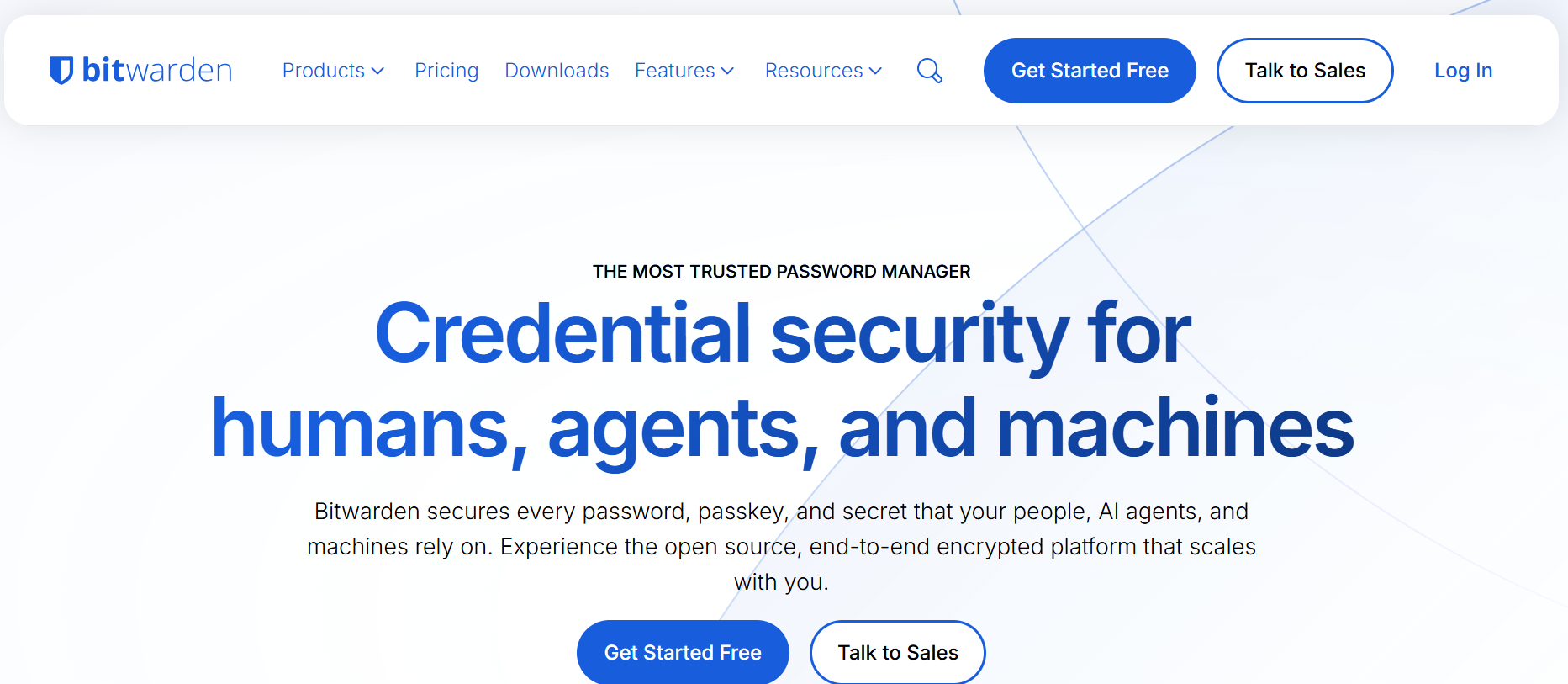
A generous free plan already puts Bitwarden on one of the Best Password Managers lists, but the open-source architecture adds to it. Security experts appreciate its transparency, while everyday users enjoy its simple interface.
Features
- Unlimited password storage
- Secure password generator
- Two-factor authentication
- Cloud synchronization
- Secure notes
Benefits
- Very affordable
- Trusted by security professionals
- Easy password migration from other password managers
- Great for personal and business use
3. Dashlane
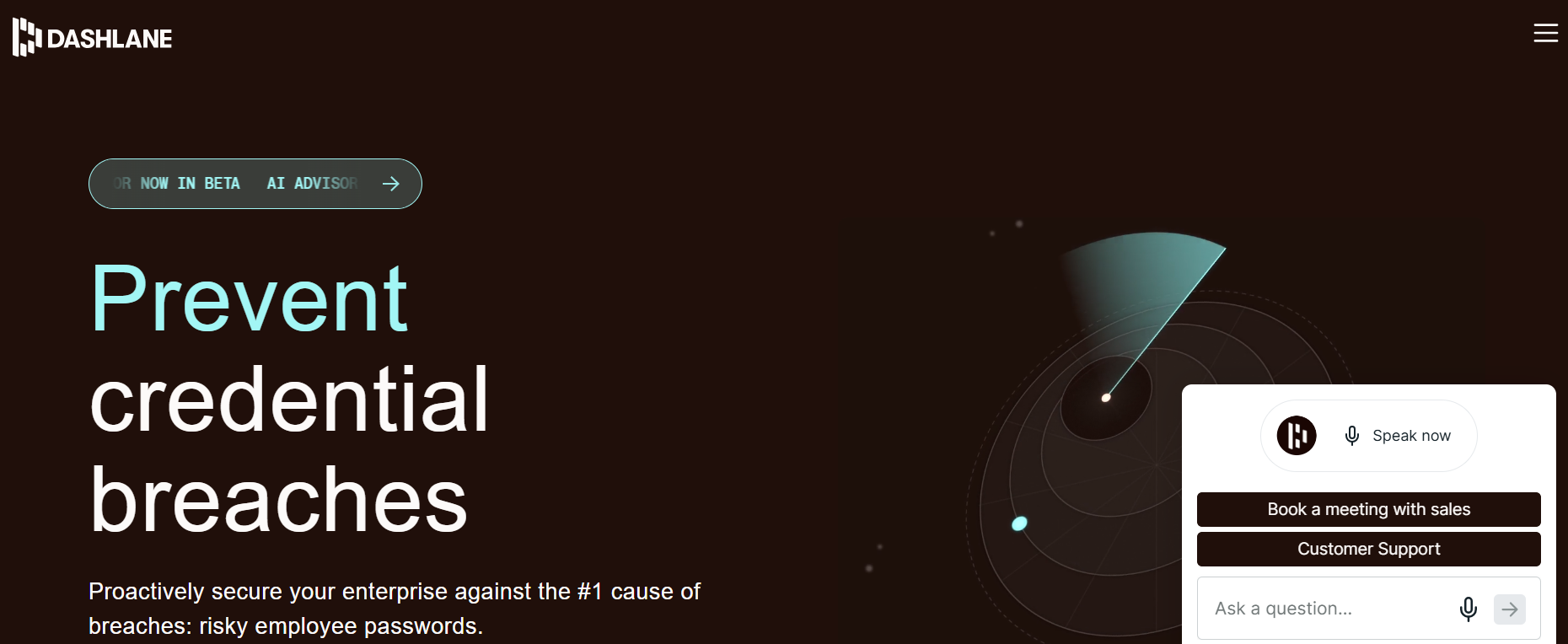
Dashlane is a password manager that provides strong security features. It is one of the Best Password Managers for people looking for all-in-one digital security.
Features
- Dark web monitoring
- Password health reports
- A VPN
- Password changer
- Sharing Vault
Benefits
- Fast detection of hacked accounts.
- Stronger passwords.
- A VPN gives better privacy.
- Great UI.
4. NordPass
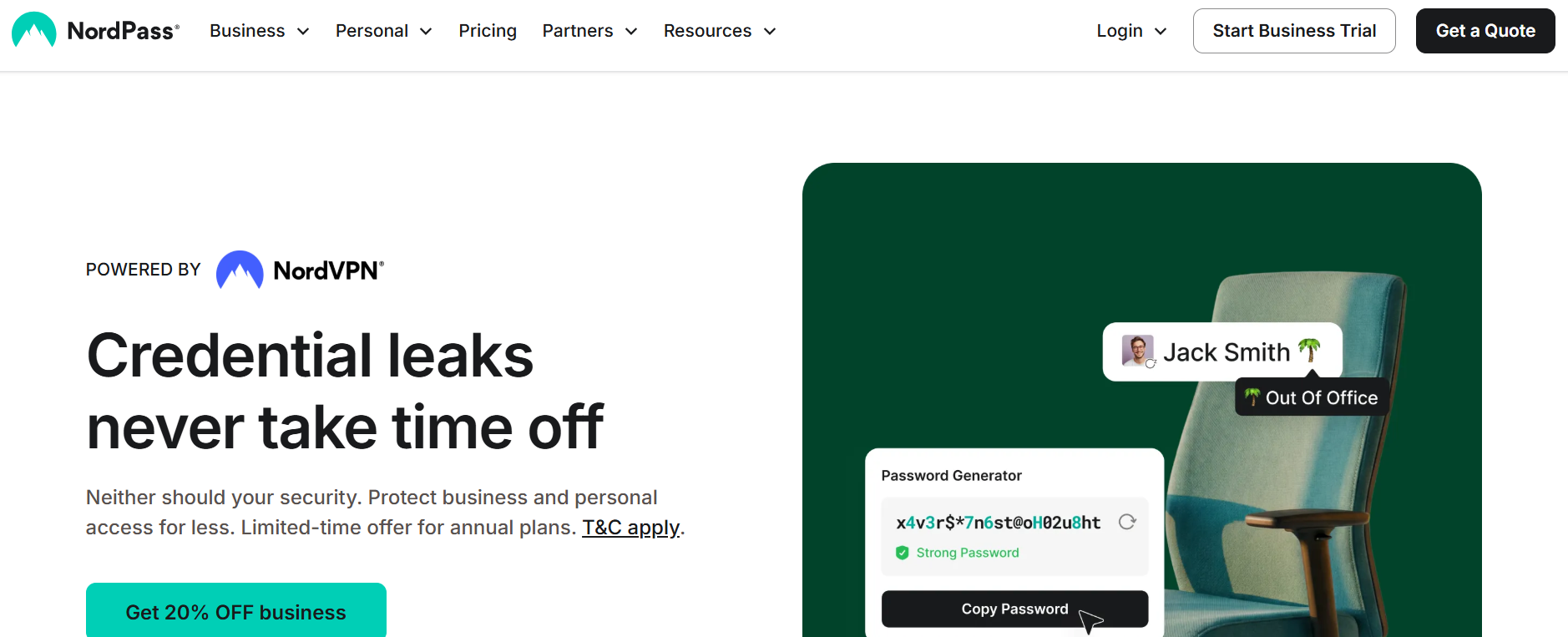
NordPass, created by the makers of NordVPN, is one of the Best Password Managers for users looking for security and a straightforward design.
Features
- XChaCha20 encryption
- Zero-knowledge architecture
- A password generator
- Easy password sharing
- Passkeys
Benefits
- Fast and lightweight.
- Great for beginners.
- Secure across devices.
5. Keeper
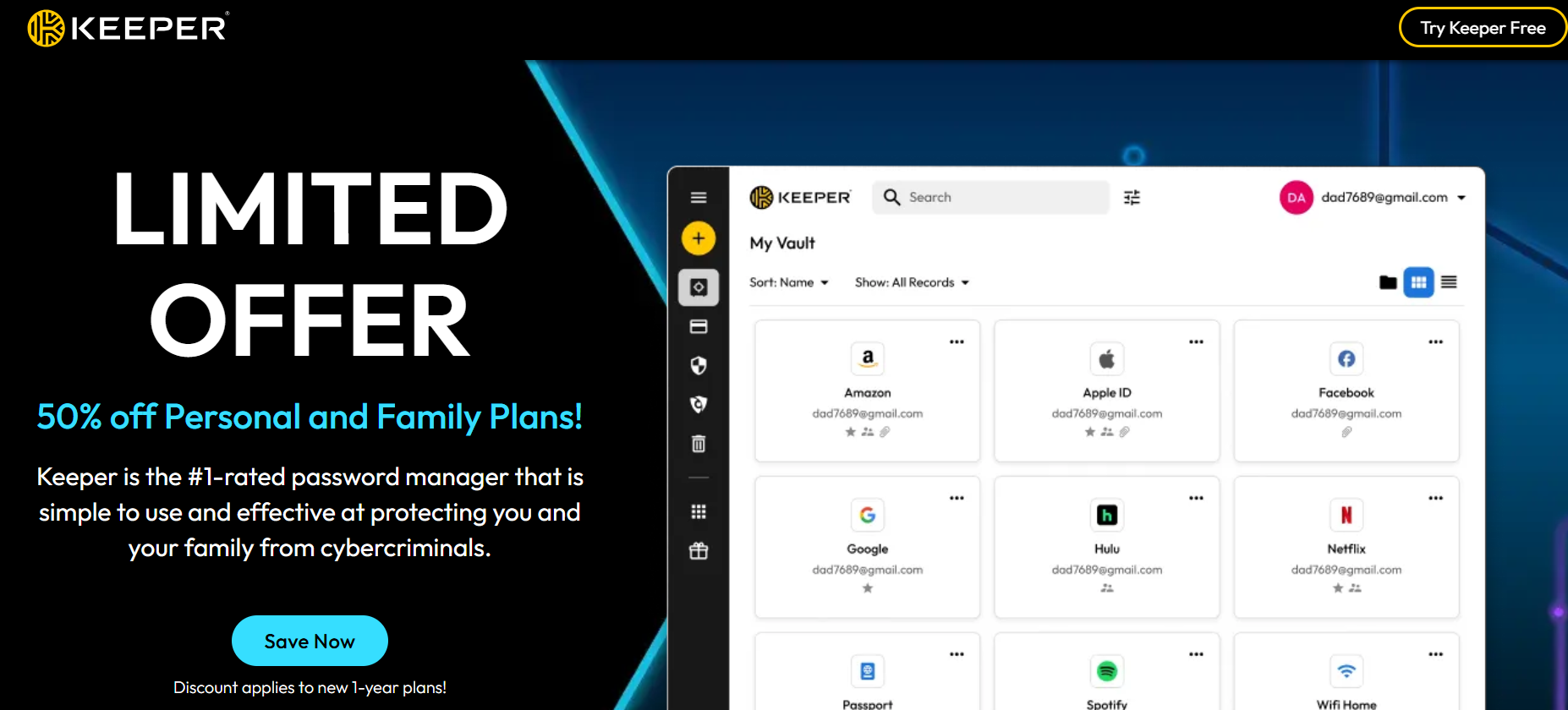
Keeper is among the Best Password Managers for password security for organizations and businesses due to its security and controls.
Features
- Zero-trust security
- Encrypted vault
- Breaches and monitor security
- Vault storage
- Team sharing
Benefits
- Great for businesses.
- Keeps company data secure.
- Simple sharing for employee passwords.
- Security for company data.
Also Read- 10 Best VPN for USA: Unlock Faster & Safer Browsing
6. LastPass
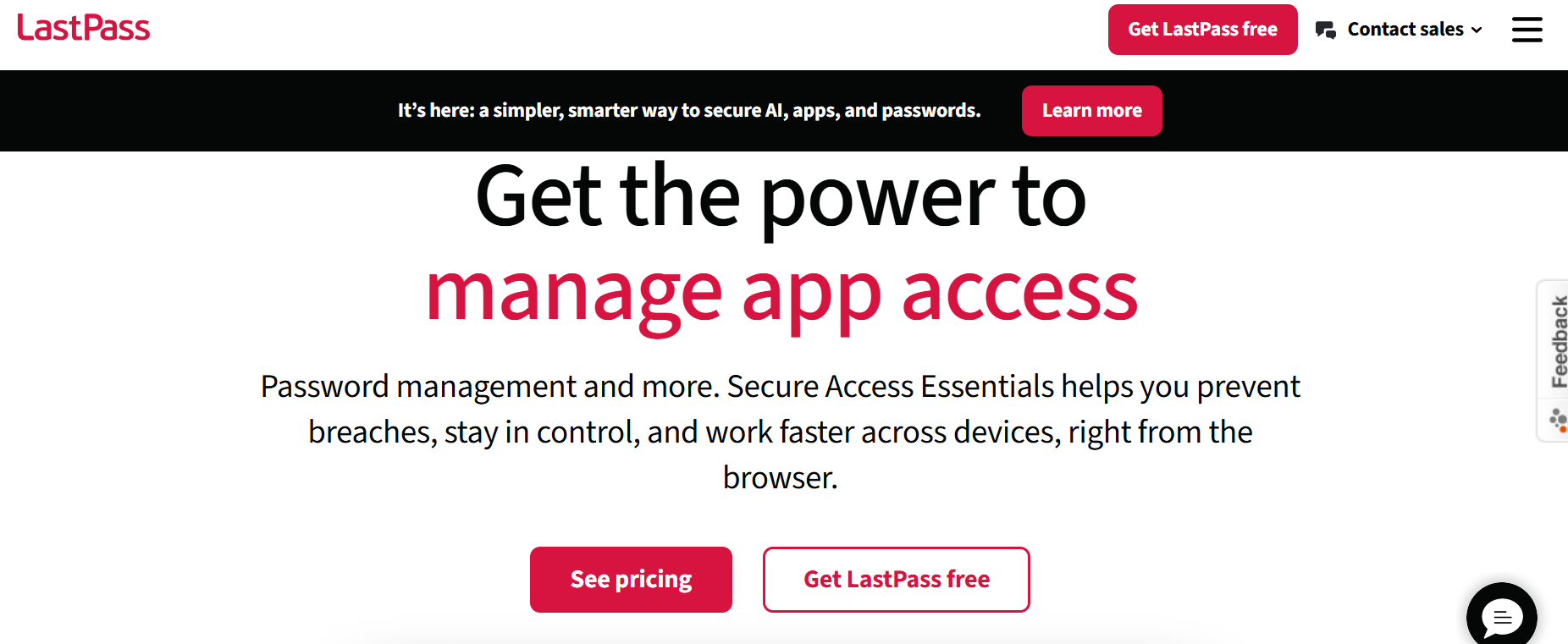
LastPass is one of the Best Password Managers for easily storing, managing, and autofilling passwords for device integrations. LastPass has had security troubles in the past, but with strengthened security, they continue to be one of the go-to services.
Features
- AES-256 encrypts your vault
- Password Generation
- Mobile app with browser extension
- Share passwords
- Multi-factor authentication
- Dark web scans (Premium)
Benefits
- Intuitive interface
- Timesaver with auto-login
- Better passwords
- Available on all OS
7. Enpass
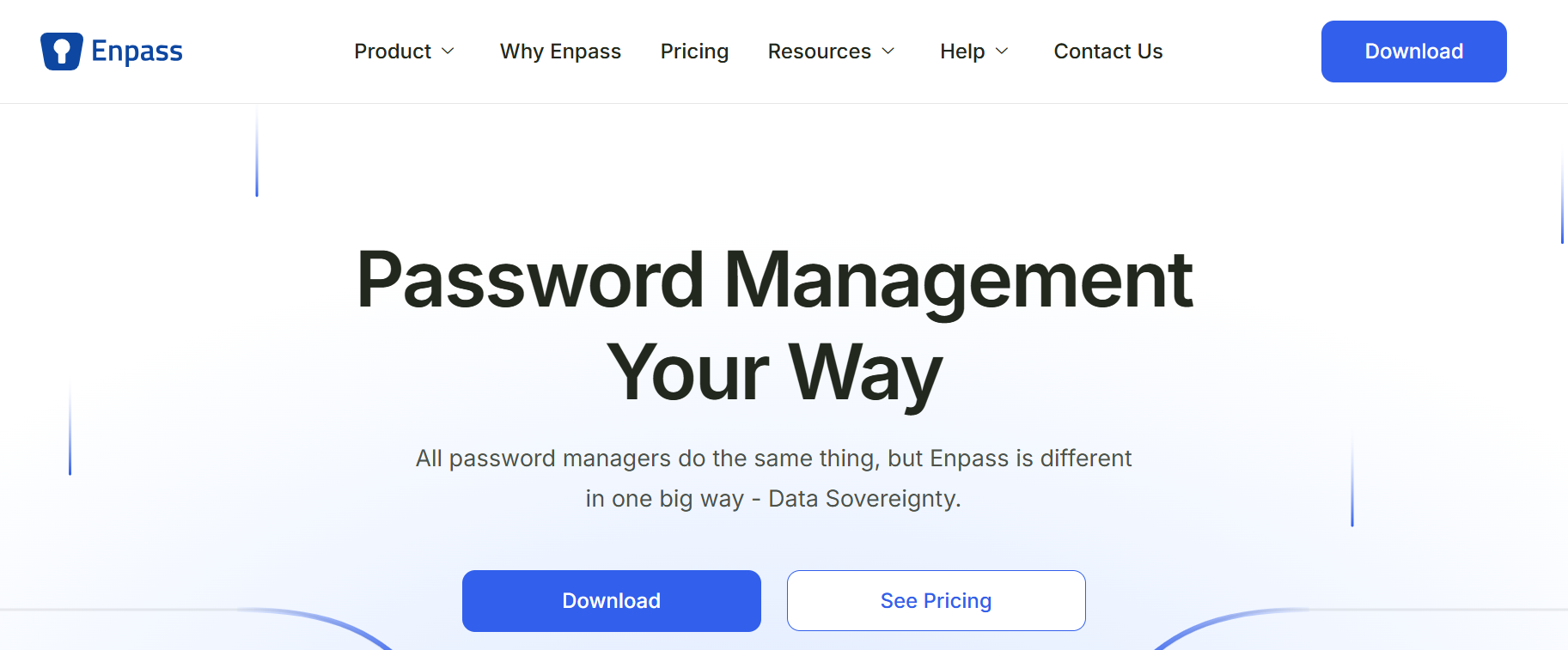
Best Password Managers list includes Enpass for users who want to control their passwords. Many services store encrypted passwords on their servers. Enpass lets you store encrypted vaults on your device (or on your cloud).
Features
- Store passwords offline
- Password generator
- Biometric authentication
- Store notes and documents
- Organize vaults
- Cross-platform
Benefits
- Store passwords locally
- Store passwords on your cloud
- Very flexible
- Best choice for privacy
8. LogMeOnce
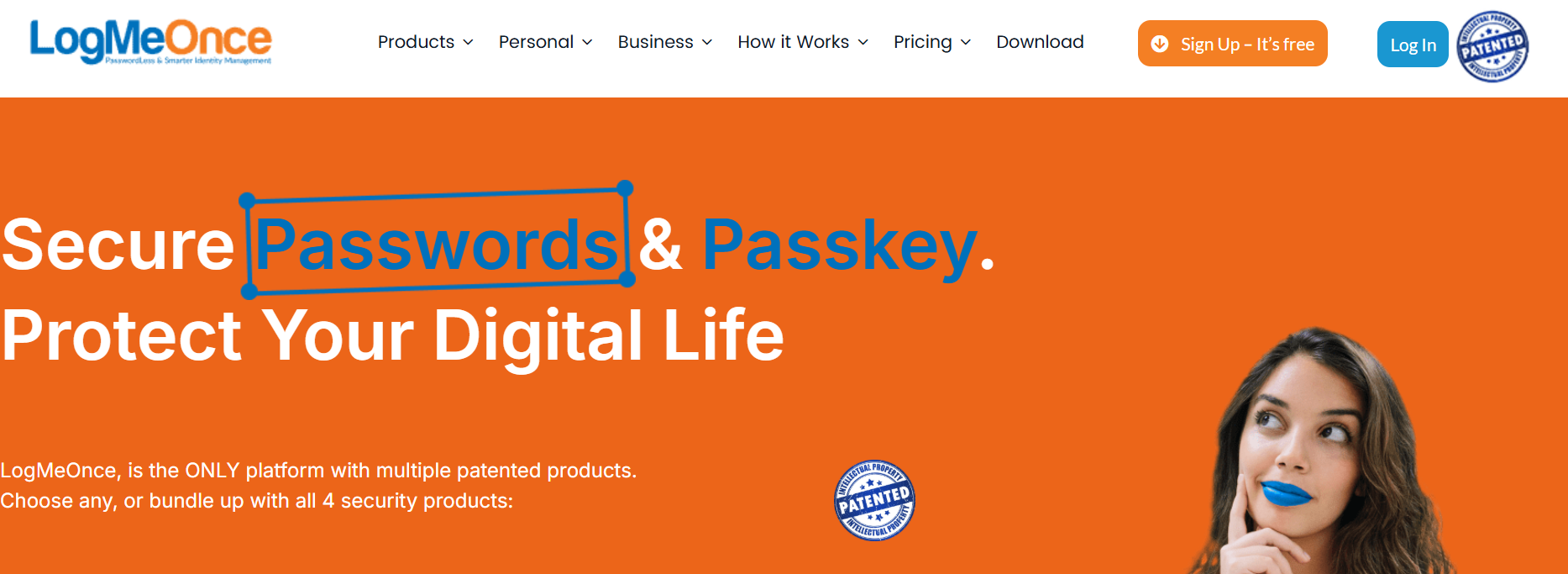
LogMeOnce is unique among the Best Password Managers as it has many ways to log in and many identity protection tools. Passwordless authentication and anti-theft tools make it a great choice for advanced security.
Features
- Passwordless authentication
- Identity theft protection
- Digital wallet
- Cloud protection
- Multi-factor authentication
- Device tracking
Benefits
- Rely less on passwords
- Protect identity
- Access on all devices
- Good for personal and business use
9. Proton Pass
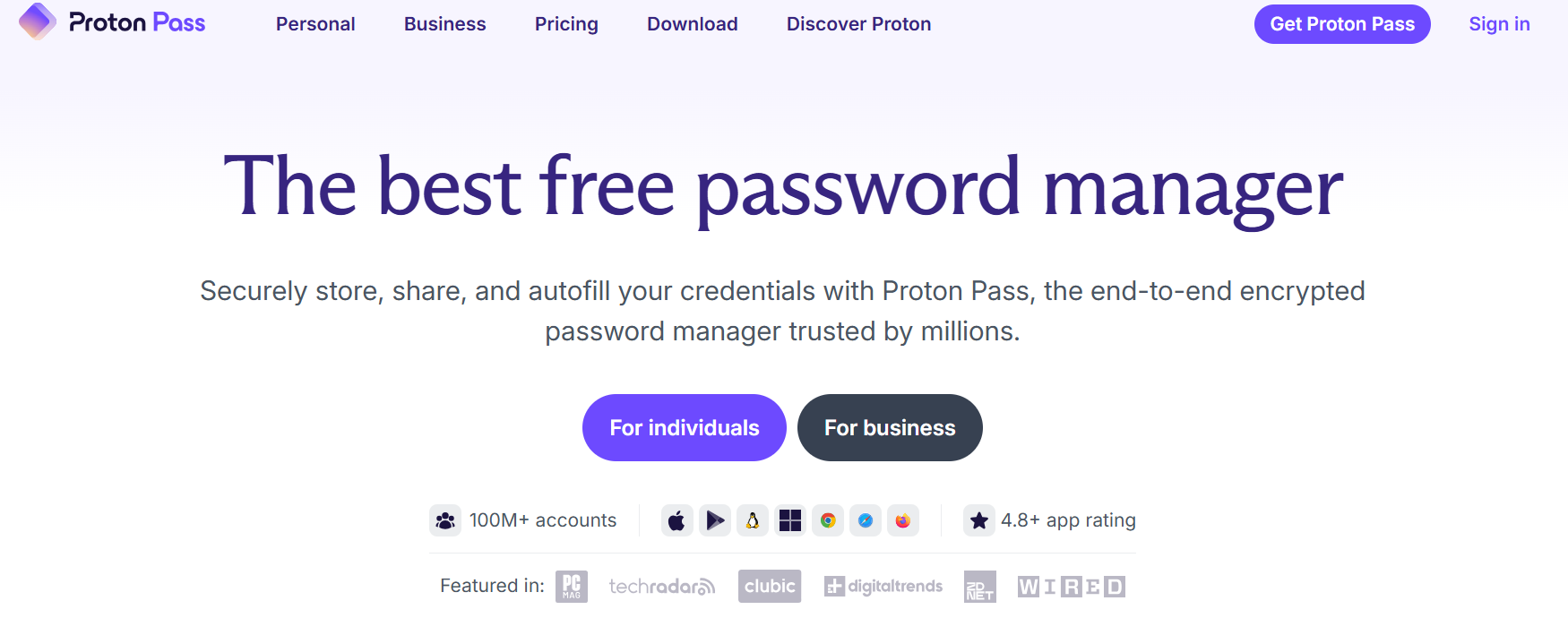
From the makers of Proton Mail, Proton Pass, like the rest of the Best Password Managers, is based on privacy. Passwords and notes are end-to-end encrypted with zero-knowledge, so only you have access.
Features
- End-to-end encryption
- Password generator
- Email alias support
- Secure password sharing
- Cross-device synchronization
- Open-source security
Benefits
- Excellent privacy protection
- Trusted open-source development
- Reduces spam with email aliases
- Easy-to-use interface
10. RoboForm
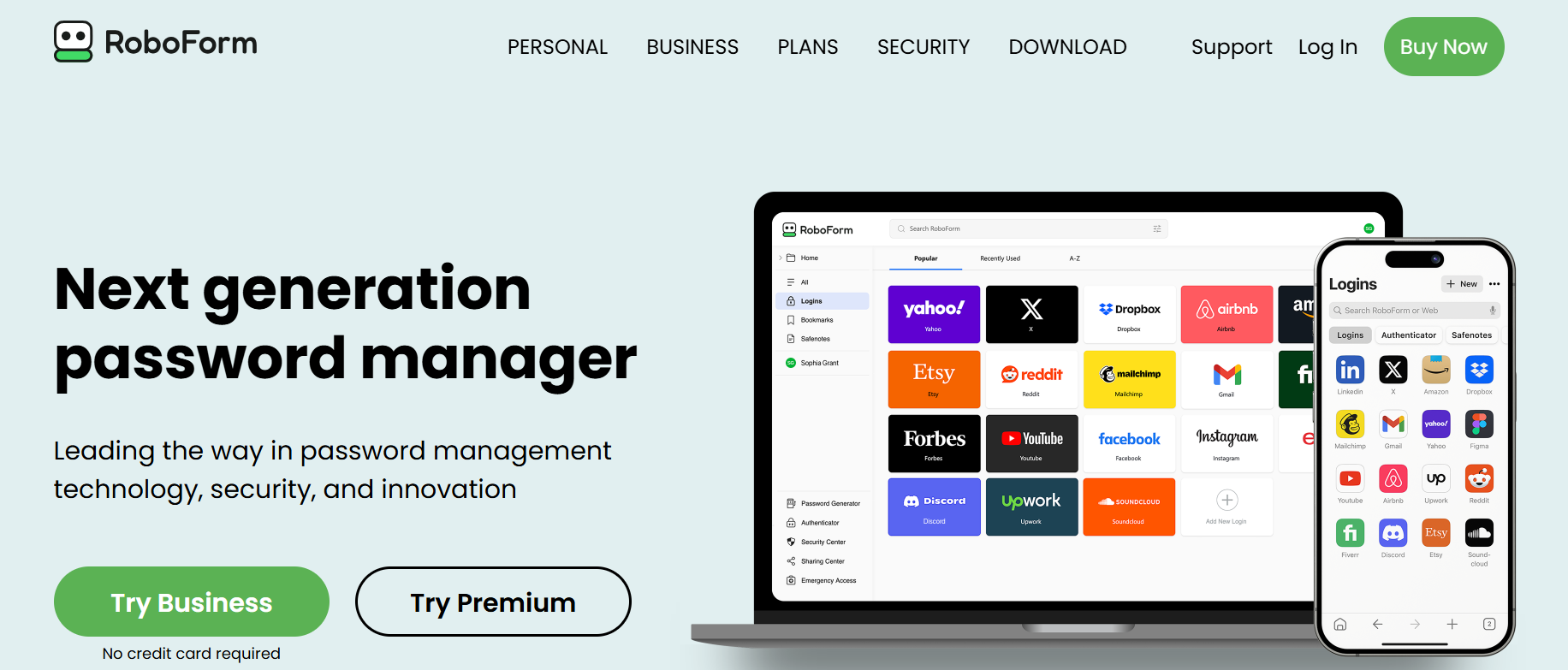
RoboForm is one of the best password managers with form filling. RoboForm helps you fill in address, payment, and personal information securely stored to help you buy things and set up accounts.
Features
- One-click form filling
- Strong password generator
- Password auditing
- Secure password sharing
- Multi-device synchronization
- Emergency access
Benefits
- Saves time during online forms
- Improves password security
- Convenient across desktop and mobile
- Affordable premium plans
- Choosing the Best Password Managers
Also Read- 10 Best Hosting for Small Business to Skyrocket Your Success
How to Choose the Best Password Managers
Security: First, how secure is it? Look for AES256, zero-knowledge, and multi-factor authentication.
Ease of Use: How easy will it be to use? Look for decent interfaces and autofill mechanisms.
Device Compatibility: Will it work with your devices? Make sure it works with Windows, Mac, iOS, Android, and your browsers.
Password Sharing: What about sharing? Secure sharing is important, especially for families and teams.
Extra Features: Other features you may want to consider are dark web monitoring, passkeys, secure notes, and emergency access.
Pricing: Finally, look at all the pricing. Consider the free and the paid plans.
The best password manager apps are worth the cost because they help you protect your digital life. You want to make sure they balance security, price, and ease of use.
What Are The Benefits of The Best Password Managers?
Beyond memory, the Best Password Managers offer many more benefits that strengthen your cybersecurity. They generate unique passwords for each of your accounts and restrict the ability for passwords to be reused. Best Password Managers shield your information from hackers.
Some more benefits are:
- Creation of complicated passwords
- Your passwords automatically log in to your accounts from any device
- Ability to securely share your passwords
- Defense from phishing threats
- Passwords monitored on the dark web
- Notes and payment information are secured and stored
- Total oversight of your online accounts
You only have to remember one master password because the password manager takes care of the rest.
Final Thoughts
Password protection is crucial in our hyperconnected world. The Best Password Managers tackle weak and reused passwords and manage hundreds of login credentials. They have solutions tailored for personal use, family, or business.
1Password is the best option for the all-around premium experience. If value is your preference, check out Bitwarden’s free plan. Dark web monitoring gives Dashlane an edge over its competitors. For more privacy, check out Proton Pass and Enpass. Businesses have a great solution in Keeper.
Choose one today to safeguard your personal information, finances, and your digital identity. Also, the cyber threats are continuously changing and improving.
Frequently Asked Questions (FAQs)
1. What are the Best Password Managers?
1Password, Bitwarden, Dashlane, NordPass, Keeper, LastPass, Enpass, LogMeOnce, Proton Pass, and RoboForm are some of the Best Password Managers.
2. Are password managers safe?
Yes. Advanced encryption, zero-knowledge security models, and multi-factor authentication are some of the many ways that secure password managers keep your passwords protected.
3. Can I use a password manager for free?
Yes. Bitwarden, Proton Pass, NordPass, and LastPass are some of the Best Password Managers that offer free plans with core features.
4. Do password managers work on mobile devices?
Absolutely. Password managers work on both Android and iOS and sync your passwords across your phone, tablet, and computer.
5. Which password manager is best for businesses?
Keeper and 1Password are great for businesses because they both offer secure credential sharing and user management with enterprise-level security.
6. Why should I use a password manager instead of remembering passwords?
Using the Best Password Managers helps simplify remembering passwords because you are able to create different complex passwords for every account to better defend against hacking that is caused by weak and/or repeated passwords.