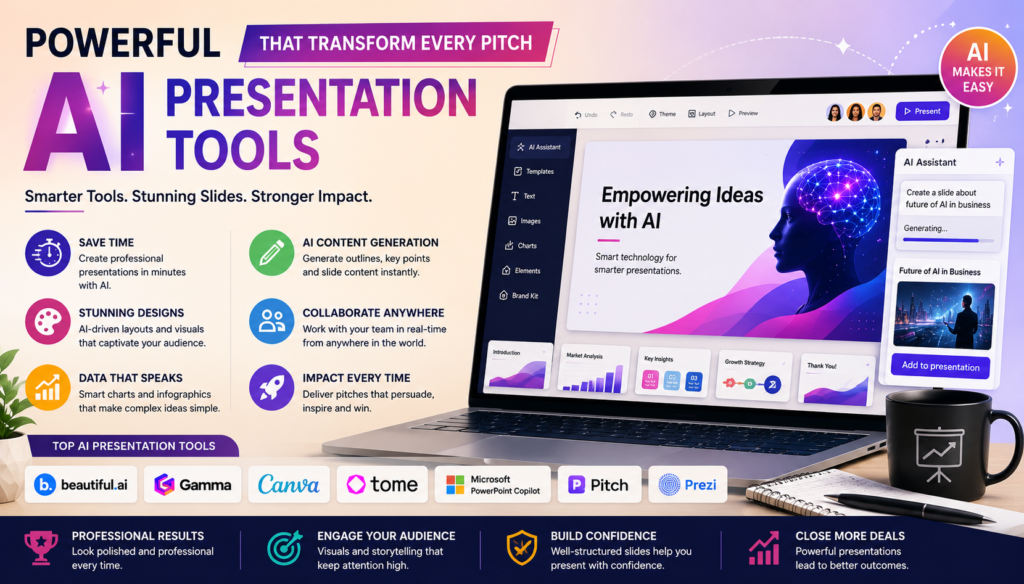
Powerful AI Presentation Tools That Transform Every Pitch
+
Table of Contents
- 1 Defining AI Presentation Tools
- 2 Powerful AI Presentation Tools
- 2.1 1. Beautiful.AI
- 2.1.1 Key Features
- 2.1.2 Benefits
- 2.2 2. Gamma
- 2.2.1 Key Features
- 2.2.2 Benefits
- 2.3 3. Canva Magic Design
- 2.3.1 Key Features
- 2.3.2 Benefits
- 2.4 4. Tome
- 2.4.1 Key Features
- 2.4.2 Benefits
- 2.5 5. Microsoft PowerPoint Copilot
- 2.5.1 Key Features
- 2.5.2 Benefits
- 2.6 6. Pitch
- 2.6.1 Key Features
- 2.6.2 Benefits
- 2.7 7. Prezi AI
- 2.7.1 Key Features
- 2.7.2 Benefits
- 3 Comparison Table of AI Presentation Tools
- 3.1 Features That Make AI Presentation Tools Stand Out
- 3.1.1 Intelligent Content Generation
- 3.1.2 Design Assist
- 3.1.3 Collaboration
- 3.1.4 Branding
- 3.1.5 Presentation Engagement
- 3.2 Benefits of Using AI Presentation Tools
- 3.2.1 Time Saving
- 3.2.2 Design Automation
- 3.2.3 Boost Efficiency
- 3.2.4 Enhanced Creativity
- 3.2.5 Improved Teamwork
- 3.2.6 Alignment of Company Branding
- 3.2.7 Lower First-Time User Barriers
- 3.3 Who Should Use AI Presentation Tools?
- 3.4 Considerations before Selecting an AI Presentation Software
- 3.5 Predictions on the Progress of AI Presentation Software
- 4 Conclusion
Creating presentations is much easier with Powerful AI Presentation Tools. Thanks to these recent innovations, students, teachers, business professionals, and marketers alike will be able to rapidly develop much higher quality presentations with the help of intuitively designed software. Automated slide design, smart content generation and writer, smart design suggestions, and automated speaker notes allow users to spend more time on the delivery of their presentation, instead of spending countless, redundant hours on formatting slides.
This article describes the Powerful AI Presentation Tools that are revolutionizing presentation design and highlights their features and benefits.
Defining AI Presentation Tools
Automated presentation design is made possible with AI presentation tools. Instead of spending time on designing each individual slide, users only need to provide the software with a topic, or even just an outline, and the AI will compile a complete and professional presentation for them in a matter of minutes.
Modern AI presentation tools contain many features, including:
- AI-generated slide layouts
- Automatic content generation
- Smart image suggestions
- Design optimization
- Voice narration
- Collaboration features
- Brand consistency
- Output to PowerPoint or PDF
Because of these features, individuals and organizations alike are able to create great presentation designs without having to have professional design skills.
Powerful AI Presentation Tools
1. Beautiful.AI

Beautiful.AI is one of the leading AI presentation design tools available on the market today. Users can create presentations while the software auto-adjusts the layouts, designs, and spacing among a variety of other graphic elements.
Key Features
- Automated slide templates
- Self-adjusting slides
- Professionally designed slides and templates
- Collaborative capabilities
- Brand controls
- Integrates analytics
Benefits
- Eliminates hours of tedious work
- Creates polished presentations
- Easy to learn and use
- Great for business users
2. Gamma
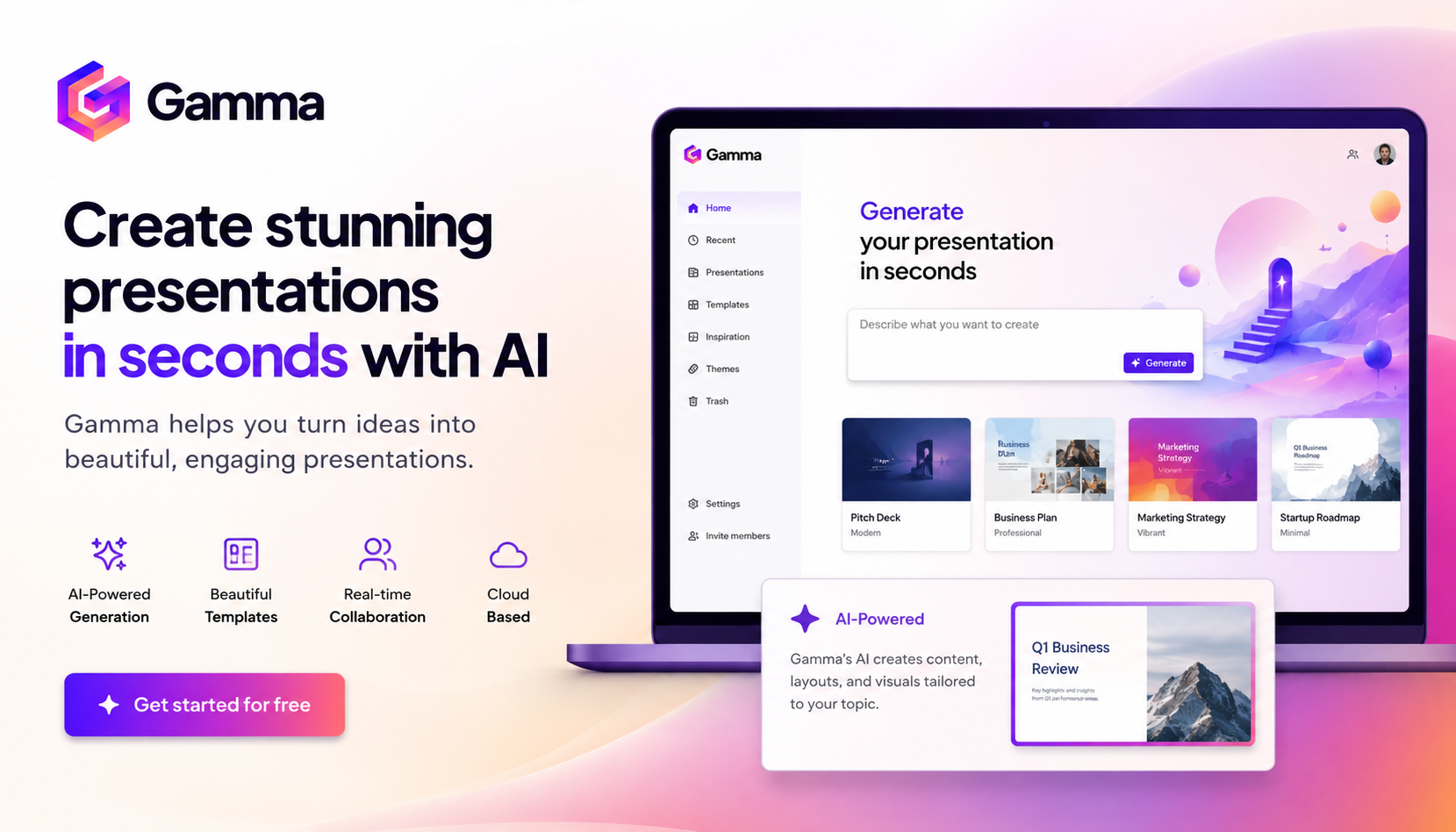
Gamma is the presentation tool of choice for many creators because it builds an entire presentation simply from a text prompt.
Key Features
- AI-built presentations
- Engaging layouts
- Interactive design
- Videos and web embeds
- Redesign with a click
- Design collaboration
Benefits
- Fast presentation creation
- Engaging presentation design
- Minimal effort to design
- Great for educators and startups
3. Canva Magic Design
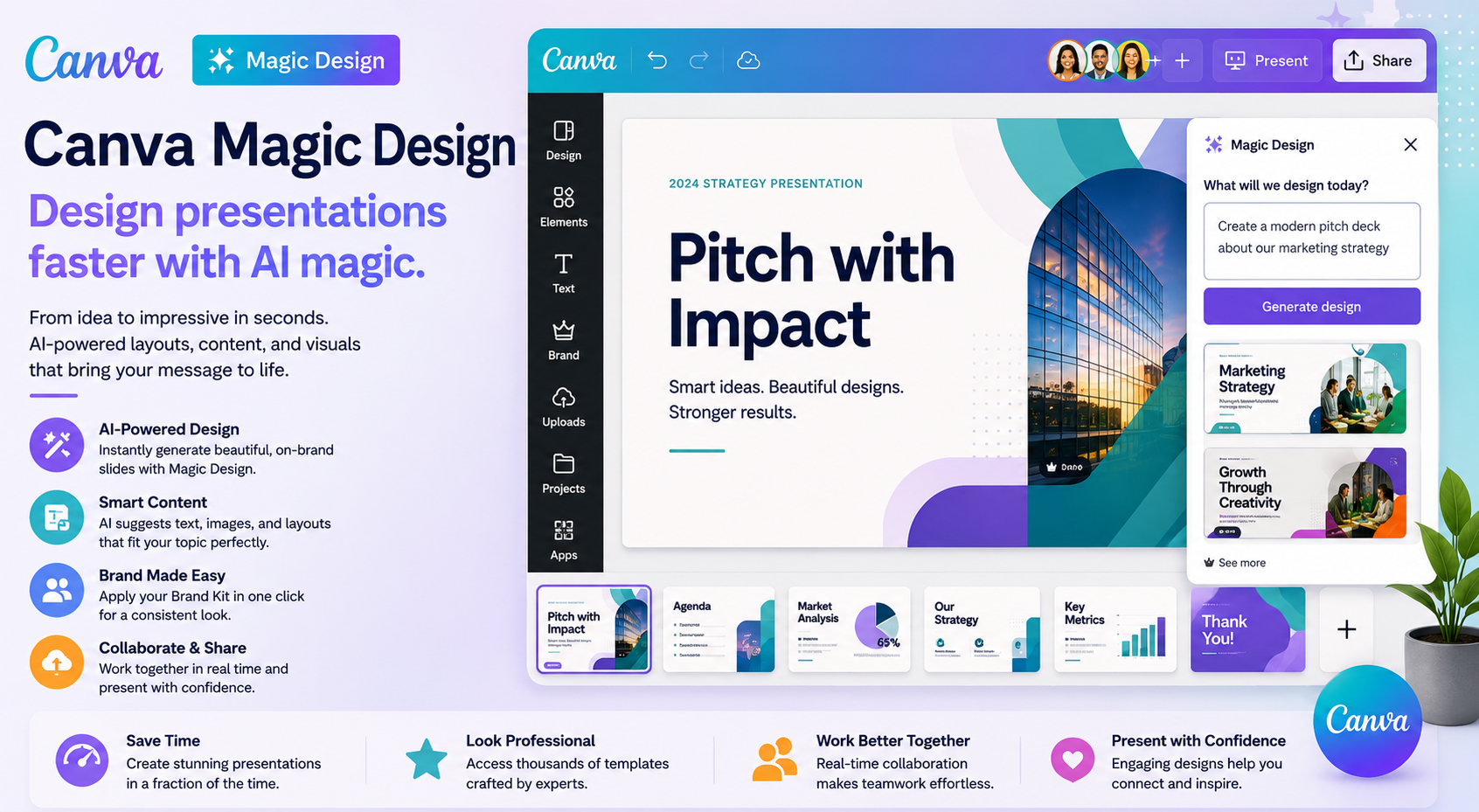
Through Magic Design, Canva built AI into its presentation tool.
Key Features
- AI-built presentations
- Large template library
- Create images with AI
- Supports brand kits
- Team edit
Benefits
- Large design library
- Great for social media marketers
- Simple UI
- Low cost
4. Tome
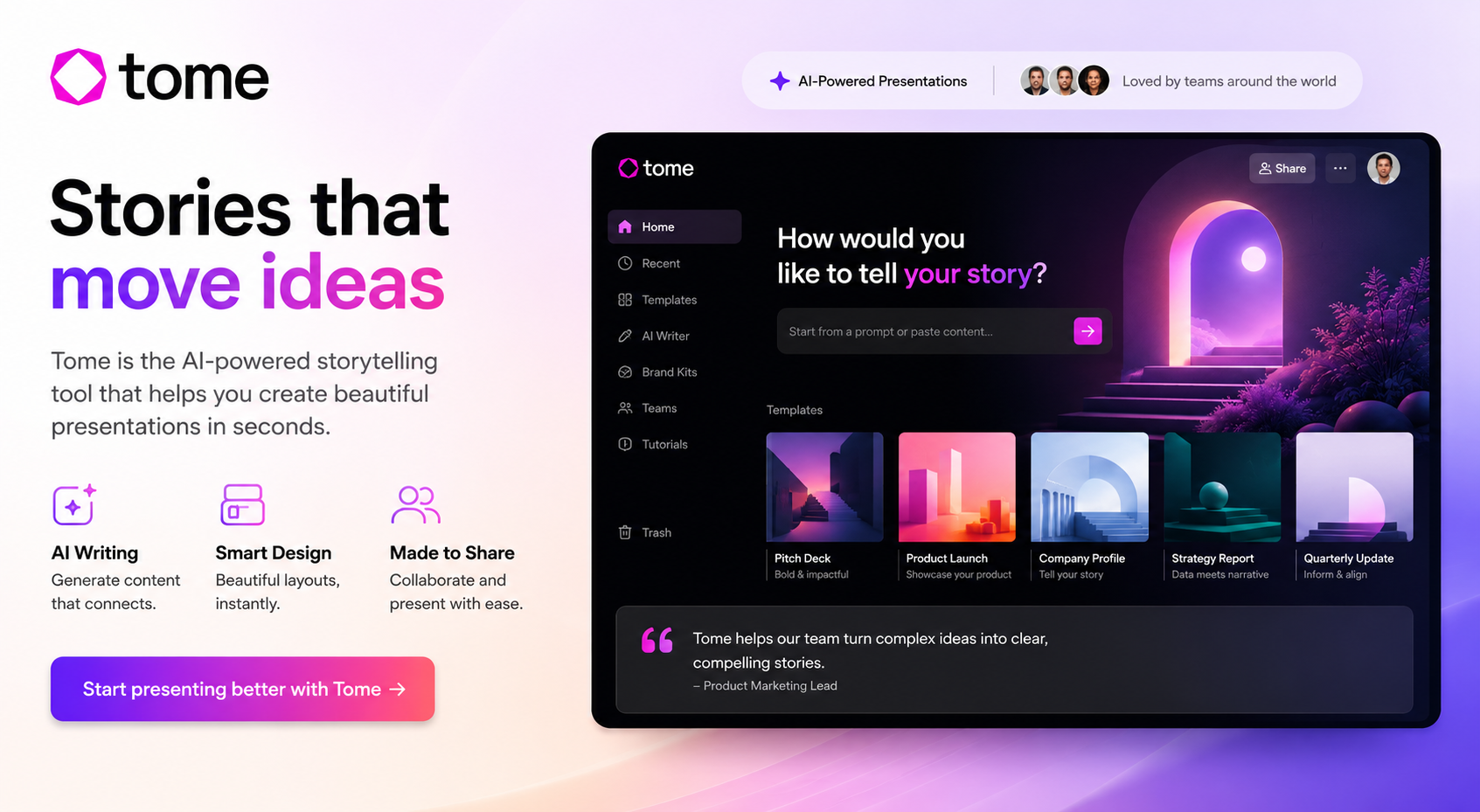
Tome has a focus on storytelling instead of slide design.
Key Features
- AI story creator
- Layouts that shift
- AI writing assistant
- Media that is interactive
- Live collaboration
Benefits
- Great for presentations that are creative
- Faster to design and brainstorm
- Professional look and feel
5. Microsoft PowerPoint Copilot
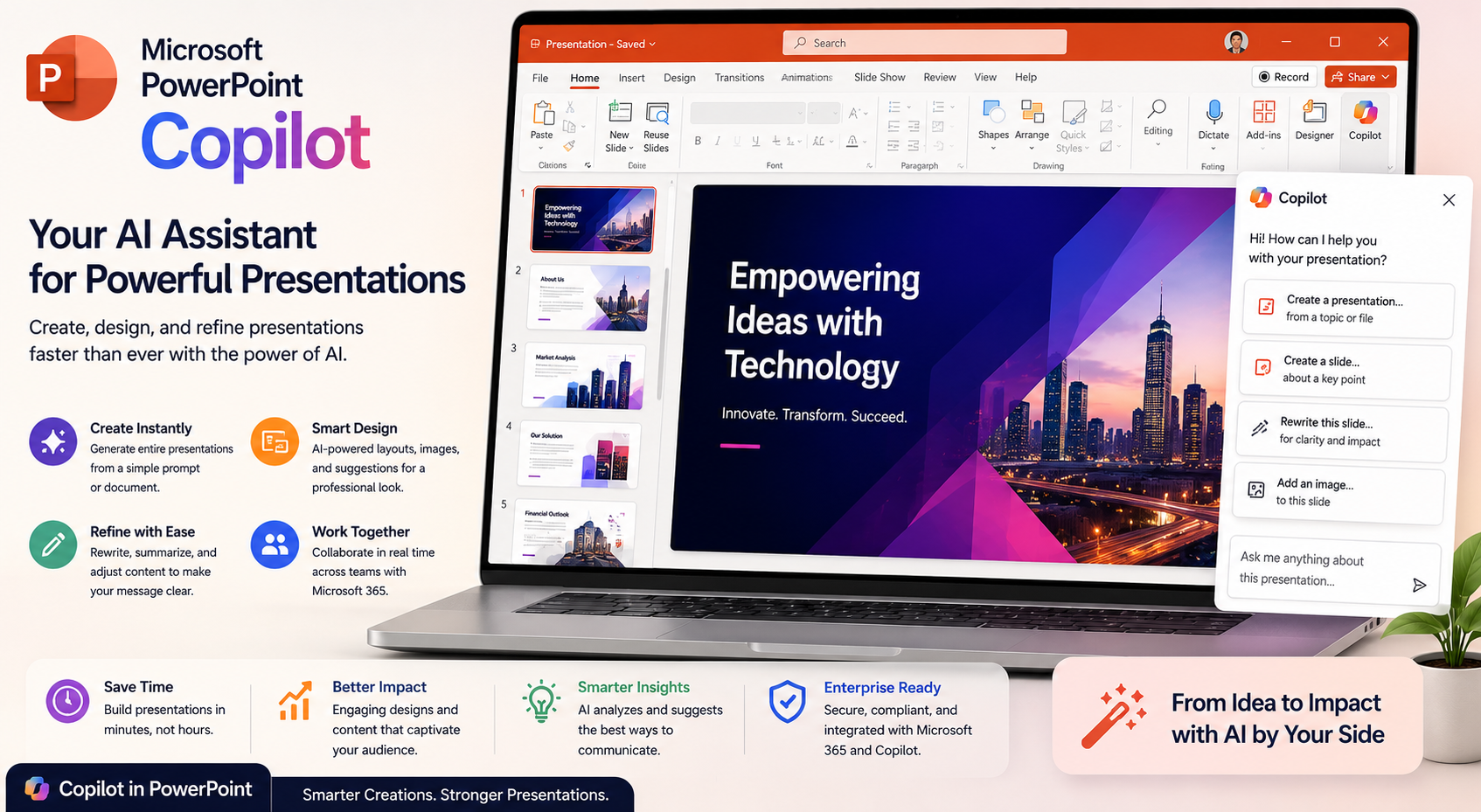
PowerPoint has AI through Microsoft 365 with Copilot.
Key Features
- AI-built slides
- Text to presentation
- Auto speaker notes
- AI image suggestions
Benefits
- Easy to use
- Very business-friendly
- Great for corporate environments
- Less time spent editing
6. Pitch
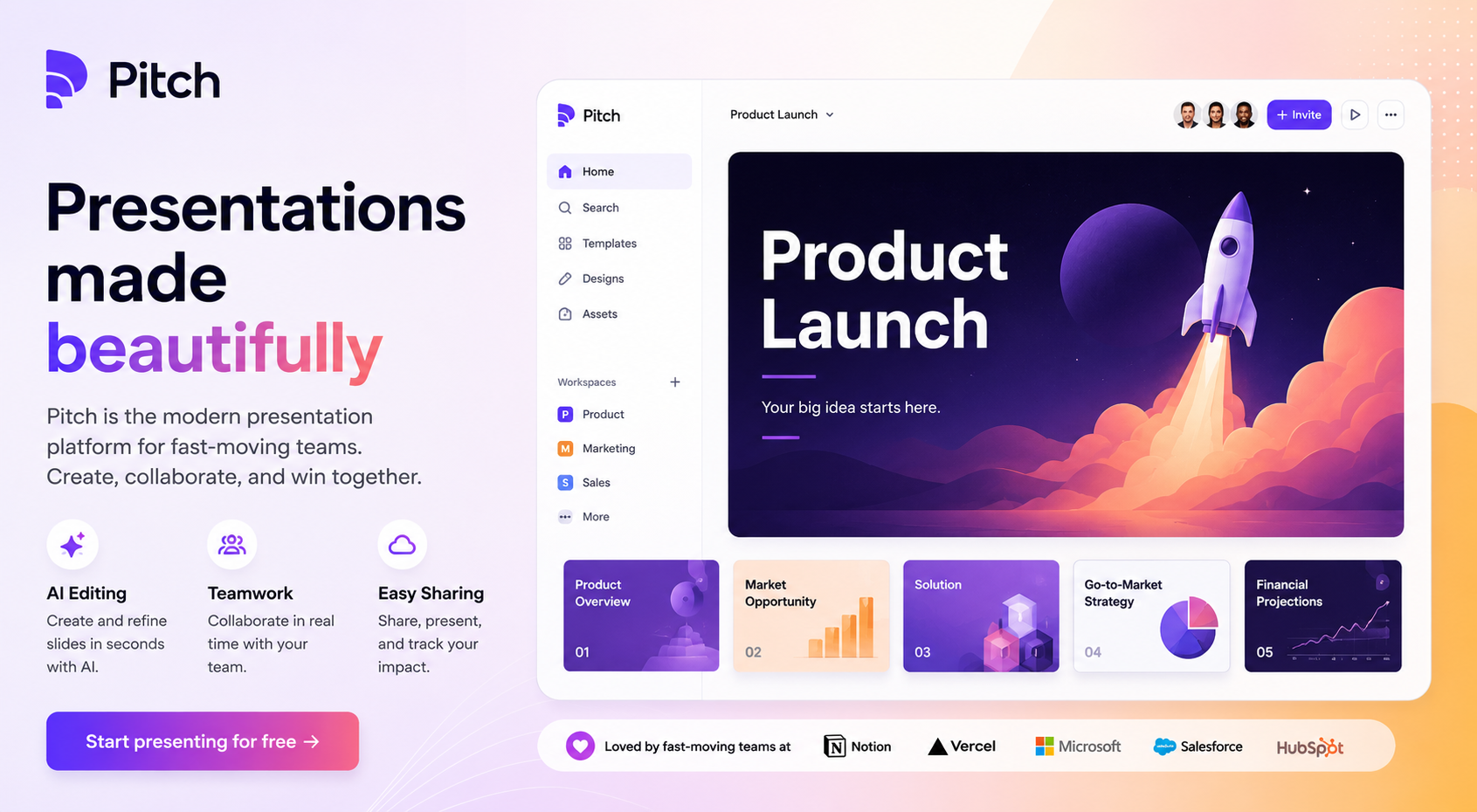
Collaborative workspaces for teams and AI-driven slides is the functionality that Pitch combines.
Key Features
- Workspaces for collaboration
- AI-built slides
- Team analytics
- Smart templates
- Brand controls
Benefits
- Remote work friendly
- Easy to share slides
- Real-time edits
- Beautiful templates
7. Prezi AI
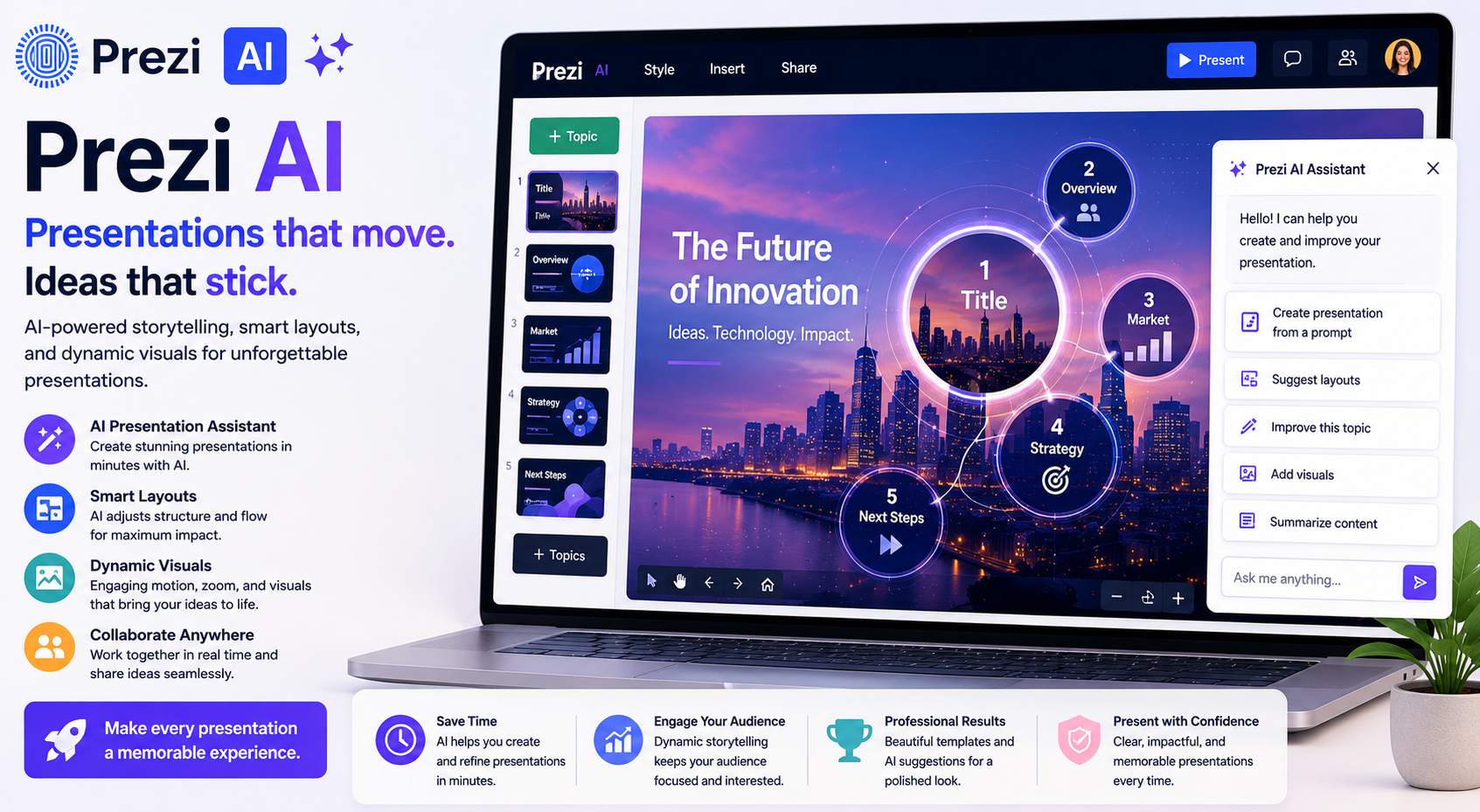
Prezi is still the tool of choice for many because of the ability to have a presentation that zooms and now has AI.
Key Features
- Presentation assistance with AI
- Dynamic motion effects that are dynamic
- Interactive storytelling
- Cloud collaboration
Benefits
- Engaging presentations
- Great for teachers
- Visual effects creativity
- Audience gives better attention
Also Read- Best AI Resume Builder Tools That Instantly Boost Your Career
Comparison Table of AI Presentation Tools
| AI Presentation Tool | Best For | AI Features | Collaboration | Export Options |
|---|---|---|---|---|
| Beautiful.ai | Business presentations | Smart layouts and AI-powered slide design | Yes | PPT, PDF |
| Gamma | Fast presentation creation | Full AI presentation generation | Yes | PDF, PPT |
| Canva Magic Design | Marketing presentations | AI templates and design suggestions | Yes | PPT, PDF |
| Tome | Storytelling and pitches | AI writing and presentation creation | Yes | |
| PowerPoint Copilot | Enterprise and corporate use | AI slide generation and content suggestions | Yes | PPT |
| Pitch | Team collaboration | AI editing and presentation enhancement | Yes | PPT, PDF |
| Prezi AI | Education and interactive presentations | AI storytelling and dynamic presentations | Yes | Cloud |
Features That Make AI Presentation Tools Stand Out
Intelligent Content Generation
Modern AI will make presentation outlines and titles, and even make detailed presentation slides from just one prompt.
Design Assist
AI will do all the spacing, font adjustments, and slide layouts so that all the slides look professional.
AI will suggest relevant images, icons, and even charts and illustrations that will make the slides look better.
Collaboration
Real-time editing gives the ability to the whole team to work together on the same presentation.
Branding
With a brand kit, a business can ensure all presentations contain the same colors and fonts, as well as their logos.
Presentation Engagement
Some tools will even track how engaged the audience was, so that presenters know how to improve their future presentations.
Benefits of Using AI Presentation Tools
Time Saving
Speed is the greatest advantage. AI Tools can make a presentation that used to take hours to do in just a few minutes.
Design Automation
AI will apply all the principles for a presentation design and make the slides look presentable and professional without the need for a graphics expert.
Boost Efficiency
Users can dedicate more time to research and narrative construction instead of slide formatting. This application allows more time to be spent on potential audience engagement.
Enhanced Creativity
AI offers suggested layouts and graphics that users may not think to include. This enhances presentation creativity and originality.
Improved Teamwork
All team members, regardless of location, can participate in collaborative slide editing.
Alignment of Company Branding
Companies know that each presentation will be consistent with the company’s branding.
Lower First-Time User Barriers
AI-generated presentation templates allow first-time users to produce polished and professional-looking presentations.
Who Should Use AI Presentation Tools?
Almost all people in a profession can benefit from these tools.
- Business professionals
- Start-up founders
- Sales teams
- Teachers
- Students
- Marketing agencies
- Freelancers
- Consultants
- Trainers
- Content creators
The use of AI technology streamlines the process of pitching new ideas to investors and presenting research to a target audience.
Considerations before Selecting an AI Presentation Software
Users should keep the following in mind before selecting a software:
- User-friendliness
- AI-generated content quality
- Variety of templates
- Collaboration
- Export options
- Cost
- Branding Flexibility
- Customization
- Compliance with Requests
The software selected will be highly dependent on a user’s desired presentation type and their normal workflow.
Predictions on the Progress of AI Presentation Software
The future will see even more rapid advancements in AI technology. Presentation software with AI integration will likely have the following:
- Real-time audience feedback
- AI-generated animations
- Tailored presentation suggestions
- Voice commands for editing
- Automatic translation
- Interactive virtual presenters
- Enhanced data visualization
- AI guidance for speech improvement
These implementations will enhance the user experience and engagement of a presentation.
Conclusion
Innovations in AI Presentation Tools have transformed presentation design. With smart automation for designing, content generation, and collaboration, these tools streamline the design process and deliver professional results. Beautiful.ai, Gamma, Canva Magic Design, Tome, and Microsoft PowerPoint Copilot all exemplify tools that leverage AI to empower users on multiple levels.
AI is dramatically reshaping the ease with which people can design stunning presentations. The presentations of the near future will be easier to create and more visually compelling and persuasive than those we use today. For those professionals interested in workplace AI solutions, the tools you choose to invest in today will dramatically reshape the design process, allowing the more effective communication of ideas with the added bonus of engaging your audience and dramatically improving your level of confidence with every presentation you deliver.
Frequently Asked Questions (FAQs)
1. What are AI presentation tools?
AI presentation tools are software that utilize AI to generate slides, content, layouts, and images, as well as provide design suggestions.
2. Which AI presentation tool is best for beginners?
Both Canva Magic Design and Beautiful.ai are great tools for beginners as they have user friendly interfaces, tutorial assistance, and design suggestions.
3. Can AI create an entire presentation?
YesAI presentation tools, such as Gamma, Tome, and Microsoft PowerPoint Copilot, are capable of creating entire presentations with the addition of a simple prompt or a word document.
4. Are AI presentation tools suitable for businesses?
Definitely. For the numerous businesses that are trying to integrate AI presentation software as a tool for their sales pitches, investor meetings, training sessions and marketing presentations, AI software presents the opportunity to improve productivity while offering a solution to as branding tool.
5. Do AI Presentation Tools Replace PowerPoint?
No. Many AI presentation tools exist alongside PowerPoint or work in conjunction with PowerPoint. This provides users the ability to harness the Power of AI, while continuing to work in a format that is more aligned with the traditional PowerPoint presentation software that they are familiar with.