Top 5 MCP Servers for Developers: Practical Use Cases and Setup Tips
+
Table of Contents
- 1 What are MCP Servers?
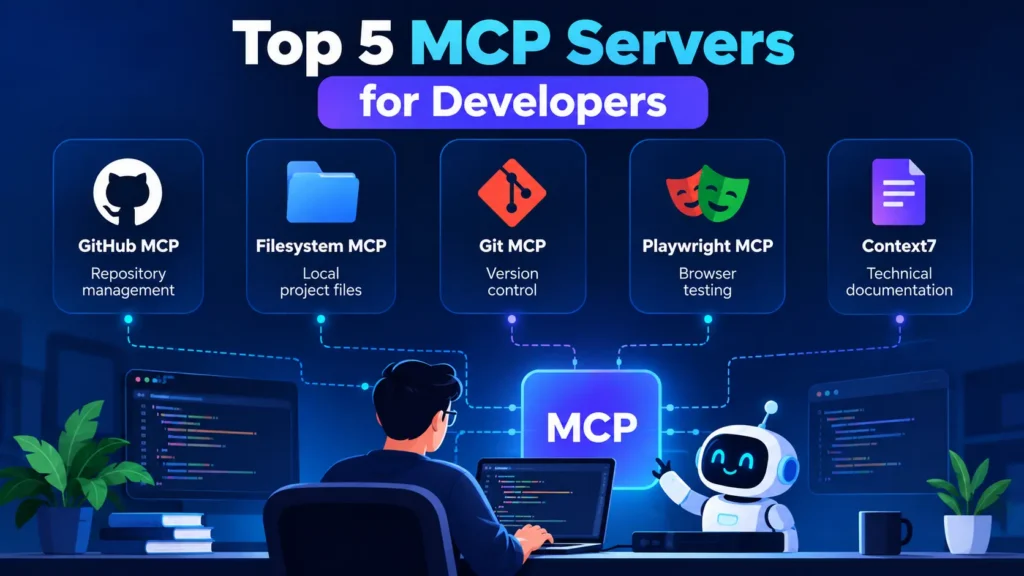
- 2 The 5 Best MCP Servers for Developers
- 2.1 1. GitHub MCP Server
- 2.1.1 Key features:
- 2.2 2. Filesystem MCP Server (Best for Local Files)
- 2.2.1 Key features:
- 2.3 3. Git MCP Server (Best for Version Control)
- 2.3.1 Key features:
- 2.4 4. Playwright MCP Server — Best for Browser Testing
- 2.4.1 Key features:
- 2.5 5. Context7 – Best for Technical Documentation
- 2.5.1 Key features:
- 3 Comparison Table: Top 5 MCP Servers
- 4 Conclusion
AI coding assistants make writing code, debugging applications, and managing software projects easier. However, these assistants can do more when they can tap into outside systems and work on real projects. That is where MCP servers come in.
The best MCP servers for developers integrate AI applications with version control systems, local files, browser automation tools, and tech docs. These integrations can result in better and easier testing and less repetitive work.
Here, we review five MCP servers and provide information on features, benefits, real-world examples, and installation.
What are MCP Servers?
Model Context Protocol (MCP) servers allow compatible AI applications to communicate with outside resources and services in a standard way.
For example, using an MCP server, an AI assistant can examine a code repository, read permitted files in a project, test a website, or locate and read programming docs.
MCP servers do not replace AI models or APIs. Instead, they enable compatible applications to communicate and utilize outside resources in a standardized way. The available resources and services depend on what the server offers, what is configured, and what is permitted.
The 5 Best MCP Servers for Developers
1. GitHub MCP Server
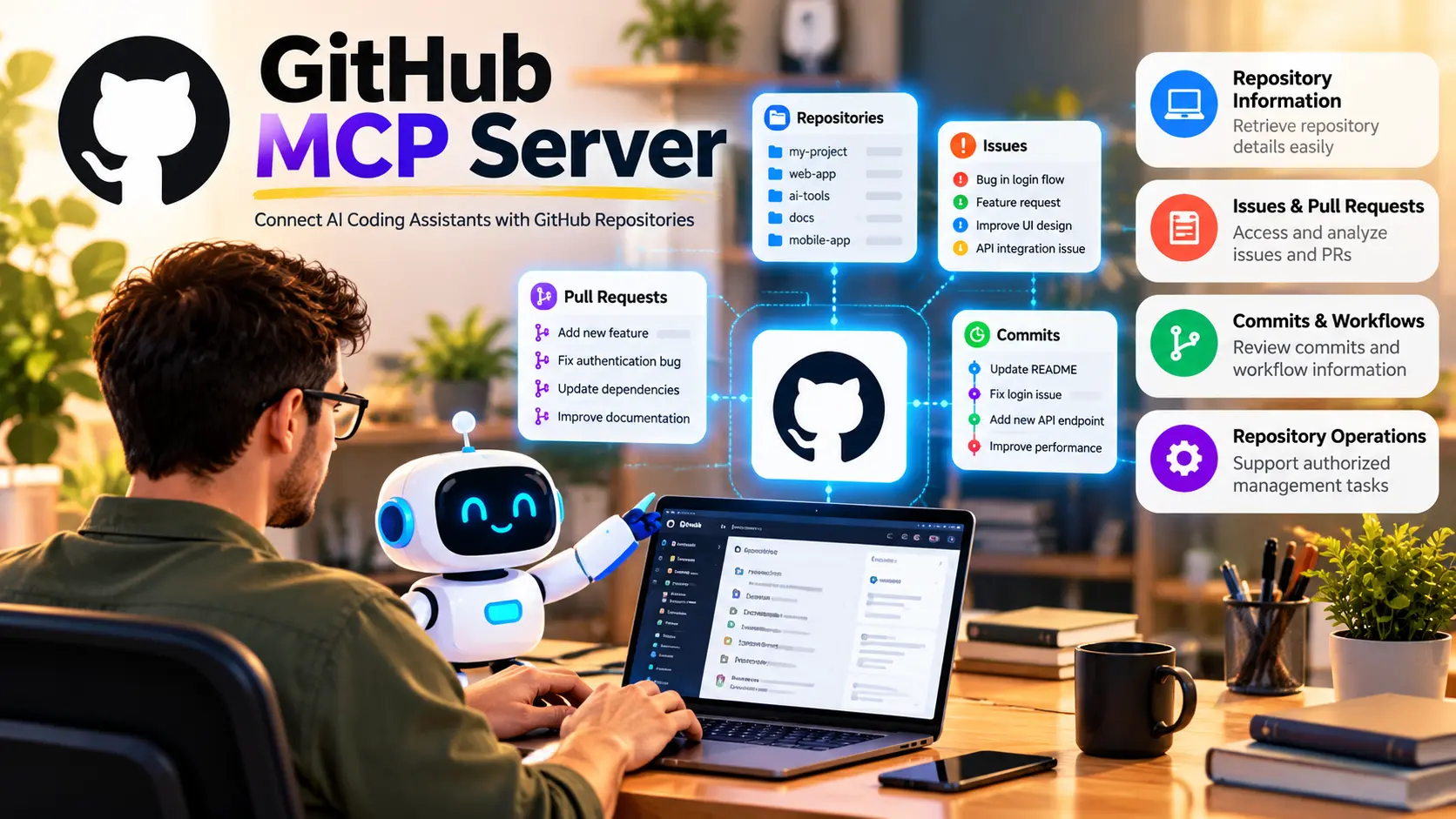
The GitHub MCP server allows AI coding assistants to interact with GitHub repositories and associated development workflows.
Key features:
- Retrieve repository information.
- Access issue and pull request details.
- Review commits and selected workflow information.
- Support authorized repository-management operations.
Developer Use Case: A developer can have their AI assistant generate summaries for pull requests, analyze reported bugs, or surface related issues.
Key Benefits: It helps developers spend more time analyzing code and less time navigating between different repos, issues, and code review requests.
Setup Tip: Start with read-only access to the server and configure authentication. Write access should be granted only if necessary.
Also Read: Best AI Photo Restoration Tools in 2026: Bring Old Photos Back to Life
2. Filesystem MCP Server (Best for Local Files)
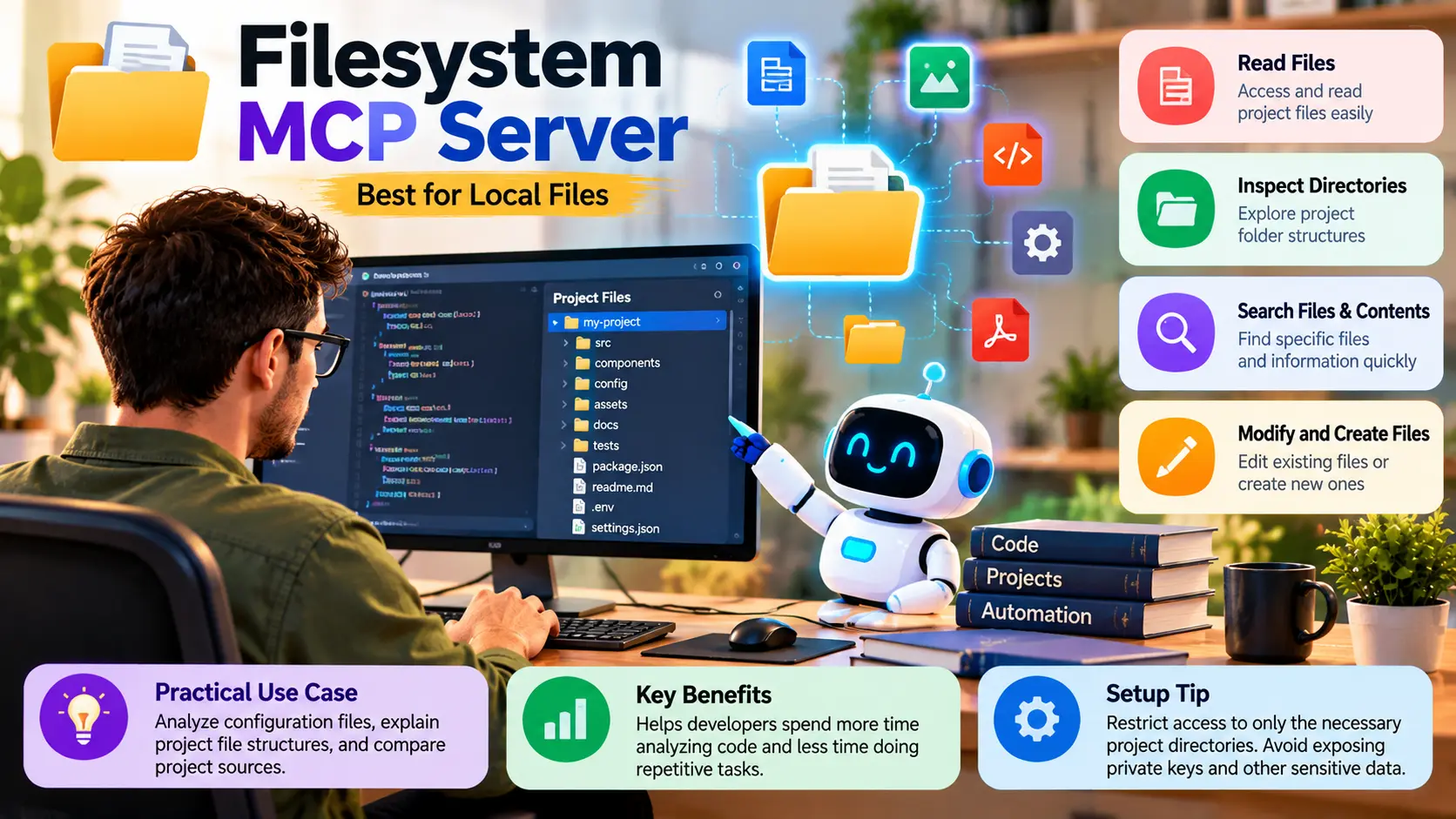
The Filesystem MCP server allows AI applications to access files and directories that are given access by the developer.
Key features:
- Read files
- Inspect directories
- Search files and contents
- Modify and create files
Practical Use Case: Users can have their AI assistant analyze configuration files, explain project file structures, and compare project sources.
Key Benefits: It helps developers spend more time analyzing code and less time doing repetitive tasks.
Setup Tip: Restrict access to only the necessary project directories. Private keys and other sensitive data should not be unnecessarily exposed.
3. Git MCP Server (Best for Version Control)
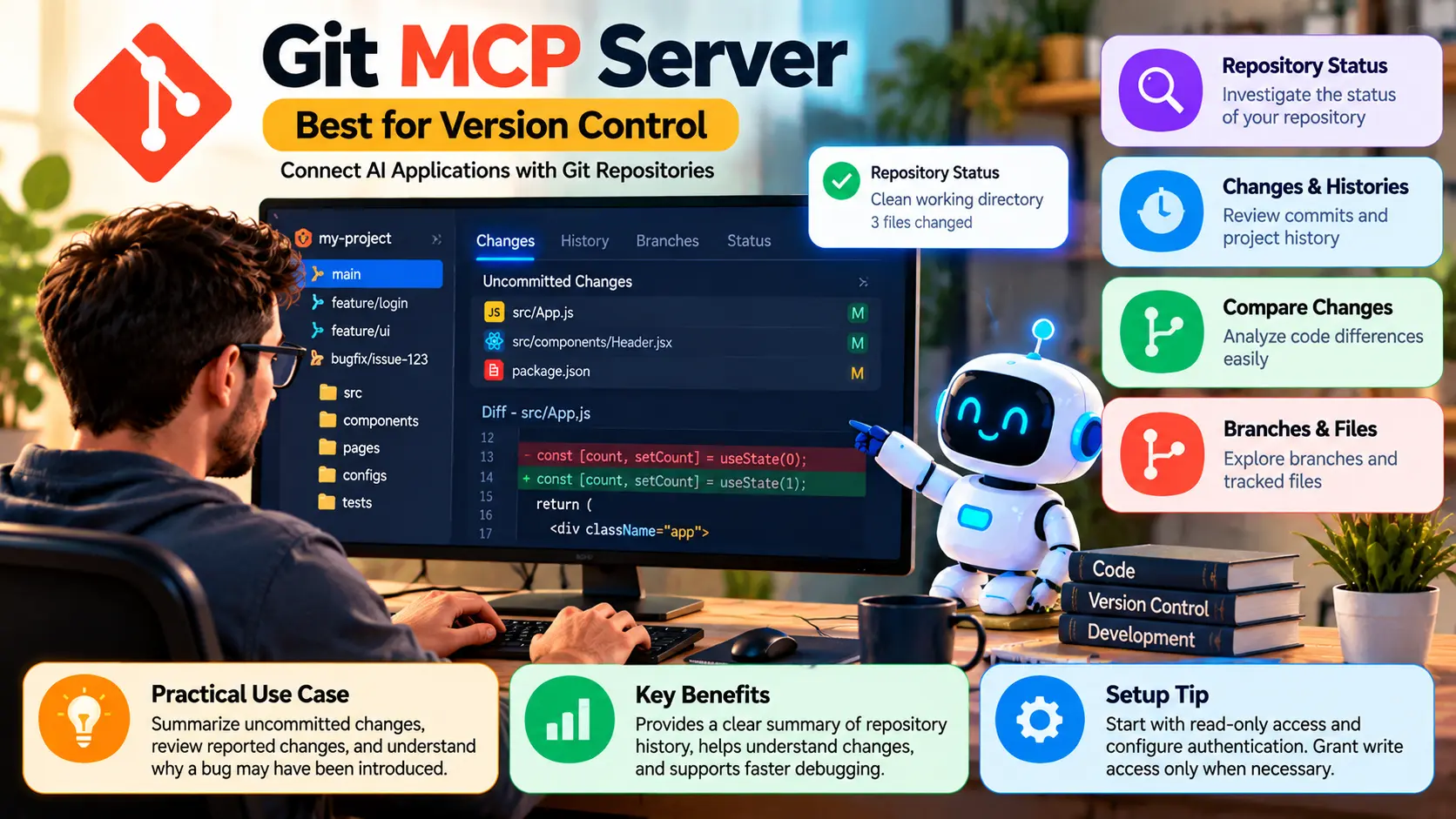
The Git MCP server allows AI applications to perform actions supported by Git and interact with repository objects.
Key features:
- Investigate the status of the repository
- Review changes and histories
- Compare code changes
- Investigate branches and tracked files
Practical Use Case: Developers can ask their assistant to summarize changes that were not yet committed to the repository, or review reported changes to understand why a bug may have been introduced.
Key Benefits: Summary of a repository’s history, helping you understand changes and why a bug may have been introduced. It helps with debugging.
4. Playwright MCP Server — Best for Browser Testing
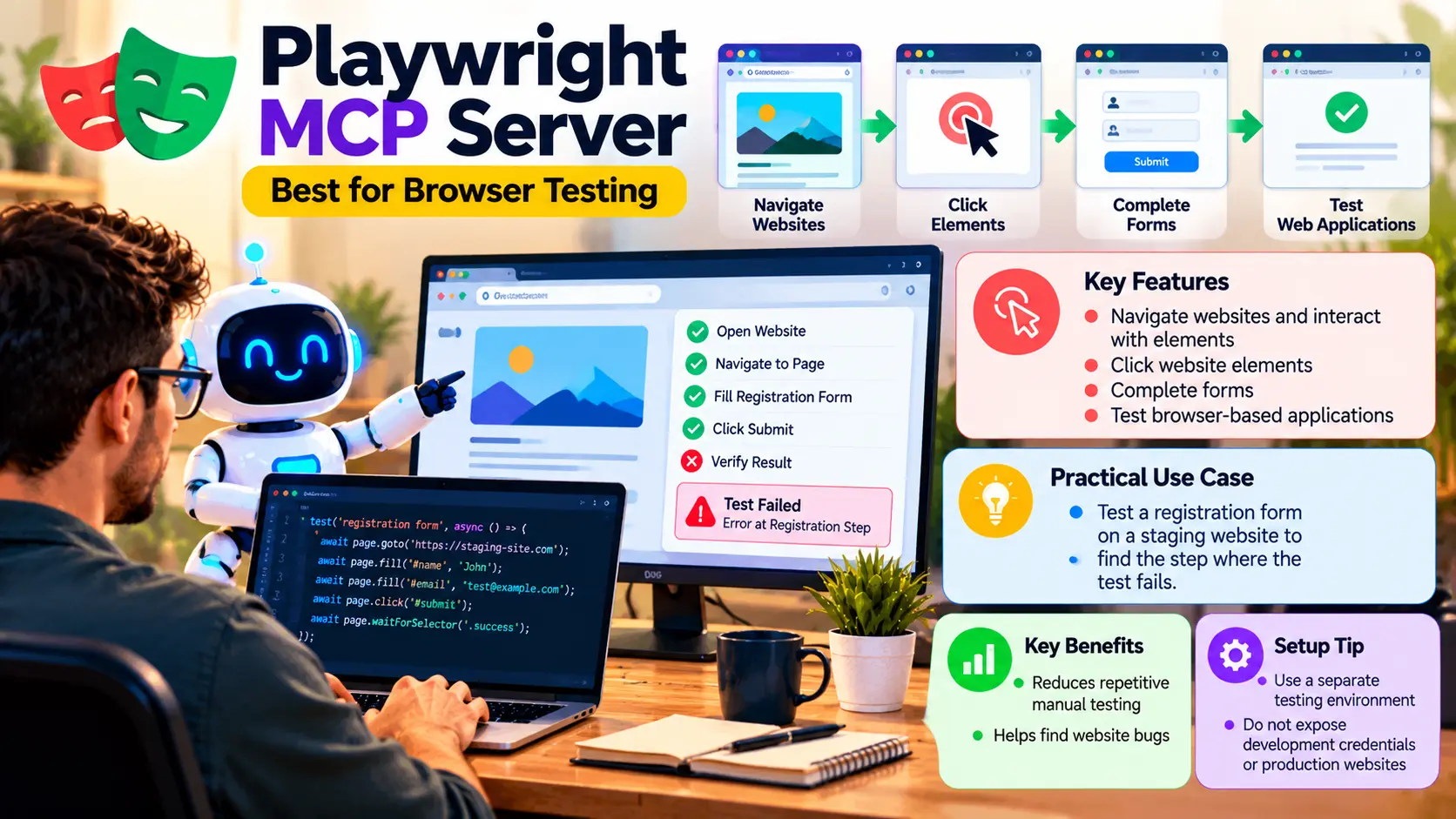
The Playwright MCP Server allows specific AI programs to interact with web pages using browser automation. This is mainly useful to frontend developers and to the Quality Assurance team.
Key features:
- Navigate websites and interact with website elements.
- Click website elements.
- Complete forms.
- Test browser-based applications.
Practical use case: A developer can ask an AI assistant to test a registration form on a staging website to find the step where the test fails.
Benefits: It cuts down repetitive manual testing and helps to find website bugs.
Setup tip: Use a separate testing environment and do not expose development credentials or production websites.
5. Context7 – Best for Technical Documentation
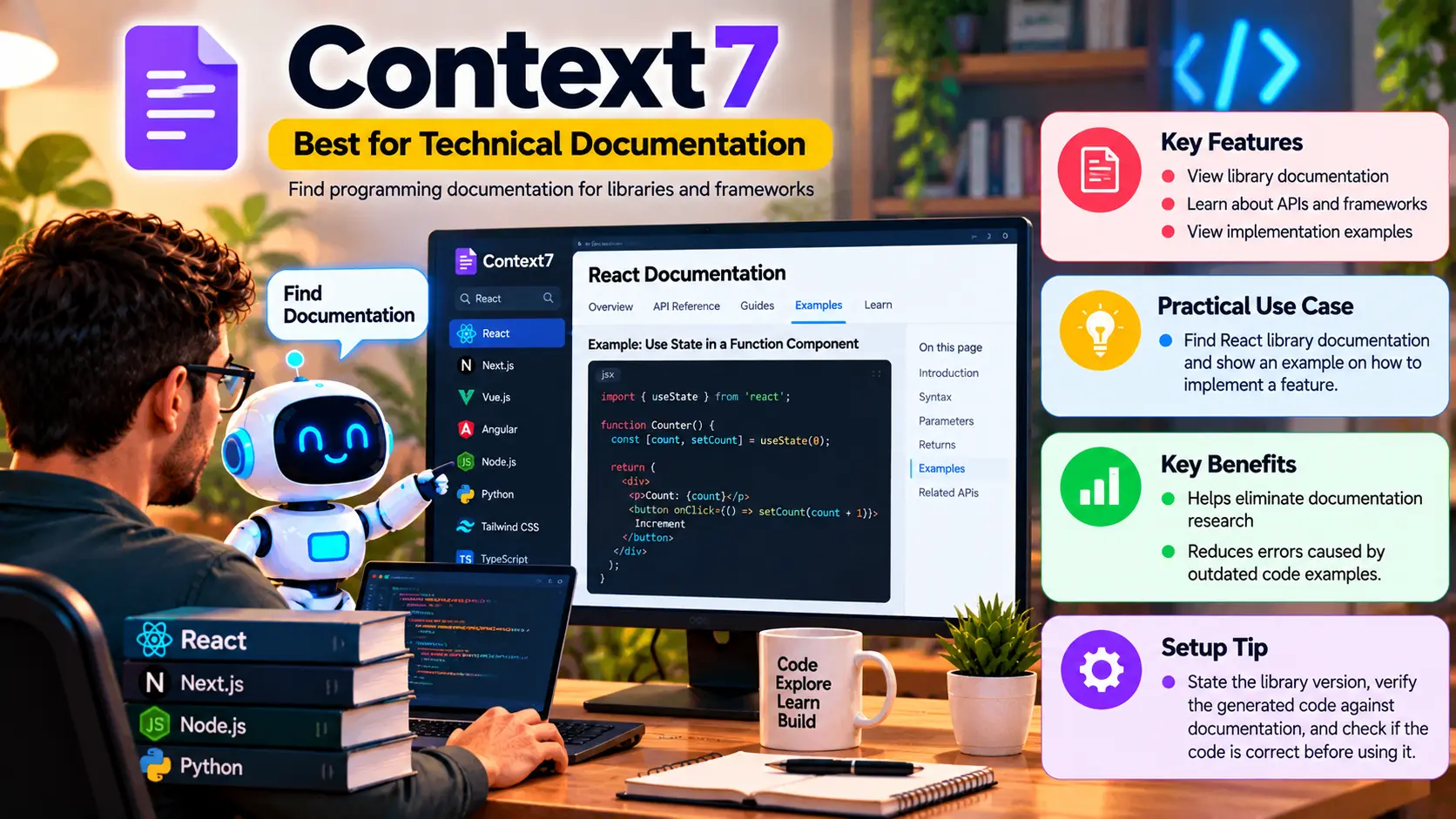
Context7 allows coding AI assistants to find programming documentation for various libraries and frameworks.
Key features:
- View library documentation.
- Learn about APIs and Frameworks.
- View implementation examples.
Practical use case: For a React developer, it can find library documentation and show an example of how to implement a feature.
Benefits: It can help eliminate documentation research and review errors caused by old code examples.
Setup tip: State the library version, check the generated code against the documentation,tion and verify if the code is correct before using it.
Also Read: Best Lightweight Travel Drones: Capture Incredible Views
Comparison Table: Top 5 MCP Servers
| MCP Server | Best For | Main Benefit |
|---|---|---|
| GitHub MCP | Repository management | Simplifies code collaboration |
| Filesystem MCP | Local project files | Speeds up code inspection |
| Git MCP | Version control | Improves change reviews |
| Playwright MCP | Browser testing | Reduces repetitive testing |
| Context7 | Technical documentation | Helps avoid outdated examples. For work with frequently updated libraries, Context7 is a good option. |
How to Set Up MCP Servers
Choose a compatible AI application and a trusted server. Install runtime environments if needed. Configure the connection. Set required permissions. Integrate the server and test the results. Update and protect authentication keys. Consider important actions before approving.
Conclusion
These MCP servers let developers connect their AI assistants to development tools. GitHub MCP simplifies use of repository workflows, Filesystem MCP aids in inspecting local files, Git MCP eases analysis of version control, Playwright MCP supports browser testing, sting and Context7 provides technical documentation.
Two or three relevant integrations are a good start for most developers. Server configurations should be tailored to address the needs of the developers. Permissions should be configured according to the needs of the developers and should be fully verified before automated actions are taken.
With the right configurations, MCP servers can help developers be more productive while still keeping control of their code and systems.
Frequently Asked Questions (FAQs)
1. What are the best MCP servers for developers?
For developers, useful MCP servers include GitHub MCP, Filesystem MCP, Git MCP, Playwright MCP, and Context7 for management of code repositories, file inspection, version control, browser testing, and generating documents.
2. Are MCP servers free?
Many implementations are open source, but using the services may incur costs.
3. Can beginners use MCP servers?
Yes, starting with one server is beneficial and more integrations can be added as needed.
4. Are MCP servers secure?
They can be secure if configured properly. Developers should use trusted implementations, configure permissions appropriately, and protect credentials for actions to be taken on their behalf.
5. How many MCP servers should developers install?
Begin with 2-3 MCP servers for their main day-to-day tasks and add more if benefits outway the cost of management.