Best AI Photo Restoration Tools in 2026: Bring Old Photos Back to Life
+
Table of Contents
- 1 What Are AI Photo Restoration Tools?
- 1.1 1. Adobe Photoshop – Best for Advanced Photo Restoration
- 1.1.1 Key features:
- 1.1.2 Advantages:
- 1.1.3 Ideal for:
- 1.2 2. Remini – Best for Improving Old Faces
- 1.3 Key features:
- 1.3.1 Benefits:
- 1.3.2 Ideal for:
- 1.4 3. MyHeritage Photo Enhancer – Best for Family History
- 1.4.1 Key features:
- 1.4.2 Benefits:
- 1.4.3 Ideal for:
- 1.5 4. VanceAI Photo Restorer – Best for Automatic Repairs
- 1.5.1 Key features:
- 1.5.2 Benefits:
- 1.5.3 Ideal for:
- 1.6 5. Fotor – Best for Quick Online Restoration
- 1.6.1 Key features:
- 1.6.2 Features:
- 1.6.3 Ideal for:
- 1.7 6. Topaz Photo – Best for High-Quality Enhancement
- 1.7.1 Key features:
- 1.7.2 Benefits:
- 1.7.3 Best For:
- 1.8 7. Let’s Enhance – Best for Enlarging Restored Pictures
- 1.8.1 Key features:
- 1.8.2 Benefits:
- 1.8.3 Ideal for:
- 2 Comparison Table: Best AI Photo Restoration Tools in 2026
- 3 Conclusion
- 3.1 Frequently Asked Questions (FAQs)
- 3.1.1 1. What are the top AI photo restoration tools for 2026?
- 3.1.2 2. Can machine learning be used to repair old photos that are in poor condition?
- 3.1.3 3. What are the steps to restore a photo using AI?
- 3.1.4 4. Will AI be able to colorize black-and-white photos?
- 3.1.5 5. Can the restored images of AI be printed?
In 2026, here are the best AI photo restoration tools to bring old photos back to life.
Whether it’s a family photo, wedding photos, or old photos from years ago of childhood memories, there are some of life’s most important memories that are captured in old photos. Sadly, with the passage of time, these photos may get faded, scratched, torn, blurry, or discolored. Fortunately, several modern AI photo restoration tools are able to resolve many of the aforementioned issues without the need for expert photo-editing abilities.
As AI technology evolves, several applications and online platforms are available to enhance images, add details to faces, denoise photos, and even colorize black-and-white photos in 2026. Some are made for fast and easy repairs for novice users, whereas some provide advanced enhancement facilities for photographers and professional editors.
This guide will discuss the types of AI photo restoration tools, their strengths, weaknesses, and appropriate usage for those in the USA who wish to keep their cherished memories.
What Are AI Photo Restoration Tools?
AI photo restoration tools are software that utilizes complex machine learning to repair or enhance old and damaged photos. Depending on which software they are, they can clean up blurry photos, eliminate scratches, decrease grain, make faces look sharp, and bring color to black-and-white photographs.
AI-based restoration has a number of advantages over the manual process, as it can automate many of the tasks that would otherwise need to be done by hand. But results are dependent on the condition of the original photograph. It is possible that the severely damaged areas must be edited manually, and the resulting facial features might not align with the original person.
The best AI tools for photo restoration in 2026 are here. Looking for the top 7 AI photo restoration tools for 2026?
1. Adobe Photoshop – Best for Advanced Photo Restoration

For those seeking control over the restoration of old pictures, Adobe Photoshop is a strong option. The AI-powered editing capabilities and classic retouching features make it an ideal choice for intricate restoration jobs.
Key features:
- AI-powered image editing & object removal.
- Cleaning and correction of scratches, dust, and blemishes.
- Adjusting the colour and contrast.
- Layered editing for accurate restoration.
Advantages:
Photoshop provides users with more control over damaged areas and enables detailed corrections that may be overlooked by automated apps. It’s especially beneficial to photographers, designers, and users who are restoring important family photographs.
Ideal for:
Users with more advanced skill sets who require detailed editing options.
Also Read: 10 Best AI Fashion Design Software in 2026: Powerful Tools for Designers
2. Remini – Best for Improving Old Faces
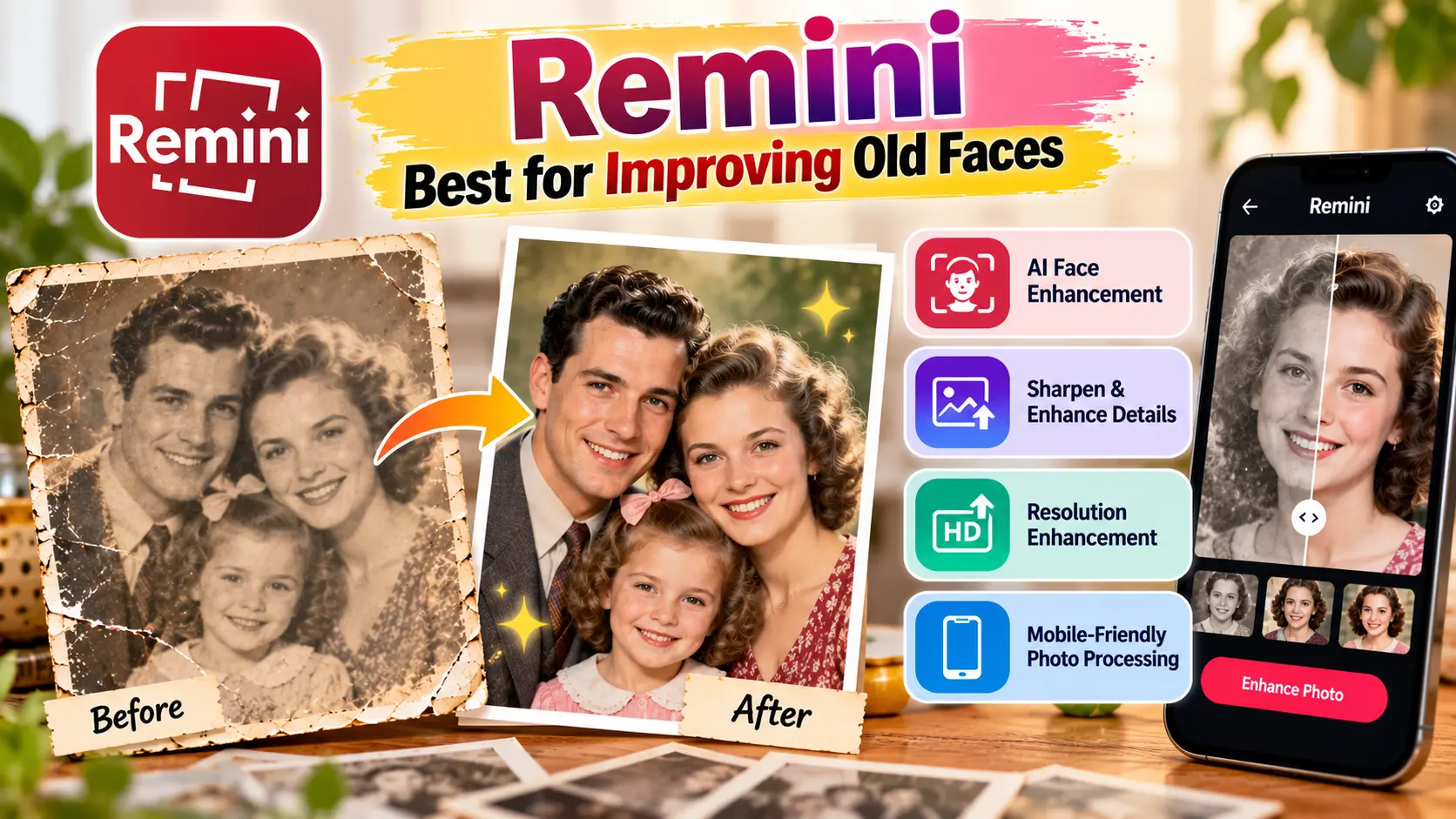
Remini is closely related to AI photo enhancement, especially facial detail enhancement. It can produce sharp, well-defined portraits.
Key features:
- AI face enhancement.
- Enhance images to sharpen and to enhance detail.
- Resolution enhancement.
- Mobile-friendly photo processing.
Benefits:
Remini can help you when a picture of your family is not sharp in an old photo, or its resolution is not high enough. It’s easy to use, and it allows those who don’t know how to edit images to obtain results in no time.
Ideal for:
Family photos, selfies, and out-of-focus photos.
3. MyHeritage Photo Enhancer – Best for Family History

MyHeritage provides a suite of photo-enhancement tools to facilitate exploration and preservation of family history. It uses its tools to enhance faces in historical photographs and adds colour to black-and-white images, with compatible features.
Key features:
- Old photo face enhancement.
- Black-and-white photo colorization.
- Online processing.
- Family-history-oriented photo features.
Benefits:
This site is particularly useful for those who are looking to upload their old family photo albums or archive historical photos for their families. It can make it easier for people to see faces and can give monochrome pictures a new look.
Ideal for:
Genealogists and families who are interested in keeping historical photographs.
4. VanceAI Photo Restorer – Best for Automatic Repairs

VanceAI offers online image-enhancement services, such as photo restoration for vintage photos. Users can enhance the clarity of images and correct common image flaws according to the feature selected.
Key features:
- AI-based photo restoration.
- Sharpening and enhancement of images.
- Facial detail improvement.
- Browser-based processing options.
Benefits:
VanceAI is a potential starting point that is easy for users who don’t like to install desktop software to edit online. It can be helpful when enhancing existing digital scans prior to printing or sharing.
Ideal for:
Users who need easy and automatic backup.
5. Fotor – Best for Quick Online Restoration
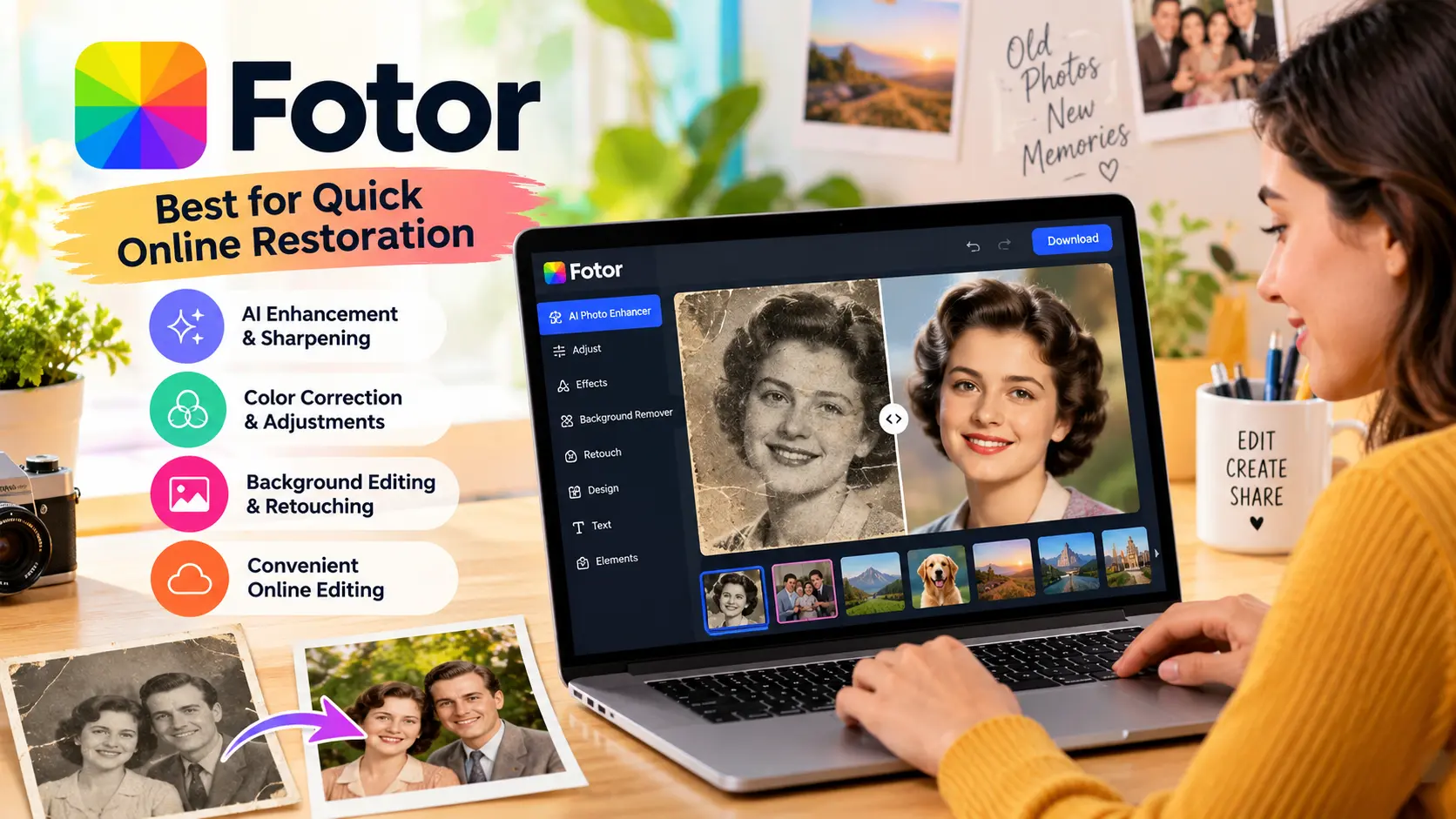
Fotor offers an online tool that enables users to enhance photos, edit images, and create various designs. It’s a great choice for those who are looking to enhance old photos without having to become a professional photo editor.
Key features:
- Enhancing and sharpening images with AI.
- Color correction and picture adjustments.
- Background Editing and Retouching tools.
- Convenient Online Editing.
Features:
Fotor allows you to enhance old photos, manipulate colors, and create photos to share with others. The extra editing features are beneficial for creating family photos, social media content, and electronic mementos.
Ideal for:
Absolute beginners looking for a single solution for photo editing and restoration.
6. Topaz Photo – Best for High-Quality Enhancement
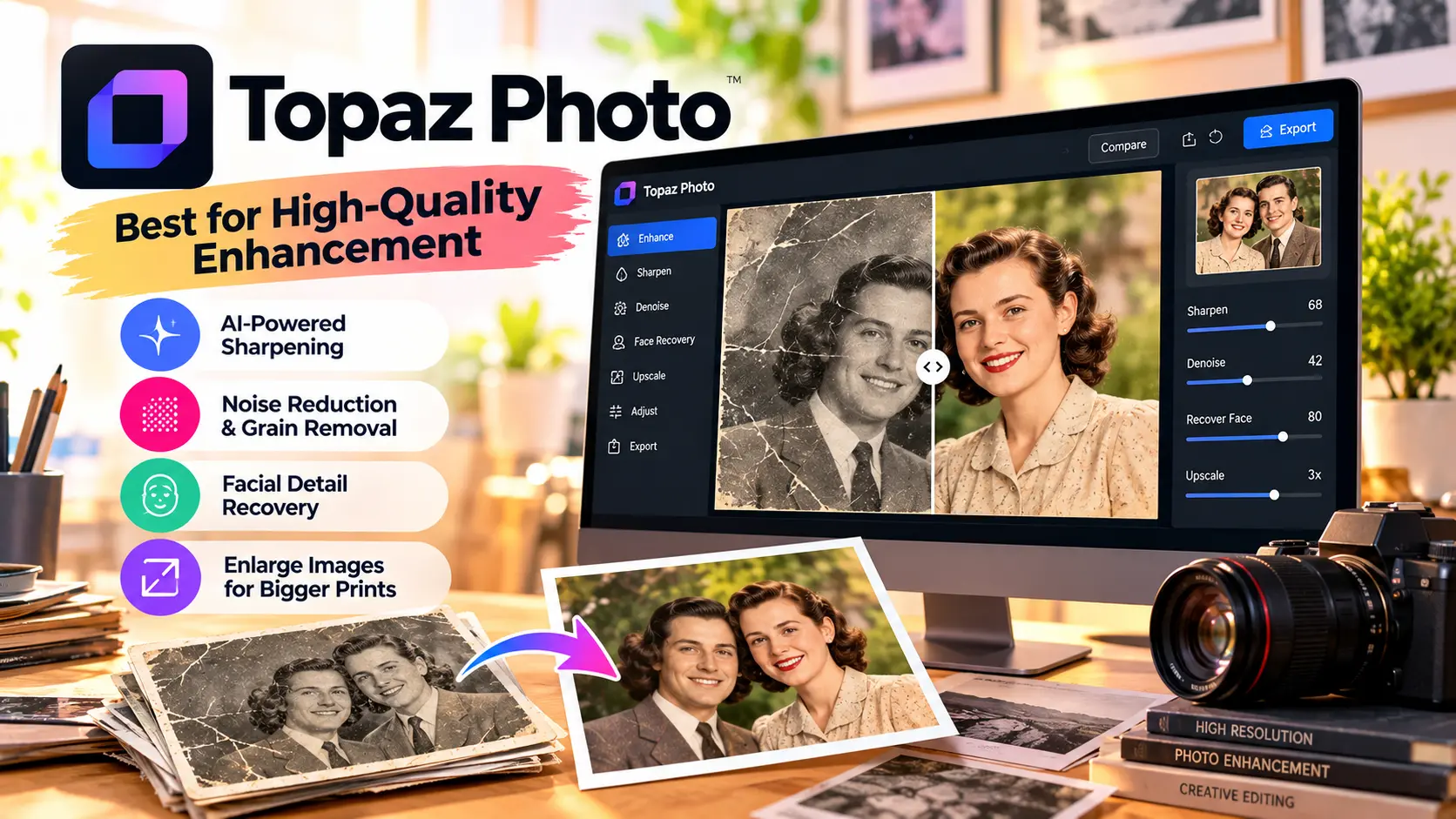
Topaz Photo is intended for fine-tuning of images such as sharpening, noise reduction, and recovering facial detail. It’s great if you have old photos that you want to print out, but you need to get them clearer before you do.
Key features:
- AI-powered sharpening.
- Reduction of noise and grain.
- Facial detail recovery.
- Enlarges images to make larger prints.
Benefits:
Topaz Photo is able to enhance soft, grainy, or pixelated photos scanned from your books or other media. It’s a desktop workflow that is visually appealing for photographers who require more control over their image quality.
It’s more of a tool to enhance than a full-fledged remedy for all physical damage, however.
Best For:
Photographers and high-resolution print makers.
7. Let’s Enhance – Best for Enlarging Restored Pictures
Let’s Enhance is an online platform for image enhancement, which can be used to enhance the resolution and prepare images for printing or larger screens. It can be helpful when the photos are too small for today’s printing demands and are digitized family photos.
Key features:
- AI image upscaling.
- Resolution enhancement.
- Optimizing images for print.
- Online workflow and processing capabilities.
Benefits:
Let’s Enhance is a tool that will enlarge old digital photos and make them clearer. If the platform’s features do not cover all significant scratches and tears, they can be repaired individually for the best results.
Ideal for:
To enlarge old pictures for printing, framing, or digital archiving.
Also Read: Best Budget Foldable Phones in the USA: Smart Buys for 2026
Comparison Table: Best AI Photo Restoration Tools in 2026
Below is a table that shows the important qualities of each platform. Plan availability, limits on features, and subscriptions may differ.
| Tool | Best For | Main Features | Ease of Use |
|---|---|---|---|
| Adobe Photoshop | Detailed restoration | AI repair, retouching, color correction | Moderate to advanced |
| Remini | Blurry faces | Face enhancement, sharpening | Easy |
| MyHeritage | Family history | Photo repair, enhancement, colorization | Easy |
| VanceAI | Automatic repairs | Damage correction, enhancement | Easy |
| Fotor | Everyday editing | Enhancement, retouching, color adjustments | Easy |
| Topaz Photo | Image clarity | Sharpening, denoising, face recovery | Moderate |
| Let’s Enhance | Photo enlargement | Upscaling and resolution enhancement | Easy |
Benefits of Using AI Photo Restoration Tools
AI photo restoration is quite helpful for several reasons for families, hobbyists, and photographers.
- Saves time: Automates basic corrections and saves time.
- Clarifies the image: Enhancement features can make faces and important details easier to see.
- Revives faded colours: Color can be enhanced or added to black-and-white photos with the help of the proper tools.
- Facilitates photo archiving: Digital photos are simpler to arrange, share, and back up.
- Easy editing: The novice can get some good results without learning advanced editing methods.
Nevertheless, AI won’t capture all the original details with absolute accuracy. It could create plausible features where information is lacking, or keep an untouched scan of each photograph.
How to Choose the Right Tool
First, determine the dominant issue in your photograph. For scratches, cracks, and missing sections, opt for a tool that has specific damage repair capabilities, like Adobe Firefly or VanceAI. If the images are blurry, try Remini. MyHeritage is a good option to consider for family-history projects. Topaz Photo or Let’s Enhance might be more suitable for sharpening and enlarging images.
Test a sample image before you subscribe, and see the test results at full image size. Look at export resolution, watermarks, processing limits, privacy policies, and whether your desired features are paid for. If you have sensitive family photos to store, then you need to know how each service stores uploaded images and how they manage the deletion of them.
Conclusion
The top AI photo restoration software for 2026 helps you maintain your invaluable moments, enhance the quality of your damaged photos, and prepare old photos for printing or sharing. Adobe Photoshop is good for detailed repairs, Remini is good for facial enhancements, and MyHeritage is useful in family-history projects. There are other options for restoring and enhancing images, including VanceAI, Fotor, Topaz Photo, and Let’s Enhance.
No one tool is best for every photograph. Decide based on the nature of the damage, the quality, and your budget. Most importantly, don’t alter the original scan, as that is your family’s photo history.
Frequently Asked Questions (FAQs)
1. What are the top AI photo restoration tools for 2026?
Some of the alternatives to consider are Adobe Photoshop, Remini, MyHeritage, VanceAI, Fotor, Topaz Photo, and Let’s Enhance. Depending on the type of damage, whether facial enhancement, colorization or image enlargement, the right choice is appropriate.
2. Can machine learning be used to repair old photos that are in poor condition?
Many areas that are scratched, torn, stained, or faded can be fixed using AI. The results, however, are a function of the amount of visual information that is left. If you don’t include all the details, they may be recreated incorrectly.
3. What are the steps to restore a photo using AI?
Some sites provide free access, or a preview or limited credits. Advanced features and watermark free exports, or full resolution downloads may be paid for. Please read the current terms of each provider before you upload your images.
4. Will AI be able to colorize black-and-white photos?
Yes. Certain tools can approximate colors of skin, clothing, scenery and others. The colors are a product of the AI processing and do not necessarily represent the actual scene.
5. Can the restored images of AI be printed?
Yes, as long as the printed image will be sufficiently clear and naturalistic in size, and its quality is adequate. Before printing large photographs, preview the picture at full size and think of a good scan.