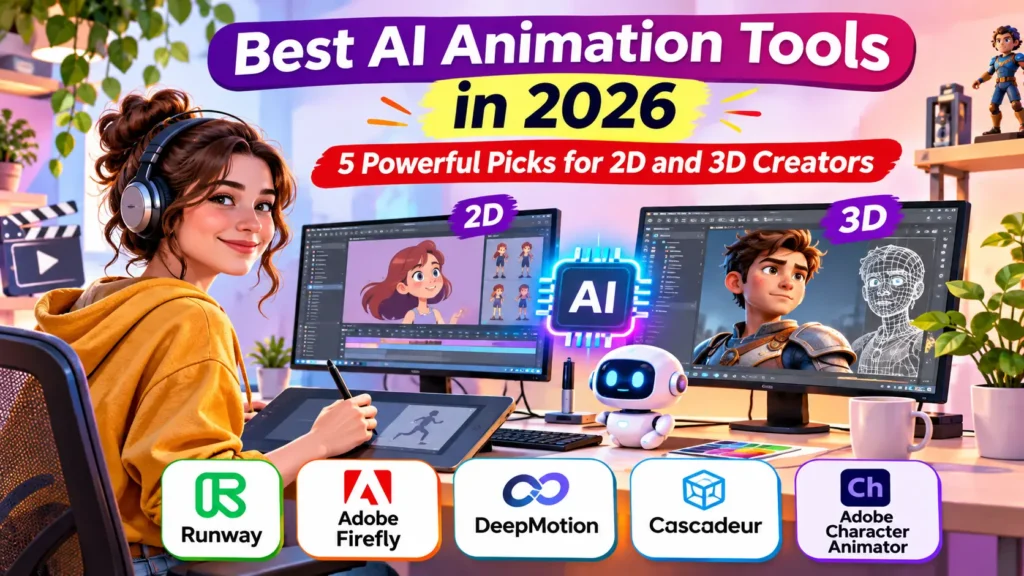
Best AI Animation Tools in 2026: 5 Powerful Picks for 2D and 3D Creators
+
Table of Contents
- 1 Best AI animation tools in 2026
- 1.1 1. Runway – Best for Cinematic AI Animation and Creative Videos
- 1.1.1 Key Features:
- 1.1.2 Benefits:
- 1.2 2. Adobe Firefly – Best for AI-Powered 2D Animation and Video Creation
- 1.2.1 Key Features:
- 1.2.2 Benefits:
- 1.3 3. DeepMotion – Best for AI-Powered 3D Character Animation
- 1.3.1 Key Features:
- 1.3.2 Benefits:
- 1.4 4. Cascadeur – Best for Realistic 3D Character Movement
- 1.4.1 Key Features:
- 1.4.2 Benefits:
- 1.5 5. Adobe Character Animator – Best for 2D Character Animation
- 1.5.1 Key Features:
- 1.5.2 Benefits:
- 2 Comparison Table: Best AI Animation Tools in 2026
- 3 Conclusion
- 3.1 Frequently Asked Questions (FAQs)
- 3.1.1 1. What are the best AI animation tools in 2026?
- 3.1.2 2. Can AI create both 2D and 3D animations?
- 3.1.3 3. Which AI animation software is best for beginners?
- 3.1.4 4. Can AI animation tools be used for game development?
- 3.1.5 5. Are AI-generated animations suitable for commercial projects?
- 3.1.6 6. Do professional animators need AI animation software?
Animation is becoming more accessible as artificial intelligence transforms the way creators produce digital content. Tasks that once required hours of manual drawing, complex keyframing, and advanced editing skills can now be completed faster with AI-powered software.
For content creators, professional animators, YouTubers, game developers, and digital artists in the USA, these technologies offer new opportunities to create engaging animations without always relying on expensive production setups.
The best AI animation tools in 2026 offer capabilities such as text-to-animation generation, image-to-video conversion, character animation, motion capture, automated editing, and 3D movement creation. Some platforms are designed for beginners, while others provide advanced controls for professional animation workflows.
In this guide, we explore five powerful platforms, their important features, practical benefits, and ideal use cases to help you choose the right solution for your creative projects.
Best AI animation tools in 2026
1. Runway – Best for Cinematic AI Animation and Creative Videos
Runway is a popular choice for creators who want to transform written ideas and static images into animated video clips. Its generative video technology helps filmmakers, social media creators, designers, and independent animators experiment with different visual styles.
Runway’s Gen-4.5 model supports text-to-video and image-to-video generation. Creators can describe a scene, provide a reference image, and guide the resulting movement through detailed prompts. It is particularly useful for producing cinematic shots, animated concepts, and visual storytelling sequences.
Key Features:
- Text-to-video generation from written descriptions.
- Image-to-video animation for static artwork.
- Detailed camera movement and scene composition instructions.
- Multiple aspect ratios for different publishing platforms.
- AI-powered video creation and editing workflows.
Benefits:
Runway reduces the time required to create visual concepts and short animated sequences. You do not need to animate every movement manually, making it useful for creators who produce YouTube videos, promotional content, and digital storytelling projects.
For US-based freelancers and creative agencies, it can also help speed up early-stage production and generate visual ideas for client presentations.
Best for: Cinematic animation, concept videos, social media content, and creative experimentation.
Limitation: Generated footage is primarily rendered video rather than a fully editable 2D or 3D character-animation project. Short generations may also require multiple attempts to achieve the desired result.
Also Read: Top 5 MCP Servers for Developers: Practical Use Cases and Setup Tips
2. Adobe Firefly – Best for AI-Powered 2D Animation and Video Creation
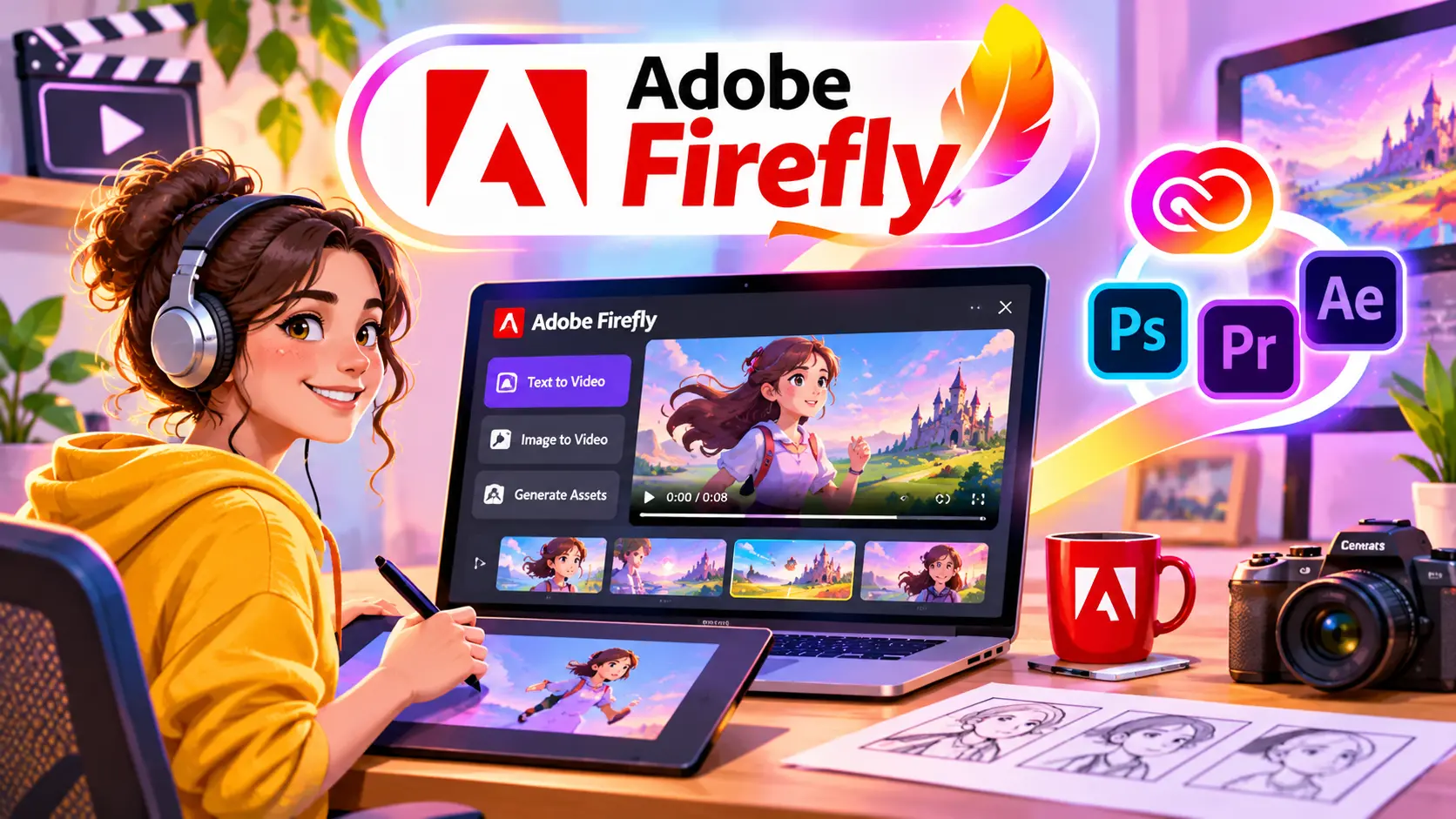
Adobe Firefly is a useful platform for designers, illustrators, and content creators who want to bring their visual ideas to life. It combines generative AI capabilities with Adobe’s broader creative ecosystem.
The platform supports text-to-video and image-to-video workflows, allowing users to turn written prompts or existing artwork into moving scenes. This makes it especially interesting for 2D artists who want to animate illustrations, backgrounds, and creative concepts without building every frame manually.
Firefly can also fit into workflows involving other Adobe applications, helping creators move between AI-generated assets and traditional editing tools.
Key Features:
- Text-to-video generation.
- Image-to-video animation.
- AI-generated visual assets.
- Creative control over visual concepts and scenes.
- Integration with Adobe’s creative workflow.
- Options for experimenting with different visual styles.
Benefits:
One major advantage is convenience. Instead of starting every animation project with a blank timeline, creators can generate visual material from prompts and reference images.
Digital artists can use it to animate illustrations, while marketing teams can develop promotional clips and social media visuals. Its wider Adobe ecosystem is particularly valuable for people who already use Photoshop, Premiere Pro, or other Creative Cloud applications.
Best for: 2D artists, graphic designers, marketing teams, and creators who work with Adobe software.
Limitation: Firefly-generated clips should not be confused with fully editable 2D character rigs or traditional frame-by-frame animation projects. Review the available model, plan limits, and commercial-use terms before starting paid production.
3. DeepMotion – Best for AI-Powered 3D Character Animation
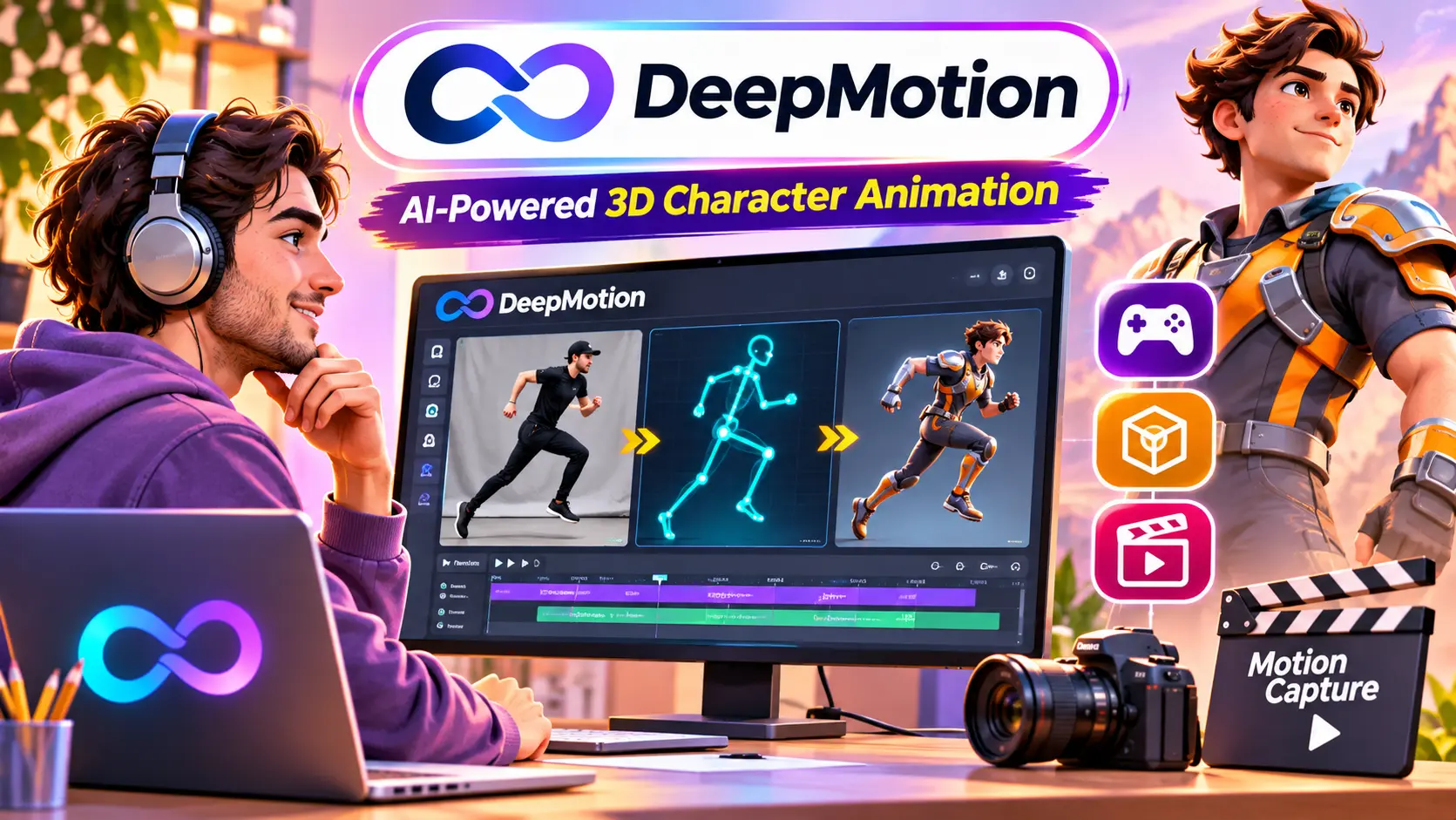
DeepMotion is designed for creators who want to turn real human movements into digital character animations.
Traditional motion capture often requires specialized cameras, sensors, or dedicated studio equipment. DeepMotion offers a different approach by using AI-powered motion tracking to extract movement from video footage.
Its Animate 3D workflow helps users convert recorded human actions into 3D animation data. This makes it useful for independent game developers, digital artists, animation studios, and virtual character creators.
Key Features:
- Markerless AI motion capture.
- Converts recorded human movement into 3D animation.
- Supports character animation workflows.
- Body movement tracking.
- Animation export options for compatible 3D pipelines.
- Tools for creating realistic character movements.
Benefits:
DeepMotion can reduce the technical effort involved in creating human character movements. Rather than manually animating every walking, running, or jumping action, creators can record a performance and use AI to generate animation data.
For independent game developers in the USA, this can be particularly useful when building characters for games, virtual environments, and interactive experiences.
It also provides an opportunity for smaller creative teams to experiment with motion capture without investing immediately in expensive recording equipment.
Best for: 3D character animation, game development, virtual characters, and motion capture.
Limitation: Results depend on video quality, body visibility, and movement complexity. Generated motion may require cleanup before professional use.
4. Cascadeur – Best for Realistic 3D Character Movement
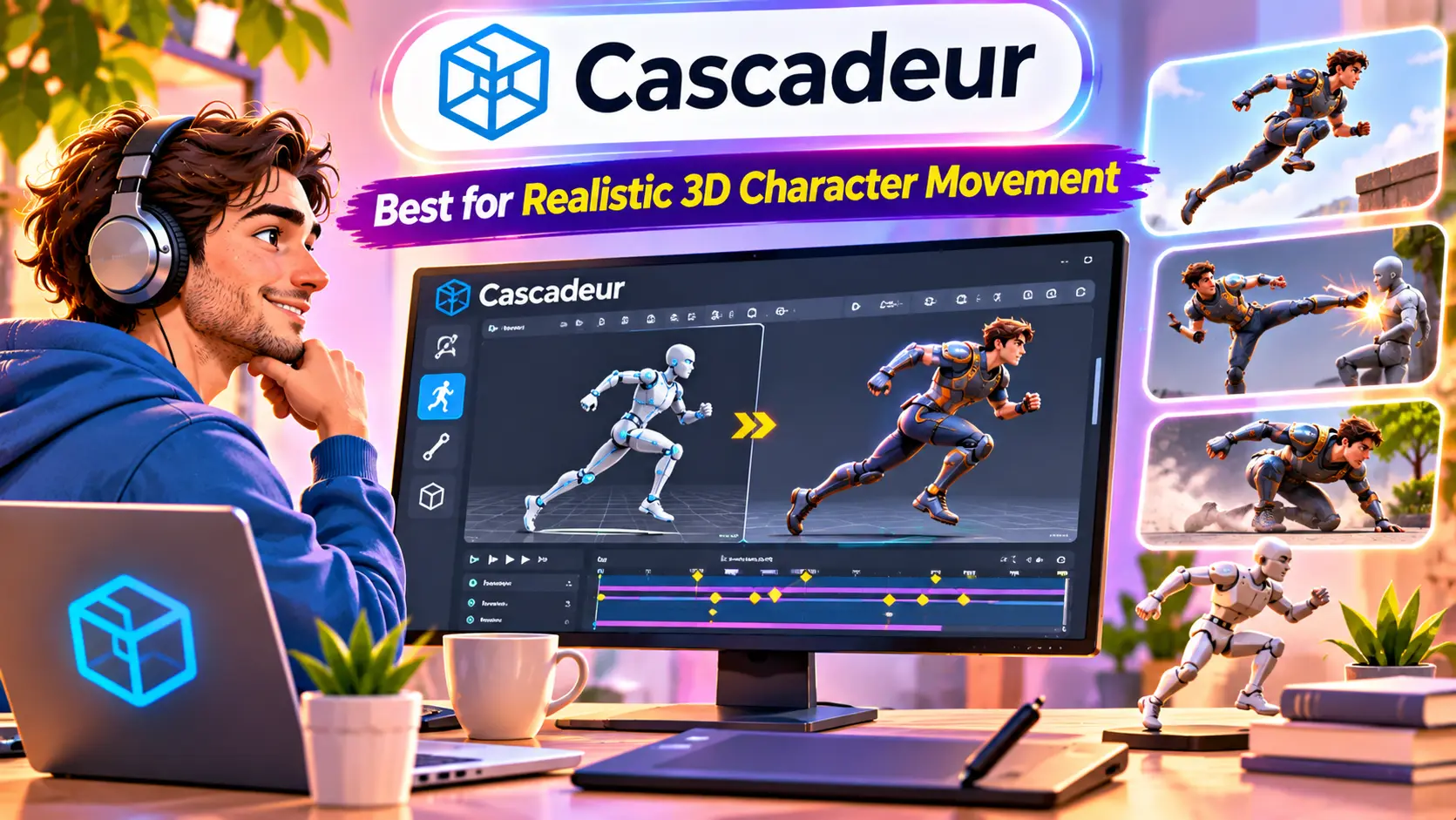
Cascadeur is an interesting option for animators who want greater control over character movements, body mechanics, and physical interactions.
Unlike text-to-video generators, Cascadeur focuses on creating and refining 3D character animation. Its AI-assisted features help animators develop poses and movements while maintaining creative control over the final result.
The software is particularly valuable for action-oriented animation, including jumping, fighting, running, and other movements that require believable body mechanics.
Key Features:
- AI-assisted character posing.
- AutoPhysics tools for physical movement.
- Animation editing and refinement.
- Advanced keyframe-based workflows.
- Tools for creating dynamic character actions.
- Support for professional 3D animation pipelines.
Benefits:
Cascadeur helps animators improve the quality of character movement without manually calculating every physical interaction.
For example, a game developer creating a jumping character can use its AI-assisted capabilities to develop more convincing poses and refine the motion between keyframes.
It is also useful for independent animation studios that want to produce professional-looking action sequences while retaining control over the animation process.
Best for: 3D animators, game developers, action sequences, and character animation professionals.
Limitation: It has a learning curve and is not a one-click video generator. Users still need an understanding of 3D animation principles and character workflows.
5. Adobe Character Animator – Best for 2D Character Animation
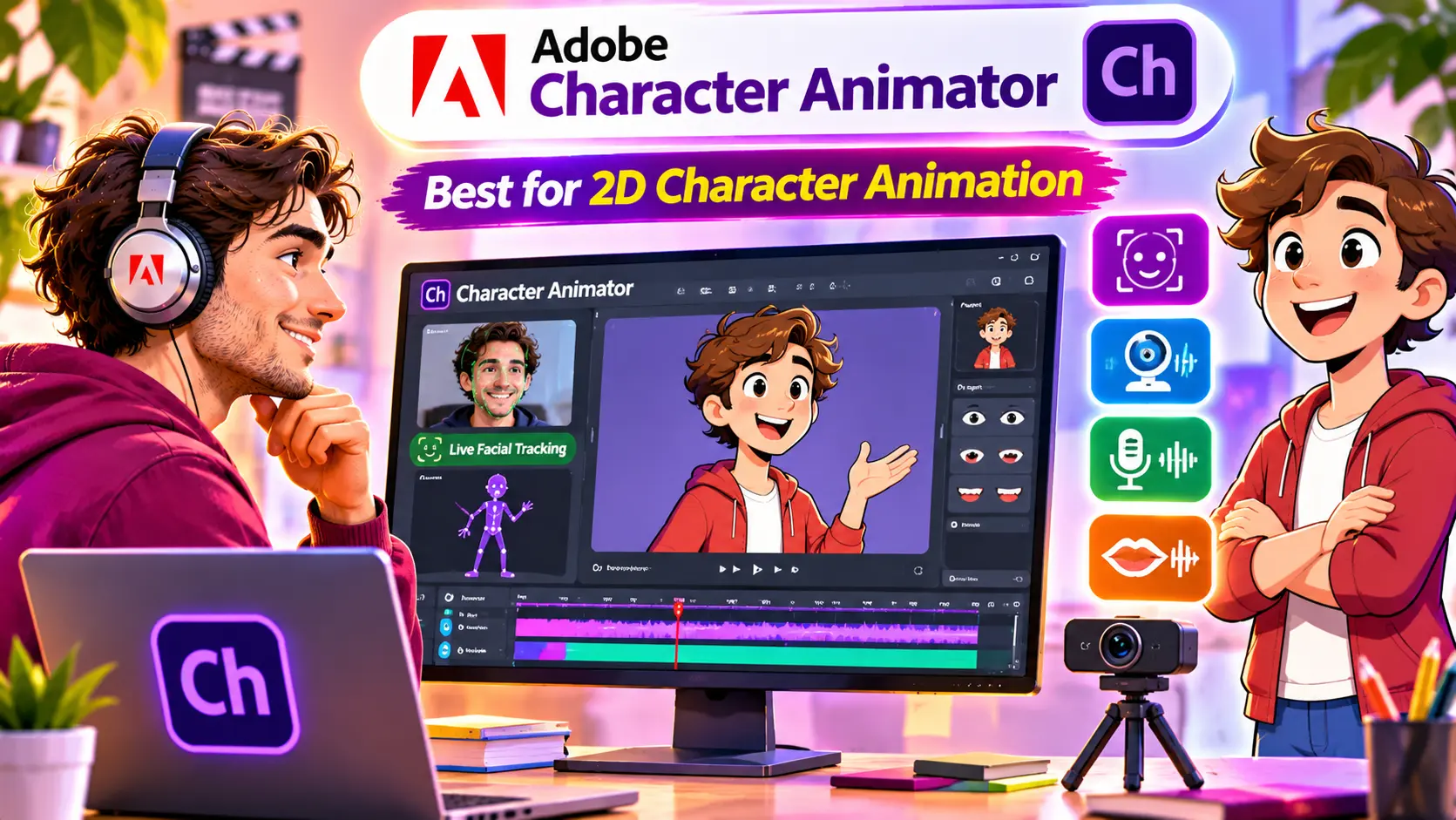
Adobe Character Animator is designed for creators who want to animate illustrated characters using their own facial expressions, movements, and voice.
Instead of manually adjusting every facial expression, users can create a character puppet and use a webcam and microphone to control its performance.
The software tracks facial movements and supports automatic lip synchronization, helping characters respond to spoken dialogue. This makes it suitable for educational videos, animated presentations, YouTube content, and live character performances.
Key Features:
- Real-time facial tracking.
- Webcam-based character animation.
- Automatic lip synchronization.
- Voice and audio-driven performance.
- Customizable 2D character puppets.
- Integration with Adobe creative workflows.
Benefits:
Adobe Character Animator makes character animation more accessible to people who do not have extensive frame-by-frame animation experience.
YouTubers can create animated presenters, educators can develop engaging learning videos, and businesses can produce character-led presentations.
Its real-time animation capabilities can also help creators perform live shows using digital characters.
Best for: 2D cartoon creators, educators, YouTubers, and animated presenters.
Limitation: It is primarily designed for 2D puppet animation rather than advanced 3D modeling or cinematic video generation.
Also Read: Thermal Camera Drones in the USA: 5 Powerful Models Transforming Aerial Inspections
Comparison Table: Best AI Animation Tools in 2026
The following table highlights the main differences between these five platforms to help creators select the right software for their projects.
| Tool | Best for | Animation type | Main advantage |
|---|---|---|---|
| Runway | Cinematic videos | AI-generated video | Text and image animation |
| Adobe Firefly | Creative animation | 2D-style video | AI creative workflow |
| DeepMotion | Character movement | 3D animation | Markerless motion capture |
| Cascadeur | Realistic movements | 3D animation | AI-assisted physics |
| Adobe Character Animator | Cartoon characters | 2D animation | Facial tracking and lip-sync |
How to Choose the Right AI Animation Software
Selecting suitable software depends on your experience, creative requirements, and production budget. Before purchasing a subscription, consider these factors:
1. Animation Type: Decide whether you need 2D cartoons, 3D characters, cinematic videos, or animated presentations. Different platforms specialize in different production methods.
2. Ease of Use: Beginners should consider platforms with straightforward interfaces and automated features. Professional animators may prefer software offering greater control over keyframes and character movements.
3. Export Options: Check whether the platform supports the video formats, resolutions, and animation file types required by your project.
4. Pricing: Compare free trials, monthly subscriptions, generation credits, and commercial licensing conditions before committing to a paid plan.
5. Workflow Compatibility: Consider whether the software works with your existing creative applications, game engines, and editing tools.
Conclusion
AI-powered animation is creating new opportunities for independent artists, professional animators, game developers, and content creators. From generating cinematic videos to producing realistic 3D character movements, these platforms can simplify several stages of digital production.
Among the five options, Runway is a strong choice for cinematic video generation, Adobe Firefly is useful for creative visual projects, DeepMotion is suitable for motion capture, Cascadeur offers greater control over realistic 3D movements, and Adobe Character Animator makes 2D character performances easier.
Beginners can start with accessible video-generation platforms, while experienced professionals may benefit from combining AI-assisted software with traditional animation applications.
For creators in the USA, these tools make it easier to create engaging content for YouTube, advertisements, video games, educational projects, and digital entertainment.
Frequently Asked Questions (FAQs)
1. What are the best AI animation tools in 2026?
Some useful options include Runway, Adobe Firefly, DeepMotion, Cascadeur, and Adobe Character Animator. Each platform serves different animation requirements, including 2D cartoons, 3D characters, and AI-generated videos.
2. Can AI create both 2D and 3D animations?
Yes. AI-powered software can generate animated video clips, assist with 2D character puppeting, and create or refine 3D character movements. However, the exact capabilities depend on the platform.
3. Which AI animation software is best for beginners?
Runway and Adobe Firefly are good starting points for creators interested in generating animated video clips. Adobe Character Animator is another option for beginners who want to create 2D character performances.
4. Can AI animation tools be used for game development?
Yes. DeepMotion and Cascadeur are particularly relevant to game development because they support 3D character movement and animation workflows. Their outputs can be incorporated into compatible production pipelines.
5. Are AI-generated animations suitable for commercial projects?
Yes, depending on the platform’s licensing conditions and subscription plan. Always review commercial-use permissions, content restrictions, and the rights associated with uploaded reference material before publishing or selling animated content.
6. Do professional animators need AI animation software?
AI software is not essential, but it can improve productivity. Professional animators can use it to generate concepts, develop character movements, experiment with visual styles, and reduce repetitive production tasks.