Best Payroll Software: Powerful Solutions to Simplify Every Payday
+
Table of Contents
- 1 Payroll Software Comparison
- 1.1 1. Gusto
- 1.1.1 Key Features
- 1.1.2 Benefits
- 1.2 2. ADP Workforce Now
- 1.2.1 Key Features
- 1.2.2 Benefits
- 1.3 3. QuickBooks Payroll
- 1.3.1 Key Features
- 1.3.2 Benefits
- 1.4 4. Rippling
- 1.4.1 Key Features
- 1.4.2 Benefits
- 1.5 5. Paychex Flex
- 1.5.1 Key Features
- 1.5.2 Benefits
- 1.6 6. Deel
- 1.6.1 Key Features
- 1.6.2 Benefits
- 1.7 7. OnPay
- 1.7.1 Key Features
- 1.7.2 Benefits
- 1.8 8. BambooHR Payroll
- 1.8.1 Key Features
- 1.8.2 Benefits
- 1.9 Why Choosing the Best Payroll Software Matters
- 1.10 How to Choose the Best Payroll Software
- 1.10.1 1. Ease of Use
- 1.10.2 2. Automation
- 1.10.3 3. Tax Compliance
- 1.10.4 4. Integrations
- 1.10.5 5. Employee Self-Service
- 1.10.6 6. Scalability
- 1.10.7 7. Customer Support
- 1.11 Benefits of Using the Best Payroll Software
- 2 Summary
- 2.1 Frequently Asked Questions (Frequently Asked Questions)
- 2.1.1 1. What is payroll software?
- 2.1.2 2. Which payroll software is suitable for small businesses?
- 2.1.3 3. Are payroll taxes calculated automatically?
- 2.1.4 4. Is cloud-based payroll software secure?
- 2.1.5 5. What is the best payroll software for international businesses?
- 2.1.6 6. Do payroll software and accounting software integrate?
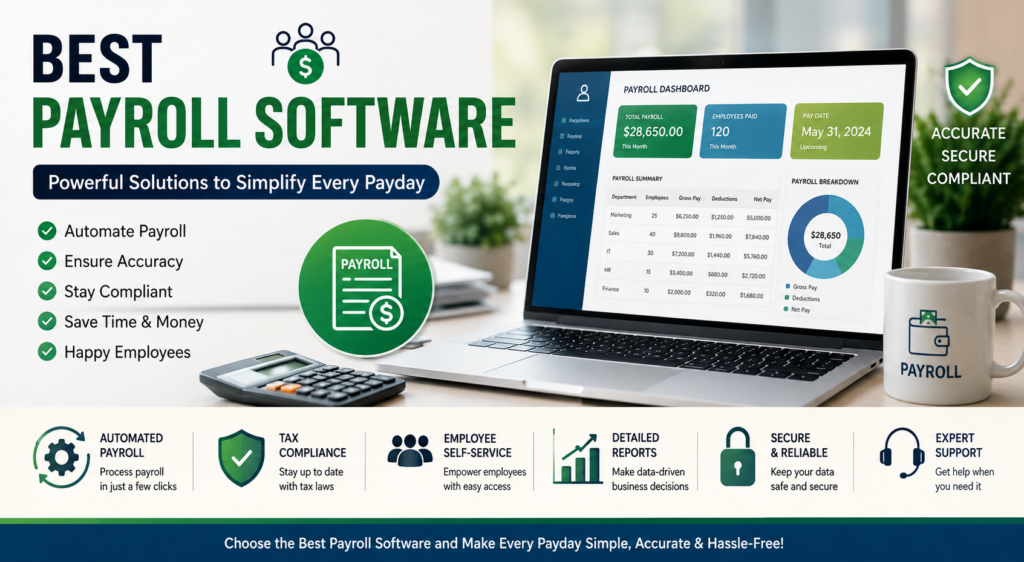
Employee payrolls are complex. Your business must consider pay, taxes, bonuses, and even compliance. As your business grows, so does the difficulty of managing all of this. The Best Payroll Software is designed to simplify the payroll process. Employee payroll can even shift from a burden to an automated step in the business process. With just a few clicks, your business can automate processes that previously consumed hours.
No matter what stage of development your company is in, choosing the Best Payroll Software will improve efficiency and save the business from unnecessary mistakes. Perhaps the most important aspect of modern payroll solutions is the automation of pay, tax, and compliance management, as well as the integration with accounting and HR solutions.
This guide analyzes the Best Payroll Software, highlights each solution’s key features, and explains why each solution is trusted globally by businesses of all sizes.
Payroll Software Comparison
| Payroll Software | Best For | Free Trial | Key Features |
|---|---|---|---|
| Gusto | Small Businesses | Yes | Payroll, taxes, employee benefits |
| ADP Workforce Now | Medium & Large Businesses | Demo Available | HR services, compliance, reporting |
| QuickBooks Payroll | QuickBooks Users | Yes | Same-day direct deposit, tax calculations |
| Rippling | Growing Companies | Yes | Payroll, HR, IT, management automation |
| Paychex Flex | Businesses of All Sizes | Demo Available | Mobile payroll, HR tools, retirement services |
| Deel | Global Teams | Yes | Payroll globally, contract payments |
| OnPay | Small Businesses | Yes | Unlimited payroll, taxes, filing |
| BambooHR Payroll | HR Focused Companies | Demo Available | Payroll, HR integration |
1. Gusto
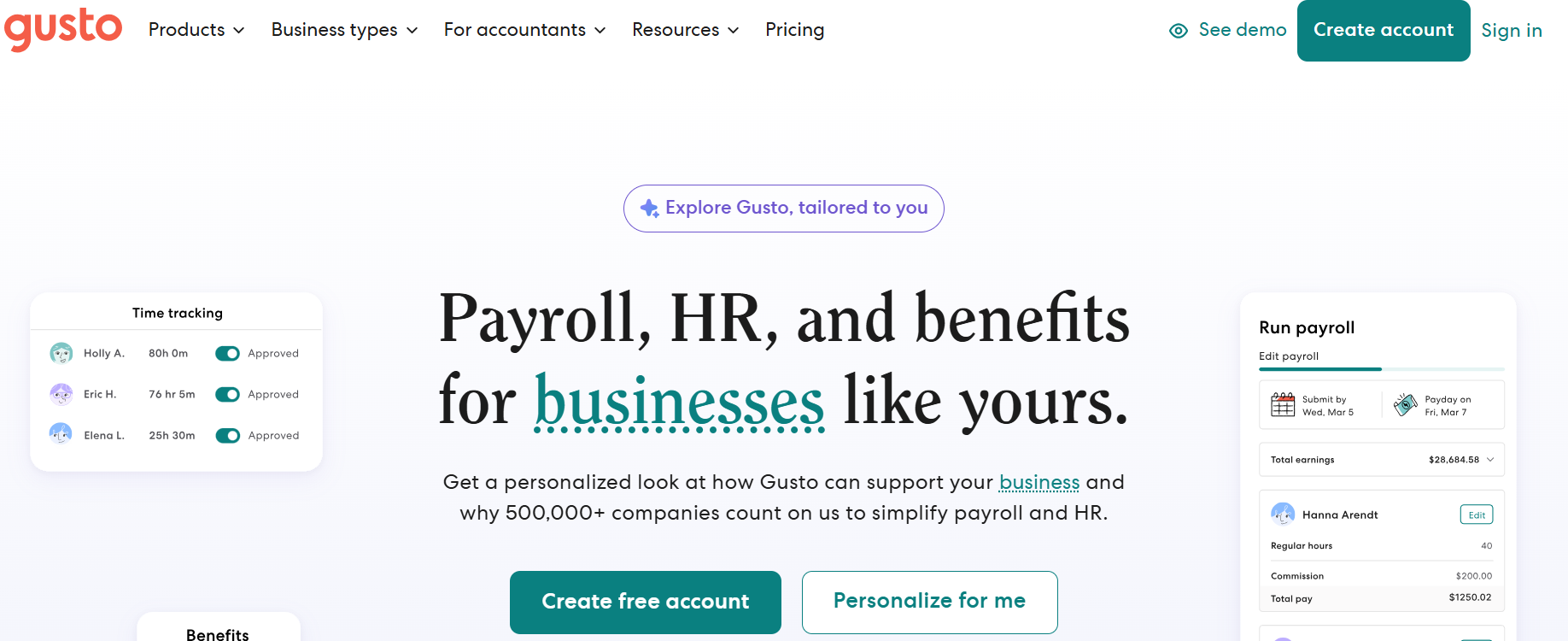
Gusto is ideal for startups and small businesses because it offers payroll and HR services in a single platform.
With Gusto, business owners with little to no accounting knowledge can process payroll. Employees’ salaries are processed on time and payroll taxes are filed for the business, so there is no need to worry about missing deadlines.
Key Features
- Automated payroll
- Tax filing for payroll (federal, state, local)
- Employee self-service
- Direct deposit
Benefits
- Integration for time tracking
- Management of PTO
- Saves time
- Payroll mistakes are eliminated
- Simple to set up
- Customer support is great
- Affordable pricing
If you are willing to spare the expense of a dedicated payroll specialist, Gusto is a great solution.
2. ADP Workforce Now
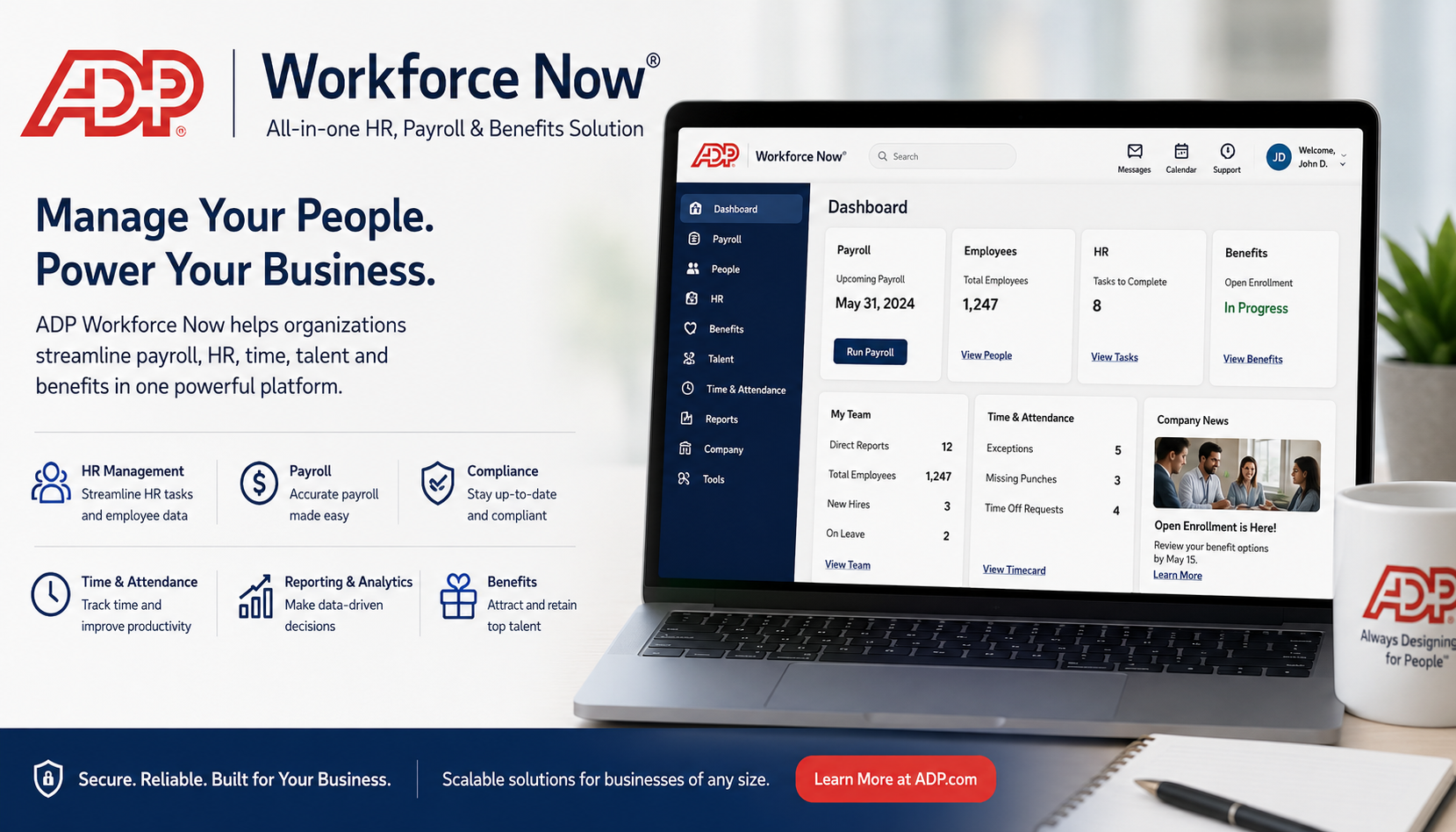
ADP continues to be one of the best payroll software solutions for medium and large businesses because of its experience as a payroll provider.
ADP provides more than payroll. They manage your workforce from start to finish, including hiring, benefits, and compliance, all while providing advanced reports.
Key Features
- Automated processing of payroll
- Compliance with taxes
- HR
- Scheduling
- Workforce Analytics
- Manage payroll from your phone
- Create custom reports
Benefits
- Easily Scalable
- Compliance in spades
- Advanced reports
- Security
- Exceptional customer service
Known for their ease and flexibility, ADP is a common choice for companies expecting rapid growth.
Also Read- Best HR Software: Powerful Solutions for Smarter Hiring
3. QuickBooks Payroll
For businesses using QuickBooks accounting software, QuickBooks Payroll is an excellent payroll solution.
It integrates instantly with QuickBooks Online, resulting in simplified workflows for finance and payroll.
Key Features
- Automated payroll
- Same-day direct deposit
- Taxes done for you
- Protection from tax penalties
- Employee time trackers
- Complete payroll reports
- Pay contractors
Benefits
- Works beautifully with QuickBooks
- Intuitive dashboard
- Quick payroll
- Accurate bookkeeping
- Simplified accounting
For small businesses that are already QuickBooks customers, this payroll solution is an excellent way to drastically cut the time they spend on business functions.
4. Rippling
Rippling goes even further than payroll, placing it in the upper echelons of the Best Payroll Software options as a complete workforce automation software.
They consolidate payroll, HR, IT, employee onboarding, and device management, all software access within a single platform.
Key Features
- Payroll, global
- HR
- IT device management
- Automation of workflows
- Employee onboarding
- Track time and attendance
Benefits
- Saves time
- Automation supreme
5. Paychex Flex
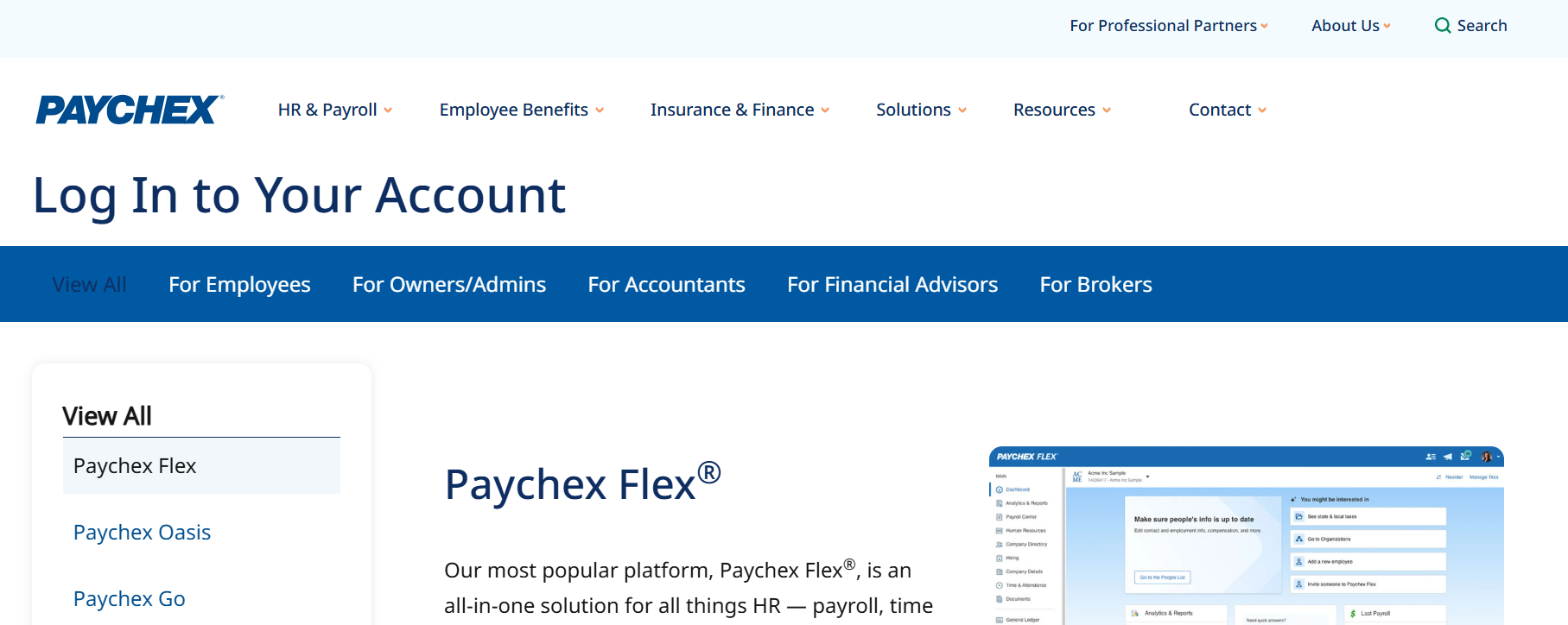
Flexibility, a cloud platform, and extensive payroll services enable Paychex Flex to rank as one of the Best Payroll Software options.
Its software can be used by organizations of all sizes, from small businesses to large ones, to manage payroll, human resources, and benefits, as well as plan for employee retirement.
Key Features
- Cloud-based payroll processing
- Employee self-service portal
- Direct deposit
- Mobile payroll processing app
- Tax administration
- Human resource management
- Retirement services
Benefits
- Anytime access
- Easy mobile payroll processing
- Outstanding compliance support
- Flexible pricing
- Appropriate for all businesses
Convenience for modern business is provided due to the mobile friendliness of the software that allows managers to process payroll securely from virtually anywhere.
6. Deel
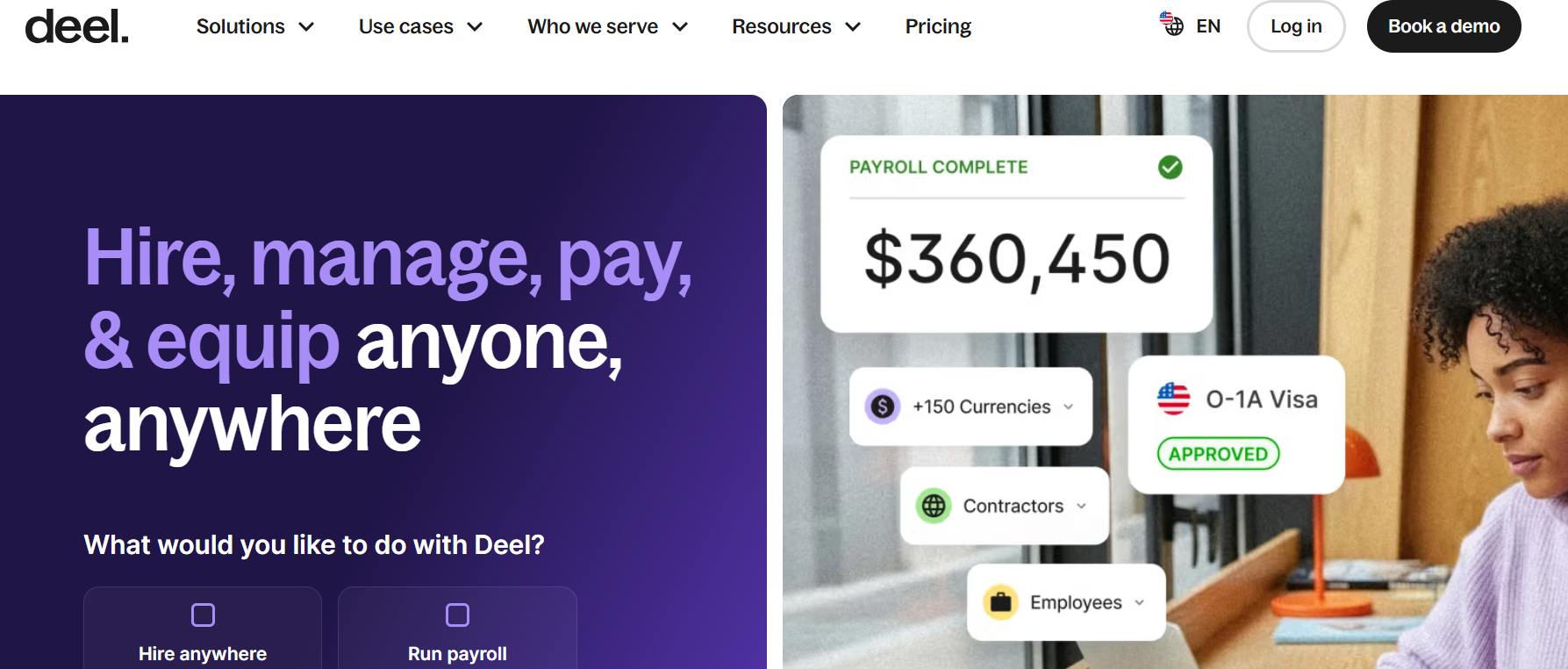
The Best Payroll Software for businesses employing, contracting, and doing business with people outside of their local markets, Deel makes global payroll a breeze. For companies that want to simplify cross-border payroll, Deel does the international contractor payments, employer of record services, and tax and compliance and documentation services.
Key Features
- Global payroll
- Contractor payments
- Employer of Record (EOR) Services
- Tax documentation automation
- Multi-currency payments
- Compliance and documentation
- Contractor and employee onboarding
Benefits
- Easy international payroll
- Manages a remote workforce
- Legal compliance
- Global payments
- Intuitive dashboard
Deel is a great option for businesses that do not want the hassle of establishing multiple entities to pay their employees around the globe.
7. OnPay
OnPay is an excellent payroll program, especially for startups, non-profits, and smaller businesses. Pricing for this program is affordable for smaller businesses and offers many expensive features included in the base program.
OnPay’s user interface is simple and streamlined to allow users to simply process payroll while automatically calculating and filing taxes.
Key Features
- Unlimited payroll runs
- Automatically filed taxes
- Employee self-service
Benefits
- Management
- PTO tracking
- HR document storage
- Payroll reporting
This program offers excellent value, even compared to others that charge more.
8. BambooHR Payroll
BambooHR is easily one of the best HR management solutions in the industry, and its payroll solution makes it one of the best payroll management solutions as well.
Having payroll and HR management integrated eliminates double data entry and aids in the management of the workforce.
Key Features
- Payroll processing
- Employee database
- Integration of hiring management
- Tracking of time off
Benefits
- Performance management
- Employee self-service
- Payroll reports
Integration of HR management offers BambooHR Payroll a competitive advantage in the industry by streamlining workforce management and payroll.
Why Choosing the Best Payroll Software Matters
Payroll programs are much more than just a payroll solution. They help lessen the burden of tax compliance as well as manual calculations, and offer other features to improve record-keeping and payment processing to employees.
The following benefits are a result of using the Best Payroll Software:
- Automated payroll calculations
- Faster payroll processing
- More accurate payroll
- Tax filing is done for you
- Improve your compliance
- Employees have access to their personal payroll data
- Integration with HR and accounting systems
- Leave your payroll data secure in the cloud
If you are trying to streamline your business as much as possible, you must view the Best Payroll Software as an investment.
Also Read- Best Agricultural Drones: Incredible Solutions for Modern Farming
How to Choose the Best Payroll Software
When choosing the Best Payroll Software, you must understand your organization’s needs (e.g., company size, budget) because of the available options. The following are things you should strongly consider:
1. Ease of Use
Choose a system with a good user interface (UI) that is simple enough that processing payroll does not require extended training.
2. Automation
The Best Payroll Software should be able to calculate salary, overtime, payroll deductions, and payroll tax automatically.
3. Tax Compliance
Payroll tax software must have the ability to keep up with tax law changes and provide accurate tax filings to avoid tax penalties.
4. Integrations
The payroll tax software must be able to integrate with your accounting software, HR software, attendance/time tracking software, etc.
5. Employee Self-Service
Employees should be able to access their payroll data using a self-service portal.
6. Scalability
The system should grow with your business, no matter how much it grows.
7. Customer Support
Customer service must be available when you need it the most, especially around payday or tax filing deadlines.
Benefits of Using the Best Payroll Software
When you use the Best Payroll Software, you change the perspectives your employees, customers, and stakeholders have on your organization.
The following are a few critical benefits:
- Time saved on administrative tasks
- Reduction of payroll errors
- Tax calculations and filings done automatically
- Payroll errors decrease
- Compliance needs met
- Payroll records secured via the cloud
- Various payment methods options
- Employees paid on time
- Integration of HR and payroll
- Organization of payroll to aid in financial budgeting
This software allows businesses to spend more time strategically running and growing the business instead of spending time on mundane repetitive tasks.
Summary
Simplifying payroll and decreasing the burden on the business, the Best Payroll Software assists businesses in meeting compliance and saving valuable time. Depending on your business needs, Gusto, OnPay, Rippling, and Deel are all examples of payroll providers that meet different company needs.
Automating calculations, minimizing human error, and integrating with third-party applications are all considerations for the Best Payroll Software. Analyzing the features, pricing, scalability, and compliance of each payroll software provider allows businesses to choose a software that meets their needs for many years to come.
Frequently Asked Questions (Frequently Asked Questions)
1. What is payroll software?
Payroll software calculates salaries and benefits, payroll tax deductions, and reporting used to facilitate direct employee payment.
2. Which payroll software is suitable for small businesses?
Gusto, OnPay, and QuickBooks Payroll are some examples of user-friendly payroll automation and pricing options for smaller businesses.
3. Are payroll taxes calculated automatically?
Payroll taxes, deductions, and withholdings are calculated and necessary tax forms are generated by payroll software.
4. Is cloud-based payroll software secure?
Cloud-based payroll software uses encryptions, secure cloud storage, multi-factor authentication, and data security to ensure employee and payroll data is protected.
5. What is the best payroll software for international businesses?
Deel is one of the best payroll software options to international businesses since it offers services for international payrolls and contractor payments along with legal compliance.
6. Do payroll software and accounting software integrate?
Payroll software integrates easily with most accounting software like QuickBooks, Xero, and FreshBooks, and with other HR software.