Best AI Podcast Tools in 2026: Powerful Picks for US Creators
+
Table of Contents
- 1 What Are AI Podcast Tools?
- 2 7 Best AI Podcast Tools in 2026
- 2.1 1. Descript – Best for AI-Powered Podcast Editing
- 2.1.1 Key features:
- 2.1.2 Benefits:
- 2.1.3 Best for:
- 2.2 2. Adobe Podcast – Best for Voice Enhancement
- 2.2.1 Key features:
- 2.2.2 Benefits:
- 2.2.3 Best for:
- 2.3 3. Riverside – Best for Remote Podcast Recording
- 2.3.1 Key features:
- 2.3.2 Benefits:
- 2.3.3 Best for:
- 2.4 4. Auphonic – Best for Automatic Audio Mastering
- 2.4.1 Key features:
- 2.4.2 Benefits:
- 2.4.3 Best for:
- 2.5 5. Podcastle – Best for Beginner-Friendly Production
- 2.5.1 Key features:
- 2.5.2 Benefits:
- 2.5.3 Best for:
- 2.6 6. Cleanvoice – Best for Removing Filler Words
- 2.6.1 Key features:
- 2.6.2 Benefits:
- 2.6.3 Best for:
- 2.7 7. Castmagic – Best for Repurposing Podcast Content
- 2.7.1 Key features:
- 2.7.2 Benefits:
- 2.7.3 Best for:
- 3 Comparison Table: Best AI Podcast Tools in 2026
- 4 Benefits of Using AI Podcast Tools
- 5 How to Choose the Right AI Podcast Tool
- 6 Conclusion
- 6.1 Frequently Asked Questions (FAQs)
- 6.1.1 1. Which AI podcast tools are worth trying in 2026 to make recording, editing, and publishing podcasts easier?
- 6.1.2 2. Which AI podcast tool is best for beginners?
- 6.1.3 3. Can AI podcast tools remove background noise?
- 6.1.4 4. Can AI automatically transcribe podcast episodes?
- 6.1.5 5. Can AI podcast tools replace human editors?
Podcasting has become an important way for creators, businesses, educators, and independent professionals in the United States to share ideas and connect with audiences. Creating a great podcast takes more than recording a conversation; it requires the right tools, solid editing, and engaging content to keep listeners coming back. Editing mistakes, background noise, transcription, and time-consuming post-production can make the process challenging.
This is where AI podcast tools can help. These tools use artificial intelligence to simplify audio editing, remove unwanted noise, generate transcripts, improve voice quality, and turn long recordings into short promotional clips. Whether you are an independent podcaster or manage a professional production team, the right software can help you create polished episodes with less manual work.
In this guide, we explore some of the best options for US creators in 2026, including their features, benefits, and ideal use cases.
What Are AI Podcast Tools?
AI podcast tools are software applications that use machine learning and speech-processing technology to automate different parts of podcast production. Depending on the platform, they can remove filler words, identify speakers, generate captions, enhance recorded voices, and assist with publishing workflows.
Instead of spending hours editing every sentence manually, creators can use these tools to handle repetitive tasks and focus more on storytelling, interviewing, and audience engagement.
7 Best AI Podcast Tools in 2026
1. Descript – Best for AI-Powered Podcast Editing
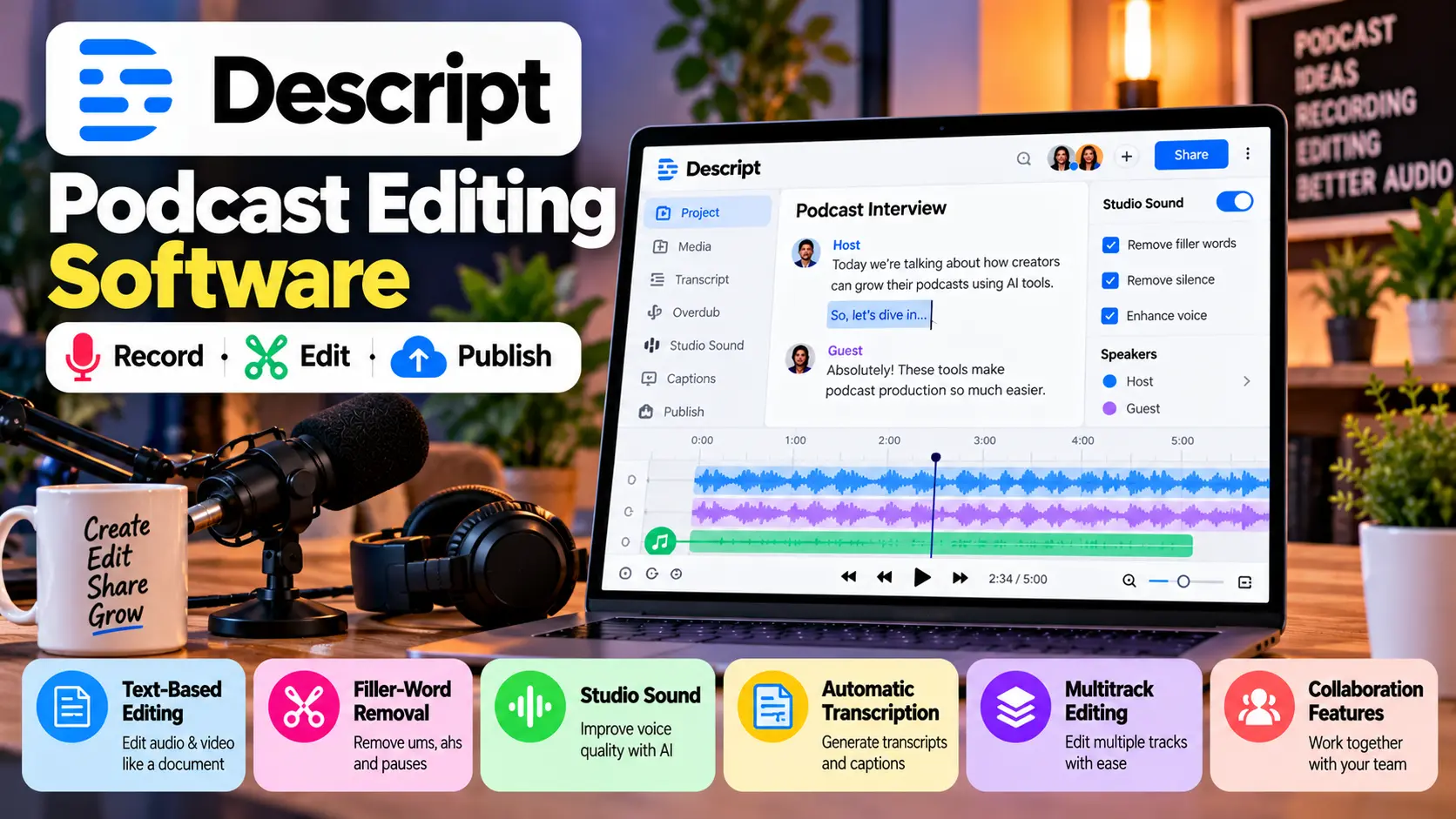
Descript is a popular option for creators who want to edit audio through a text-based interface. It connects the transcript with the recording, allowing users to edit spoken content by editing words in the transcript.
Key features:
- Text-based audio and video editing.
- Filler-word detection and removal.
- Studio Sound for improving voice quality.
- Automatic transcription and captions.
- Multitrack editing and collaboration features.
Benefits:
Descript can make interview editing easier, particularly when you need to remove repeated phrases, pauses, or mistakes. It is useful for podcasters who also produce video episodes.
Best for:
YouTube podcasters, interview shows, and content teams.
2. Adobe Podcast – Best for Voice Enhancement
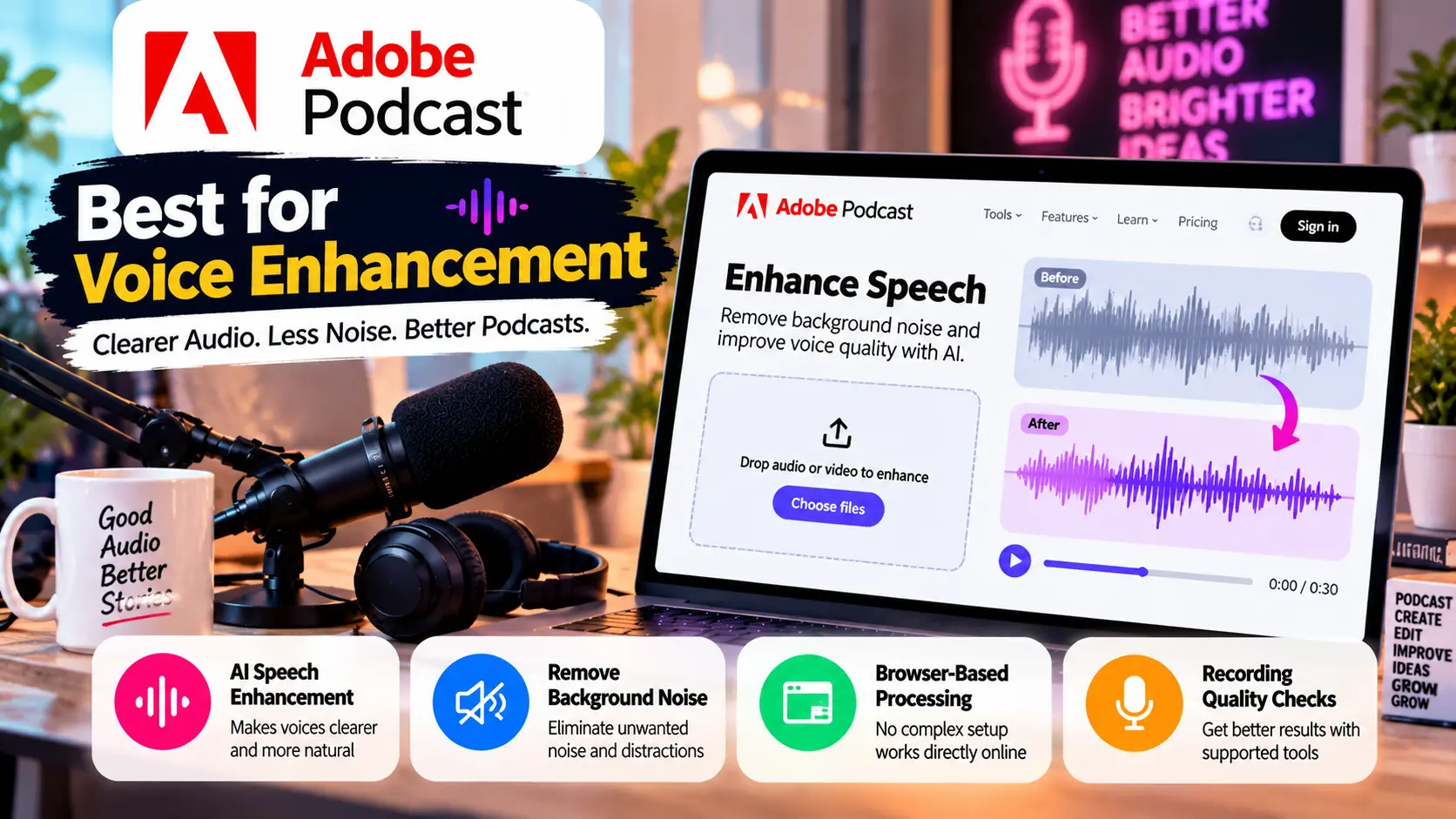
Adobe Podcast focuses on making spoken audio sound clearer. Its Enhance Speech feature uses AI processing to reduce distracting background noise and improve the perceived quality of speech recordings.
Key features:
- AI speech enhancement.
- Browser-based audio processing.
- Microphone and recording-quality checks through supported tools.
- Support for improving recordings made in less-than-ideal environments.
Benefits:
It can help creators improve interviews recorded in home offices, shared rooms, or other environments without professional acoustic treatment.
Best for:
Beginners, remote interviews, and solo creators who need cleaner voice recordings.
3. Riverside – Best for Remote Podcast Recording
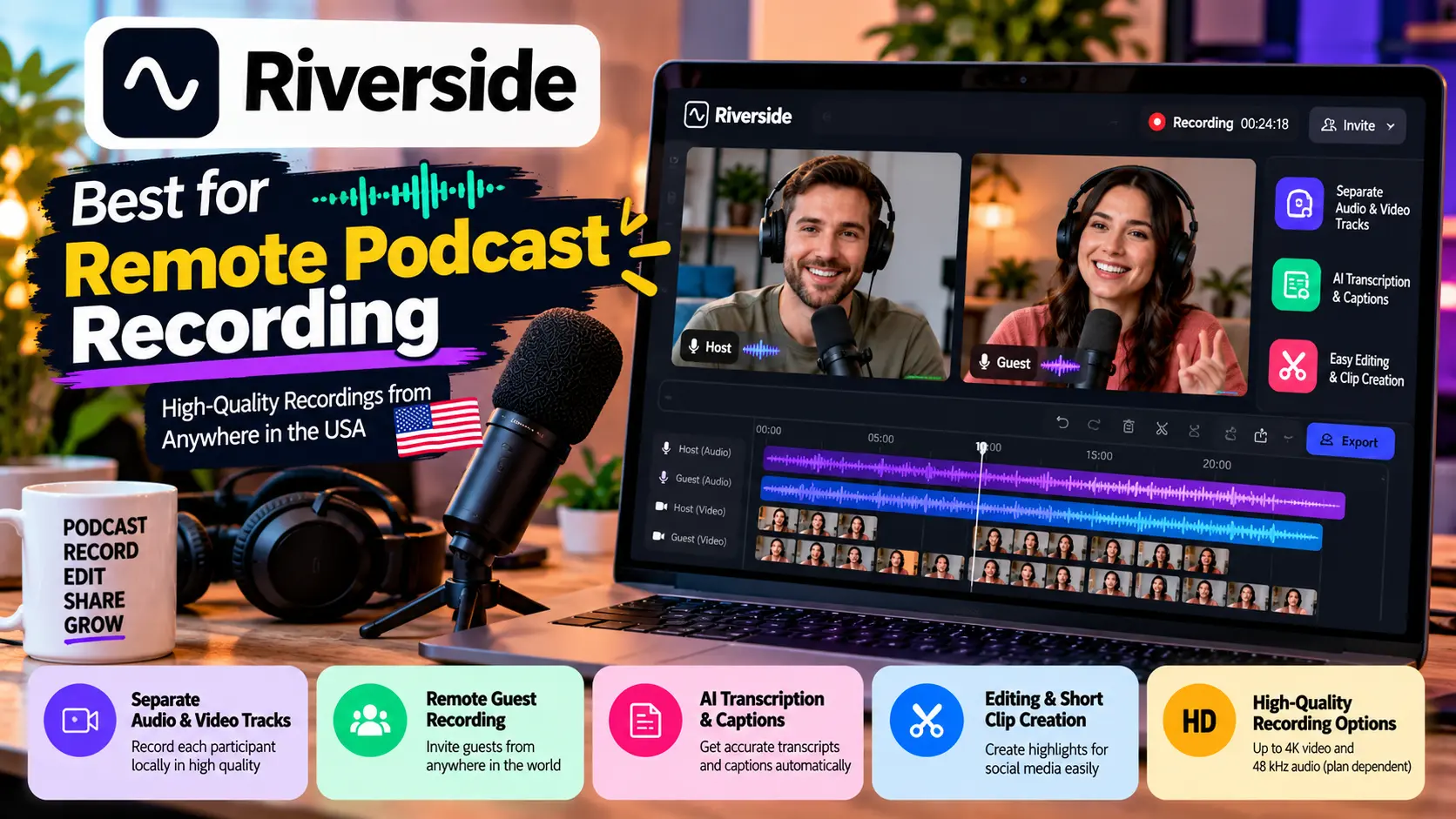
Riverside makes it easy to record remote podcasts and create high-quality content from anywhere. It records participants locally on their devices, helping preserve recording quality even when the internet connection fluctuates.
Key features:
- Separate audio and video tracks.
- Remote guest recording.
- AI transcription and captions.
- Editing and short-clip creation features.
- High-quality recording options, depending on the plan.
Benefits:
Riverside is particularly useful for interview-based shows with guests joining from different locations. Separate tracks also give editors more control over individual voices.
Best for:
Remote interview podcasts, video podcasts, and distributed teams.
4. Auphonic – Best for Automatic Audio Mastering
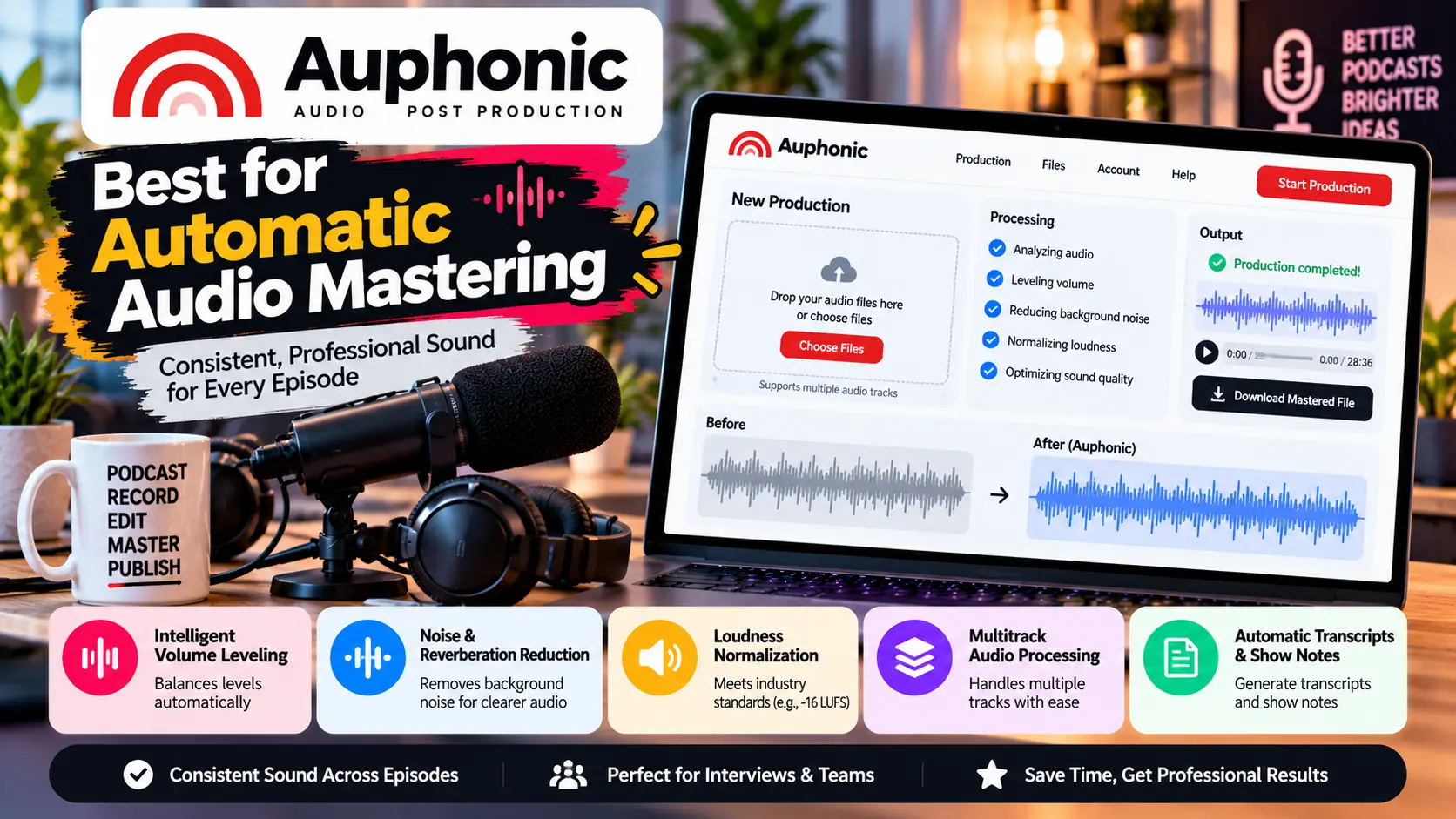
Auphonic is an audio post-production platform that helps podcasters achieve consistent sound across episodes. It’s especially helpful when speakers use different microphones or their voices are recorded at varying volume levels.
Key features:
- Intelligent volume leveling.
- Background-noise and reverberation reduction.
- Loudness normalization.
- Multitrack audio processing.
- Automatic transcripts and show notes.
Benefits:
Auphonic can help maintain consistent audio levels across episodes without requiring extensive knowledge of audio engineering. Its automation tools save creators time and effort, especially when they publish fresh content regularly.
Best for:
Regular podcasters, interview shows, and production teams that need consistent audio quality.
5. Podcastle – Best for Beginner-Friendly Production
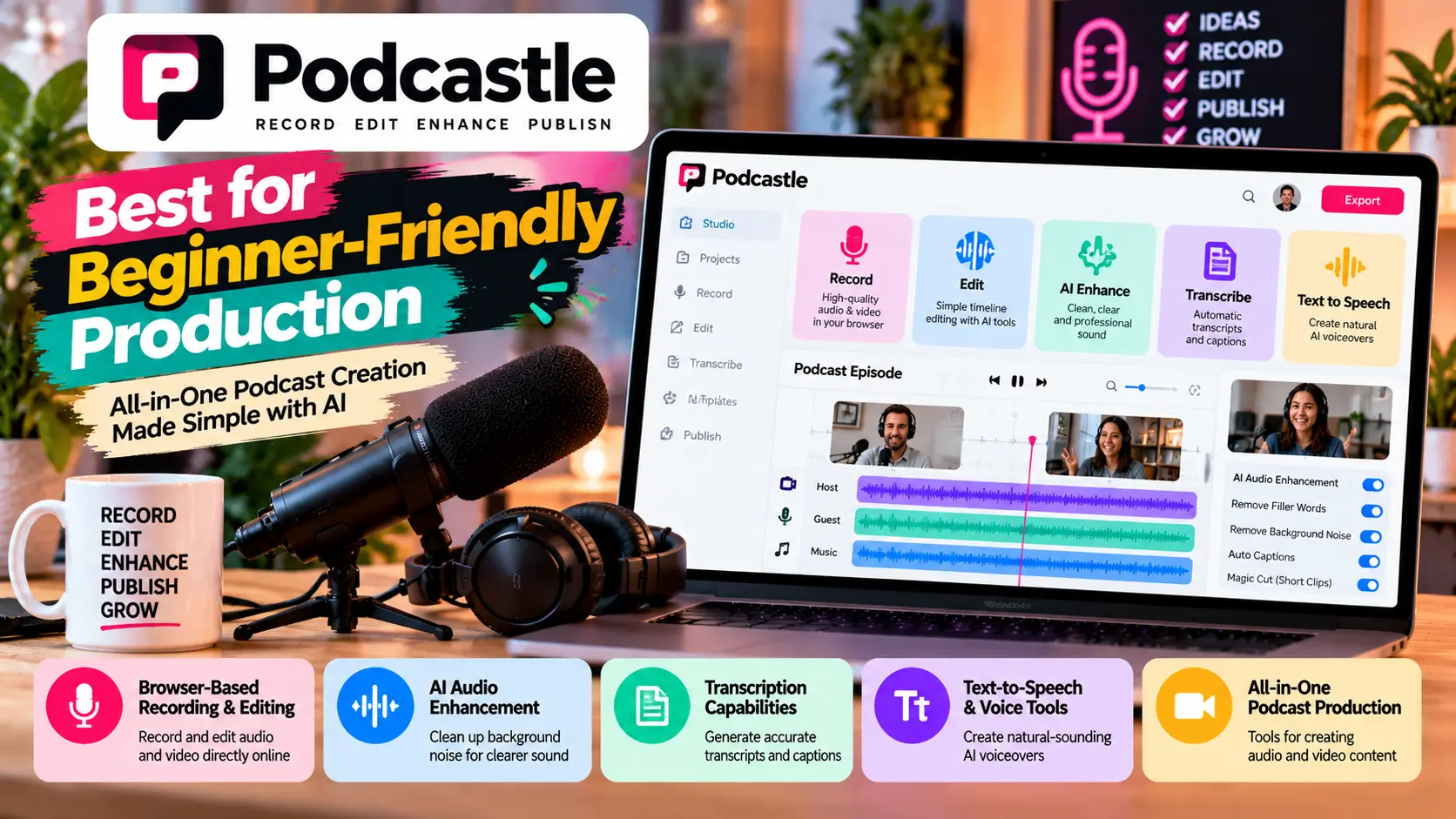
Podcastle makes it easy for creators to record, edit, and produce audio and video content right from their web browser. It is an option for creators who want a relatively accessible production workflow without assembling numerous separate applications.
Key features:
- Browser-based recording and editing.
- AI-assisted audio enhancement.
- Transcription capabilities.
- Text-to-speech and voice-related features.
- Tools for producing audio and video content.
Benefits:
Beginners can use a single workspace for several production tasks instead of learning multiple specialist applications. Available features depend on the current subscription plan.
Best for:
New podcasters, solo creators, and small production teams.
6. Cleanvoice – Best for Removing Filler Words
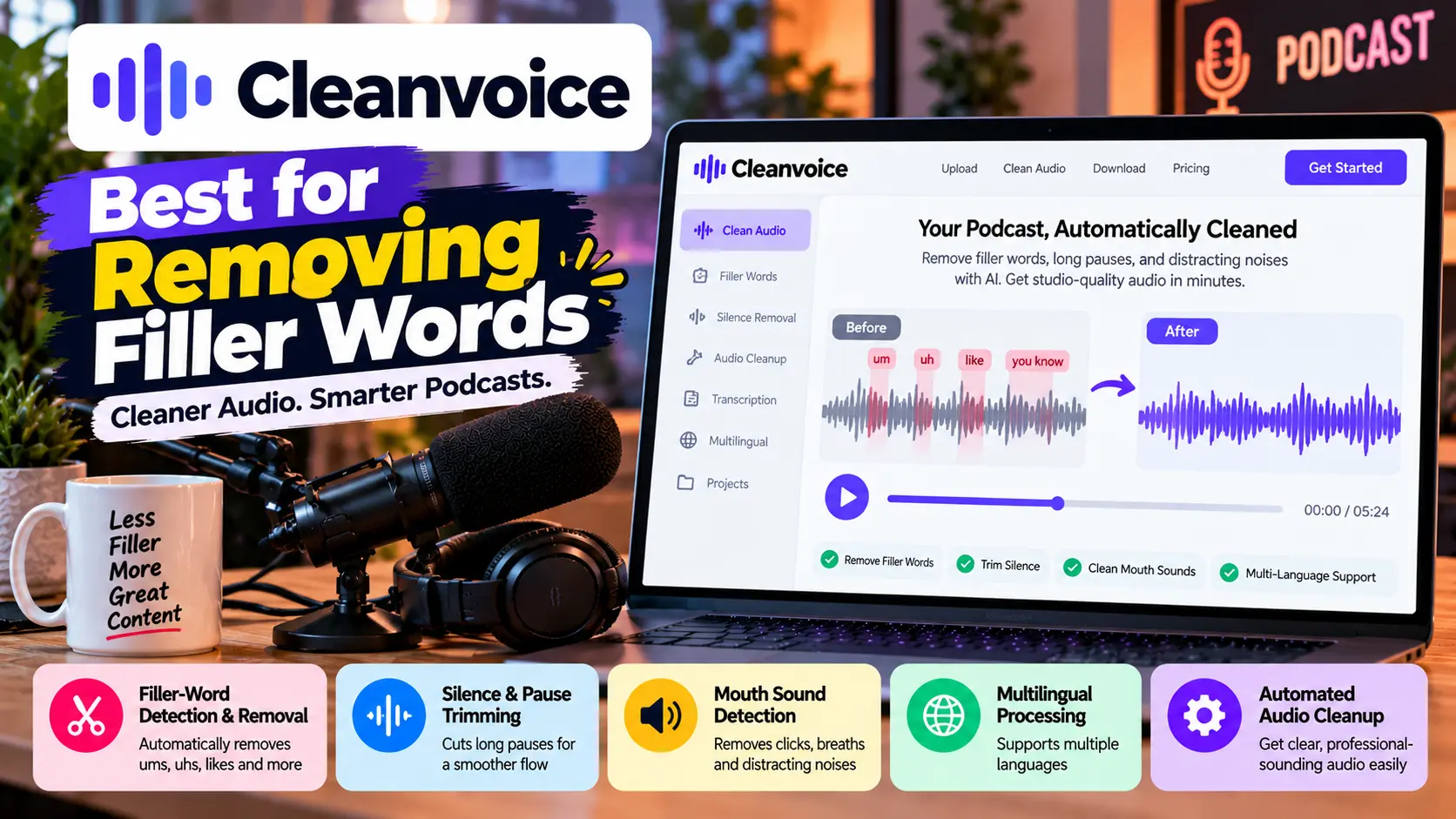
Cleanvoice focuses on removing unwanted elements from spoken recordings. These can include filler words, long pauses, mouth sounds, and certain distracting noises.
Key features:
- Filler-word detection and removal.
- Silence and pause trimming.
- Detection of distracting mouth sounds.
- Multilingual processing support.
- Automated audio cleanup.
Benefits:
Cleanvoice can reduce repetitive editing work, especially for conversational podcasts where speakers frequently pause or use filler expressions.
Best for:
Interview podcasts, long-form conversations, and creators who want to streamline post-production.
Also Read: Bambu Lab A1 Mini vs Ender 3 V3: Which Budget 3D Printer Wins?
7. Castmagic – Best for Repurposing Podcast Content
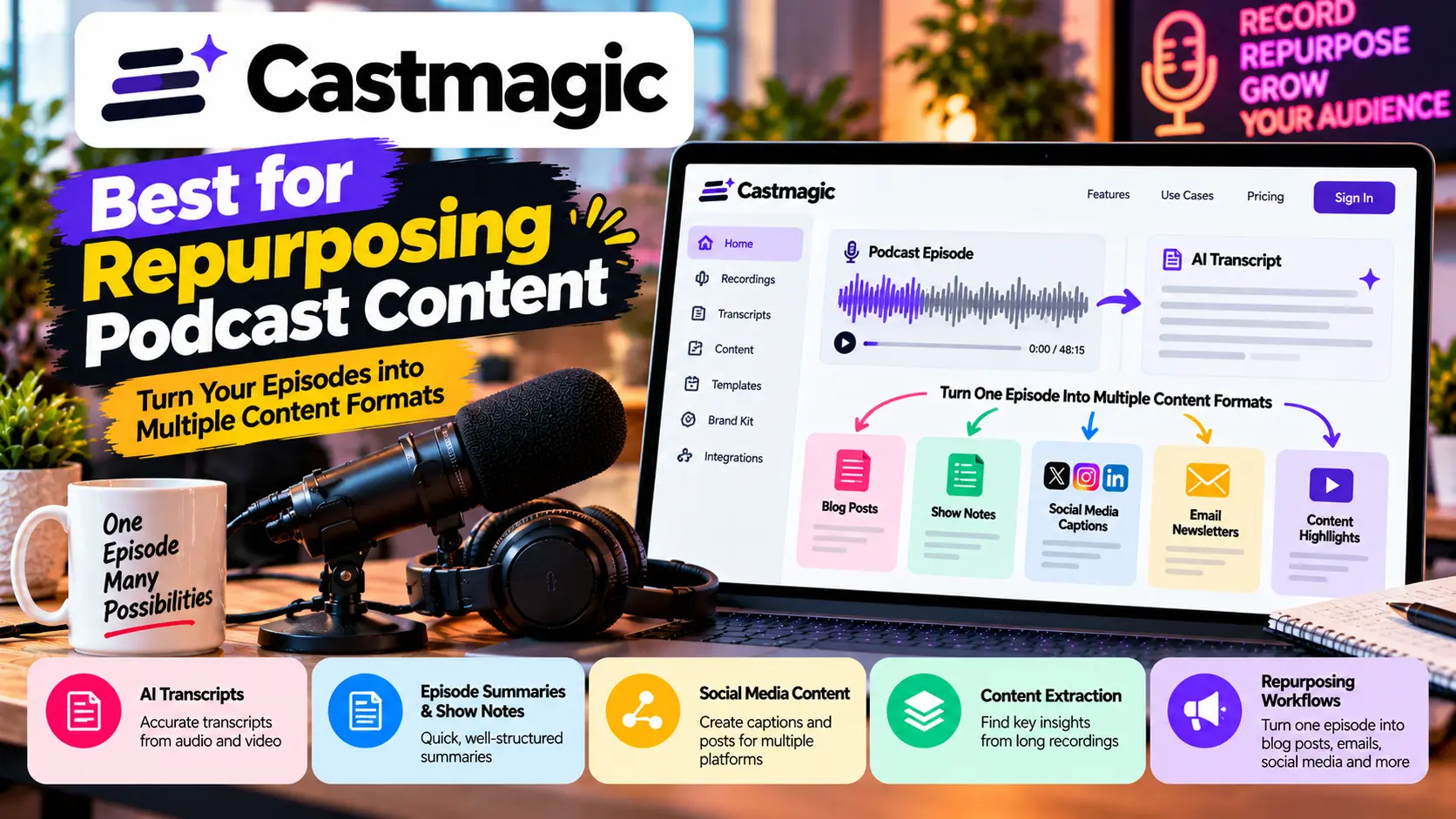
Castmagic makes it easier for creators to turn their audio and video recordings into useful written content. Rather than just editing audio, it helps transform podcasts and recordings into content that’s ready to publish, saving creators time and effort.
Key features:
- AI-generated transcripts.
- Episode summaries and show notes.
- Social media captions and content drafts.
- Content extraction from long recordings.
- Repurposing workflows for different publishing channels.
Benefits:
A single episode can provide material for blog posts, email newsletters, social media updates, and episode descriptions. Review generated text before publishing to correct errors and maintain your own voice.
Best for:
Marketing teams, professional creators, and podcasters who want to distribute content across multiple channels.
Comparison Table: Best AI Podcast Tools in 2026
| Tool | Main strength | Best use case |
| Descript | Text-based editing | Editing audio and video |
| Adobe Podcast | Speech enhancement | Removing noise and echo |
| Riverside | Remote recording | Interviews and video podcasts |
| Auphonic | Audio mastering | Consistent sound levels |
| Podcastle | Accessible production workflow | Beginners and solo creators |
| Cleanvoice | Filler-word removal | Cleaning conversational recordings |
| Castmagic | Content repurposing | Show notes and promotional content |
Features and subscription limits can change, so check each provider’s official website before choosing a paid plan.
Benefits of Using AI Podcast Tools
The main advantage of AI podcast tools is that they can automate repetitive tasks without requiring every creator to become a professional audio engineer.
- Save editing time: Automated transcription, silence detection, and filler-word removal can reduce manual work.
- Improve audio quality: Speech enhancement and noise reduction can make recordings easier to understand.
- Create accessible content: Transcripts and captions help audiences follow episodes and support accessibility.
- Repurpose recordings: Summaries, social posts, and short clips provide more ways to distribute each episode.
- Support consistent publishing: Automated workflows can make regular production more manageable.
However, AI processing is not perfect. It can remove meaningful pauses, distort voices, or misinterpret technical terms. Always listen to the finished recording before publishing.
How to Choose the Right AI Podcast Tool
The best choice depends on your biggest production challenge. If you work with lots of interviews, a transcript-based editor can make editing much easier. If your recordings sound noisy, choose a tool that helps clean up the audio and makes your voice sound clearer. And if you release episodes every week, automatic audio mastering might save you more time than adding another editing app to your workflow.
For US creators working with limited budgets, start with free tiers or trials and test them on a real episode before paying. Check export quality, monthly processing limits, supported file formats, privacy policies, and commercial-use terms.
Conclusion
The best AI podcast tools in 2026 help creators produce cleaner audio, edit episodes faster, and repurpose recordings into valuable content. Descript is a great all-in-one tool for podcast creators, while Adobe Podcast helps make voices sound clearer and more professional. Riverside is ideal for recording remote interviews, and Auphonic takes care of audio mastering automatically, making your episodes sound polished with less effort. Cleanvoice and Castmagic are helpful for more specialized workflows.
For most beginners, the practical approach is to start with one editing platform and add a dedicated cleanup or mastering tool only when needed. Test the results, review every automated edit, and select software that fits your publishing schedule and budget. The right combination can help US creators deliver more consistent podcast episodes without making production unnecessarily complicated.
Frequently Asked Questions (FAQs)
1. Which AI podcast tools are worth trying in 2026 to make recording, editing, and publishing podcasts easier?
Descript, Adobe Podcast, Riverside, Auphonic, Podcastle, Cleanvoice, and Castmagic are useful options. The best AI podcast tool for you depends on your needs, whether you’re recording and editing episodes, enhancing audio quality, transcribing conversations, or repurposing content into social media posts and short clips.
2. Which AI podcast tool is best for beginners?
Podcastle and Descript are worth considering for beginners who want accessible editing workflows. Adobe Podcast is another useful starting point if your main goal is improving speech quality.
3. Can AI podcast tools remove background noise?
Yes. Tools such as Adobe Podcast and Auphonic offer audio-enhancement features designed to reduce unwanted noise. The final results depend on the quality of the original recording, and heavily distorted audio may not be completely fixed.
4. Can AI automatically transcribe podcast episodes?
Yes. Several platforms generate transcripts from recorded audio. However, review names, technical terminology, and speaker attribution before publishing transcripts or captions.
5. Can AI podcast tools replace human editors?
They can automate many repetitive tasks, but human review remains important for storytelling, pacing, sound quality, factual accuracy, and creative decisions.