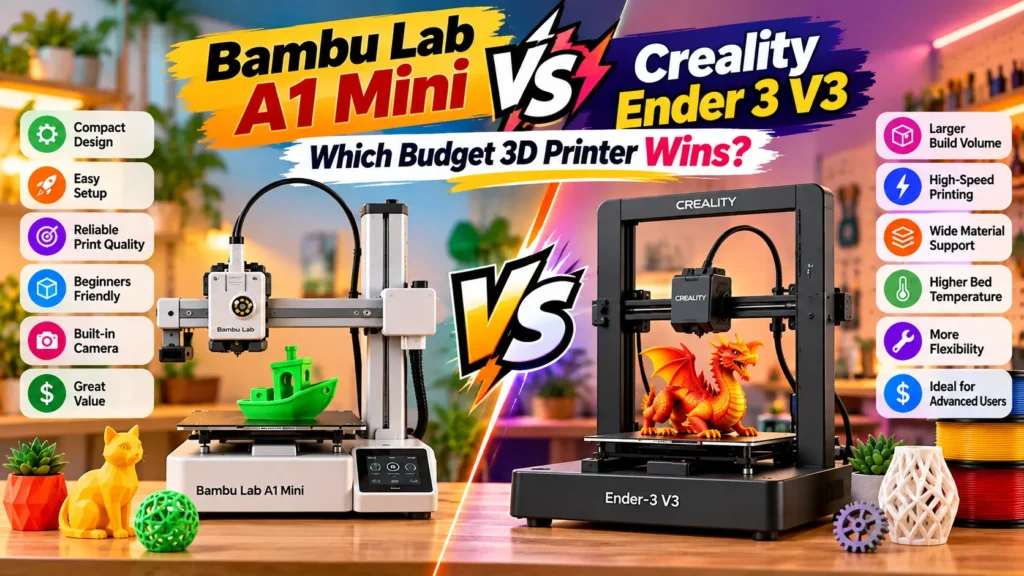
Bambu Lab A1 Mini vs Ender 3 V3: Which Budget 3D Printer Wins?
+
Table of Contents
- 1 Bambu Lab A1 Mini: Compact and User-Friendly
- 2 Creality Ender-3 V3: Bigger and Faster
- 3 Bambu Lab A1 Mini vs Ender 3 V3: Feature Comparison
- 3.1 Ease of Use: Bambu Lab A1 Mini vs Ender 3 V3
- 3.2 Bambu Lab A1 Mini vs. Ender 3 V3: Print Size
- 3.3 Bambu Lab A1 Mini vs. Ender 3 V3: Speed and Performance
- 3.4 Bambu Lab A1 Mini vs. Ender 3 V3: Materials
- 3.5 Bambu Lab A1 Mini vs Ender 3 V3: Which Printer Offers Better Value?
- 4 Final Verdict
Purchasing your first 3D printer can be complicated with all the options available. While there are many sub-$500 options, there are always a select few that seem to grab the attention of the beginner/hobbyist market, with the Bambu Lab A1 Mini and the Ender 3 V3 being two of the more notable examples.
This comparison of Bambu Lab A1 Mini vs Ender 3 V3 explores elements beyond the specs, such as print capacity, speed, materials, ease of use, and value. Both are good printers, but they target slightly different users.
Bambu Lab A1 Mini: Compact and User-Friendly
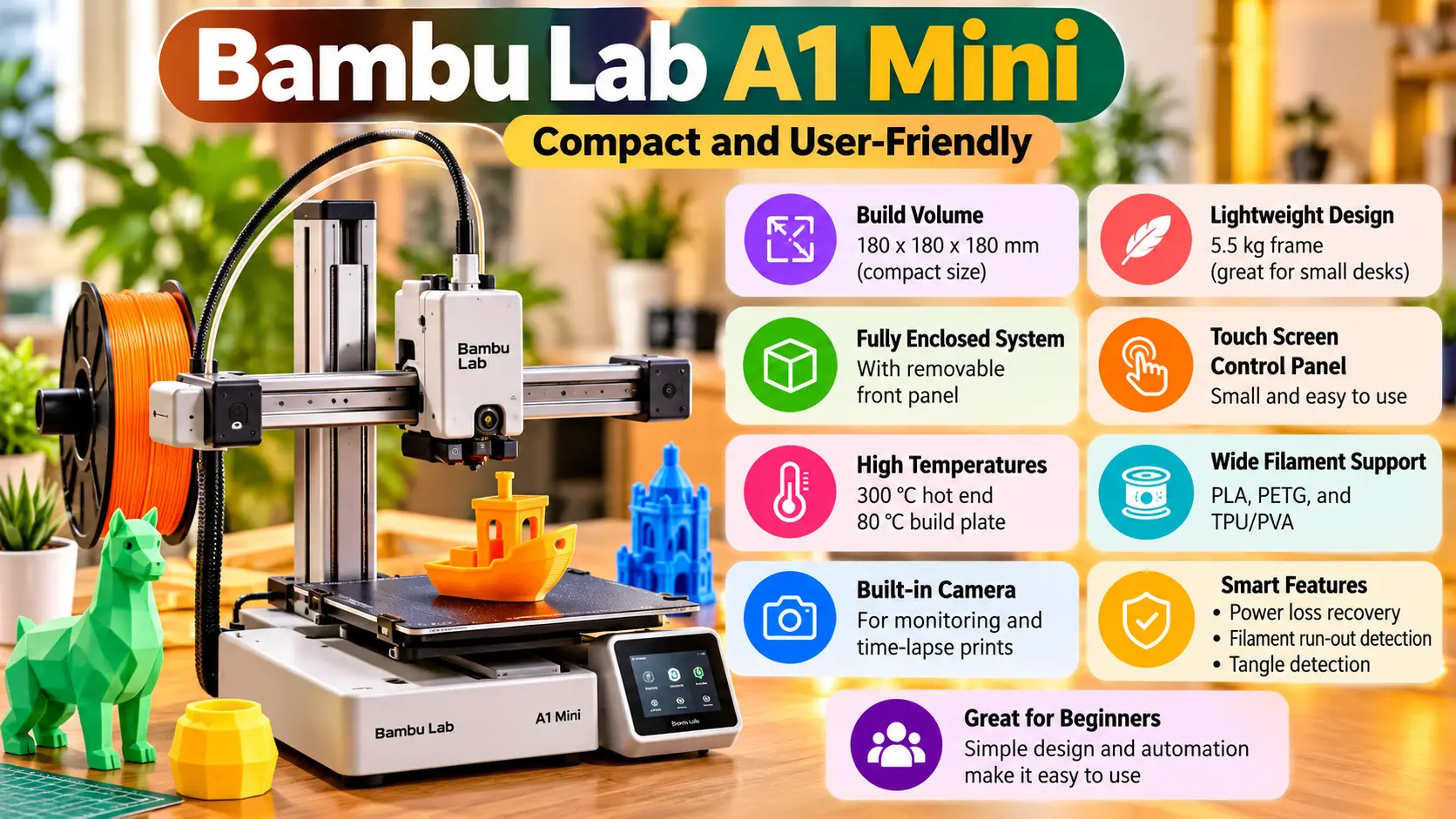
The A1 Mini is designed to be as simple to use as possible. It has a small 180x180x180 mm build volume and a lightweight 5.5 kg frame, making it a great option for smaller desks. It’s a fully enclosed system with a removable front panel and a small touch screen control panel.
It excels with PLA, PETG, and TPU/PVA filaments. It can reach a hot end temperature of 300 °C and a build plate temperature of 80 °C. There is a built-in camera for monitoring and time-lapse prints. It supports power loss recovery, filament run-out, and tangle detection.
All in all, its simple design and automation make it a solid option for first-time users in the US.
Also Read: Google Nest Hub Max Setup: The Ultimate Smart Home Guide
Creality Ender-3 V3: Bigger and Faster
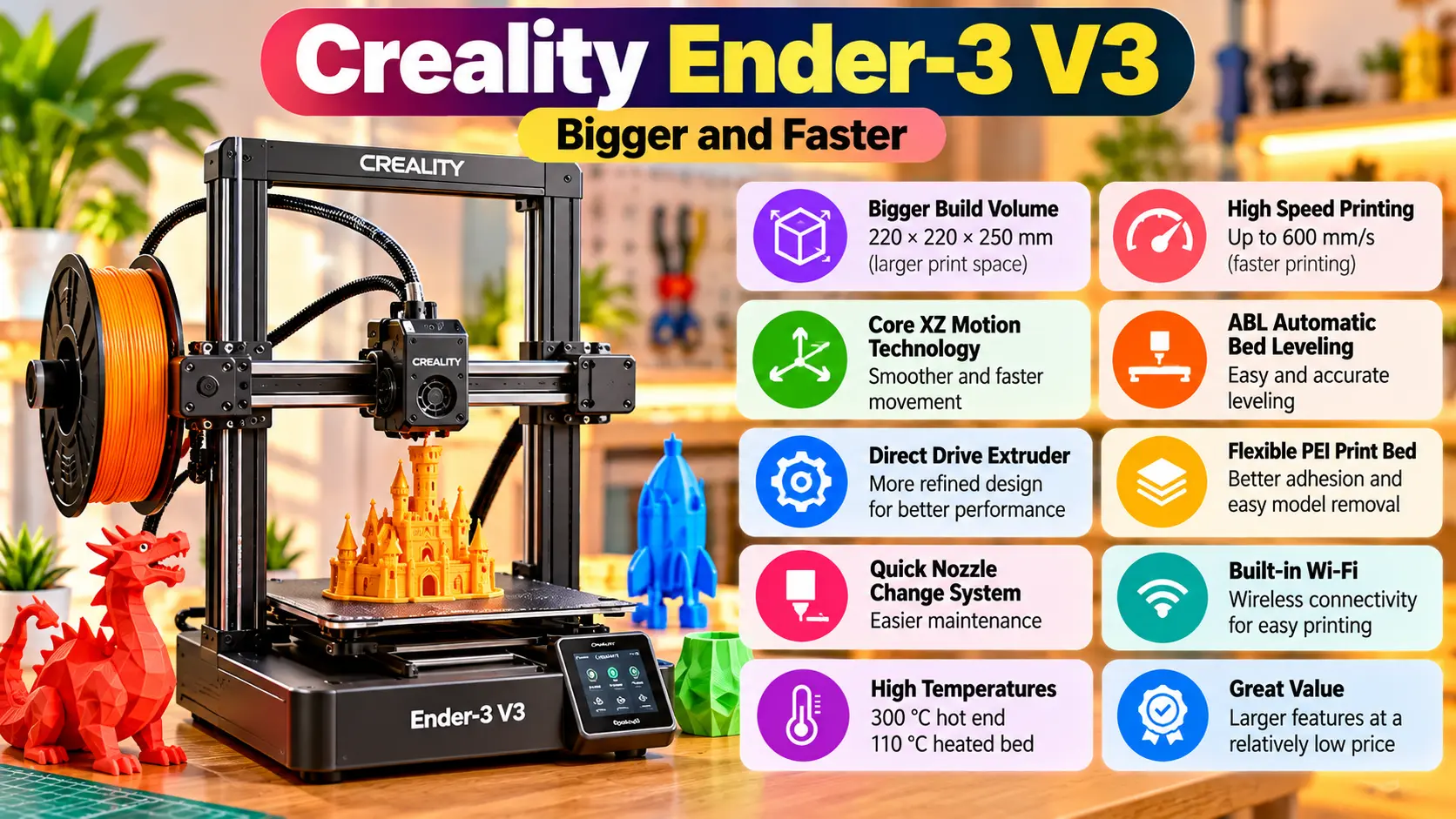
While the Ender-3 V2 focused on refining its features, the Ender-3 V3 aims to increase its overall size and speed. One of the key upgrades is a larger 220 × 220 × 250 mm build volume. Additionally, the Creality Ender-3 V3 employs Core XZ motion technology to enable faster printing speeds and ABL automatic bed leveling.
Creality states the Ender-3 V3 can achieve a max speed of 600 mm/s and acceleration of up to 20,000 mm/s². In terms of printing speeds, users can expect to achieve speeds much lower than the laboratory-tested speeds, similar to most FDM printers.
Compared to its predecessors, the Ender-3 V3 features a more refined direct drive extruder, a flexible PEI print bed, a quick nozzle change system, and built-in Wi-Fi connectivity. Further, its hot-end can reach up to 300 °C, and the bed can reach up to 110 °C.
With these features, the Creality Ender-3 V3 is a strong competitor among FDM printers and provides makers with a larger print volume at a relatively low price.
Bambu Lab A1 Mini vs Ender 3 V3: Feature Comparison
| Feature | Bambu Lab A1 Mini | Creality Ender-3 V3 |
|---|---|---|
| Build Volume | 180 × 180 × 180 mm | 220 × 220 × 250 mm |
| Toolhead Speed | 500 mm/s | 600 mm/s |
| Max Nozzle Temp. | 300°C | 300°C |
| Max Bed Temp. | 80°C | 110°C |
| Extruder | Direct-drive style toolhead | Direct-drive |
| Auto Leveling/Calibration | Yes | Yes |
| Filament Runout Sensor | Yes | Yes |
| Connectivity | Wi-Fi | Wi-Fi |
| Camera | Built-in camera | Optional AI camera |
| Build Surface | Textured PEI | Flexible PEI |
| Materials | PLA, PETG, TPU, PVA | PLA, TPU, PETG, ABS, PLA-CF, PETG-CF, CR-Carbon |
| Weight | 5.5 kg | 7.83 kg |
Specifications are based on manufacturer information and can vary with firmware, materials, and print settings.
Ease of Use: Bambu Lab A1 Mini vs Ender 3 V3
The A1 Mini is better for beginners for sure.
The goal of the A1 Mini is to take away as many of the barriers to entry as possible. This means users can connect the printer, load a model, and start printing with very little mechanical adjustment. The printer does most of the work.
For the A1 Mini, the built-in camera is useful to print remotely or capture a time-lapse of your print.
The Ender-3 V3 doesn’t require as much knowledge to use as the older models, but it is better for advanced users, since it gives more control over the settings and materials, and allows for performance tweaking.
Bambu Lab A1 Mini vs. Ender 3 V3: Print Size
An easy win for Creality.
The Ender 3 V3’s build volume of 220 x 220 x 250 mm is more than double that of the A1 Mini at 180 x 180 x 180 mm.
The A1 Mini’s volume may be sufficient for small toys, miniatures, organizers, prototypes, and household accessories, for example.
However, if you plan to print larger mechanical prototypes or cosplay components, brackets, enclosures, or anything else that may not fit in the A1 Mini, the Ender 3 V3 would be a better option.
Also Read: DJI vs Autel: The Surprising Winner Revealed
Bambu Lab A1 Mini vs. Ender 3 V3: Speed and Performance
Both printers have an advantage over traditional entry-level machines in terms of speed.
The A1 Mini’s toolhead is listed at 500 mm/s and the Ender 3 V3 at 600 mm/s, although in the end print quality is determined by many factors beyond toolhead speed.
Overall, the Ender 3 V3 is more interesting to users who prioritize rapid printing, due to its high-flow hotend and the CoreXZ system, which helps minimize layer shifting.
Bambu Lab A1 Mini vs. Ender 3 V3: Materials
Material compatibility is another factor that separates the two printers.
The A1 Mini is more restricted to beginner filaments, like PLA and PETG, while the Ender 3 V3 is more flexible, allowing users to print filaments such as ABS and CR-Carbon, which give a final product with a higher strength-to-weight ratio.
The Ender 3 V3 gives users access to more advanced materials and features a more powerful extruder. Therefore, users interested in advanced fabrication and engineering may want to go with the Ender 3 V3.
Bambu Lab A1 Mini vs Ender 3 V3: Which Printer Offers Better Value?
The Bambu Lab A1 Mini is best for users who want:
- A small, compact machine
- A printer that requires little to no maintenance
- PLA printing for everyday use
- Remote printer monitoring
The Creality Ender 3 V3 is best for users who want:
- Experimentation with more advanced materials
- A larger build volume
- Higher advertised print speeds
- A larger, more powerful extruder
The A1 Mini is arguably the better option for users printing smaller models and models that don’t require as large a build volume. For users who need a machine that can print larger, more advanced models, the Ender 3 V3 is a better option.
Final Verdict
Most first-time users are looking for convenience and smaller prints. For these users, the Bambu Lab A1 Mini is the better beginner option. For larger prints, more advanced features, and a larger build volume, the Creality Ender-3 V3 is the better option.
If you’re looking for easy and enjoyable 3D printing, the A1 Mini is a better option. For a larger, more versatile printer, the Ender-3 V3 is a better option.
FAQs
1. Is the Bambu Lab A1 Mini good for beginners?
Compared to other FDM printers, the A1 Mini has an easier and simpler learning curve, and offers more automated features, a camera to help with calibration, and a simpler software ecosystem, making it beginner friendly.
2. Is the Ender-3 V3 faster than the A1 Mini?
On paper, yes, Creality rates the Ender-3 V3 at up to 600 mm/s, compared with 500 mm/s maximum toolhead speed for the A1 Mini. Actual printing speeds will depend on model and settings.
3. Which has the Larger Build Volume?
The Ender-3 V3 has a larger build volume at 220 x 220 x 250 mm compared with 180 x 180 x 180 mm for the A1 Mini.
4. Can the A1 Mini Print ABS?
Bambu Lab does not recommend ABS for the A1 Mini. It is more suitable for PLA, PETG, TPU and PVA.
5. Which one should US Buyers Choose?
For beginners, the A1 Mini is the better choice for printing smaller models. For wider and more flexible use, the Ender-3 V3 is the more appropriate option.