Best AI Coding Platforms: Unlock Smarter Development
+
Table of Contents
- 1 What are AI Coding Platforms?
- 2 Top AI Coding Platforms Comparison
- 2.1 1. GitHub Copilot
- 2.2 2. Cursor AI
- 2.3 3. Amazon Q Developer
- 2.4 4. Replit AI
- 2.5 5. Tabnine
- 2.6 6. Codeium
- 2.7 7. Windsurf
- 2.8 8. Claude Code
- 2.9 Best AI Coding Platforms Key Features
- 2.10 Benefits of AI Coding Platforms
- 2.10.1 Fast Development
- 2.10.2 Enhanced Accuracy
- 2.10.3 Better Learning
- 2.10.4 Greater Productivity
- 2.10.5 Better Collaboration
- 2.10.6 Cost Saving
- 2.10.7 Improved Code Quality
- 2.11 Choosing the Right AI Coding Platform
- 2.11.1 Programming Languages
- 2.11.2 IDE Integration
- 2.11.3 Security
- 2.11.4 Pricing
- 2.11.5 Team Features
- 2.12 Who Is It For?
- 2.13 What Can We Expect From AI Coding Platforms?
- 3 Conclusion
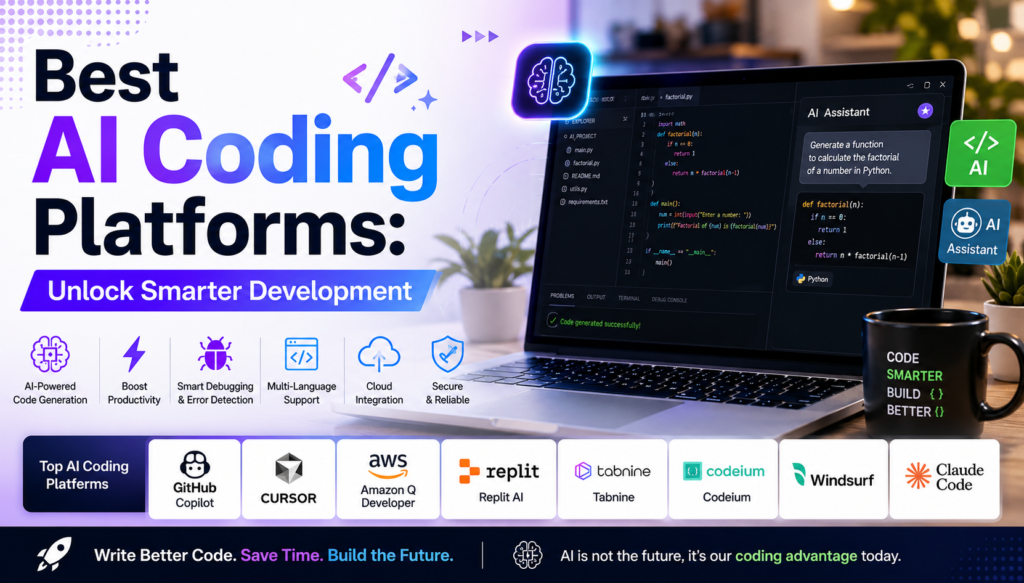
The introduction of AI to software development has enabled coding to be faster, more precise, and more efficient. The top AI Coding Platforms offer the ability for developers to write, debug, and document code, and even create entire applications with little to no coding. AI Coding Platforms can help you increase your productivity whether you are a novice programmer or a full-fledged software engineer coding enterprise applications.
This article describes the top AI Coding Platforms, their unique characteristics, and the advantages of using them. We also discuss the importance of these platforms to current software developers.
What are AI Coding Platforms?
AI Coding Platforms are software that integrates machine learning and natural language processing to aid users in the coding process. These tools are capable of writing code, detecting bugs, analyzing and enhancing code functionality, and even explaining code and automating coding tasks.
AI Coding Platforms, unlike standard code editors, are able to understand the context of the code being worked on, making them excellent tools for the majority of the popular programming languages (e.g., Python, JavaScript, Java, C++, PHP, Go, Rust, etc.).
Top AI Coding Platforms Comparison
| AI Coding Platform | Best For | Core Functionalities | Most Used Programming Languages |
|---|---|---|---|
| GitHub Copilot | General coding | AI-powered code suggestions, intelligent code completion, function generation, and inline coding assistance | 20+ |
| Cursor AI | Complete AI coding IDE | AI chat, smart code editing, project-wide code understanding, and automated refactoring | Multiple |
| Amazon Q Developer | AWS developers | Cloud development assistance, AWS integration, code generation, security recommendations, and infrastructure automation | Multiple |
| Replit AI | Beginners and development teams | Browser-based IDE, AI coding assistant, collaborative coding, and instant deployment | 50+ |
| Tabnine | Privacy-focused coding | Local AI models, intelligent autocomplete, enterprise security, and offline code assistance | Multiple |
| Codeium | Free AI coding assistance | Fast autocomplete, AI chat, code search, and intelligent code generation | 70+ |
| Windsurf | Modern AI IDE | Agentic coding workflows, AI-powered automation, multi-file editing, and intelligent project planning | Multiple |
| Claude Code | Large project analysis | Code debugging, code explanation, documentation generation, and context-aware programming assistance | Multiple |
1. GitHub Copilot
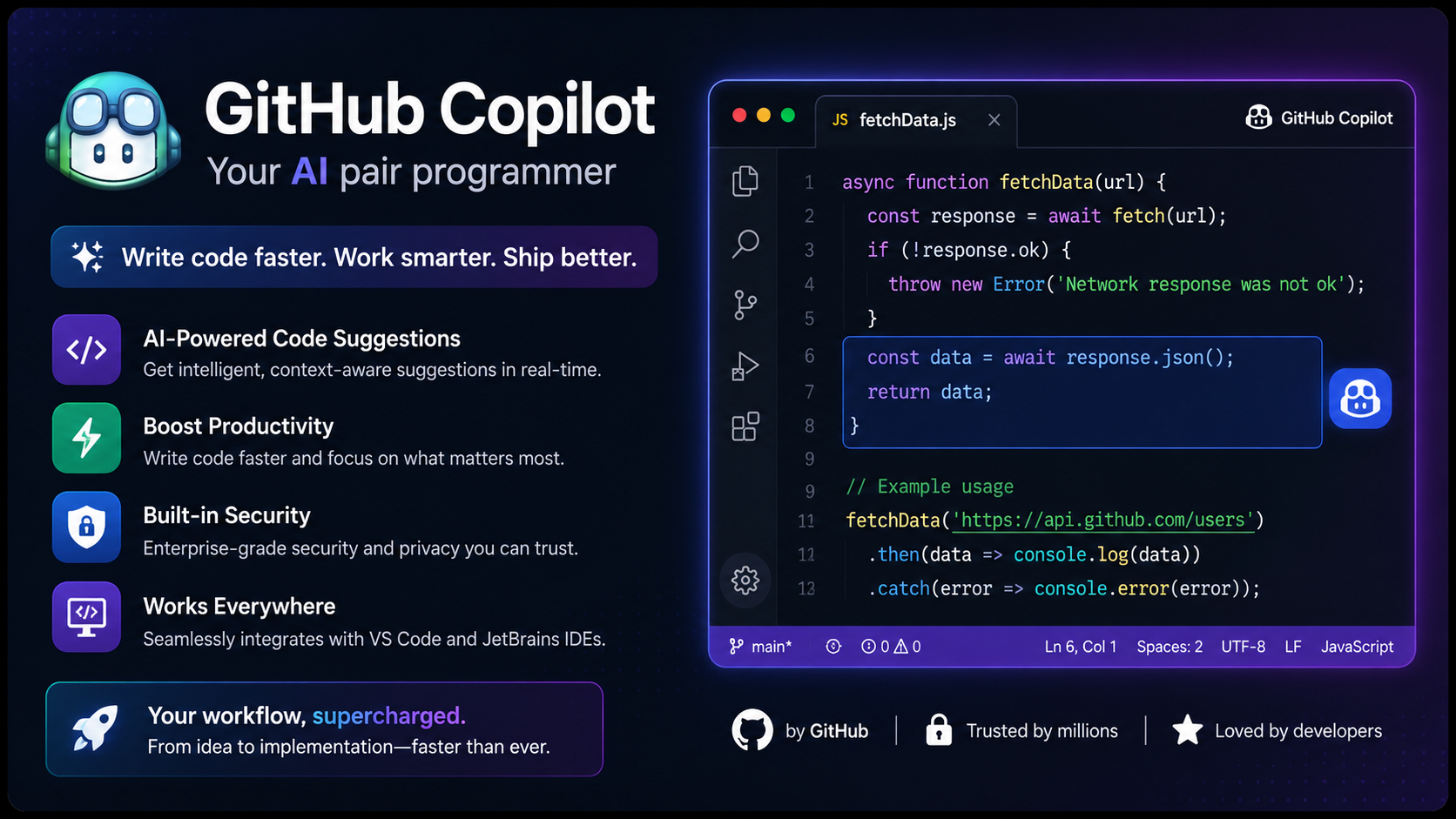
GitHub Copilot remains one of the Better AI Coding Platforms because of its advanced code completion features. It is built with a sophisticated language model that understands your project context and provides suggestions for code lines, or even complete functions, in real time.
Features
- Code completion with AI
- Natural language conversion to code
- Automatic test creation
- Support for multiple languages
- Integration with IDE
Benefits
- Code development becomes faster
- Reduces the need for repetitive coding
- Beginners learn syntax
- Developer productivity is improved
2. Cursor AI
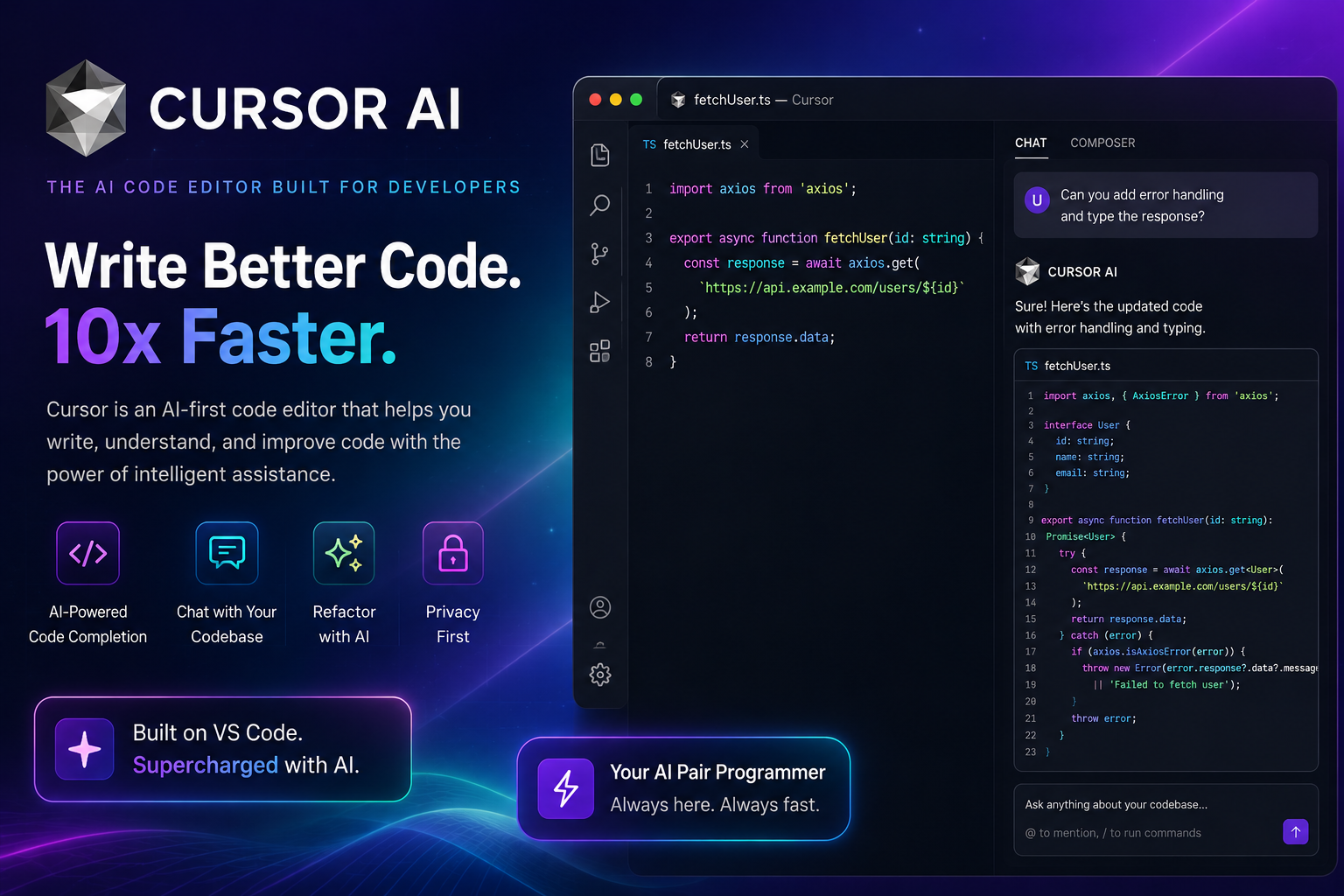
Cursor AI is an intelligent code editor designed with features that aid in code development with AI support. It enables users to edit large files, generate functions, and even comprehend and navigate complex code structures with the aid of conversational AI.
Features
- AI chat within the editor
- Understanding code on the scale of projects
- Automated code refactoring
- Refactoring of bugs
- Explanation of code
Benefits
- Refactoring bugs becomes faster
- Code quality is improved
- Collaboration is easier
- Development time is saved
3. Amazon Q Developer
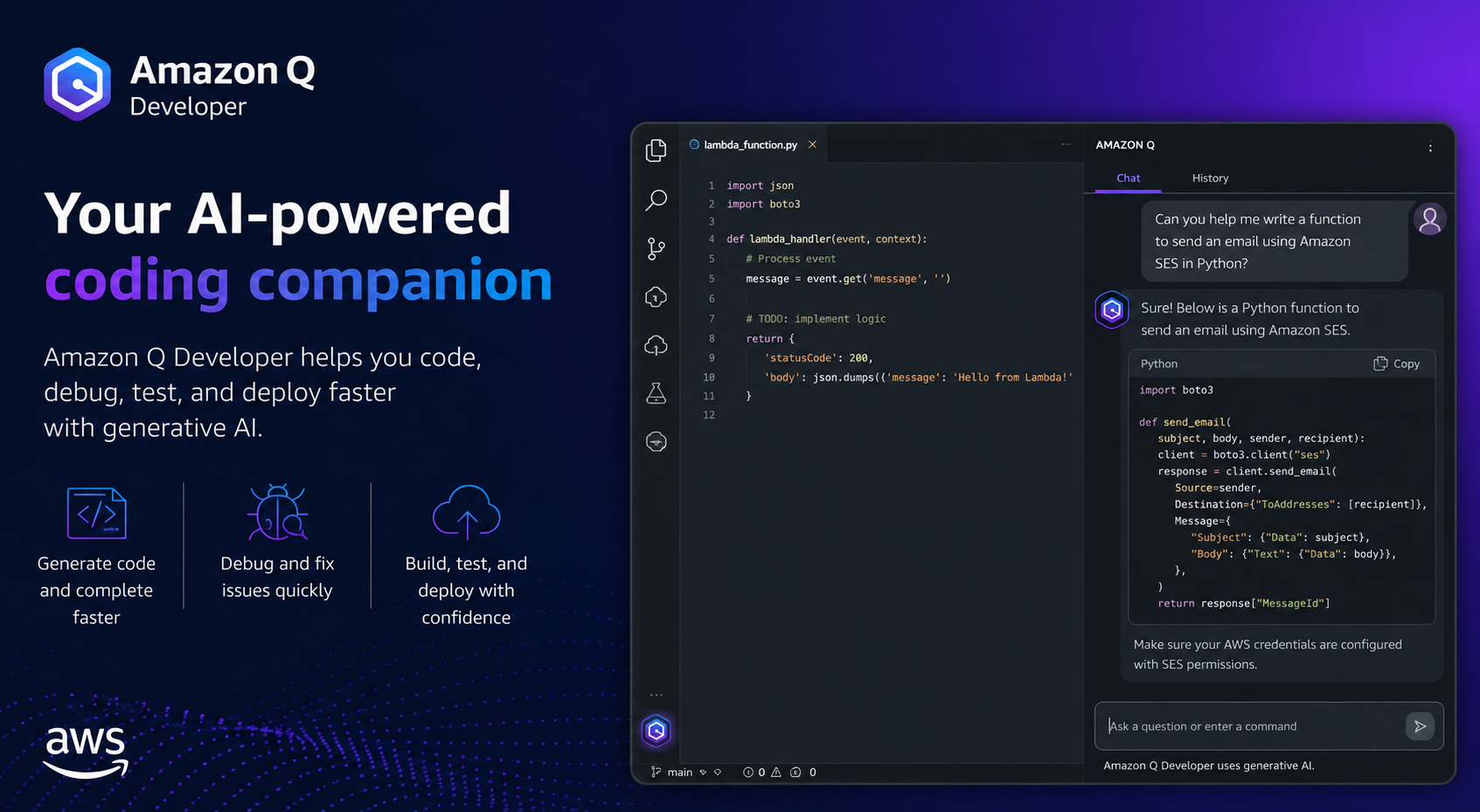
Amazon Q Developer is designed for cloud users who are building applications on AWS. It assists in coding to create cloud infrastructure, optimize cloud resources, and develop secure code for cloud applications.
Features
- AWS integration
- Infrastructure automation
- Security suggestions
- Code generation
- Documentation assistance
Benefits
- Simplifies cloud development
- Enhances security
- Automates mundane tasks
- Improves efficiency in deployment
Also Read- Ultimate FPV Drone Buying Guide: Avoid Costly Mistakes
4. Replit AI
Replit AI democratizes programming via its web-based IDE integrated with AI. It is most beneficial for students and teachers, and also freelancers and small businesses.
Features
- Browser-based coding
- AI assistant
- Collaborative coding
- Instant deployment
- Project templates
Benefits
- No installation
- Great for learning
- Easy collaboration
- Rapid development
5. Tabnine
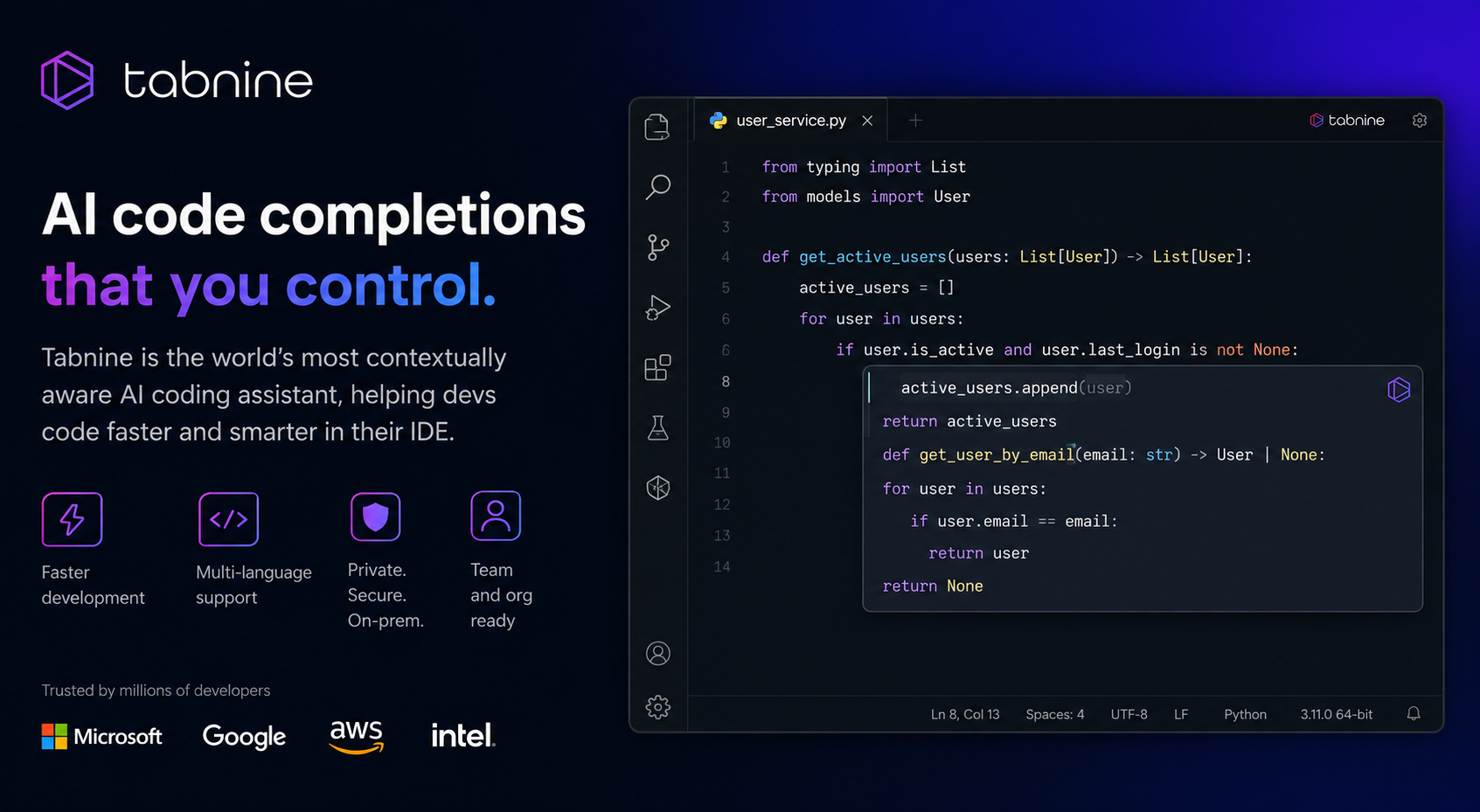
Tabnine provides AI coding assistance and a heavy focus on privacy. Companies prefer Tabnine because it allows AI to run locally and does not require code to leave Tabnine.
Features
- Local AI
- Smart autocomplete
- Team learning
- IDE compatible
- Enterprise security
Benefits
- Safeguards code
- Speeds up coding
- Supports enterprise
- Seamless integration
6. Codeium
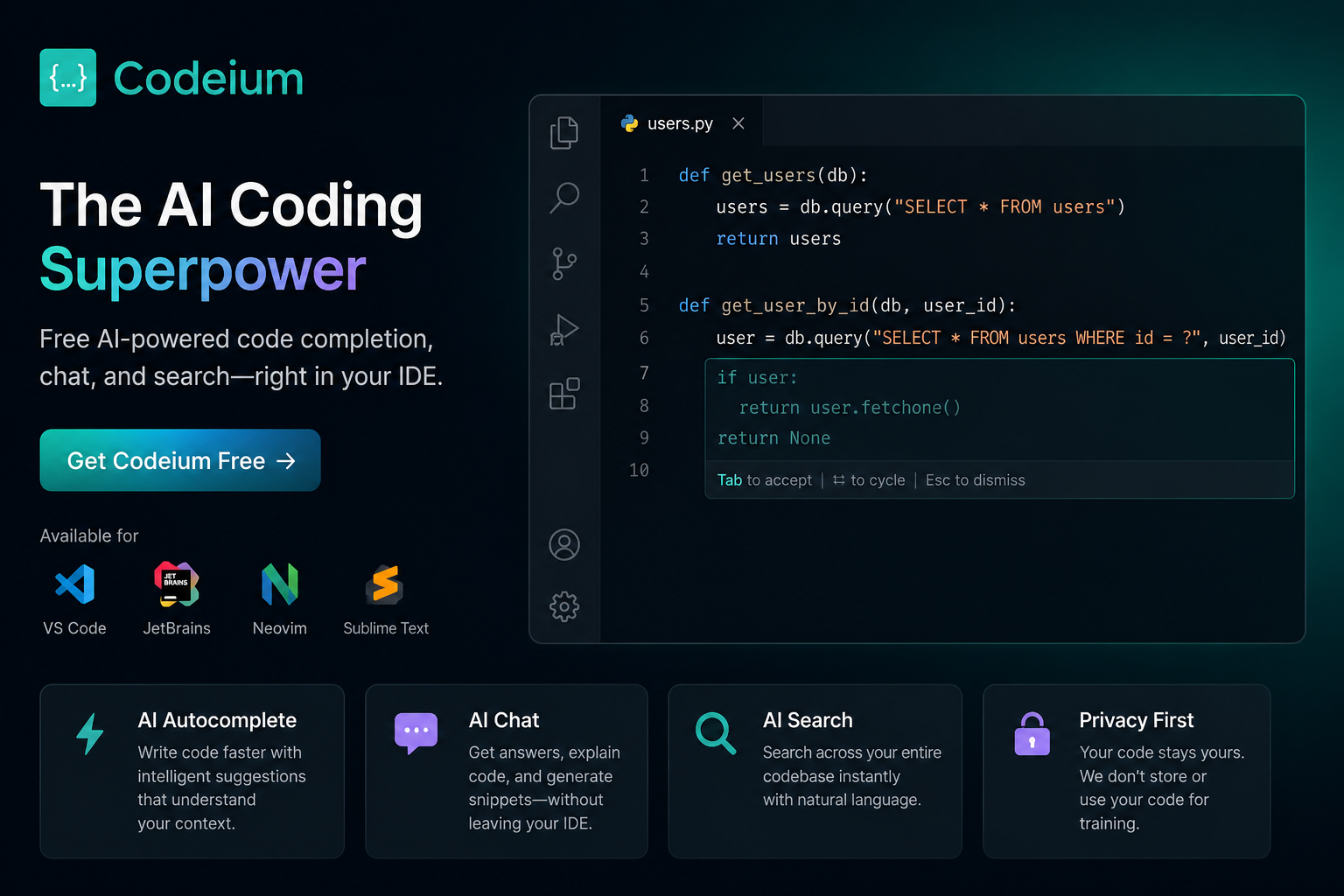
Codeium’s popularity is attributed to its excellent AI coding assistance and its remarkably free plan. Developers can receive smart suggestions for code at no cost to them.
Features
- AI autocomplete
- Chat assistant
- Code search
- IDE flexibility
- Speed
Benefits
- Free
- Fast
- Beginner friendly
- Increases productivity
7. Windsurf

Windsurf offers an AI-first coding experience whereby the assistant is a participant for the entire duration of coding as opposed to simply suggesting code.
Features
- AI workflows
- Multi-file editing
- Code planning
- Task automation
- Debugging assistance
Benefits
- Copes with large projects
- Less manual work
- Increased productivity
- Faster code completion
8. Claude Code
Claude Code is great at big-picture thinking when it comes to coding and offers suggestions for logic as well as complicated pieces of code. It assists with the debugging process, gives code reviews, and helps with writing clearer code.
Features
- Code explanation
- Error analysis
- Documentation generation
- Refactoring assistance
- Context-aware responses
Benefits
- Better code understanding
- Easier maintenance
- Faster onboarding
- Improved documentation
Best AI Coding Platforms Key Features
When you look for the Best AI Coding Platforms, look for the following features:
- Intelligent code completion
- AI-powered debugging
- Natural language programming
- Multi-language programming
- Code optimization
- Documentation generation
- Security recommendations
- IDE integration
- Team collaboration
- Project-wide contextual understanding
Features within these frameworks allow developers to generate clean, fast, and dependable software.
Benefits of AI Coding Platforms
There are many advantages to using the Best AI Coding Platforms, and the advantages are true for novice and seasoned programmers alike.
Fast Development
Automating repetitive tasks gives programmers the freedom to solve more difficult problems.
Enhanced Accuracy
Code suggestions and improvements lead to fewer mistakes and errors.
Better Learning
AI can help give context and teach new programmers about how to read and write code.
Greater Productivity
People can get the same amount done in a shorter period of time.
Better Collaboration
AI auto-docs which helps collaboration.
Cost Saving
Reduced development time leads to fewer dollars spent.
Improved Code Quality
AI does a better job of showing clean architecture and optimization concepts.
Choosing the Right AI Coding Platform
Not every platform is suitable for every developer. Consider the following when making a decision.
Programming Languages
Some platforms only support a few programming languages.
IDE Integration
Some platforms are only compatible with certain code editors like VS Code, IntelliJ IDEA, or Visual Studio.
Security
This is more important for enterprise users. Consider local AI and secure deployments.
Pricing
Balance your development needs with the features of both free and paid plans.
Team Features
For organizations, assess the collaboration features and project management capabilities.
Also Read- Top AI Chatbots for Customer Support That Transform Service
Who Is It For?
The Best AI Coding Platforms cater to a variety of professions, including:
- software developers, web developers, mobile app developers, data scientists, and DevOps engineers;
- students
- participants of coding bootcamps
- founders of startups
- freelancers
- members of enterprise development teams
AI coding assistants are beneficial regardless of your knowledge of coding.
What Can We Expect From AI Coding Platforms?
Considering the rapid evolution of AI coding technology, the next generations of platforms can be expected to introduce:
- Fully automated software development
- Real-Time Architecture
- AI Project Managers
- Automated Testing Pipelines
- Self-Healing Code
- Intelligent Debugging
- Enhanced Cybersecurity
- Advanced Voice-Based Programming
The aforementioned will only continue to disrupt and impact software engineering.
Conclusion
The Best AI Coding Platforms have revolutionized software development and are quickly becoming essential AI coding tools. GitHub Copilot, Cursor AI, Codeium, Replit AI, Tabnine, Windsurf, Amazon Q Developer, and Claude Code are just some of the available options.
AI coding tools assist in creating software of higher quality and greater complexity while coding fewer errors and automating tedious tasks. The selection of an AI coding platform is a balance between your coding language of choice, security concerns, budget, and a personal or enterprise development roadmap.
The evolution of AI will only bring even greater capabilities to coding platforms, and, thus, coding will be even easier and faster.
F.A.Q.
1. What Are AI Coding Platforms?
AI coding platforms are software tools that implement AI technologies in code generation, error detection, programming explanations, and overall software development productivity.
2. What are the best coding AIs?
GitHub Copilot, Cursor AI, Codeium, Claude Code, Tabnine, Replit AI, Windsurf, and Amazon Q Developer are a few of the best coding AIs available.
3. Are AI coding aids good for learning?
Absolutely. AI coding assistants help beginners by simplifying coding and encouraging best practices.
4. Will AI coding platforms eliminate developers?
Not really. AI has made coding easier by performing menial coding tasks, but a human presence is needed for coding structure and logic as well as the more advanced coding tasks.
5. Are AI coding platforms paid?
Most AI coding platforms have a free tier, but to access the advanced features and AI tools, a subscription is needed.
6. What programming languages do AI coding platforms have?
Most AI coding platforms support C++, C#, TypeScript, Go, Python, JavaScript, Java, PHP, Rust, Ruby, Kotlin, Swift, and a few other popular programming languages.