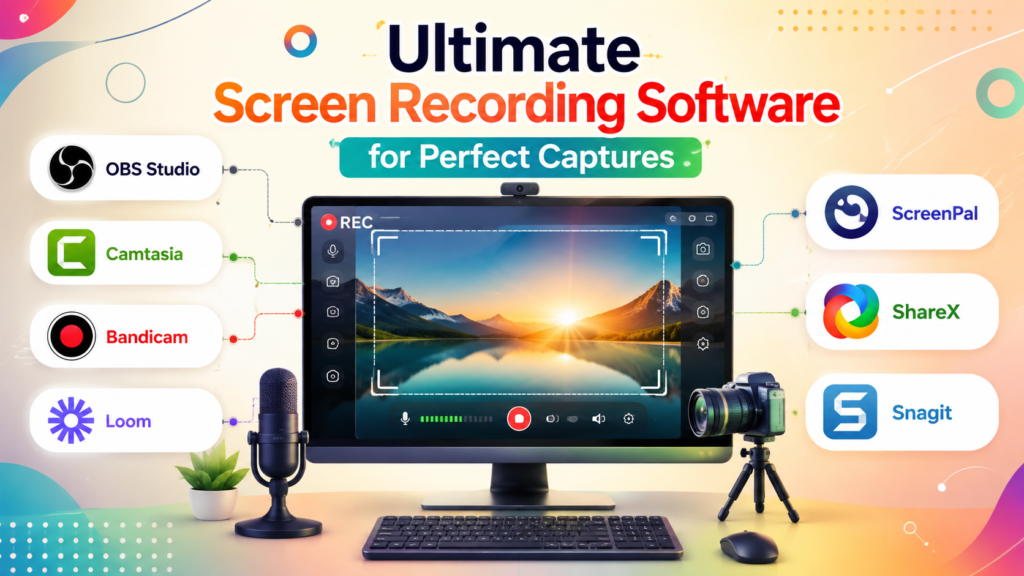
Ultimate Screen Recording Software for Perfect Captures
+
Table of Contents
- 1 Why You Need the Best Screen Recording Software
- 2 Best Screen Recording Software Comparison Table
- 2.1 1. OBS Studio
- 2.1.1 Key Features
- 2.1.2 Benefits
- 2.1.3 Best For
- 2.2 2. Camtasia
- 2.2.1 Key Features
- 2.2.2 Benefits
- 2.2.3 Best For
- 2.3 3. Bandicam
- 2.3.1 Key Features
- 2.3.2 Benefits
- 2.3.3 Best For
- 2.4 4. Loom
- 2.4.1 Key Features
- 2.4.2 Benefits
- 2.4.3 Best For
- 2.5 5. ScreenPal
- 2.5.1 Key Features
- 2.5.2 Benefits
- 2.5.3 Best For
- 2.6 6. ShareX
- 2.6.1 Key Features
- 2.6.2 Benefits
- 2.6.3 Best For
- 2.7 7. Snagit
- 2.7.1 Key Features
- 2.7.2 Benefits
- 2.7.3 Best For
- 2.8 How to Choose the Best Screen Recording Software
- 2.9 Benefits of Using Best Screen Recording Software
- 2.9.1 1. Better Communication
- 2.9.2 2. Professional Tutorials
- 2.9.3 3. Better Collaboration
- 2.9.4 4. Helps with Content Creation
- 2.9.5 5. Fosters Remote Learning
- 2.9.6 6. More Efficient
- 2.10 How to Choose the Right Screen Recording Software
- 3 Conclusion
- 3.1 Frequently Asked Questions
- 3.1.1 1. What is the best screen recording software that is free to download and use?
- 3.1.2 2. What screen recording software is best for beginners?
- 3.1.3 3. Will screen recording software record sound?
- 3.1.4 4. Which software is best for screen recording tutorials on YouTube?
- 3.1.5 5. Is OBS Studio really free?
- 3.1.6 6. According to reviews, what screen capture software is best for gaming?
As a content creator, gamer, teacher, or businessman, the Best Screen Recording Software can help you record videos at a higher quality than you have ever recorded before. In the past decade, screen recording software has grown and developed. It used to only be able to record simple screen captures, but now offers editing, live stream integration, cloud sharing, note-taking, and AI enhancements. Software can capture tutorials, online courses, product demos, webinars, gameplay videos, and business presentations.
The Best Screen Recording Software can help you decide what software is best for what you need it for. You will see what different software can do and the pros and cons it has. By the end of this guide, you’ll know exactly which screen recording software is right for your needs and feel confident choosing the best one.
Why You Need the Best Screen Recording Software
The best screen recording software goes beyond basic screen capture, giving you everything you need to create professional-looking recordings. It also lets you record with a webcam, a mic, and even lets you edit and trim sections of the video. For YouTube content creation and even documenting issues in software, having good screen recording software is a must. You save a lot of time and make your videos/screen captures look professional.
Some common uses include:
- Recording online meetings
- Creating educational tutorials
- Capturing gameplay
- Producing software demos
- Recording webinars
- Creating training videos
- Technical troubleshooting
Best Screen Recording Software Comparison Table
| Software | Platform | Free Version | Best For | Key Features |
|---|---|---|---|---|
| OBS Studio | Windows, macOS, Linux | ✅ Yes | Streaming & Recording | 4K recording, live streaming, multiple scenes |
| Camtasia | Windows, macOS | Trial | Professional Tutorials | Video editing, transitions, animations |
| Bandicam | Windows | ✅ Yes (Limited) | Gaming | High FPS recording, hardware acceleration |
| Loom | Windows, macOS, Web | ✅ Yes | Business Communication | Cloud sharing, webcam recording |
| ScreenPal | Windows, macOS, Chromebook | ✅ Yes | Education | Screen capture, editing, cloud storage |
| ShareX | Windows | ✅ Yes | Advanced Users | Open-source, OCR, scrolling capture |
| Snagit | Windows, macOS | Trial | Documentation | Screen capture, annotations, templates |
1. OBS Studio
OBS Studio is inexpensive and a favorite among streamers, educators, and professionals. It has 4K recording and live streaming with scene versatility, something many paid alternatives lack.
Key Features
- Unlimited HD and 4K recording
- Live streaming support
- Multi-scene recording
- Audio mixer
- Webcam integration
- Custom transitions
- Plugin support
- Hardware encoding
Benefits
- Completely free
- No watermark
- Highly customizable
- Multiple platforms supported; Excellent video quality
Best For
OBS Studio is best for online instructors, YouTubers, and Gamers.
2. Camtasia
Camtasia is video recording and editing in one application, making it one of the best screen recording software for professionals.
With an easy-to-use recorder that you can combine with a built-in advanced editor, users can create professional-looking videos with no third-party editing applications.
Key Features
- Screen recording
- Built-in video editor
- Drag-and-drop timeline
- Cursor effects
- Green screen support
- Animation library
- Audio editing
- Interactive quizzes
Benefits
- User-friendly interface
- Advanced editing tools
- Time-efficient process
- Professional video exports
- Exceptional support
Best For
Videos made by businesses, educators, trainers, and marketers.
3. Bandicam
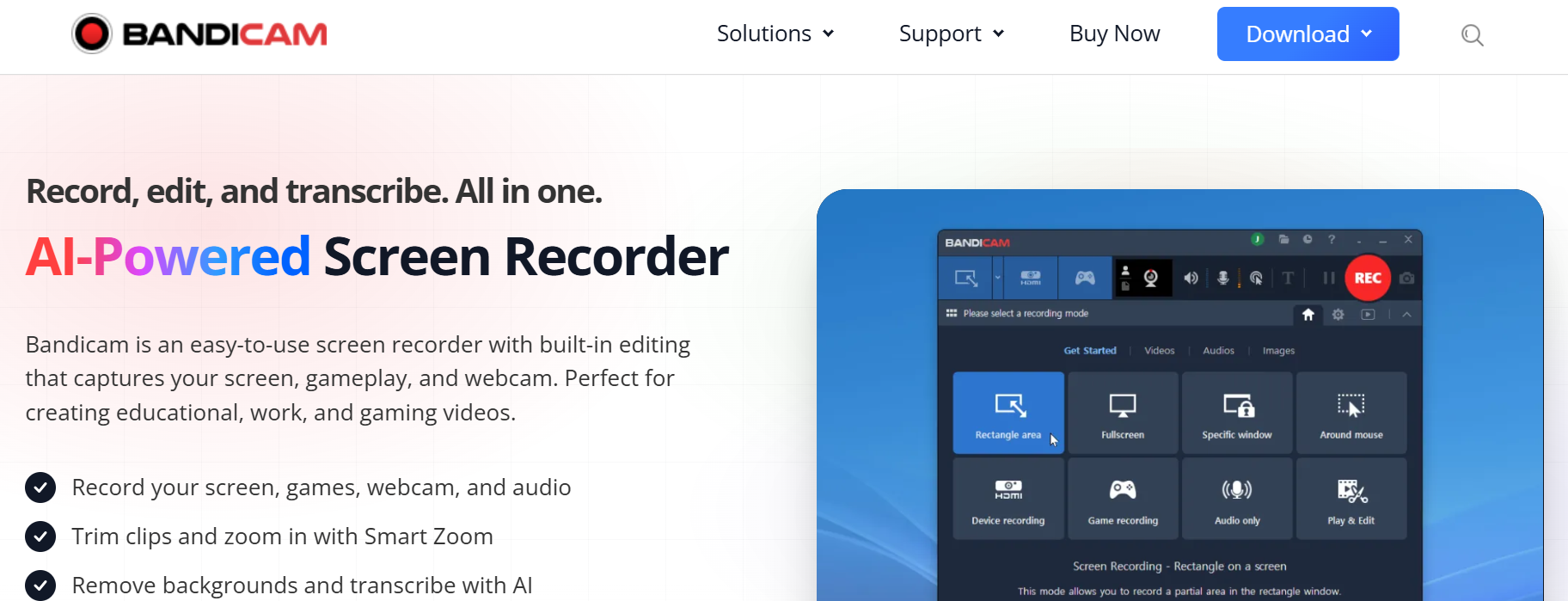
Bandicam wins the coveted title of Best Screen Recording Software for Gamers. Bandicam is incredibly lightweight and records gameplay at a high frame rate and a small file size.
Key Features
- Record at high FPS
- Record in 4K UHD
- Game recording mode
- HDMI capture
- Webcam overlay
- Scheduled recording
- Mouse effects
Benefits
- Smooth gameplay recording
- Low CPU usage
- Record at small file sizes
- Excellent recording quality
- Consistent software performance
Best For
PC gamers, game recording, software reviewers, and high-performance recording.
4. Loom
Loom is one of the Best Screen Recording Software for Business, and for Remote Teams. Loom provides the ability to send an important message by recording the screen and computer in place of sending an email.
Key Features
- Screen and Record with Webcam
- Cloud Upload
- Team Workspaces
- Viewer Stats
- AI Features for Summarization and Title (on select plans)
- Premium plan includes password protection
Benefits
- Time-efficient communication
- Easy sharing
- Cloud collaboration
- Cross-device functionality
Best For
Business Team Members, Remote Workers, Customer Support, Project Managers, and Sales Professionals.
Also Read- Top 10 Best PDF Editor Software: Ultimate Tools for Effortless Editing
5. ScreenPal
Formerly Screencast-O-Matic, ScreenPal is one of the favored Best Screen Recording Software amongst teachers and students.
Its intuitive design makes recording lessons, presentations, and demonstrations convenient.
Key Features
- HD recording
- Webcam support
- Built-in video editor
- Stock media library
- Automatic captions
- Cloud hosting
- Screen annotation
Benefits
- Simple design
- Affordable
- Classroom friendly
- Fast exporting
- Cloud sharing
Best For
Teachers, online educators, students, and small businesses.
6. ShareX
ShareX is an open-source application that makes it to the Best Screen Recording Software list and is ideal for advanced users. Though it may lack the polished design of certain paid software, it is feature-rich and completely free. Its flexibility and custom automation are appreciated by developers, IT professionals, and power users.
Key Features
- Full-screen and region recording
- Scrolling web page capture
- OCR (Optical Character Recognition)
- Custom workflows
- GIF creation
- Automatic file uploads
- Screenshot editing
Benefits
- Completely free and open-source
- No ads/watermarks
- Custom design
- Lightweight and fast
- Excellent automation
Best For
Developers, IT professionals, bloggers, and users who regularly capture screenshots along with screen recordings.
7. Snagit
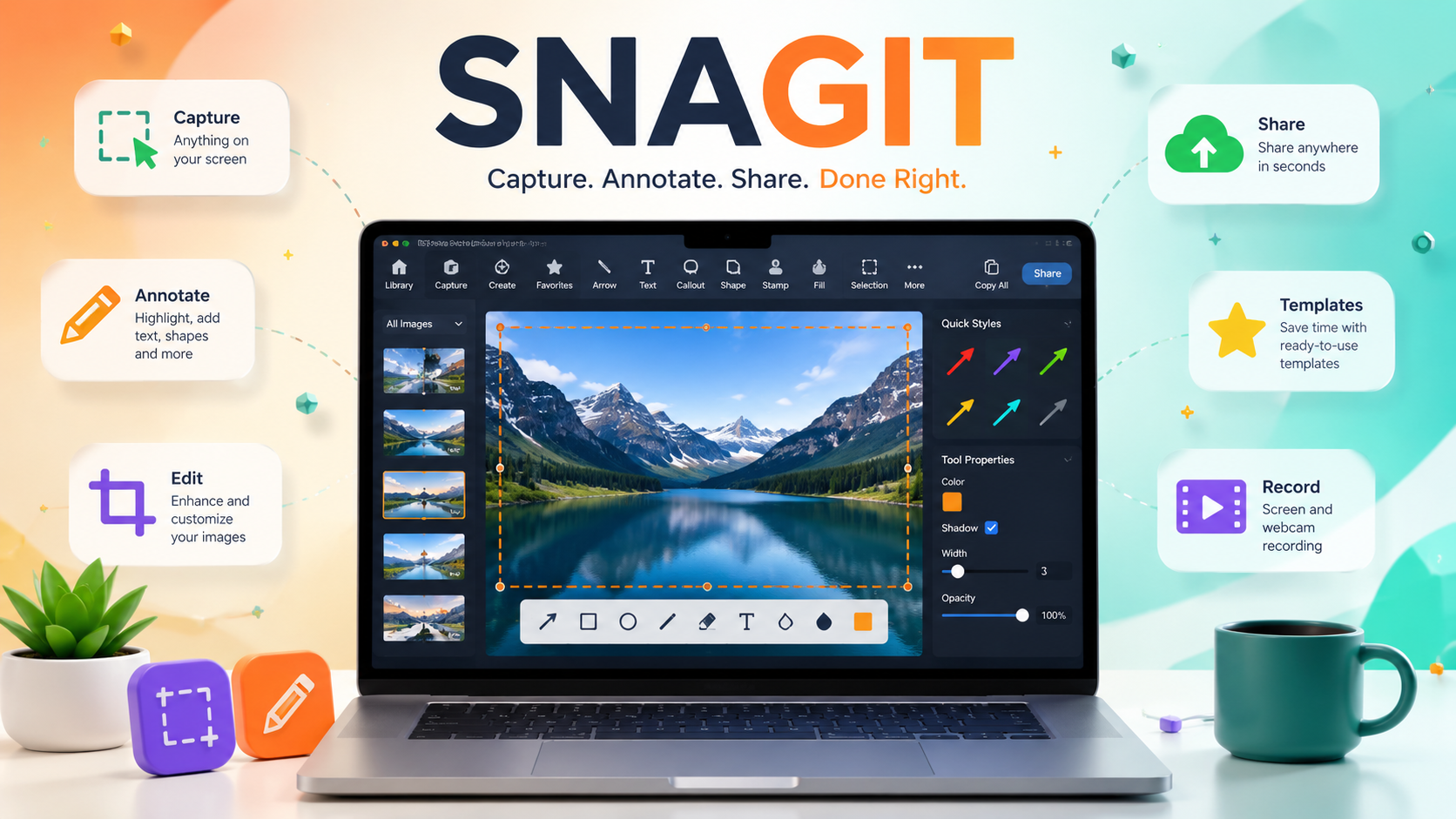
Snagit is among the Best Screen Recording Software to use for professional recording needs where screen recording along with high-quality screen captures is a must. Its users create manuals and documents along with training materials and presentations.
Snagit, unlike standard screen recorders, is designed to enhance and simplify visual communications through editing and annotations.
Key Features
- Screen and Video Recording
- Image Editing
- Smart Annotations
- Templates
- Scrolling Capture
- Text Replacement
- Quick Share
Benefits
- User Friendly
- Exceptional Annotation
- Professional Templates
- Quick Editing
- Efficient for Documentation
Best For
Technical writers, business people, customer support, and teachers
How to Choose the Best Screen Recording Software
If you want to know what the Best Screen Recording Software is, there are a few things to think about.
- Video Quality: If you want to make good quality recordings, make sure the software has an HD or 4K option.
- Editing tools: The software saves you time if it has editing tools, because you no longer need different software to edit.
- Performance: The software needs to record without a performance hit to the computer.
- Ease of use: Beginners may like a simple interface, whereas a more complex one may be more appreciated by advanced users.
- Sharing options: If you have a team or class, having the software save files to the Cloud or having one-click upload is helpful.
- Budget: The free options, like OBS Studio and Share X, are amazing, whereas the paid options, like Camtasia, have more editing options.
Benefits of Using Best Screen Recording Software
It doesn’t matter if your screen recordings are for work, school, or fun; there are a ton of benefits.
1. Better Communication
Long emails and memos become a thing of the past due to the time-saving nature and clarity of a screen recording.
2. Professional Tutorials
Screen recording software makes voice and video tutorials easy and is the software of choice to make engaging tutorials.
3. Better Collaboration
Remote teams of any size can record and upload tutorials, presentations, or software walkthroughs in a click.
4. Helps with Content Creation
Content creators need great screen recording software to make videos that draw in viewers. This software is a must for a ton of professionals, including YouTubers, streamers, and social media content creators.
5. Fosters Remote Learning
This software is extremely useful for recording lectures, demonstrations, and presentations. These videos can be accessed by students at any time.
6. More Efficient
This software saves time, as a process can be recorded and explained once. It can then be shared with as many people as needed with the same recording.
Also Read- Amazing Long-Range Drone Guide: Find Your Perfect Drone
How to Choose the Right Screen Recording Software
There are many things to think about before choosing the Best Screen Recording Software.
- Choose software that matches your skill level.
- Consider whether you need built-in editing features.
- Ensure it supports your operating system.
- Look for HD or 4K recording if video quality is important.
- Check export formats and cloud-sharing options.
- Compare pricing and available free plans before purchasing.
There are many features that screen recording software can have that can also have an impact on the cost. Consider what features you want when looking at the cost and free versions.
Conclusion
Your ideal screen recording software options will vary based on your individual needs and preferences. User-driven options that rely on user donations like OBS Studio and ShareX offer impressive tools without additional costs. Alternatively, Camtasia and Snagit provide recording tools integrated with sophisticated editing tools and features, resulting in fully polished professional products.
If your main goal is recording high quality game play, Bandicam is a great and cost-effective solution. For remote work and business communications, Loom is a plug-in to a cloud-based recording platform and makes recording and sharing seamless. Educators and students are best served by ScreenPal given its child-friendly interface.
Frequently Asked Questions
1. What is the best screen recording software that is free to download and use?
ShareX and OBS Studio are the most popular because they offer advanced features without the restrictive features of paid options.
2. What screen recording software is best for beginners?
Loom and ScreenPal are great for beginners because of their user friendly design.
3. Will screen recording software record sound?
Yes, most screen recording applications will allow you to record both internal and external audio simultaneously.
4. Which software is best for screen recording tutorials on YouTube?
For YouTube tutorials, OBS Studio and Camtasia are the most popular options.
5. Is OBS Studio really free?
Absolutely. OBS Studio is open-source software.
6. According to reviews, what screen capture software is best for gaming?
Bandicam and OBS Studio are the two apps most frequently mentioned regarding high frame rate and high resolution video capture.