ChatGPT Complete Guide: Unleashing The Power of AI
+
Table of Contents
- 1 What Is ChatGPT?
- 1.1 ChatGPT Apps and Where You Can Use Them
- 1.1.1 Web App
- 1.1.2 Desktop Apps
- 1.1.3 Mobile Apps
- 1.1.4 Voice Interaction
- 2 Key Features of ChatGPT
- 2.1 1. Conversational Interaction
- 2.2 2. Text Generation
- 2.3 3. File and Data Analysis
- 2.4 4. Image Analysis and Image Generator
- 2.5 5. Code Writing Support
- 2.6 6. Personalization
- 3 Major Advantages of ChatGPT
- 3.1 How ChatGPT Can Help Different Users
- 3.1.1 For Students
- 3.1.2 For Marketing Professionals
- 3.1.3 For Business Owners
- 3.1.4 For Developers
- 3.1.5 For Content Creators
- 3.2 How to Get Better Results
- 3.3 Important Limitations of ChatGPT
- 4 Conclusion
- 4.1 FAQs
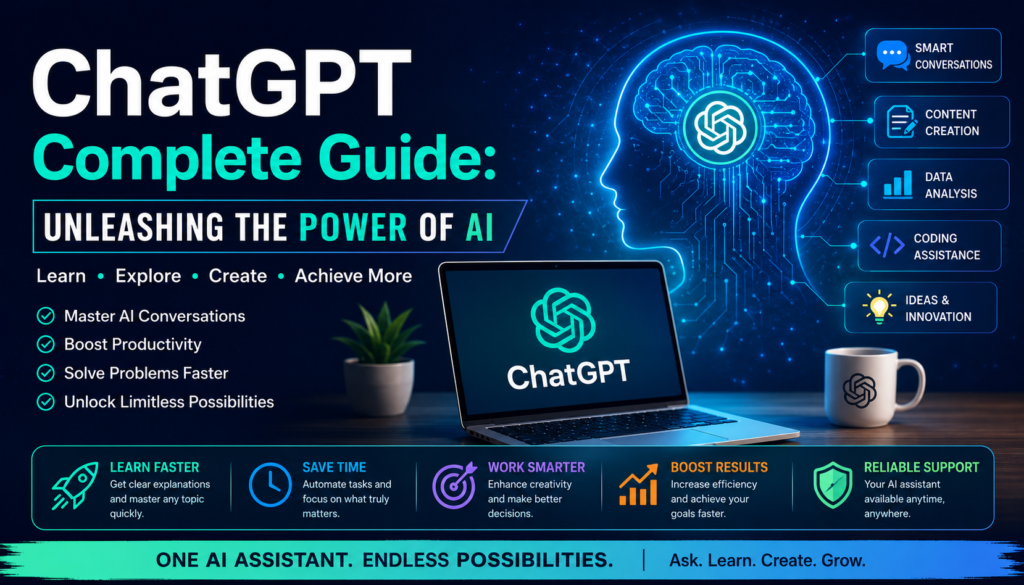
Artificial Intelligence has progressed from a futuristic concept to a tool that people interact with on a daily basis. ChatGPT is one of the most accessible AI platforms among others. It assists its users with various writing, researching, brainstorming, analysis, conceptual learning, and even daily task completion activities.
If you happen to be a student, marketer, business owner, developer, content creator, or professional in any other field, learning to effectively use an AI chatbot will enhance your productivity. This guide will analyze the various applications, major features, benefits, usage cases, and tips and tricks to improve the productivity of this tool.
What Is ChatGPT?
ChatGPT is a product of OpenAI’s research and is a natural language-based AI assistant. Users are not required to learn and remember complicated commands in order to interact with the AI chatbot. Rather, they can communicate with ChatGPT the same way they would verbally communicate with a human.
AI chatbot is flexible enough to help its users write emails or summarize documents, while also being able to provide analysis and ideas. ChatGPT’s flexibility makes it a wholesome AI personal assistant for various tasks in personal and professional capacity.
ChatGPT Apps and Where You Can Use Them
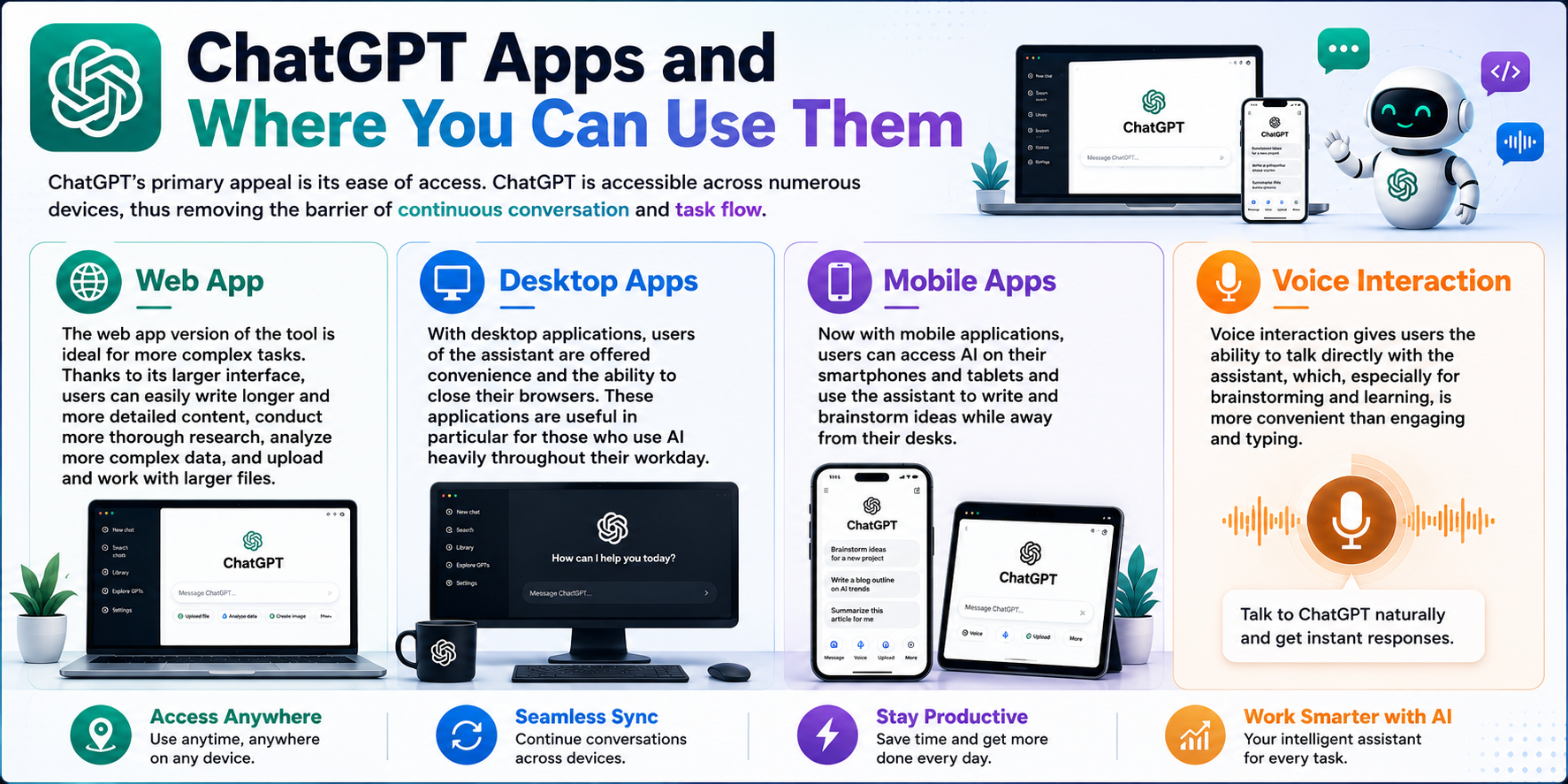
AI chatbot’s primary appeal is its ease of access. AI chatbot is accessible across numerous devices, thus removing the barrier of continuous conversation and task flow.
Web App
The web app version of the tool is ideal for more complex tasks. Thanks to its larger interface, users can easily write longer and more detailed content, conduct more thorough research, analyze more complex data, and upload and work with larger files.
Desktop Apps
With desktop applications, users of the assistant are offered convenience and the ability to close their browsers. These applications are useful in particular for those who use AI heavily throughout their workday.
Mobile Apps
Now with mobile applications, users can access AI on their smartphones and tablets and use the assistant to write and brainstorm ideas while away from their desks.
Voice Interaction
Voice interaction gives users the ability to talk directly with the assistant, which, especially for brainstorming and learning, is more convenient than engaging and typing.
Key Features of ChatGPT
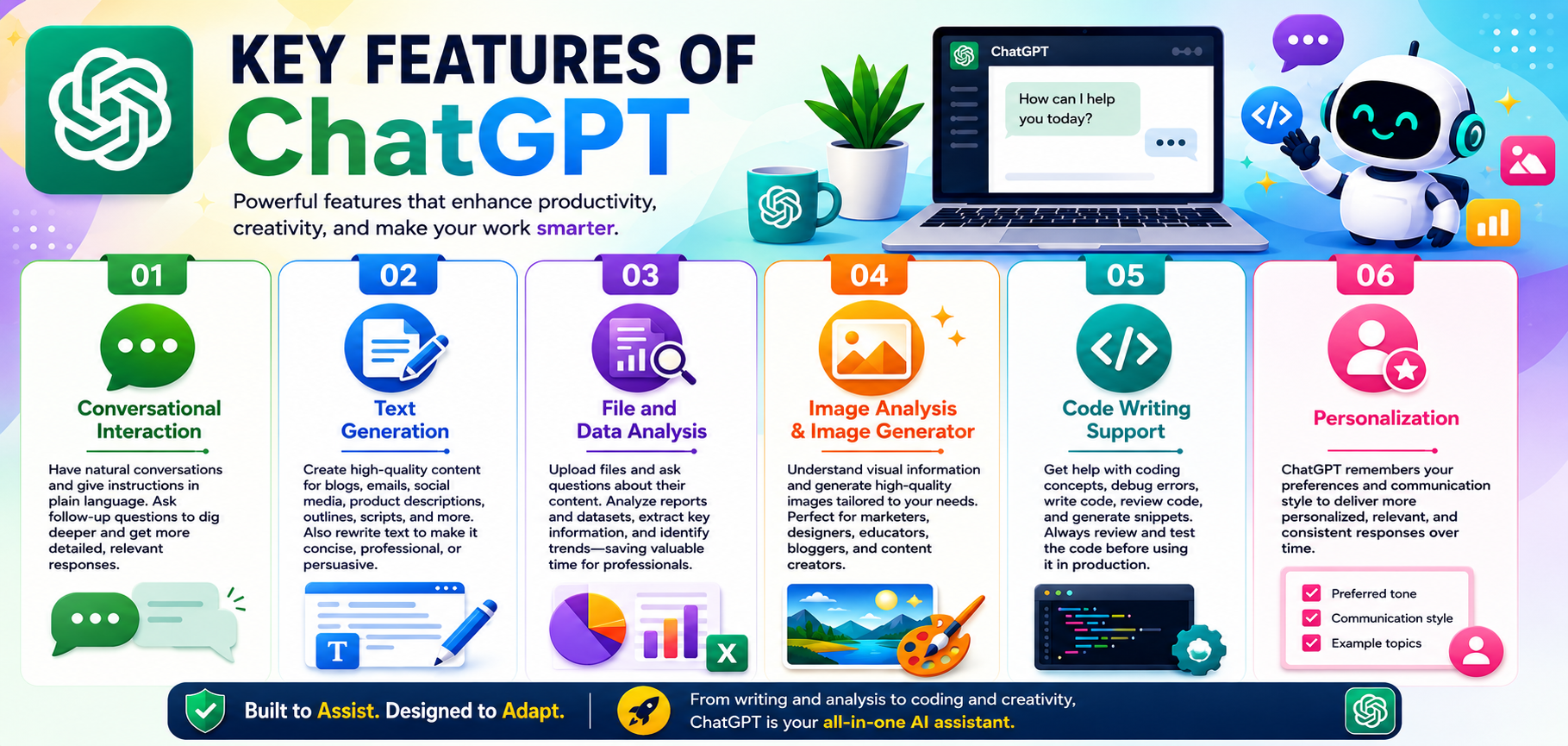
AI chatbot does much more than provide simple text generation and has features that leverage user workflows. Some of these features include…
1. Conversational Interaction
With an AI chatbot, you can converse and provide instructions in natural text formats, as opposed to providing instructions in a programming/technical format. Users can ask follow-up questions to previous prompts to encourage the assistant to elaborate on its responses.
For example, instead of asking an AI chatbot to write and develop a completely functional marketing strategy, a series of prompts can be provided that incrementally develop the audience, message, marketing channels, and campaign structure.
2. Text Generation
ChatGPT can be used to write/develop text for blog posts, product descriptions, emails, social media, outlines, scripts, and much more.
AI chatbot also has the ability to rewrite text to achieve different purposes such as being more concise, more professional, or more persuasive.
3. File and Data Analysis
Depending on the available plan and features, users can upload files and ask about the content of those files. This makes it easier to analyze reports and datasets and extract information and find trends.
For professionals who deal with a lot of information, this can be quite a time saver.
4. Image Analysis and Image Generator
Visual information can be understood and can be used to generate images in the context of some supported experiences of AI workflows, which extend beyond text.
This is helpful for marketers, designers, educators, bloggers and content creators, and others who work with text and need to publish images or other visual resources.
5. Code Writing Support
AI chatbot can help developers explain coding concepts, debug coding errors, help write code, check code for errors, and help generate code.
Code produced needs to be checked before it can be considered production-ready.
6. Personalization
This is a feature that can help ChatGPT remember the preferred style of a user and therefore offer responses that are more personalized.
Also Read:- Game-Changing Machine Learning Trends to Watch in 2026
Major Advantages of ChatGPT
ChatGPT has received a lot of traction, mainly because of how useful it is.
| Benefit | How It Helps | Best Use |
|---|---|---|
| Faster productivity | Reduces time spent on repetitive tasks | Professionals |
| Better brainstorming | Produces ideas and alternative approaches | Creators |
| Writing support | Improves clarity and structure | Writers |
| Learning assistance | Explains difficult concepts | Students |
| Research support | Organizes and summarizes information | Researchers |
| Coding help | Assists with debugging and explanations | Developers |
| Data analysis | Helps interpret supported files and datasets | Analysts |
| Communication | Drafts emails and messages | Businesses |
How ChatGPT Can Help Different Users
For Students
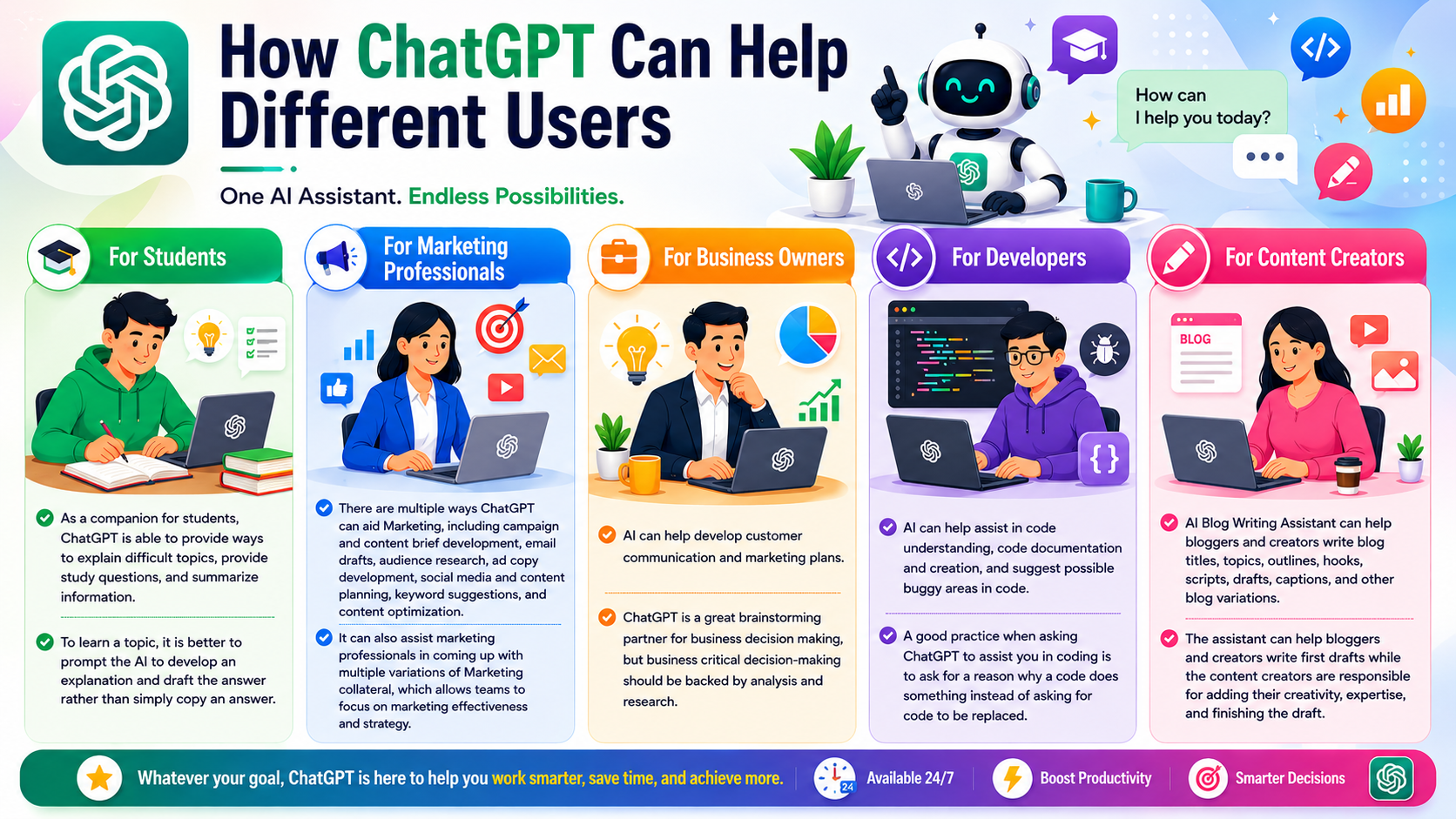
As a companion for students, an AI chatbot is able to provide ways to explain difficult topics, provide study questions, and summarize information.
To learn a topic, it is better to prompt the AI to develop an explanation and draft the answer rather than simply copy an answer.
For Marketing Professionals
There are multiple ways an AI chatbot can aid Marketing, including campaign and content brief development, email drafts, audience research, ad copy development, social media and content planning, keyword suggestions, and content optimization.
It can also assist marketing professionals in coming up with multiple variations of Marketing collateral, which allows teams to focus on marketing effectiveness and strategy.
For Business Owners
AI can help develop customer communication and marketing plans.
AI chatbot is a great brainstorming partner for business decision-making, but business critical ddecision-making be backed by analysis and research.
For Developers
AI can help assist in code understanding, code documentation and creation, and suggest possible buggy areas in code.
A good practice when asking an AI chatbot to assist you in coding is to ask for a reason why a code does something instead of asking for code to be replaced.
For Content Creators
AI Blog Writing Assistant can help bloggers and creators write blog titles, topics, outlines, hooks, scripts, drafts, captions, and other blog variations. The assistant can help bloggers and creators write first drafts while the content creators are responsible for adding their creativity, expertise, and finishing the draft.
Also Read- Best Digital Marketing Tools: Powerful Picks for Success
How to Get Better Results
The quality of the AI response is dependent on the quality of the directions.
Instead of stating something like, “Write a blog,” provide more directions and specifics about the topic, the audience, the goal of the blog, the tone of the blog, the structure of the blog, the format, and the desired result.
A good direction might include the following:
- Target audience
- Topic
- Search intent
- Goal
- Tone and structure
- Required sections
- Important facts, keywords, or concepts
- Formatting
- Expected length
- Example of the desired result
You can also use iterative responses. Ask the AI to review the first draft and guide for improvement, suggest alternatives, or rewrite and improve specific sections of the response.
Important Limitations of ChatGPT
Just because an AI chatbot is powerful does not mean it is infallible. Information generated by AI can contain errors, inaccuracies, and unvalidated assumptions.
When creating legal, financial, medical, or instructional information, technical information, or information used to make important decisions, the information should be verified independently.
Users should also be aware of the privacy of the information they enter. Users should not enter any confidential business data. Additionally, users should be aware of the privacy policies and the use controls of the organization.
The best mindset to use with AI is to treat it as an assistant, but do not completely trust it.
Conclusion
ChatGPT is a powerful, versatile AI assistant that can support users in a variety of tasks such as research, drafting, brainstorming, and productivity in a variety of workflows on web, desktop, and mobile.
Most users of AI chatbots spend their time and effort finding the best path to interact with the system. While better explanation and more detailed context help, the real benefit is iterative prompts focused on fact-checking.
AI chatbots help build productivity flows to help with writing, promoting new ideas, learning techniques, faster idea and content generation, and automating brain tasks.
FAQs
1. What is the primary function of ChatGPT?
Productivity enabler, with the ability to write, brainstorm, learn, do research, automate, analyze, and more.
2. Can ChatGPT be accessed on a mobile browser?
Yes, it can be accessed on supported mobile and tablet devices with the mobile applications.
3. Is an AI chatbot useful for business?
Yes, AI chatbot can ease the business processes of content creation, customer engagement, brainstorming, and more.
4. Can an AI chatbot create a blog post?
Yes, blog post creation with outlines, drafts, introductions, FAQs and summaries can be created with the aid of AI chatbot. Editing and fact checking is still required as with any other content creation process.
5. Can an AI chatbot analyze uploaded files?
Yes, some of the supported AI chatbot services can interpret and summarize files uploaded to the service and provide the required information.
6. How can I get ChatGPT to give better answers?
Tell it what you want with context, desired audience, how you wish to receive the output, and what you want to achieve. Follow up prompts can help achieve the desired outcome.