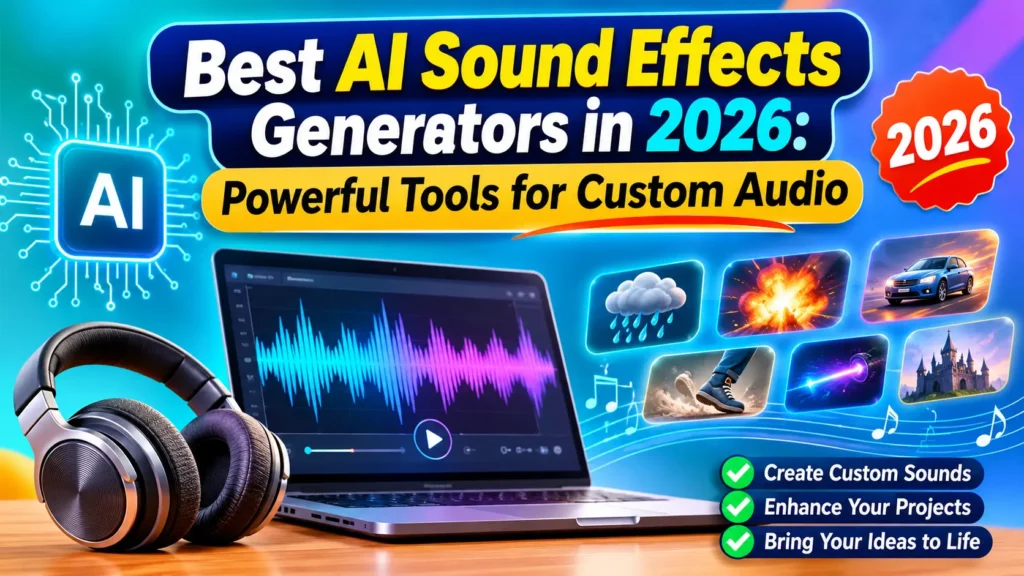
Best AI Sound Effects Generators in 2026: Powerful Tools for Custom Audio
+
Table of Contents
- 1 Top 5 most popular AI audio effect generators
- 1.1 1. ElevenLabs
- 1.1.1 Benefits:
- 1.2 2. MyEdit
- 1.2.1 Key Features:
- 1.2.2 Benefits:
- 1.3 3. Adobe Firefly – Best for Creative Sound Design
- 1.3.1 Benefits:
- 1.3.2 Key features:
- 1.3.3 Benefits:
- 1.4 4. Stable Audio: Best for Long Ambient Sound Effects
- 1.4.1 Benefits:
- 1.5 5. Meta AudioCraft
- 1.5.1 Key features:
- 1.5.2 Benefits:
- 2 Comparison of the Best AI Sound Effects Generators in 2026
- 2.1 Major Advantages of Using AI Sound Effects Generators
- 2.1.1 1. Time Saving during Production
- 2.1.2 2. On-demand Custom Sound Effects
- 2.1.3 3. Improved Video Content
- 2.1.4 4. Improved Game Content
- 2.1.5 5. Make Audio Production More Accessible
- 2.2 How to Choose the Right AI Sound Effects Generator
- 3 Conclusion
- 3.1 Frequently Asked Questions (FAQs)
- 3.1.1 1. What are AI sound effects generators?
- 3.1.2 2. What is the best AI sound effects generator in 2026?
- 3.1.3 3. Can I create sound effects from text prompts?
- 3.1.4 4. Are AI-generated sound effects free to use?
- 3.1.5 5. Can AI sound effects be used in YouTube videos?
- 3.1.6 6. Can game developers use AI-generated sound effects?
The field of digital media encompasses a lot more than movies and television. It includes video games, podcasts, web animations, and more. Adding sound effects to digital media can be costly and time-consuming. Sifting through stock sound effects can take a lot of time and often doesn’t capture the right audio effect. Using AI Sound Effects Generators allows people to create sound effects with little to no knowledge of sound production or the costs associated with recording equipment.
Currently, there are AI generators that allow people to create sound effects and audio for different projects. Continued development in this field is going to be very beneficial for creatives, including YouTubers and filmmakers.
Top 5 most popular AI audio effect generators
1. ElevenLabs
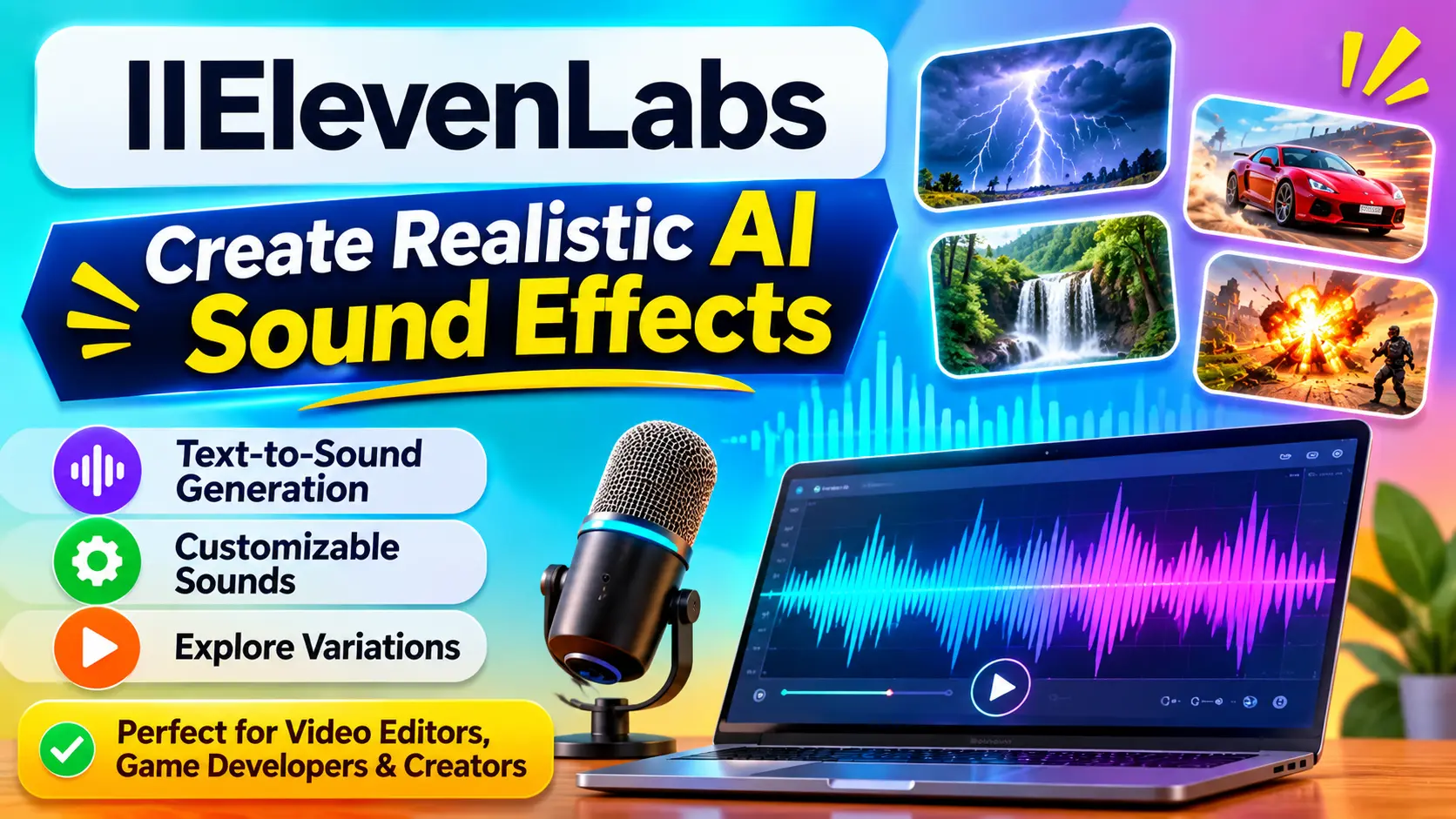
ElevenLabs is primarily known for creating AI that alters audio and voice. Recently, they released AI that can synthesize sound effects. Users can provide a text prompt describing the sound they want, and ElevenLabs’ AI will generate the audio.
ElevenLabs specializes in natural-sounding environmental and atmospheric audio. The sound effects generated can be incredibly detailed and customizable. This makes it a powerful tool for audio design and creative projects.
Options for exploring different sound variations.
Benefits:
11Labs’ generative AI allows users to create dozens of sound variations in seconds. Video editors can use it to create background sounds, and game developers can use it to create environmental sounds and interactive prompts.
It is useful for creators who can’t find the sounds they want and don’t have the time to record them.
Also Read: Best AI Animation Tools in 2026: 5 Powerful Picks for 2D and 3D Creators
2. MyEdit
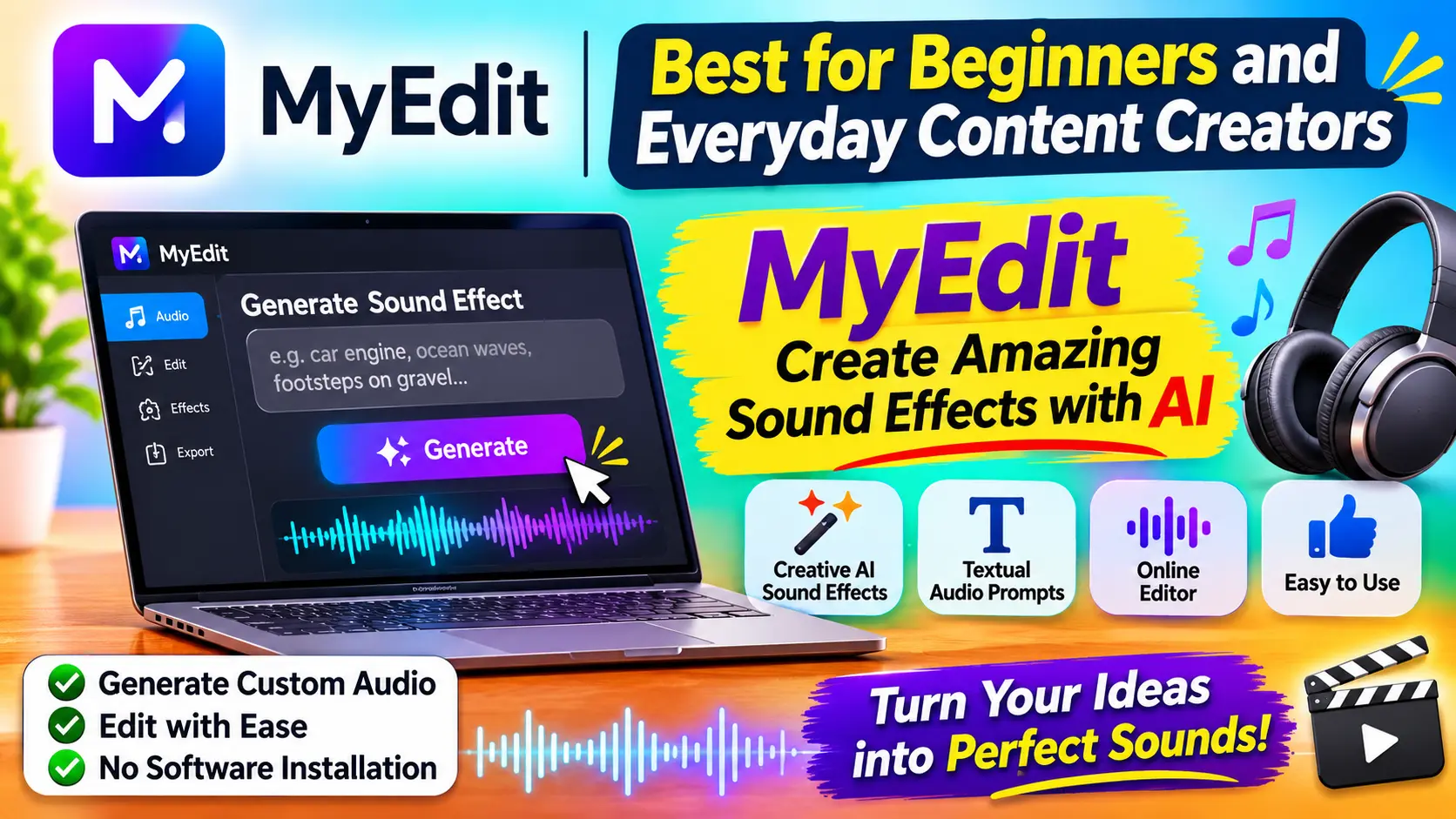
Best for beginners and everyday content creators
MyEdit is an online platform that uses AI to create audio files for its users. It allows users to generate sound effects by entering a textual description.
It is useful for users who do not wish to learn complicated sound design software and want to experiment with various kinds of audio files.
Key Features:
- Creative AI for sound effect generation.
- Textual audio prompts.
- Online editor to edit audio files.
- Easy-to-use, minimalist design for beginners.
Benefits:
MyEdit is a great option for content creators for quick and easy sound effect generation. Instead of surfing through thousands of sound files, MyEdit gives users an opportunity to generate audio effects that better correlate with their creations.
It also offers browser-based software, making it easier for users to work on creative projects without installing and using large software on their desktop.
3. Adobe Firefly – Best for Creative Sound Design
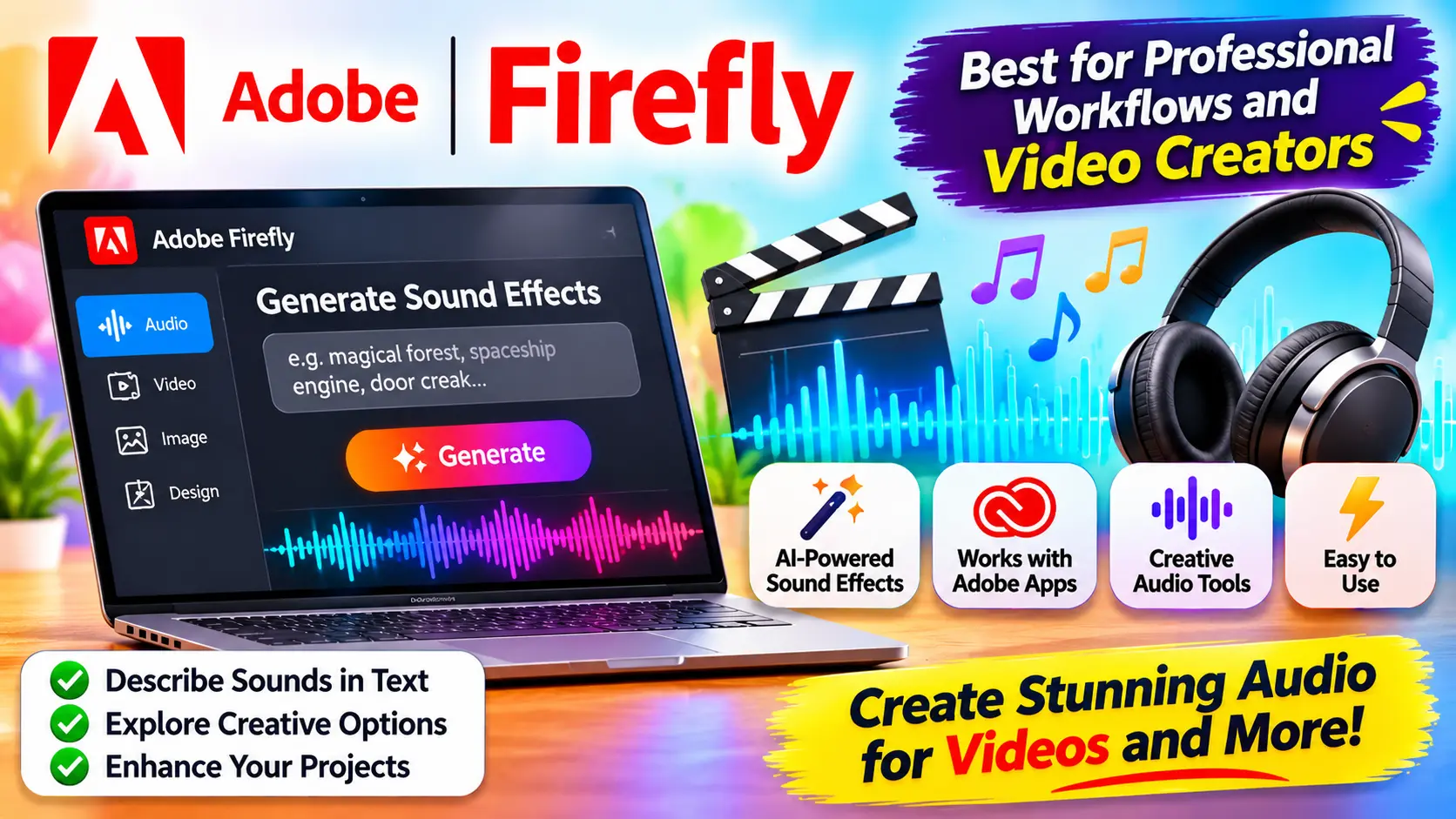
Best for professional workflows and video creators
Adobe Firefly enables users to make personalized audio files for various effects. Its audio generation capabilities are best for professional workflows and video creation.
Benefits:
Its software automates the design process for users and offers a host of creative sound effect variations for audio generation.
Creators can use descriptive prompts to generate sound effects for animations, video scenes, presentations, and other multimedia projects.
Key features:
- Generates sound effects using AI.
- Allows users to describe sounds in text.
- Supports experimentation with audio effects.
- Works with Adobe products.
- Created audio workflows and tools for content creation.
Benefits:
Adobe Firefly is a convenient option for creators who already use Adobe products. As a creator can’t always find sounds that exactly match their vision, Firefly can help creators experiment with sounds.
For example, sound effects for transitions, scene changes, and a fantasy environment can be created by animation and video editors.
4. Stable Audio: Best for Long Ambient Sound Effects
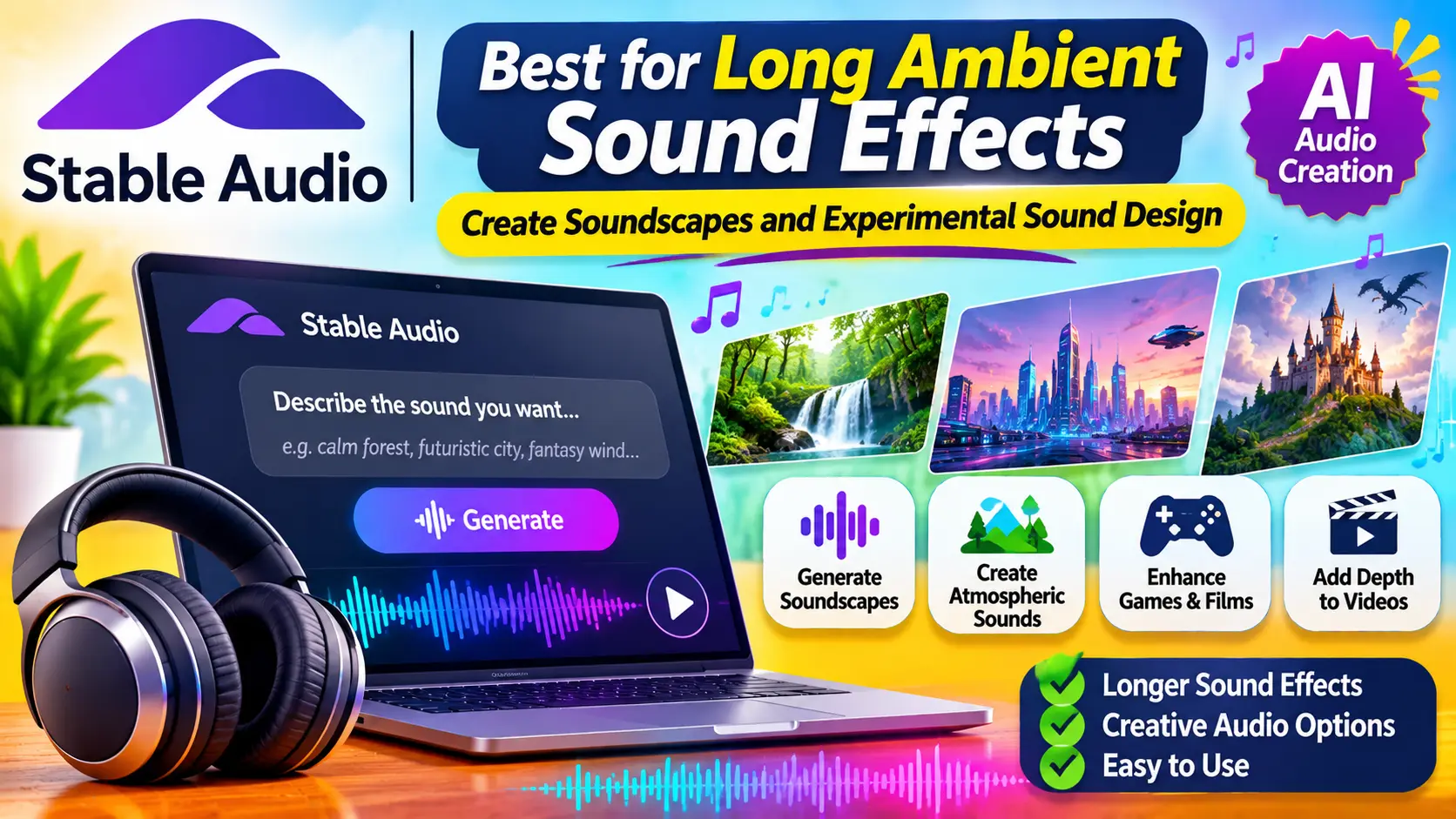
Best for creating soundscapes and experimental sound design
Stable Audio is an AI-based tool for creating audio from text by Stability AI. Like other AI-based sound effect tools, this tool can create soundscapes, background audio, and atmospheric sounds for projects.
Unlike tools mainly created for short sound effects, this tool can help create longer sound effects. Users can get more creative with audio descriptions and give a more general idea of what sound they want to create.
Benefits:
Stable Audio provides an easy way to integrate atmospheric sounds in video games and films. Users can experiment with a plethora of sounds ranging from futuristic environments to mysterious background sounds to audio sounds common in fantasy worlds.
It also allows video creators to include atmospheric sounds that accompany their visuals. User experience and expertise may influence user perception of Stable Audio.
5. Meta AudioCraft
Best for technologically advanced users and those involved in open-source experiments.
As an AI audio research tool, AudioCraft is meant for developers, researchers, and experienced creators to help them learn about the possibilities of generating sounds and environmental noises using AI.
Like Stable Audio, users aren’t completely reliant on an online interface to edit their sounds. Users can modify the models used and generate the sounds in ways they see fit.
Key features:
- The AudioCraft toolkit includes a sound effect generator called AudioGen.
- The toolkit supports users in creating different types of environmental and AI sounds.
- Users have the ability to be in complete control of their technical workflows.
- Developers can use the tool to understand how AI generates sound effects and environmental noise.
Benefits:
AudioCraft can be valuable for developers creating sound systems in video games and other applications.
However, it may require more technical expertise than other user-generated platforms. Users should review the model’s licensing terms and conditions because the released AudioGen model is for non-commercial use.
Also Read: Top Lightweight Wireless Gaming Mice: Powerful Choices for Competitive PC Gamers
Comparison of the Best AI Sound Effects Generators in 2026
Your experience and the type of audio you want to produce are key factors in deciding which platform is best for you. Here’s a brief look at the five options.
| AI Tool | Best For | Main Function | Ideal Users |
|---|---|---|---|
| ElevenLabs | Realistic Sound Effects | Text-to-sound generation | Video creators and developers |
| MyEdit | Easy Audio Creation | Text-to-sound and downloads | Beginners |
| Adobe Firefly | Creative Sound Design | Text, voice, and video-based sound generation | Video editors |
| Stable Audio | Ambient Sound Effects | Text-to-sound effects | Film and game developers |
| Meta AudioCraft | Open-Source Experiments | AI sound generation | Developers and researchers |
Major Advantages of Using AI Sound Effects Generators
AI is revolutionizing the field of content creation and has several key advantages, including:
1. Time Saving during Production
To create sound effects using traditional methods, content creators often need to capture sound effects using an audio recorder and then edit the effects to isolate the sound they need. Using AI, this process can be sped up by generating sounds with text descriptions.
2. On-demand Custom Sound Effects
Often, existing sound effects libraries don’t contain the sound effects content creators need for a project. With an AI tool, content creators can experiment with different descriptions to produce a sound effect they need.
3. Improved Video Content
Adding sound effects to videos can improve the overall quality of a video by making it more engaging. Sound effects can also be used to enhance the transitions in a video.
4. Improved Game Content
Using AI sound effects can help game developers create a variety of sound effects in games, including character and vehicle movements, environmental effects, and weapon sounds.
5. Make Audio Production More Accessible
Good equipment isn’t necessary to experiment with audio design. There are many sites that have simple, web-based interfaces for audio creation.
How to Choose the Right AI Sound Effects Generator
- Decide on what you want to create and how you want to use the audio.
- For realistic effects, choose ElevenLabs for sound generation.
- If you are creating something simple and don’t need much equipment, MyEdit is a great option.
- For people in the professional video space, Adobe Firefly is a great option for sound and video generation.
- Stable Audio is an easy option for background soundscapes.
- For developers, Meta AudioCraft has a lot of potential for audio experimentation.
Keep licensing in mind if you monetize your content. Just because there’s a free option doesn’t mean you’re free to use the audio however you want.
Conclusion
AI audio technology can help people create audio effects for videos, games, and other digital creations. Users no longer need to spend hours scouring the web for audio clips. Instead, they can describe what audio they need and experiment with options generated by AI.
Of these five options, ElevenLabs is the best choice for realistic sound effects, MyEdit is the easiest to use, and Adobe Firefly has a lot of features for sound and video generation. Stable Audio and Meta AudioCraft can also be good choices for various reasons.
Your choice will depend upon your creative needs, your tech skills, and your licensing requirements. Checking out these tools can help you create audio more quickly and improve your audio production workflow.
Frequently Asked Questions (FAQs)
1. What are AI sound effects generators?
AI sound effects generators are tools that create audio, primarily from text or other inputs, using artificial intelligence. They can synthesize sounds of footsteps, explosions, rain, animals, machines, and environmental sounds.
2. What is the best AI sound effects generator in 2026?
Eleven Labs is a strong alternative for creating sound effects from text prompts. Another great option for creators is Adobe Firefly.
3. Can I create sound effects from text prompts?
Yes. Several AI audio platforms can convert text to sound. You describe the sound you want, for example, helicopter sounds or heavy rain. The AI generates the sound for you.
4. Are AI-generated sound effects free to use?
Some AI sound effect platforms provide free credits or a limited number of free generation requests. However, if you wish to use the sounds for business, you will have to look for a platform with sound effects that are licensed for commercial use or subscribe to a plan. Always check the terms of use of the platform you are publishing your content on.
5. Can AI sound effects be used in YouTube videos?
Yes, creators can use AI-generated audio in their YouTube videos, as long as they use the sounds in accordance with YouTube’s terms of service and the AI sound effect platform’s terms of service. Check commercial-use permissions if you wish to monetize your videos.
6. Can game developers use AI-generated sound effects?
Yes, game developers can use AI sound effects to create custom sounds for game character movements and interactions, environments and other in-game sounds. However, they should look into licensing restrictions if they want to commercially distribute the game.