Best Video Editing Software: Powerful Tools for Stunning Videos
+
Table of Contents
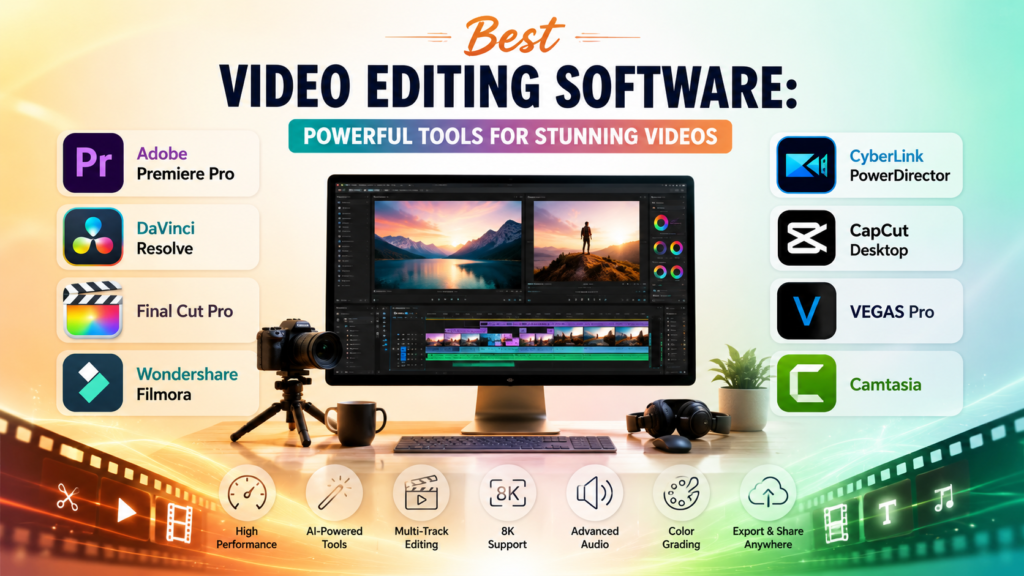
- 1 Best Video Editing Software Comparison Table
- 1.1 1. Adobe Premiere Pro
- 1.1.1 Key Features
- 1.1.2 Benefits
- 1.2 2. DaVinci Resolve
- 1.2.1 Key Features
- 1.2.2 Benefits
- 1.3 3. Final Cut Pro
- 1.3.1 Key Features
- 1.3.2 Benefits
- 1.4 4. Wondershare Filmora
- 1.4.1 Key Features
- 1.4.2 Benefits
- 1.5 5. CyberLink PowerDirector
- 1.5.1 Key Features
- 1.5.2 Benefits
- 1.6 6. CapCut Desktop
- 1.6.1 Key Features
- 1.6.2 Benefits
- 1.6.3 Key Features
- 1.6.4 Benefits
- 1.7 8. Camtasia
- 1.7.1 Key Features
- 1.7.2 Benefits
- 1.8 How to Choose the Best Video Editing Software
- 2 Conclusion
- 2.1 Frequently Asked Questions (FAQs)
- 2.1.1 1. What is the Best Video Editing Software for beginners?
- 2.1.2 2. Which is the Best Video Editing Software for professionals?
- 2.1.3 3. Is there any free Best Video Editing Software?
- 2.1.4 4. Which video editing software is best for YouTube creators?
- 2.1.5 5. Is 4k video editing possible using any of the applications?
It’s easier to edit videos than ever before. Whether you’re a YouTuber, Editor-in-chief, an employee in a business/marketing role, or a student, you can utilize the Best Video Editing Software to improve your output. Most applications have the tools built in to clip videos, add transitions, overlays, sound, or any effects you can think of to make your videos look more professional.
In addition to built-in tools to help improve your videos, the Best Video Editing Software also comes with time-saving features. AI, built-in templates, and an easy-to-learn UX also contribute to saving time. Drag-and-drop features are convenient for lower-level employees and students in a classroom, but professional editors have more advanced needs, such as, but not limited to, multi-track editing, support for motion graphics, and support for video resolutions of 4K and 8K and beyond.
This guide will help you find the Best Video Editing Software to help meet your needs based on a comparison of the most commonly used software’s features, advantages, and disadvantages.
Best Video Editing Software Comparison Table
| Video Editing Software | Best For | Platforms | Main Features |
|---|---|---|---|
| Adobe Premiere Pro | Professional video editing | Windows, macOS | AI editing, multi-track, 8K support |
| DaVinci Resolve | Color grading & filmmaking | Windows, macOS, Linux | Color correction, Fusion VFX, Fairlight audio |
| Final Cut Pro | Mac creators | macOS | Magnetic Timeline, Apple Silicon optimization |
| Wondershare Filmora | Beginners & content creators | Windows, macOS | AI tools, templates, drag-and-drop editing |
| CyberLink PowerDirector | Fast editing | Windows, macOS | AI effects, motion tracking, screen recording |
| CapCut Desktop | Social media creators | Windows, macOS | Auto captions, AI editing, templates |
| VEGAS Pro | Professional editing | Windows | HDR editing, GPU acceleration, advanced audio tools |
| Camtasia | Tutorials & screen recording | Windows, macOS | Screen recorder, annotations, built-in video editing |
1. Adobe Premiere Pro
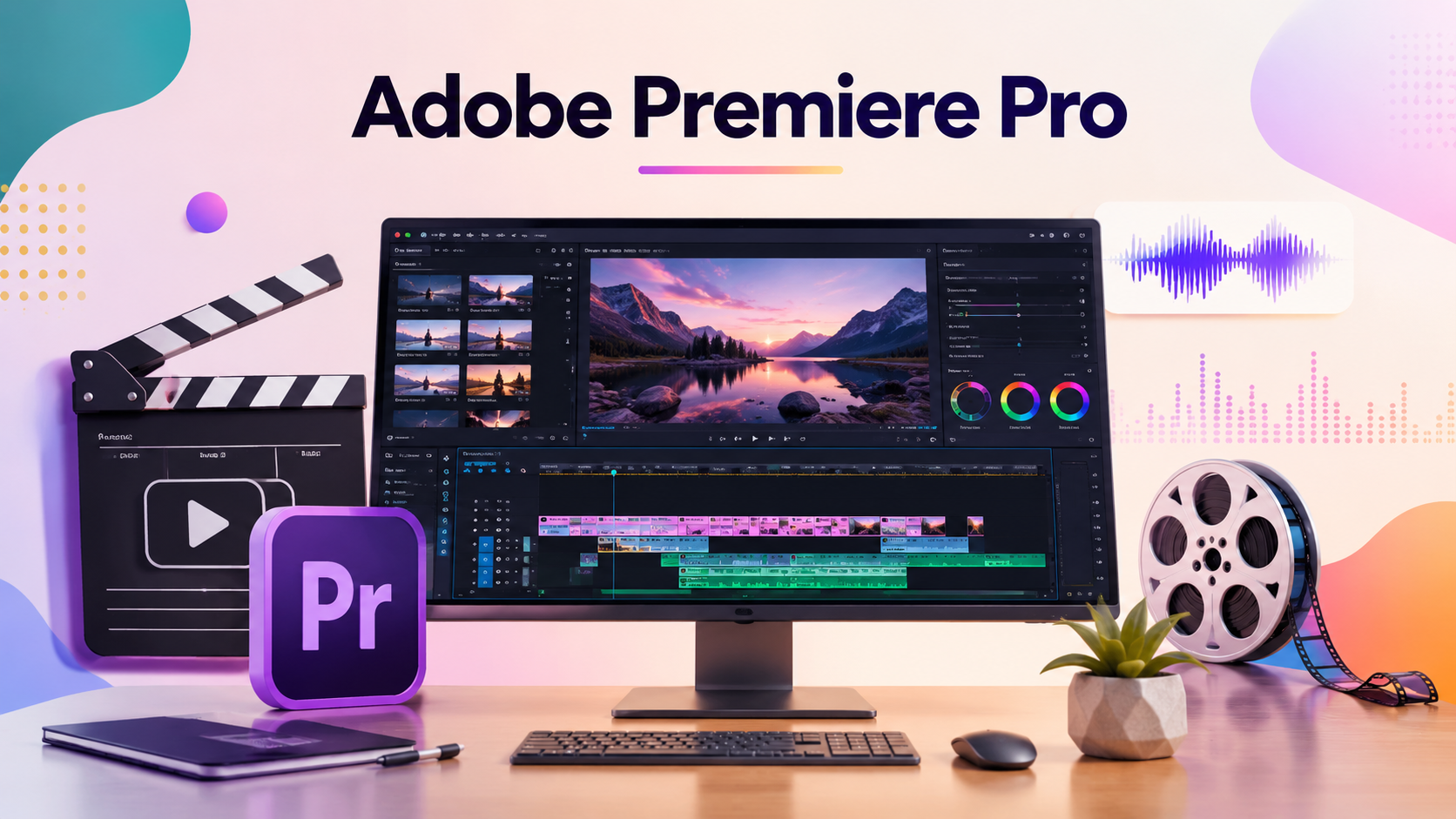
Adobe Premiere Pro features professional-grade editing tools combined with AI-powered editing features. For this reason, it continues to garner a spot in the Best Video Editing Software. From filmmakers to YouTubers to TV stations, Premiere Pro is used worldwide due to the complete creative freedom it offers.
Key Features
- AI editing
- Multi-camera
- Color grading
- Motion graphics
- Adobe Creative Cloud
- 8K editing
- speech-to-text captions
Benefits
- Professional-quality
- Supports all video formats
- Excellent collaboration with Photoshop and After Effects
- Regularly updated
- Huge variety of plugins and presets
Adobe Premiere Pro is the best among the rest as it is the best video editing software solution for professionals. It has a reputation for being one of the more highly regarded tools in the video editing arena. While beginners will find it steep to learn, it has a long-term payoff in flexibility.
2. DaVinci Resolve
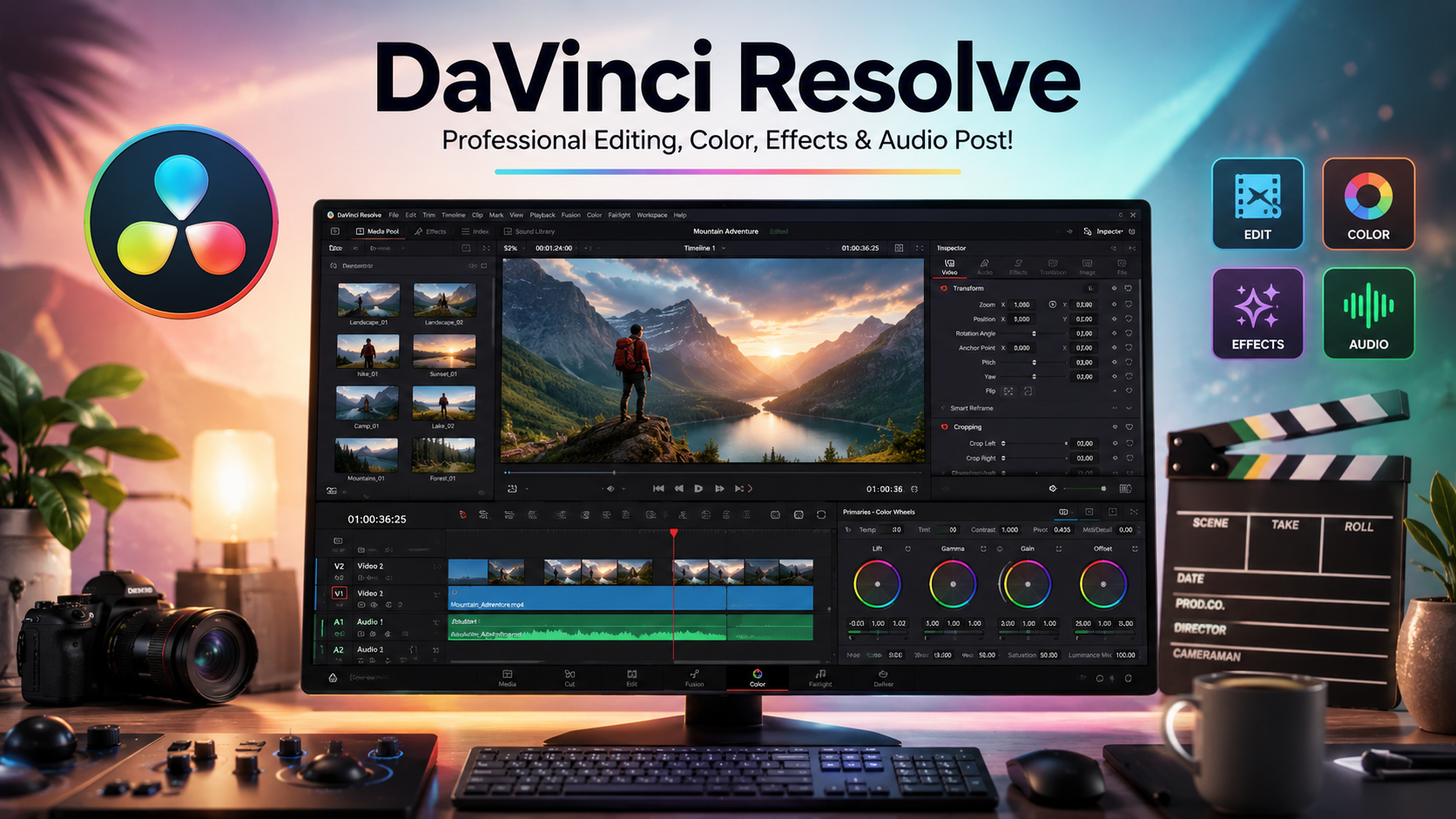
We now include DaVinci Resolve among the Best Video Editing Software to consider for creators looking for tools to make cinematic videos and for those looking for advanced color grading software. Blackmagic Design integrates editing, VFX, audio, and color correction into one software.
Key Features
- Color grading on a Hollywood level
- Fusion for VFX
- Audio editing and enhancement
- Collaboration for multiple users
- AI for object masking
- Facial recognition
- Supports 4K and 8K editing
Benefits
- Free version
- Tools for color grading and corrections
- Can be used to edit feature films
- Audio editing and enhancement are done to a professional level
If you are looking for video editing software to make cinematic videos using advanced color grading and color correction, DaVinci Resolve is among the Best Video Editing Software you will find.
Also Read- Best Payroll Software: Powerful Solutions to Simplify Every Payday
3. Final Cut Pro
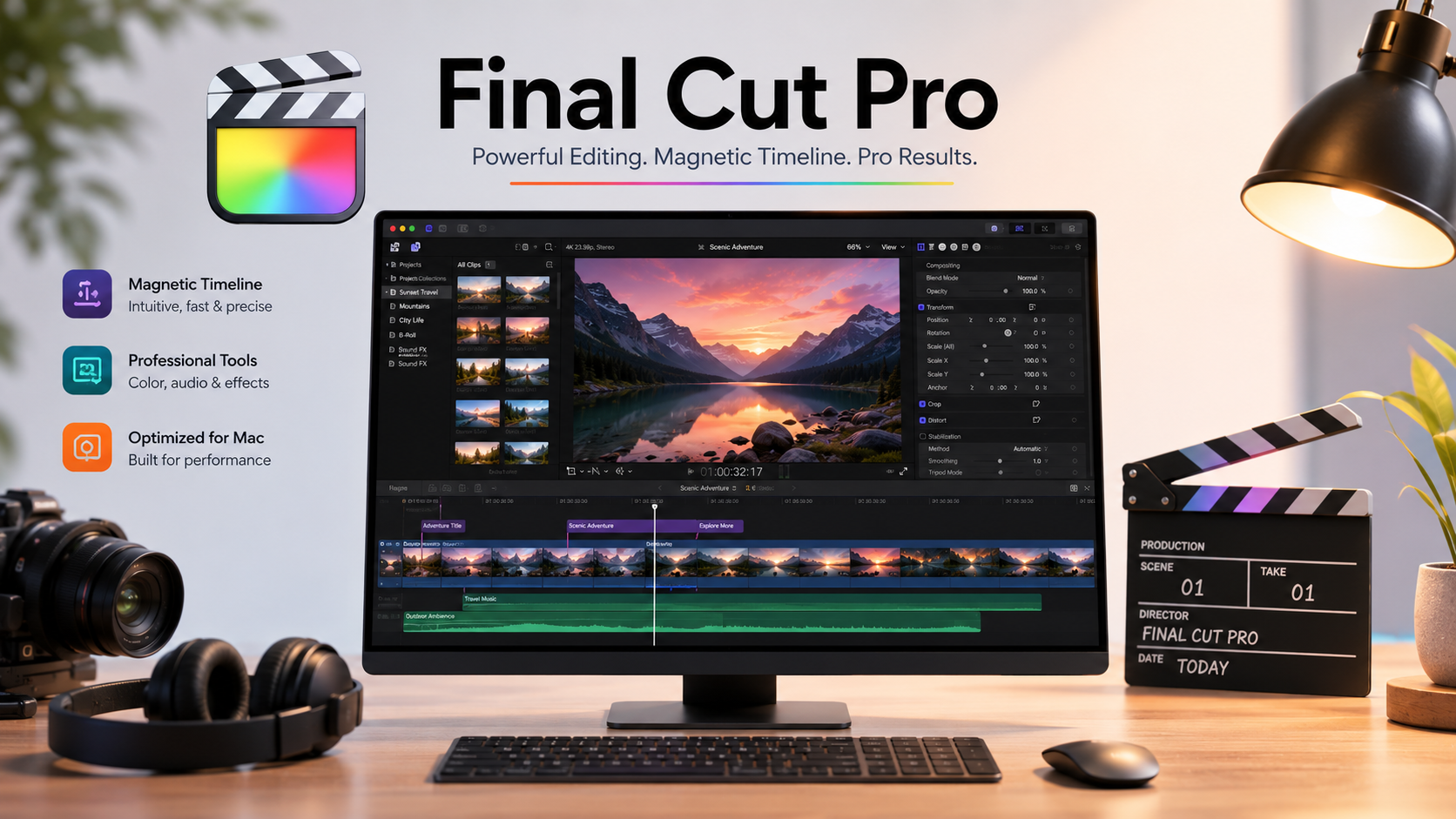
Final Cut Pro is Apple’s high-end editing software developed for exclusive use on Apple computers. With Apple’s deep optimization of its Silicon processors, Final Cut Pro excels at editing even high-resolution video.
Key Features
- Magnetic Timeline
- Optimized for M-series Macs
- Multi-camera editing
- Advanced support of HDR
- 360 Degree video editing
- Integration of motion graphics
- Fast rendering
Benefits
- Software Editing on macOS is a breeze
- Large projects playback with no issues
- Professional editing workflow
- Excellent stability
- One-time purchase instead of a subscription
Fast, reliable, and professional editing software features make Final Cut Pro the Best Video Editing Software for many Mac users.
4. Wondershare Filmora
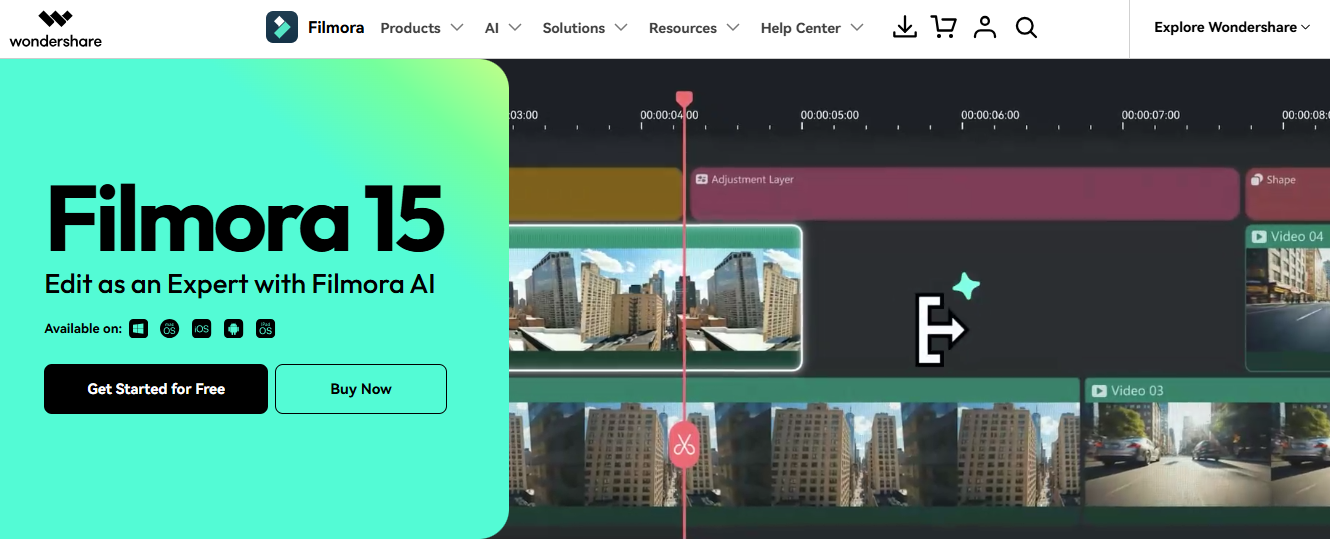
Wondershare Filmora is one of the Best Video Editing Software packages for beginners and for those creators who want to edit video through an easy-to-use interface where polishing of videos is done automatically without a lot of editing.
Key Features
- Drag-and-drop
- Editing made simple with AI
- Smart cutout
- Audio denoise
- Ready-to-use media
- Transitions
- Templates
- Motion Tracking
- Stock media
Benefits
- Easy to learn
- Affordable
- Ideal for YouTube and social media
- Regular feature updates
Filmora is one of the Best Video Editing Software available if you want a professional-looking video but with an easy-to-learn interface and without needing to put in hours of practice.
5. CyberLink PowerDirector
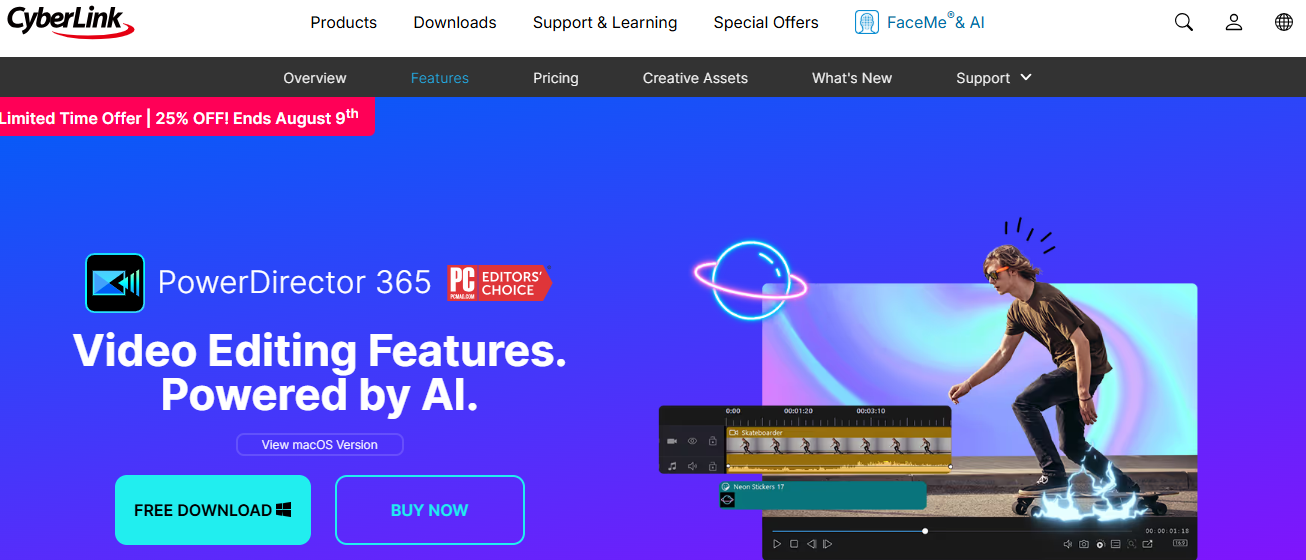
For fast and efficient editing, CyberLink PowerDirector combines AI editing, professional features, and a simple interface.
Key Features
- AI background removal
- Motion tracking
- Screen recording
- Title designer
- Video stabilization/Object detection
- Thousands of templates
Benefits
- Fast rendering
- Easy to use
- Rich in AI editing features
- High-performing for content creation
- Great for high-res exports
This is one of the Best Video Editing Software if you want to create professional-looking and high-quality videos fast.
6. CapCut Desktop
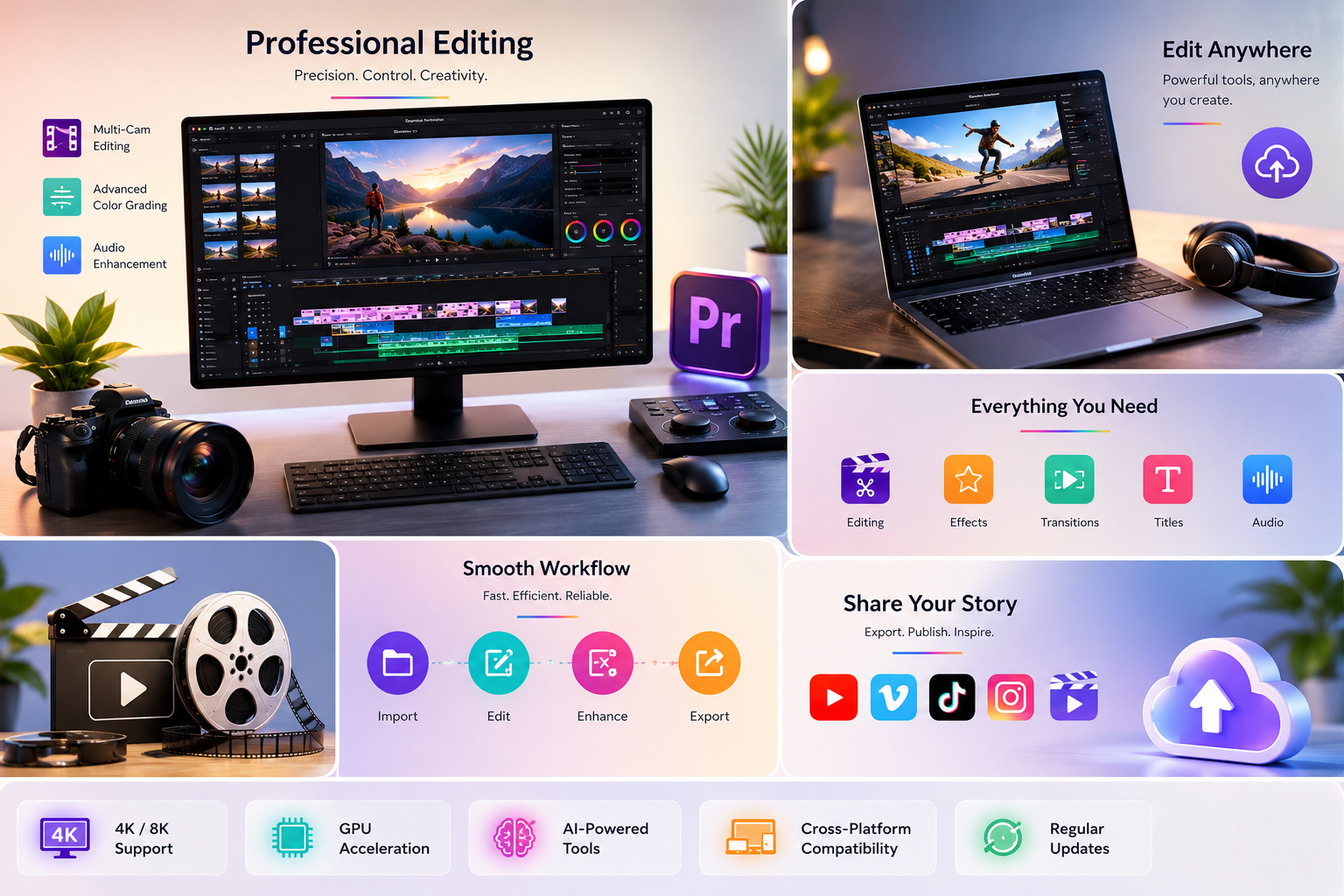
Originally popular for mobile devices, CapCut Desktop is one of the Best Video Editing Software now available for social media creators. This software has an easy-to-use interface. It is especially useful for creating content for TikTok, Instagram Reels, YouTube Shorts, and other short-form video platforms.
Key Features
- AI-powered automatic captions
- Background removal
- Text-to-speech and speech-to-text
- Trending video templates
- Effects and filters
- Multi-track editing
- Edit and export to all major social media
Benefits
- All major features are accessible for free
- Ideal for short-form video content
- Ease of use encourages adoption
- Rapid editing
- Regular AI tool updates
Among the Best Video Editing Software options, CapCut Desktop stands out for Influencers and Social Media marketers for its valuable results with simple video creation.
7. VEGAS Pro
Speed, flexibility, and powerful post-production tools have made VEGAS Pro a favorite among professional editors desiring advanced features without the clutter.
Key Features
- GPU rendering
- HDR editing
- Motion tracking
- Advanced audio editing
- AI masking
- Color grading
- Editing support for high-res projects
Benefits
- Professional editing
- Fast rendering
- Great audio
- Flexible workflow
- Reliable for business
Whether you’re producing documentaries, commercials, or high-quality YouTube content, VEGAS Pro is widely regarded as one of the best video editing software choices for professional creators.
8. Camtasia
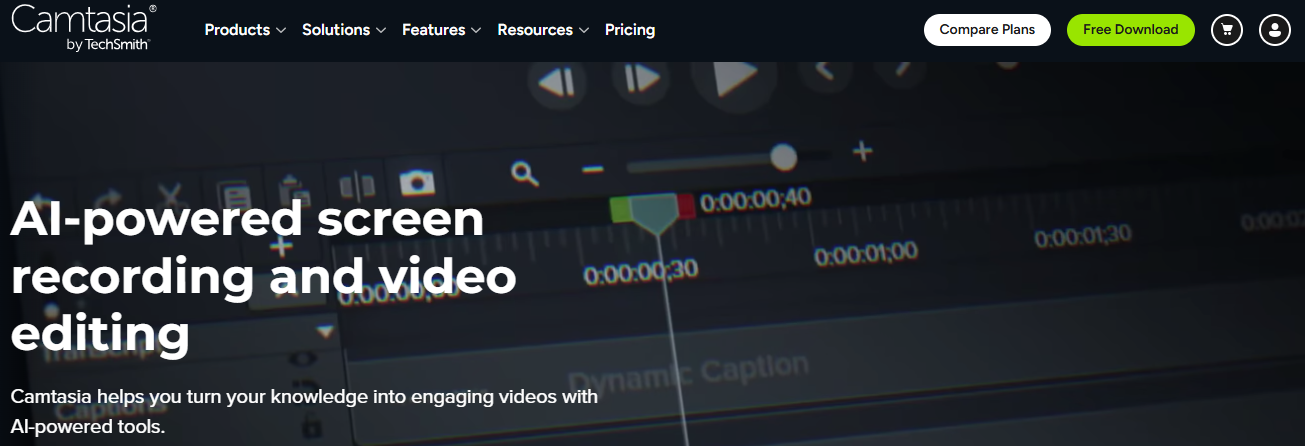
Camtasia combines editing and screen recording into one tool. This makes it a great choice for teachers, trainers, and business professionals.
Key Features
- High-quality screen records
- Drag-and-drop edit
- Cursor effects
- Fun quizzes
- Transitions and animations
- Assets
- Audio enhancement
Benefits
- User friendly
- Perfect for tutorials and online courses
- Time efficient
- Professional tools
- Great customer support
If you want to create software demos, courses, or product tutorials, include Camtasia in your options for Best Video Editing Software for educational content.
Also Read-Best Agricultural Drones: Incredible Solutions for Modern Farming
How to Choose the Best Video Editing Software
The answer to the Best Video Editing Software is unique to each individual. What are your goals? What is your experience? What can you afford? Here are some things to consider:
A. The Design: If you are inexperienced, you are looking for software that is easy to understand and requires little to no manual instruction.
B. Video Editing: If you are experienced, you are looking for software that allows for multi-track editing, detailed effects, and color grading.
C. AI Features: Automatic this and that are great time savers.
D. Capability: Is your computer fast enough for this software? Does it require an updated graphics card?
E. Quality: Does this software support Full HD or even 4K or 8K videos?
F. Cost: Finding what options offer quality at what price and finding what fits you best.
Considering all these, you should be able to find the Best Video Editing Software for you.
Conclusion
The best of the best Video Editing Software options will offer a great quality of editing. Time will be saved, and effortlessly great edits. We are talking about cinematic, event videos, content for YouTube, business, and even social media.
While Adobe Premiere Pro is the first choice for most professionals, DaVinci Resolve is outstanding for color grading. Final Cut Pro is a good option for Mac users. Filmora and PowerDirector are good for beginners and those wanting a good balance of speed and AI-based tools, respectively. CapCut Desktop is more suited to content creators, whereas VEGAS Pro and Camtasia are for professional and beginner-focused teaching videos, respectively.
The Best Video Editing Software is simply the program that helps you get your videos done in the most appealing and audience-friendly way possible, considering your budget and skills.
Frequently Asked Questions (FAQs)
1. What is the Best Video Editing Software for beginners?
AI-based tools, templates, and user-friendly interfaces in Filmora and CapCut make them more suited to beginners.
2. Which is the Best Video Editing Software for professionals?
Adobe Premiere Pro and DaVinci Resolve are at the top of the list for professionally-made videos, chiefly because of their extensive editing and post editing features.
3. Is there any free Best Video Editing Software?
DaVinci Resolve was created with a free version in mind, and thanks to the extensive features of the free version, it is one of the best free editing software. CapCut Desktop also released a free version.
4. Which video editing software is best for YouTube creators?
Adobe Premiere Pro, Filmora, CapCut Desktop, and PowerDirector are the top four programs to consider for YouTube video editing because they make the creation and editing of videos a seamless and They provide an intuitive workflow that makes video editing faster, easier, and more efficient.
5. Is 4k video editing possible using any of the applications?
Definitely. The majority of the applications included in the list such as Adobe Premiere Pro, DaVinci Resolve, Final Cut Pro, VEGAS Pro, and PowerDirector support 4k editing while many of them also offer support for 8k editing.