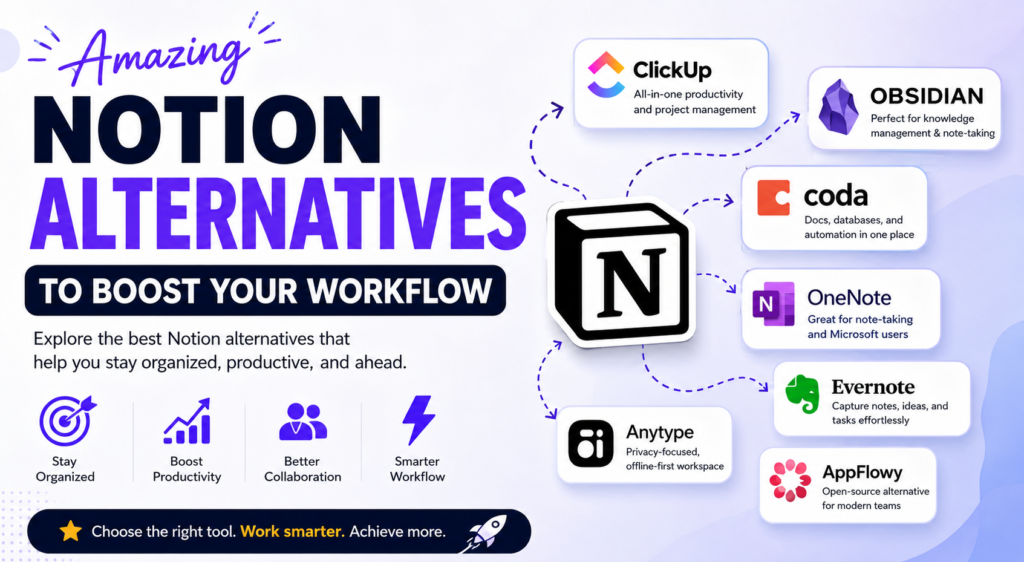
Amazing Notion Alternatives to Boost Your Workflow
+
Table of Contents
- 1 What Are the Alternatives to Notion?
- 2 Amazing Notion Alternatives to Boost Your Workflow
- 2.1 1. ClickUp
- 2.2 2. Obsidian
- 2.3 3. Coda
- 2.3.1 Key Features
- 2.3.2 Best For
- 2.4 4. Microsoft OneNote
- 2.4.1 Key Features
- 2.4.2 Best For
- 2.5 5. Evernote
- 2.5.1 Key Features
- 2.5.2 Best For
- 2.6 6. Anytype
- 2.6.1 Key Features
- 2.6.2 Best For
- 2.7 7. AppFlowy
- 2.7.1 Key Features
- 2.7.2 Best For
- 3 Comparison Table
- 3.1 Features of Amazing Notion Alternatives to Boost Your Workflow
- 3.1.1 1. Advanced Task Management
- 3.1.2 2. Real-Time Collaboration
- 3.1.3 3. Strong Automation
- 3.1.4 4. Management of Knowledge
- 3.1.5 5. AI Enhanced Productivity
- 3.1.6 6. Any Device Access
- 3.1.7 7. Safe Data Storage
- 3.2 Using Notion Alternatives To Increase Your Productivity Has Many Benefits
- 3.2.1 More Productivity
- 3.2.2 Easier Team Collaboration
- 3.2.3 More Flexible Storage
- 3.2.4 Improved Security
- 3.2.5 Superior Performance
- 3.2.6 Increased Customization
- 3.2.7 Decreased Learning
- 3.3 What to Look for When Choosing the Best Option
- 3.4 Who Would Benefit from These Alternatives?
- 3.5 How to Optimize Your Workflow
- 4 Conclusion
- 4.1 FAQs
- 4.1.1 1. What’s great about these Amazing Notion Alternatives to Boost Your Workflow?
- 4.1.2 2. Which Notion alternative excels at handling projects?
- 4.1.3 3. Which Notion alternative is the best offline option?
- 4.1.4 4. Which Notion alternatives are free?
- 4.1.5 5. Which alternative is best for privacy?
- 4.1.6 6. Can these options increase productivity?
While Notion is known as one of the most accessible productivity applications, it is not the best application for a large number of people. Sometimes, users prefer speed, collaboration, privacy, or features for stronger project management. There are several Amazing Notion Alternatives to Boost Your Workflow that offer solutions to better manage your tasks, projects, or notes and collaborate with your team, with the best alternative for the user based on whether that user is a freelancer, student, or member of a startup or large corporation.
What Are the Alternatives to Notion?
While versatile, users often cite the following reasons for moving away from Notion:
- Slow with large workspaces
- Limited offline access
- Project management automation is basic
- Difficult for new users
- Complex databases
- Some areas of Notion have poor customization
For these reasons, many professionals are searching for Amazing Notion Alternatives to Boost Your Workflow and gain back productivity.
Amazing Notion Alternatives to Boost Your Workflow
1. ClickUp

Among many other features, ClickUp offers project management, tools for collaboration, and a documentation workspace all in one platform.
- Task management
- Docs and knowledge base
- AI writing
- Time tracking
- Dashboards
- Automations
- Goal tracking
Best For: Teams, businesses, agencies, and startups.
2. Obsidian

This is a note-taking application that is markdown-based and offers local file storage.
- Local storage
- Backlinking
- Graph visualization
- Plugins
- KM
- Offline access
Best For: Researchers, writers, students, and knowledge workers.
3. Coda

Combines documents, robust databases, and automation.
Key Features
- Interactive documents
- Tables
- Automations
- Team collaboration
- Integrations
- AI assistance
Best For
- Those with advanced workflows.
4. Microsoft OneNote
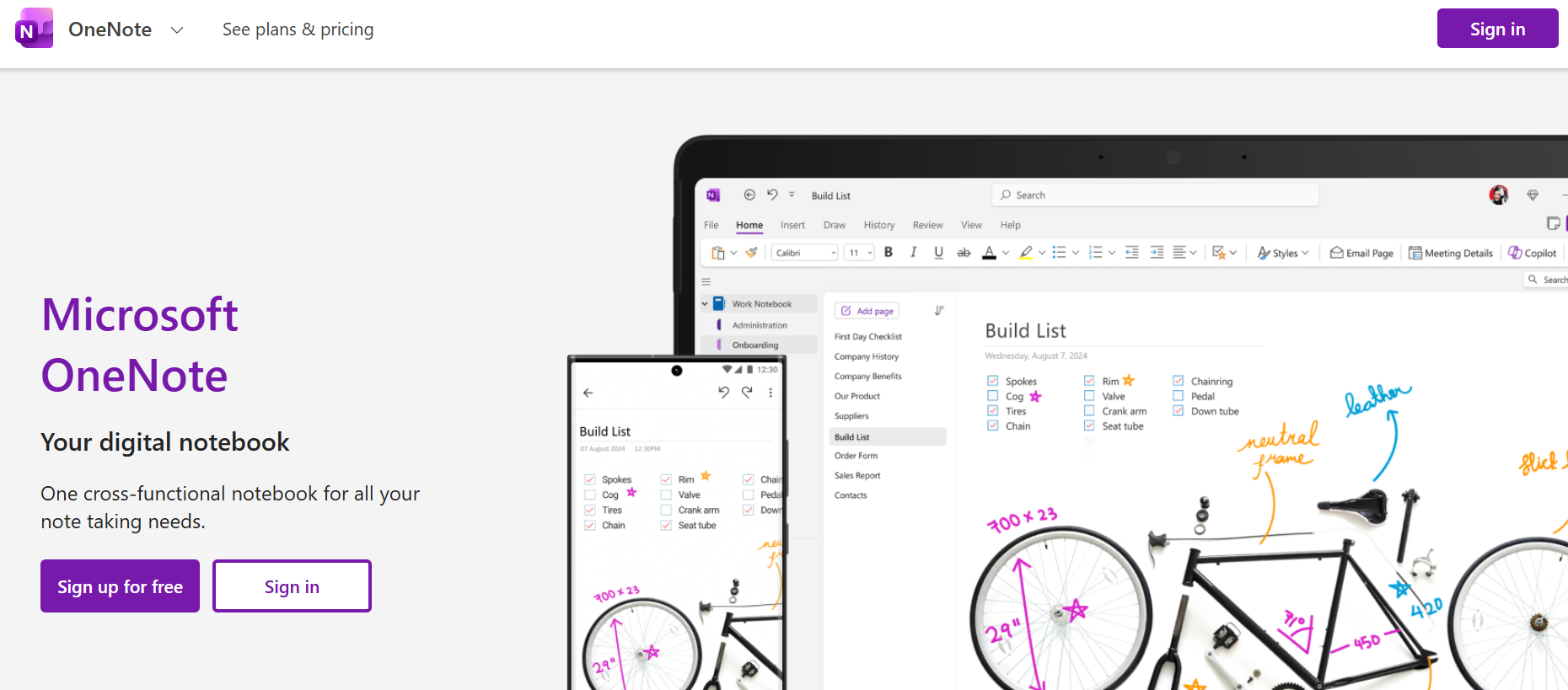
Best for those embedded in Microsoft 365.
Key Features
- Digital notebooks
- Drawing
- Audio
- Cloud sync
- Multi-device
Best For
- Students and users of Microsoft.
5. Evernote
Still one of the most reliable solutions.
Key Features
- Web clipping
- OCR search
- Tasks
- Calendar integration
- Templates
Best For
- Professionals who need to organize their knowledge.
6. Anytype
An offline, privacy-respecting tool.
Key Features
- Offline
- Object-based
- E2E encryption
- Local storage
- Sync
Best For
- Users who prioritize privacy.
7. AppFlowy
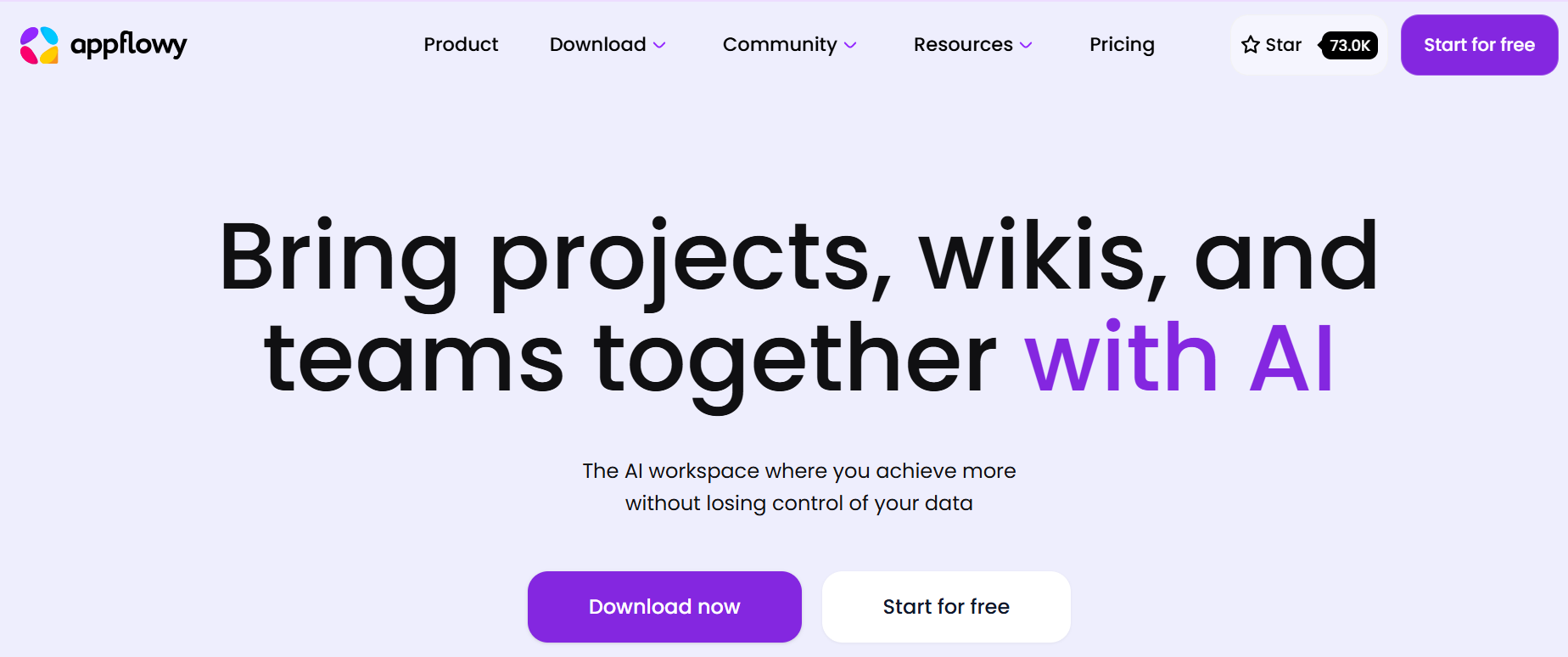
An open-source productivity tool, like Notion.
Key Features
- Open-source
- Local hosting
- Databases
- Rich editor
- Kanban
Best For
- Developers and organizations who want full control.
Comparison Table
| Tool | Best For | Free Plan | AI Features | Offline Support | Collaboration |
|---|---|---|---|---|---|
| ClickUp | Teams | Yes | Yes | Partial | Excellent |
| Obsidian | Personal Knowledge | Yes | Plugin-based | Yes | Limited |
| Coda | Businesses | Yes | Yes | Partial | Excellent |
| OneNote | Students | Yes | Microsoft Copilot | Yes | Excellent |
| Evernote | Professionals | Limited | Yes | Yes | Good |
| Anytype | Privacy | Yes | Limited | Excellent | Good |
| AppFlowy | Developers | Yes | Growing | Yes | Good |
Features of Amazing Notion Alternatives to Boost Your Workflow
The Amazing Notion Alternatives to Boost Your Workflow offer note-taking and so much more.
1. Advanced Task Management
Use Kanban boards, calendars, timelines, and lists to manage tasks.
2. Real-Time Collaboration
Work as a team at the same time with shared documents and comments.
3. Strong Automation
Offers the ability to automate tedious tasks and workflows.
4. Management of Knowledge
Create your own searchable knowledge base or create one for your entire company.
5. AI Enhanced Productivity
AI writing, AI summarizing, AI brainstorming, and AI document generation are just a few examples of what is available on modern platforms.
6. Any Device Access
The ability to work on Windows, macOS, Android, iOS, and on the web.
7. Safe Data Storage
Many other options provide encryption, local storage, or self-hosting.
Also Read- AI Coding Assistants: The Ultimate Tools for Faster Coding
Using Notion Alternatives To Increase Your Productivity Has Many Benefits
There are many benefits to using one of these awesome Notion alternatives to increase your productivity.
More Productivity
Optimized user interfaces allow for faster and more frequent completion of tasks.
Easier Team Collaboration
Teams are able to work on the same task and stay in sync through the use of real-time editing features.
More Flexible Storage
Notes, documents, tasks, and databases can all be managed from the same workspace.
Improved Security
Tools that utilize encryption or local storage focus on security and privacy.
Superior Performance
Alternatives are usually better when dealing with larger volumes of documentation and databases.
Increased Customization
Users can customize their workflows, templates, dashboards, and choose which plugins to include.
Decreased Learning
Complex database systems are difficult to learn, but many alternatives are simpler to learn and understand.
What to Look for When Choosing the Best Option
There are many factors to consider when looking at these awesome Notion alternatives to increase your productivity, such as:
- Price
- How many people are on your team?
- Can you use it offline?
- How good is the AI?
- What are the automation capabilities?
- How secure is it?
- How good are the integrations?
- How good is the mobile version?
- How easy is it to use?
- How well does it scale?
The best option is the one that fits your unique workflow the best, not the one that is the most popular.
Who Would Benefit from These Alternatives?
These alternatives are for:
- Students
- Freelancers
- Bloggers
- Content Creators
- Software Developers
- Marketing Teams
- Small to Medium-Sized Businesses
- Enterprises
- Researchers
- Remote Workers
Since everyone has different ways of working productively, it is beneficial to look at a couple of these alternatives before personalizing your workspace.
How to Optimize Your Workflow
To optimize your workflow on a particular platform:
- Make templates that can be used repeatedly.
- Folderize your work.
- Use tags for added organization.
- Workspace automations should be turned on.
- Complete work together.
These suggestions improve workflow for any platform.
Conclusion
Finding Amazing Notion Alternatives to Boost Your Workflow is about finding software that supports your productivity preferences regarding project management, privacy, AI, and how the software works offline. Notion competitors are very good at focusing on one of these aspects. For team collaboration, check out ClickUp. For help with managing your ideas, use Obsidian. If you need a high level of automation, look at Coda. OneNote has great 365 integrations, Evernote is a long-standing, reliable tool, Anytype has a focus on user privacy, and AppFlowy is an open-source productivity tool.
Pick the tool that helps your productivity the most. The right tool will help you better manage your time and will result in you being more organized about your work, and help you work in the most productive way possible.
FAQs
1. What’s great about these Amazing Notion Alternatives to Boost Your Workflow?
ClickUp, Obsidian, Coda, Microsoft OneNote, Evernote, Anytype, and AppFlowy are some of the many great Notion alternatives.
2. Which Notion alternative excels at handling projects?
ClickUp is often recognized as one of the best project management software options, as it offers advanced features for managing tasks, automations, and team collaboration.
3. Which Notion alternative is the best offline option?
Things, Obsidian, Anytype, AppFlowy and Microsoft OneNote are all great options for working offline.
4. Which Notion alternatives are free?
Some free options include ClickUp, Obsidian, AppFlowy, OneNote, Anytype, and Coda. Each offers a different number of features in its free version.
5. Which alternative is best for privacy?
Anytype and AppFlowy would be the best options due to their emphasis on data being stored locally, encryption, and data being in the users’ hands.
6. Can these options increase productivity?
Yes. The Amazing Notion Alternatives to Boost Your Workflow includes lots of great options with features such as task management, automations, AI, team collaboration, and a lot more. These features will help individuals and teams be more productive.