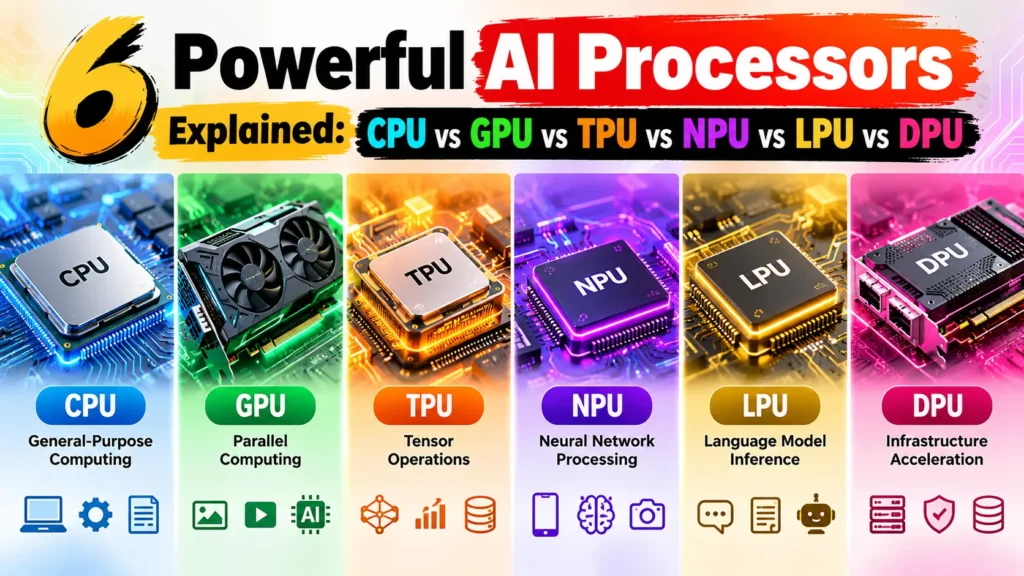
6 Powerful AI Processors Explained: CPU vs GPU vs TPU vs NPU vs LPU vs DPU
+
Table of Contents
- 1 What Are AI Processors?
- 1.1 1. CPU: Powerful General-Purpose Processor
- 1.1.1 Key Features
- 1.1.2 Applications and Benefits
- 1.2 2. GPU: Parallel Computing Powerhouse
- 1.2.1 Key Features
- 1.2.2 Key Features
- 1.2.3 Applications and Benefits
- 1.3 3. TPU: Google’s Specialized AI Accelerator
- 1.3.1 Key Features
- 1.3.2 Applications and Benefits
- 1.4 4. NPU: Efficient AI Processing on Personal Devices
- 1.4.1 Key Features
- 1.4.2 Applications and Benefits
- 1.5 5. LPU: Optimized for Fast Language Model Responses
- 1.5.1 Key Features
- 1.5.2 Applications and Benefits
- 1.6 6. DPU: The Data Center Infrastructure Specialist
- 1.6.1 Key Features
- 1.6.2 Applications and Benefits
- 2 CPU vs GPU vs TPU vs NPU vs LPU vs DPU: Comparison Table
- 3 Conclusion
There are many emerging technologies that use artificial intelligence. They range from chatbots to 3D art and deepfake videos to self-driving cars and more. Each of these uses specialized processors to help power these features. Not all AI processors are the same.
A CPU, GPU, TPU, NPU, LPU, and DPU all serve a unique role in a computing ecosystem. Some are used to power general-purpose compute units, while others help accelerate AI training and inference. Some are used to help power language and data center processing units.
It is important for the end user, software developer, and business to be educated on these processors to help make informed decisions based on the end usage. In this guide, we will cover each processor in depth, key features, use cases, and the benefits, as well as provide a comparison table and cover the most asked questions.
What Are AI Processors?
AI processors are designed and optimized to help perform functions related to artificial intelligence and machine learning. These functions may include interpreting language, recognizing images, generating content, and more.
Some AI workloads may be compute-efficient on a general-purpose processor, while other workloads would require a more purpose-built hardware solution. Examples of a workload that would favor purpose-built hardware would be processing a large language model, or a workload that would favor a more general compute unit would be real-time speech-to-text on a smartphone.
In this article, we are covering the 6 main categories of processor units that cover the gamut of AI compute units.
1. CPU: Powerful General-Purpose Processor
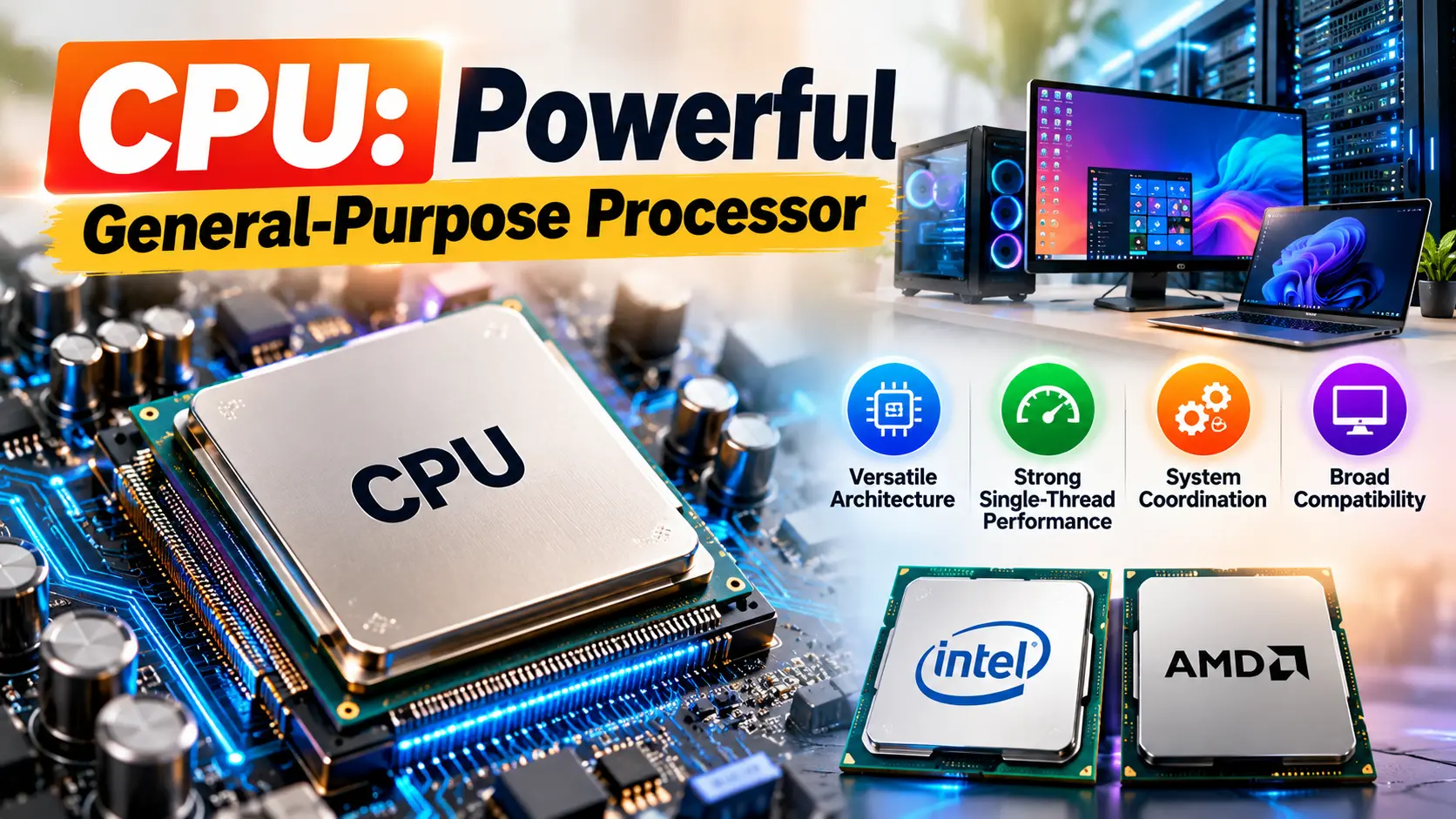
Although a CPU is not exclusively an AI chip, it is essential to many AI systems as it performs tasks such as preprocessing data and managing application logic. It is also a good option for running smaller machine learning models, as well as performing inference when dedicated accelerators are not available.
Key Features
- Versatile architecture: Can execute a wide range of instructions.
- Strong single-thread performance: Good at executing complex and long instructions.
- System coordination: Can manage a PC’s resources, peripherals, and software.
- Broad compatibility: Can work with different kinds of software and tools.
Applications and Benefits
CPUs are popular in PCs, laptops, and servers. They excel at running less computationally intensive AI applications and workloads, and can even run smaller language models. They can perform data preprocessing and inference when other accelerators are not available.
Some popular examples are CPUs from Intel and AMD.
The key advantage of CPUs is their flexibility, as a single CPU can run a variety of applications without the need for additional hardware.
Also Read: Future of Robotics: The Revolutionary Rise of Smart Machines
2. GPU: Parallel Computing Powerhouse
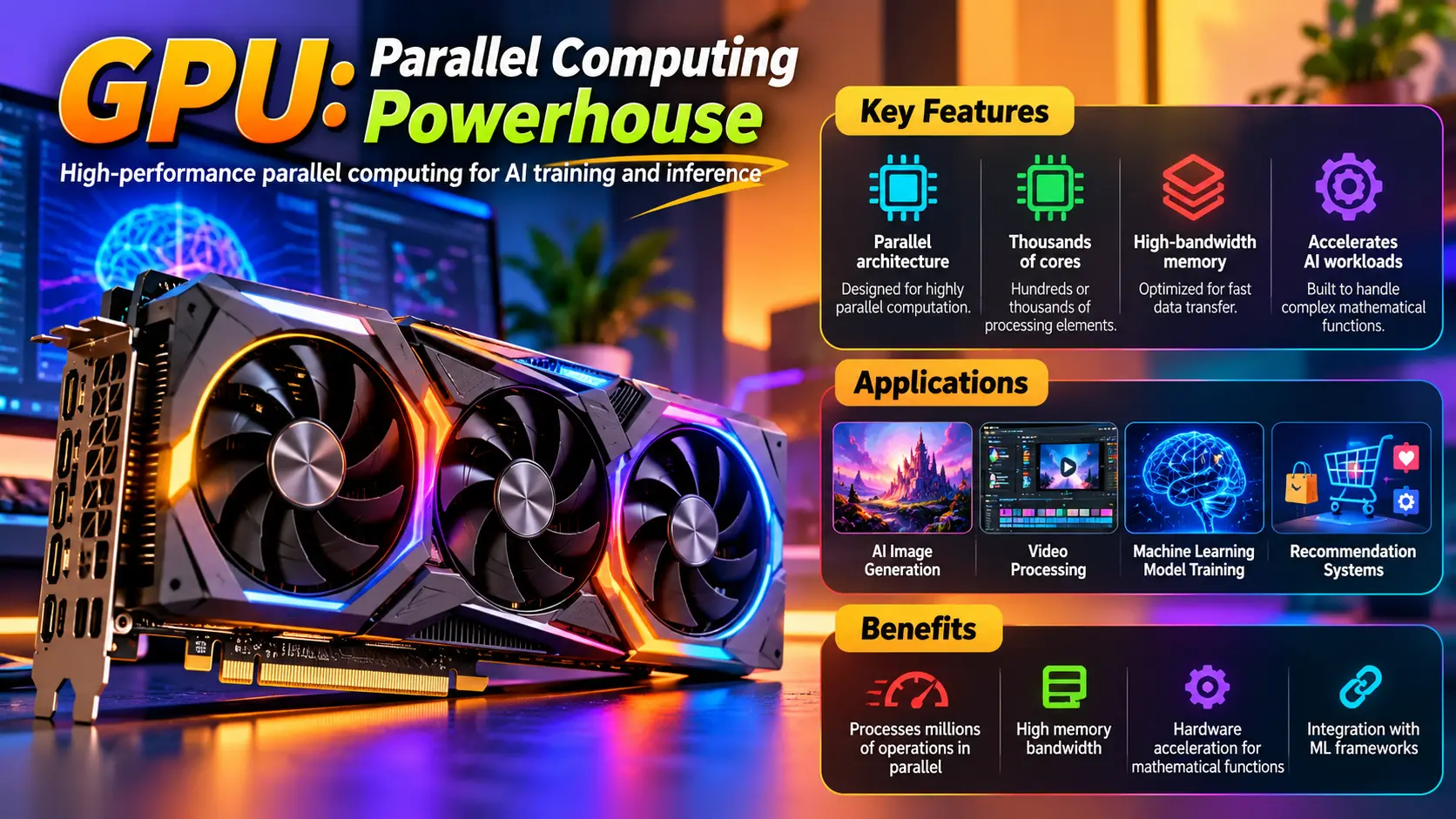
A graphics processing unit (GPU) is designed for high-performance parallel computing and is optimal for AI training and inference.
Key Features
- Parallel architecture: Designed for highly parallel computation.
- Abundant processing elements: Hundreds or thousands of smaller cores.
- High-bandwidth memory: Optimized for data transfer to and from processing elements.
- Many applications utilize GPUs to train ML models, generate media, and process scientific simulations.
Key Features
- Ability to process millions of operations in parallel.
- High memory bandwidth.
- Hardware to help accelerate mathematical functions.
- Integration with ML frameworks.
Applications and Benefits
GPUs can be used for AI image generation, enhancements, and video processing applications. The recommendation systems that power e-commerce and social media are made possible with the help of GPUs.
For example, NVIDIA’s GPU-based data centers are used for recommendations and scientific simulations, while consumer graphics cards help process supported AI functions on desktop computers.
The main benefit of GPUs is the ability to handle hundreds of thousands of operations in parallel. However, strong GPUs can be very expensive and consume a lot of power.
3. TPU: Google’s Specialized AI Accelerator
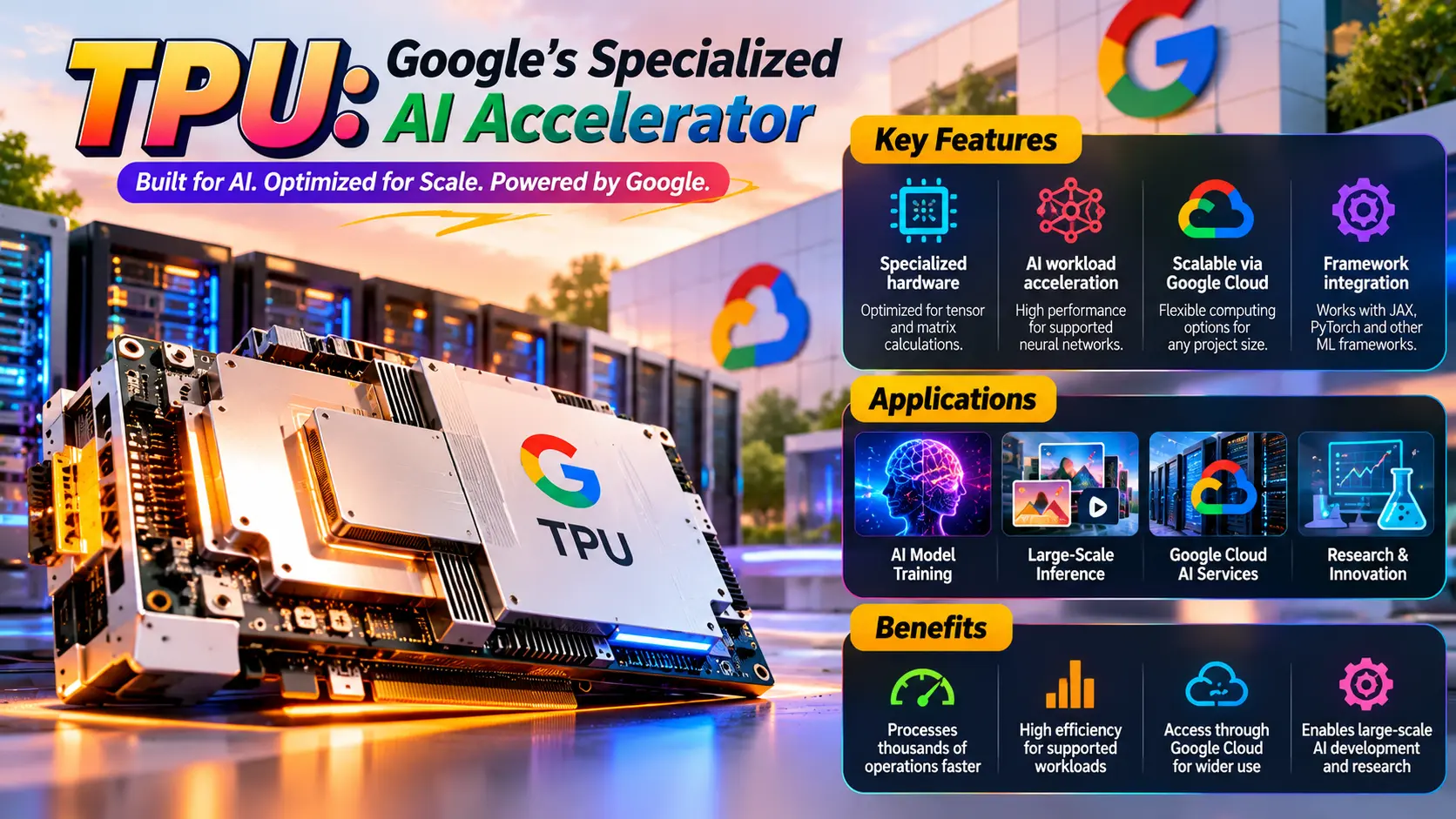
TPUs are designed for a much narrower range of operations compared to a GPU.
Because of TPUs, Google is able to process thousands of operations in a fraction of the time it would take other competitors.
Google Cloud services give developers access to Cloud TPU resources. As a result, research teams and start-ups that do not have dedicated hardware can use Cloud TPUs.
Key Features
- Specialized hardware for tensor and matrix calculations.
- Acceleration for supported neural network workloads.
- Scalable computing options through Google Cloud.
- Integration with machine learning frameworks, including JAX and PyTorch.
Applications and Benefits
The principal strength of Cloud TPUs is effective parallel processing of supported workloads. However, the performance of Cloud TPUs also depends on the model and software, and the memory and configuration requirements. Cloud TPUs may not always be the best option to accelerate AI workloads.
4. NPU: Efficient AI Processing on Personal Devices
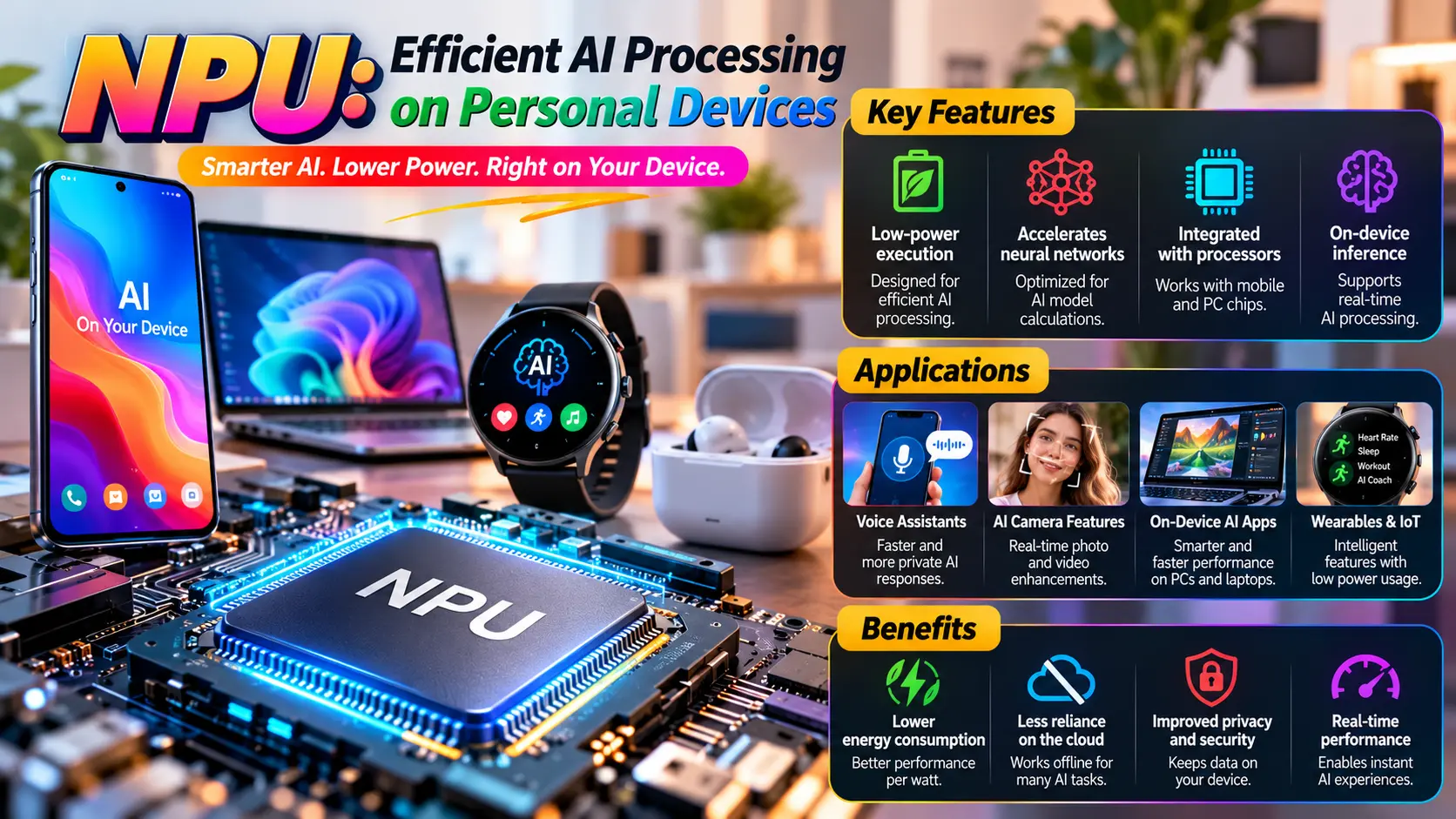
The use of NPUs in various consumer devices illustrates the strong potential of on-device AI processing units. Similar to a data center accelerator, an NPU can be designed to maximize overall performance, but prioritize performance per watt. An example is the Qualcomm AI Engine.
Key Features
- Low-power execution of supported AI workloads.
- Acceleration for neural network calculations.
- Integration with mobile and PC processors.
- Support for on-device inference and real-time processing.
Applications and Benefits
The largest advantages of NPU-based localized AI processing are reduced energy consumption, decreased reliance on the cloud, and increased data privacy and security. Further, not all AI workloads can always be accelerated using NPU AI processors. Cloud resources may still be needed to process larger AI workloads.
5. LPU: Optimized for Fast Language Model Responses
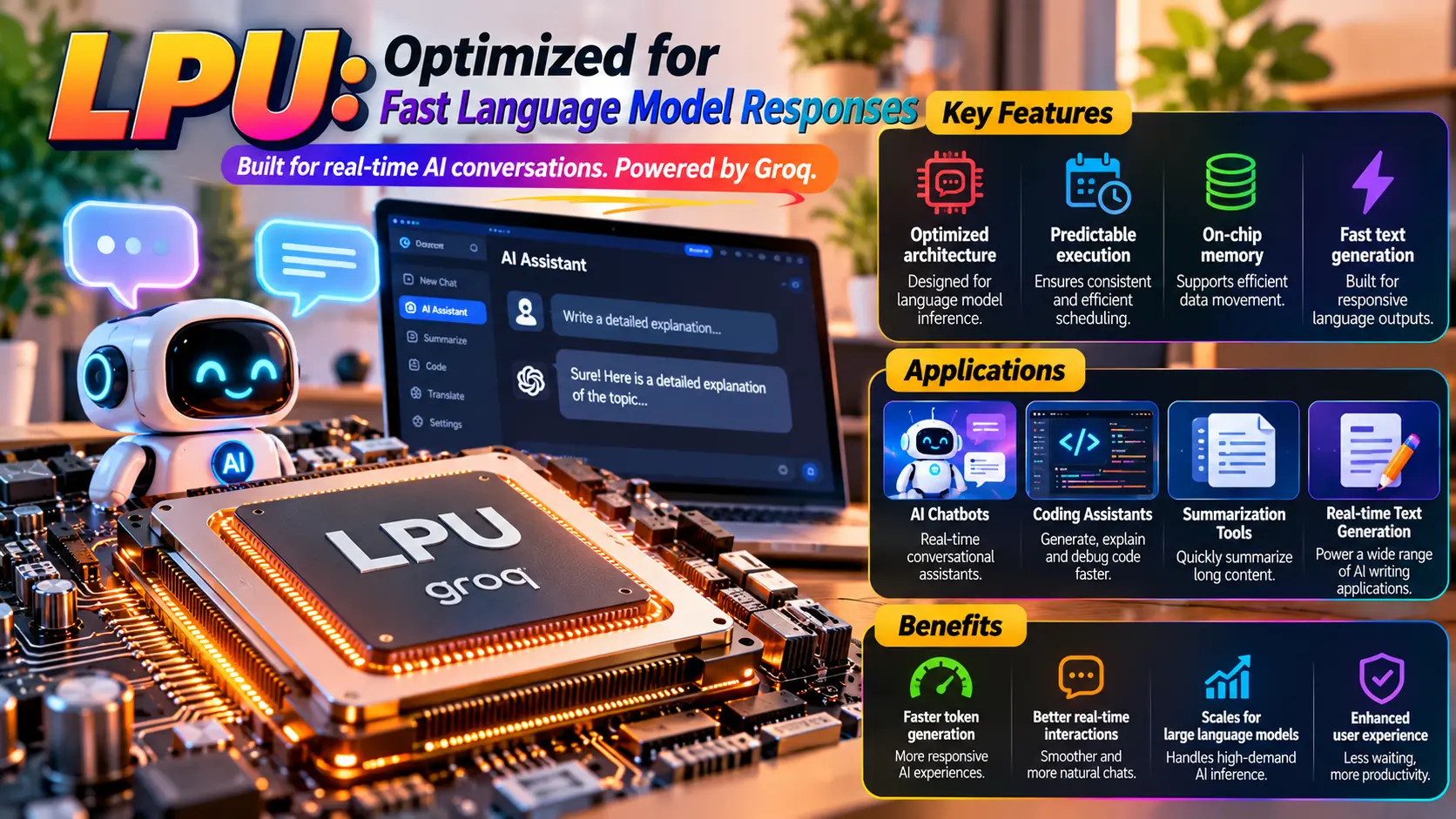
A language processing unit (LPU) is associated with Groq and how they accomplish AI inference at scale, specifically with larger language models.
Key Features
- Architecture optimized for language model inference.
- Predictable scheduling and execution.
- On-chip memory designed to support efficient data movement.
- Emphasis on responsive text generation.
Applications and Benefits
LPUs can support AI chatbots, conversational assistants, coding assistants, summarization tools, and applications that generate text in real time.
For users, AI processors with faster token generation can make chatbots feel more responsive, particularly when producing lengthy answers or interacting with an AI assistant.
6. DPU: The Data Center Infrastructure Specialist
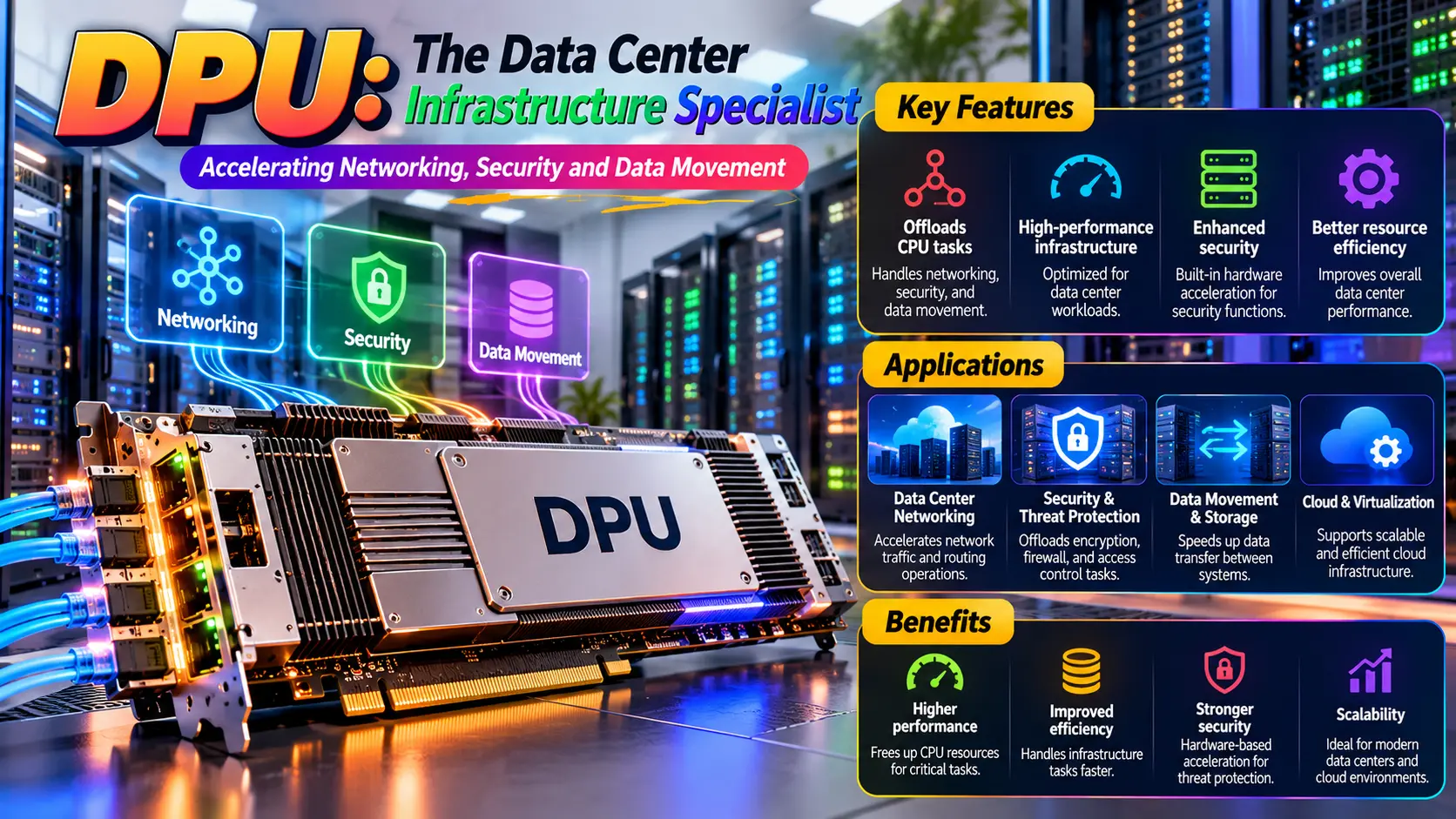
A data processing unit (DPU) is designed to accelerate workload infrastructure operations in data centers. It can offload many CPU tasks, including networking, security, and data movement.
In the modern data center, DPUs are used along with CPUs and GPUs.
While a GPU is designed for many parallel workloads, the LPU architecture is focused on predictability and speed of token generation for language-based workloads.
Key Features
- Optimized for language model inference.
- Predictable scheduling and execution.
- On-chip memory to facilitate movement of data.
- Emphasis on responsive text generation.
Applications and Benefits
LPUs are well-suited to power AI chatbots and assistants, code-generating assistants, text summarizers, and other real-time text-generating applications.
Token generation time is predictable for a given language model, which enables the systems to be responsive to user queries.
While a centralizing force around language model generation at low latency exists, the classification of LPU is not broadly defined by all manufacturers, and availability and pricing for total response time vary by service and workload.
CPU vs GPU vs TPU vs NPU vs LPU vs DPU: Comparison Table
This table shows how the six AI processors vary based on their primary purpose, applications, and benefits.
| Processor | Primary Purpose | Applications | Main Benefit |
|---|---|---|---|
| CPU | General-purpose computing | Software, operating systems, and everyday applications | Flexibility |
| GPU | Parallel computing | Deep learning, image and video processing, and generation | High throughput |
| TPU | Tensor operations | Machine learning training and inference | Computational efficiency |
| NPU | Neural network processing | Mobile AI and edge computing | Energy efficiency |
| LPU | Language model inference | Text generation and AI chatbots | Fast inference |
| DPU | Infrastructure acceleration | Data center networking, security, and storage | Reduced infrastructure workload |
Depending on the workload and performance constraints, budget, and system integration, several processors can be used in conjunction.
Also Read: Best Home Security Cameras Without Subscription: Top Privacy Picks
How to Choose the Right AI Processor
In this case, the choice depends on the goal and system integration. A capable CPU is the best AI processor for general-purpose computing, including software and applications used in the office.
- For AI development and content creation: A GPU is great for training AI models and creating images and other content with AI.
- For large-scale ML: If your workload and development framework are compatible, then TPUs can be a good choice.
- For laptops and smartphones: NPUs can provide performance gains for AI features while conserving battery.
- For chatbots: An LPU-based service may be a good choice for chatbots or AI applications in which fast inference of language models is important.
- For data center infrastructure: DPUs can be good for building more efficient data center infrastructures.
Before investing in these technologies, businesses should evaluate the costs, benchmarks, and software support. The best AI processors are those that are best suited for the particular workload, not necessarily the most expensive processors.
Conclusion
The CPU, GPU, TPU, NPU, LPU, and DPU each provide a different type of computation. CPUs are flexible for all types of computations, GPUs are great for parallel computations, TPUs are great for ML, NPUs are great for on-device ML, LPUs are great for responsive language model inference, and DPUs are great for building more efficient networks.
Instead of thinking about these technologies as competitors, think about how they can be used together. Most AI systems are a combination of multiple types of computations.
When considering AI processors, from consumer devices to the data center, understanding these systems can aid in technology decisions.
Frequently Asked Questions (FAQs)
1. What is the difference between a CPU and a GPU?
A CPU is used for general-purpose computing while a GPU specializes in parallel computing. While CPUs are good at performing multiple different tasks in a row, GPUs can perform multiple calculations at the same time. Due to the nature of modern computing, the kind of processing required by Artificial Intelligence and similar technologies often requires multiple calculations done in parallel. Because of this GPU’s can excel at computing for these kinds of workloads.
2. Is a TPU better than a GPU for AI?
Depending on the use case, a GPU can definitely be better for AI than a TPU. A good example of this is with frameworks and architectures. Because GPUs specialize in parallel computing, they can be adapted to support multiple frameworks and architectures at the same time whereas a TPU can only excel with a single architecture.
3. What is an NPU used for in laptops?
While the main role of a laptop’s NPU is to accelerate AI computing, it can also be used for other things like real time video call filters, image enhancement, and speech processing.
4. Is an LPU the same as an NPU?
No. As Groq defines it, LPU stands for Language Processing Unit. It is a specialized type of NPU (Neural Processing Unit) architecture focused on language model inferences.
5. Do AI processors improve data privacy?
They may. NPUs and other local accelerators let some AI workloads execute on the device, decreasing the need to send sensitive data to the cloud. That said, data privacy depends on the app and how it handles data.
6. Which AI processor is best for beginners?
A regular computer is enough to teach yourself the basics of AI. A GPU is useful for more involved model development. If you need more, cloud-based TPUs or GPUs can be good options.