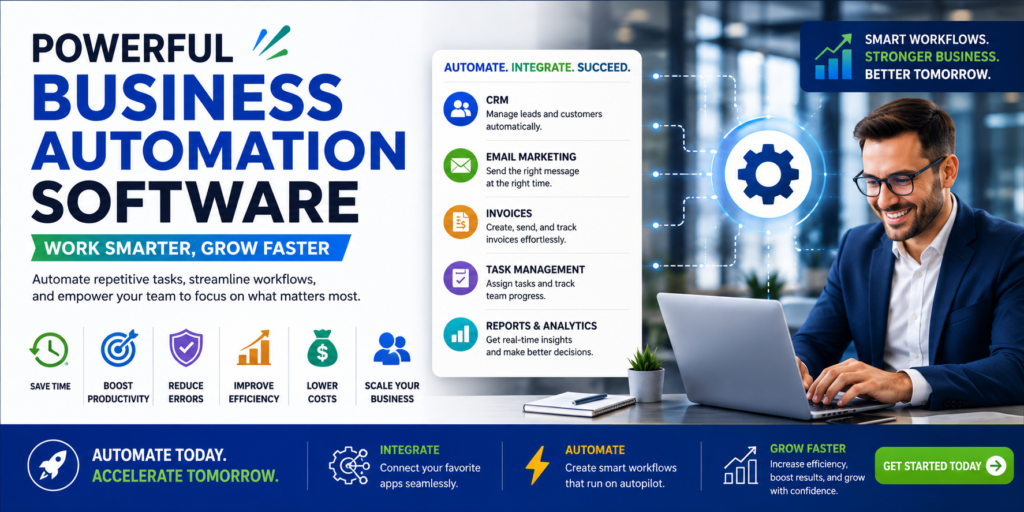
Powerful Business Automation Software: Work Smarter, Grow Faster
+
Table of Contents
- 1 What Is Business Automation Software?
- 2 Popular Automation Software
- 2.1 1. Zapier
- 2.1.1 Zapier features:
- 2.2 2. HubSpot
- 2.2.1 Key features include:
- 2.3 3. Microsoft Power Automate
- 2.3.1 Key features include:
- 2.4 4. Salesforce
- 2.4.1 Key features include:
- 2.5 5. Make
- 2.5.1 Key features include:
- 3 Business Automation Software Comparison
- 3.1 Key Features of Automation Software
- 3.1.1 Integrations
- 3.1.2 Automation
- 3.1.3 Analytics
- 3.1.4 Artificial Intelligence
- 3.2 Benefits of Automation Software
- 3.2.1 Less Errors
- 3.2.2 Faster Customer Responses
- 3.2.3 Lower Operational Costs
- 3.2.4 Better Scalability
- 3.2.5 Improved Visibility
- 3.3 How to successfully implement process automation
- 4 Conclusion
Businesses spend an enormous amount of time and money on the non-revenue-generating, administrative tasks associated with running a business. These tasks include sending emails, updating spreadsheets, following up with clients, processing invoices, scheduling appointments and meetings, preparing reports, and numerous other tasks that can be automated. Using business automation software streamlines these tasks, increasing business productivity, so employees can spend their time focusing on important, revenue-generating tasks.
Business automation software uses a combination of workflows, integrations, AI technology, and rules to automatically complete repetitive business tasks. This allows employees to focus their efforts on tasks that facilitate business growth. Productivity across almost every department can be improved.
What Is Business Automation Software?
Business automation software is a program that lessens the burden on employees by performing a business function without the need for employees to do each individual step of the process. These programs allow businesses to establish workflows that need specific conditions to be met in a particular order.
For instance, a contact form can trigger an automation platform to add the lead to a customer relationship management system (CRM), send confirmation to the potential client, notify the sales representative, and create a task for the sales representative to follow up with the potential client.
Business automation software can connect different types of programs so information can move between programs without the need for employees to manually input the information. This is especially helpful for growing businesses.
Why Businesses Need Automation
There will always be manual processes. An employee may spend several hours each week generating reports or sending emails. Manual processes often become the bottleneck of a business.
Autoai Fixtures end software bottlenecks by creating clear software workflows. This improves time on administrative tasks and allows employees to utilize their time on key business strategy development.
Benefits of Automation
Automation improves business performance by reducing human error and unnecessary costs.
Imagine having the ability to not only save time by eliminating time-consuming tasks, but to shift your time to focus more on building relationships, strategic planning, and most importantly of all, problem solving.
Automation will do all of the heavy lifting for you.
Popular Automation Software
There is no one solution that fits all companies. Because of this, many businesses opt to use a variety of solutions to automate their business processes.
1. Zapier
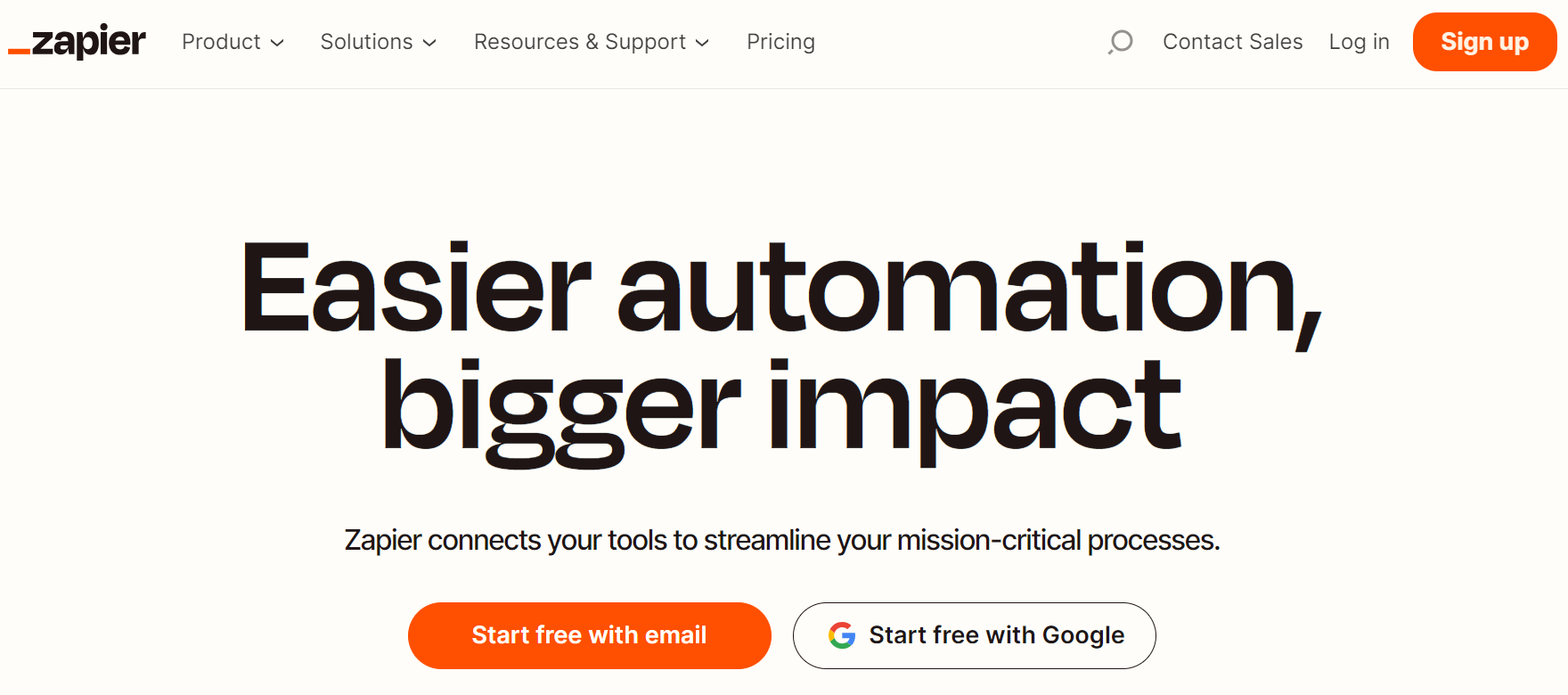
One advanced solution is Zapier, which creates business-focused integrations for users by automating tasks WITH (or in between) applications. Users build Zaps to connect applications.
For example, a user can build a Zap to connect their website and add new leads to their CRM and automatically notify the sales team.
Zapier features:
- Premade integrations
- Automation workflows
- Automated actions and triggers
- Conditions
- AI-recommended integrations
- Automation workflow tracking
2. HubSpot
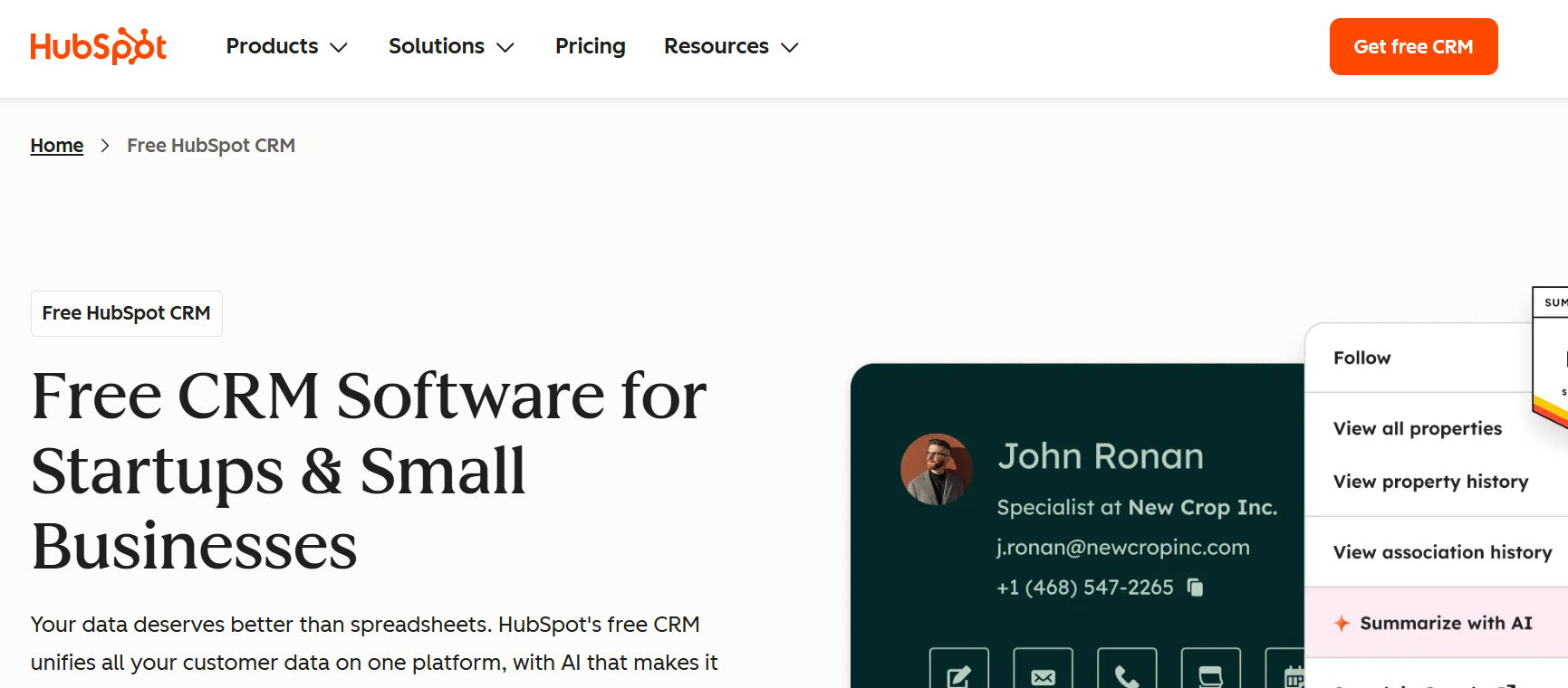
HubSpot allows businesses to build marketing, sales, and customer service processes and integrations. Its automation and tools help businesses craft automated workflows for leads, customers, and all email, sales, and customer service processes.
User automation ability includes lead assignment, follow-up message automation, activity triggers, user record updates, and messaging.
Key features include:
- CRM, email, lead nurturing, sales, and customer service automation
- Reporting and analytics
- It unifies various customer-facing functions in a single system.
3. Microsoft Power Automate
Microsoft Power Automate automates workflows across Microsoft and third-party tools. It can integrate applications, synchronize data, automate approvals, and trigger workflow activations based on certain business activities.
For organizations using Microsoft 365, Power Automate can be very valuable.
Key features include:
- Workflow automation
- Automated approvals
- Automation of cloud and desktop applications
- Integration of Microsoft 365
- AI
- Business process automation
- It supports tasks involving desktop applications and legacy systems.
4. Salesforce
Salesforce offers automation for its CRM across the entire ecosystem. Sales teams can automate lead assignment, follow-ups, notifications, customer journey automation, and other sales activities.
This product is best for larger companies with more complex customer relationships and sales channels.
Key features include:
- Sales workflow automation
- Lead management
- Customer journey automation
- Automated notifications
- Integration of CRMs
- Analytics
Also Read- Game-Changing Machine Learning Trends to Watch in 2026
5. Make
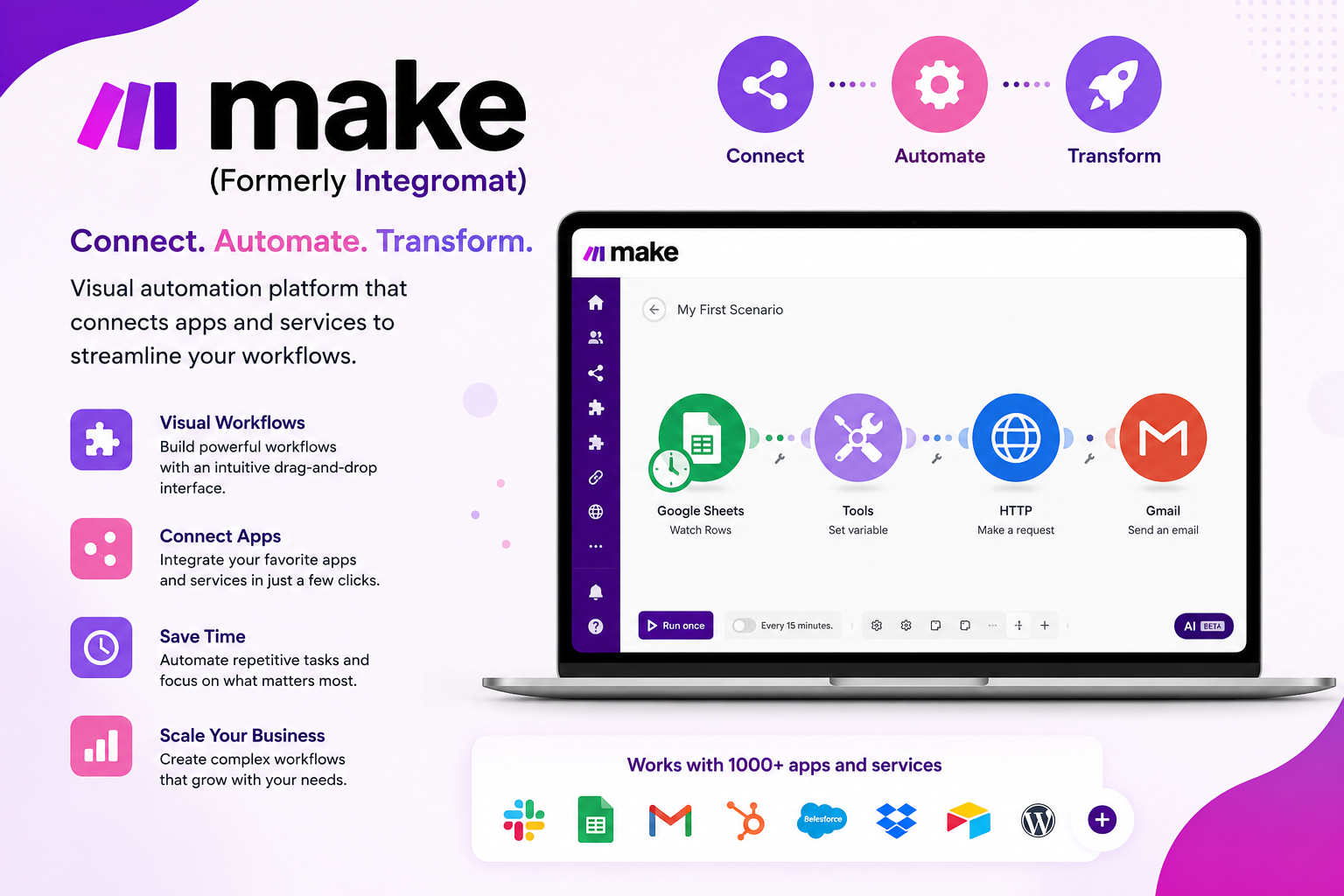
Make is a platform where users are able to create sophisticated workflows via automation between applications and data sources through a visual interface.
Key features include:
- Visual automation tool
- Conditional workflow
- Data conversions
- Application integrations
- Workflow visibility
Make is a good option for organizations that require higher levels of customization in their workflows.
Business Automation Software Comparison
| Software | Best For | Major Features | Ideal Users |
|---|---|---|---|
| Zapier | App integrations | Multi-step workflows, triggers, integrations | Small businesses |
| HubSpot | CRM automation | Marketing, sales, service workflows | Marketing and sales teams |
| Power Automate | Microsoft workflows | Approvals, RPA, Microsoft integrations | Enterprises |
| Salesforce | Sales automation | CRM workflows, lead management, analytics | Sales organizations |
| Make | Advanced workflows | Visual scenarios, conditional logic | Operations teams |
Key Features of Automation Software
Integrations
Flexibility and features are required besides integrations to ensure business automation systems transform a business.
Automation
Automation can be combined with workflow builders to make more advanced automation.
Analytics
Automation can only help a business to the extent that the workflows are being monitored and improved.
Artificial Intelligence
AI is making business automation systems a more active and real-time partner for a business.
Benefits of Automation Software
Automation helps employees focus on tasks that add greater value to a business.
Less Errors
Automation reduces the errors associated with the manual process of data input. This is because automated systems operate by pre-defined rules.
Faster Customer Responses
Automating the process of customer emailing and notifications means great customer response irrespective of the time of the day. Programs can also automatically route leads and deliver support.
Lower Operational Costs
Routine operational processes require less human involvement. Automation can help a growing company save money.
Better Scalability
Scalability relates to carrying a business’s operations to the next level. For example, if a business campaign works for a set number of clients, it may be hard to manage those operations for many thousands of clients. Automation helps client management for a large-scale business operation.
Improved Visibility
A business process management system (BPMS) captures activities and data from workflow processes and is a great source of data for managers to determine procedural bottlenecks.
Also Read- Future of Robotics: The Revolutionary Rise of Smart Machines
How to successfully implement process automation
Lack of a clear goal for automation is a common reason why process automation fails. Doing this causes unnecessary complications. Each business process that is time-consuming and repetitive needs to be documented. The steps should be analyzed to determine which steps can be automated and which require judgment.
Then consider your software and integrate the automation software that works best for your business. Test your workflow automation before implementing it, and measure the results to see if it was a successful implementation for your business processes.
Always limit the accessibility of your automation. Approval steps should be required before automation can run sensitive business processes. Always set the automation to run with oversight.
Review your automation frequently to ensure business process improvement and to keep control of your optimization within your business.
Conclusion
Business automation programs are a key component of increasing the efficiency and scalability of a business. Programs such as Zapier, HubSpot, Microsoft Power Automate, Salesforce, and Make can automate workflow systems pertaining to sales, marketing, customer service, finance, and operations.
Automation systems are designed to eliminate jobs that are repetitive and let people do jobs that use a greater degree of creativity and thought.
Automating time-consuming tasks that slow down businesses has the potential to improve a business by removing inefficiencies and providing a faster system that is more consistent and more scalable. In an economy where everyone is trying to work and think faster, this is a key advantage.
FAQs
1. What is business automation software?
Business automation programs eliminate the need for people to perform repetitive tasks by using rules, connections or integrations, and workflow triggers. This is all becoming more autonomy-centered with advancements in AI.
2. What is the best automation software for small businesses?
Zapier is a top choice for small businesses because it links various applications and enables users to make workflows without extensive programming knowledge.
3. Can automation software reduce business costs?
Automation reduces the need for repetitive systems and tasks. This reduces administrative burden and task-related mistakes and increases focus on more important, valuable tasks.
4. Is business automation difficult to implement?
Workflows that are more complex may require product integrations and careful planning.
5. Can automation work with existing business applications?
Yes. Automation systems integrate with various CRMs, accounting, communications, marketing, productivity, and project management products.