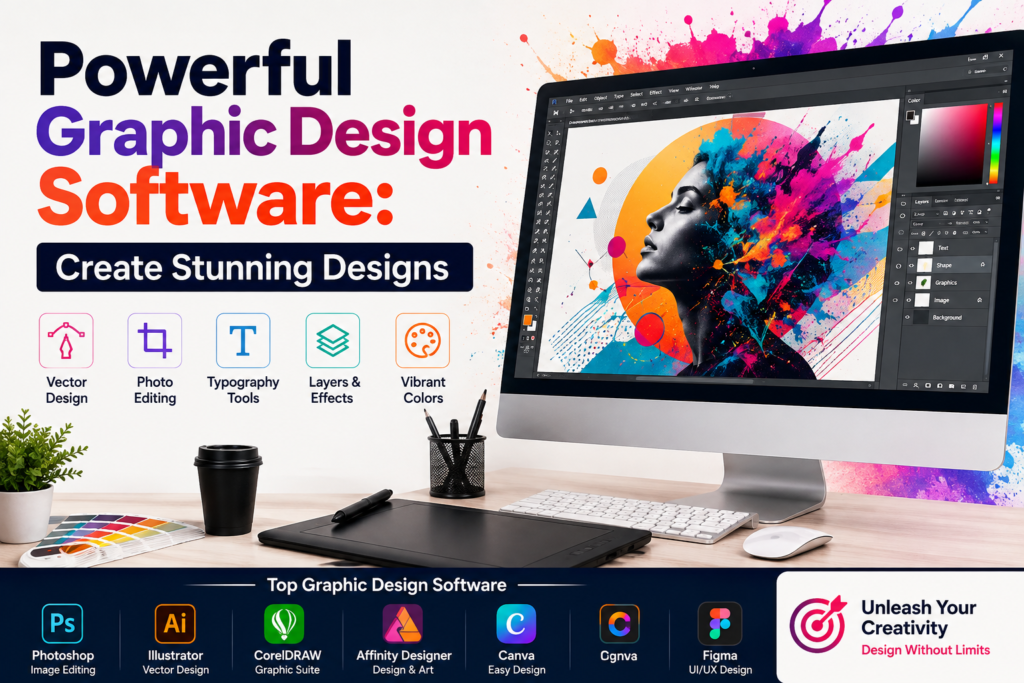
Powerful Graphic Design Software: Create Stunning Designs
+
Table of Contents
- 1 What is Graphic Design Software?
- 2 Top Graphic Design Software
- 2.1 1. Adobe Photoshop
- 2.1.1 The main features of Photoshop include:
- 2.1.2 Benefits:
- 2.2 2. Adobe Illustrator
- 2.3 3. Canva
- 2.3.1 Customization:
- 2.4 4. CorelDRAW
- 2.4.1 Types of design supported by CorelDRAW:
- 2.4.2 Benefits:
- 2.5 5. Affinity Designer
- 2.6 6. Figma
- 2.6.1 Key features:
- 3 Comparison of Popular Graphic Design Applications
- 4 Conclusion
- 4.1 FAQs
- 4.1.1 1. What is the most beginner-friendly graphic design software?
- 4.1.2 2. What software do professionals use?
- 4.1.3 3. Can Canva be used for professional work?
- 4.1.4 4. Which is the best software for designing logos?
- 4.1.5 5. Does graphic design software enhance work efficiency?
- 4.1.6 6. Which one do you think is better, subscription or non-subscription software?
- 4.1.7 7. What does Figma offer?
Graphics are an integral aspect of modern communication. This can range from poster presentations, social posts, and even websites to advertisements, logos, and illustrations. Wherever graphics are used to convey ideas and information, attractive visuals make this task and this medium easier. Even when combined together, like in this case, graphic design software offers users the ability to create confident, professional illustrations that can make a difference in attracting the target audience.
Navigating through the graphic design software market today is not an easy task. Some programs target professional designers; others, beginners, marketers, social media creators, or businesses. The right graphic design software will depend on your experience, creative needs, favorite way of working, and what you can afford.
What is described in this article are some leading graphic design applications on the market, significant features, major benefits, and entry-level segment users for which the solutions are targeted.
What is Graphic Design Software?
This describes digital applications that enable drawing, editing, and manipulating of visual content. Several applications have advanced beyond basic drawing and editing tools to include AI, cloud collaboration, type and color features, and templates.
Regardless of whether you are creating a company logo or putting together an Instagram ad campaign, graphic design software can facilitate the creative process like no other.
Top Graphic Design Software
1. Adobe Photoshop
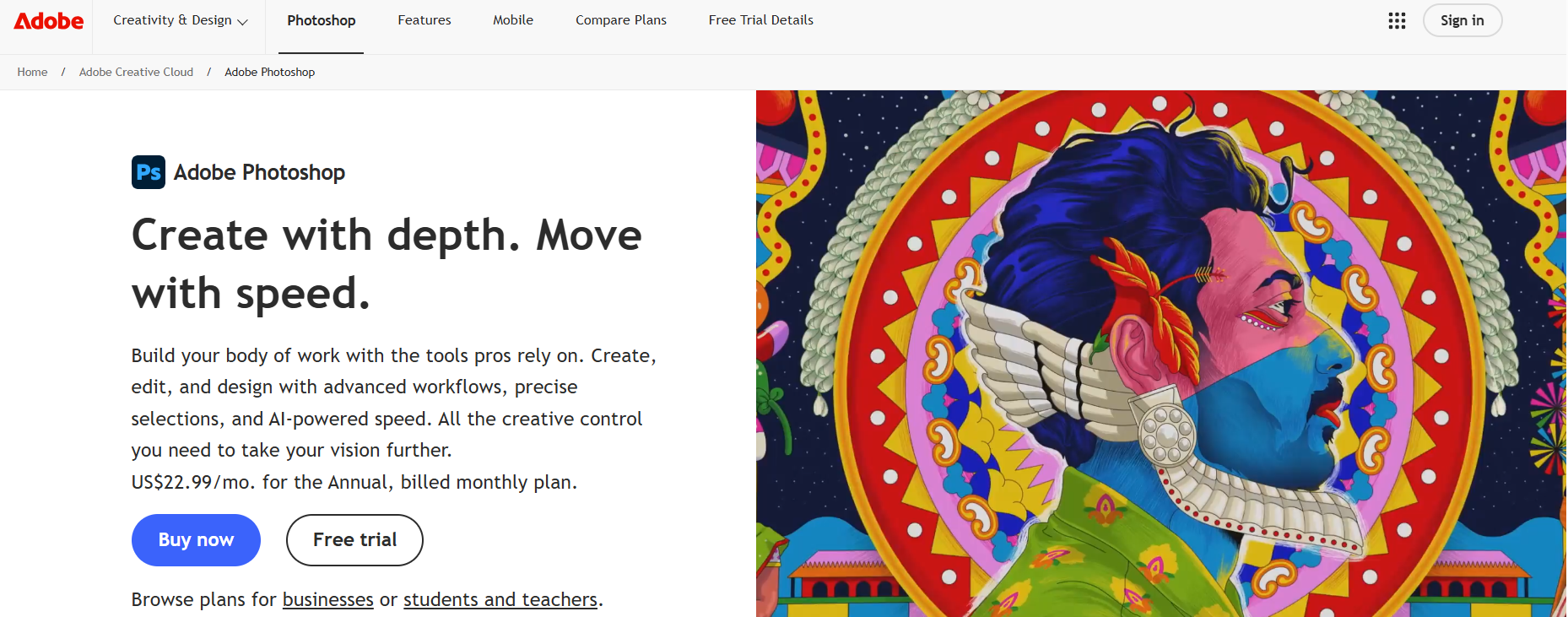
Photoshop was one of the first, most popular photo editing software. It is also a digital painting and photo composition software. Some also use Photoshop for digital art and web graphics.
Photoshop consists of different layers, a variety of masks and filters, different selection tools, control of typography, adjustment tools, and many other tools for photo retouching. These tools have even more customizations with the help of AI.
The main features of Photoshop include:
- advanced photo editing
- layers and masks
- photo retouching
- brushes and effects
- controls for typography
- AI-assisted editing
Benefits:
Photoshop has become a versatile software. It is used by traditional photographers and by digital artists and graphic designers. Photoshop also has a large user base. Hence, many tutorials for Photoshop exist.
Photoshop is highly flexible and is a wonderful option for pixel-level control for graphic design.
2. Adobe Illustrator
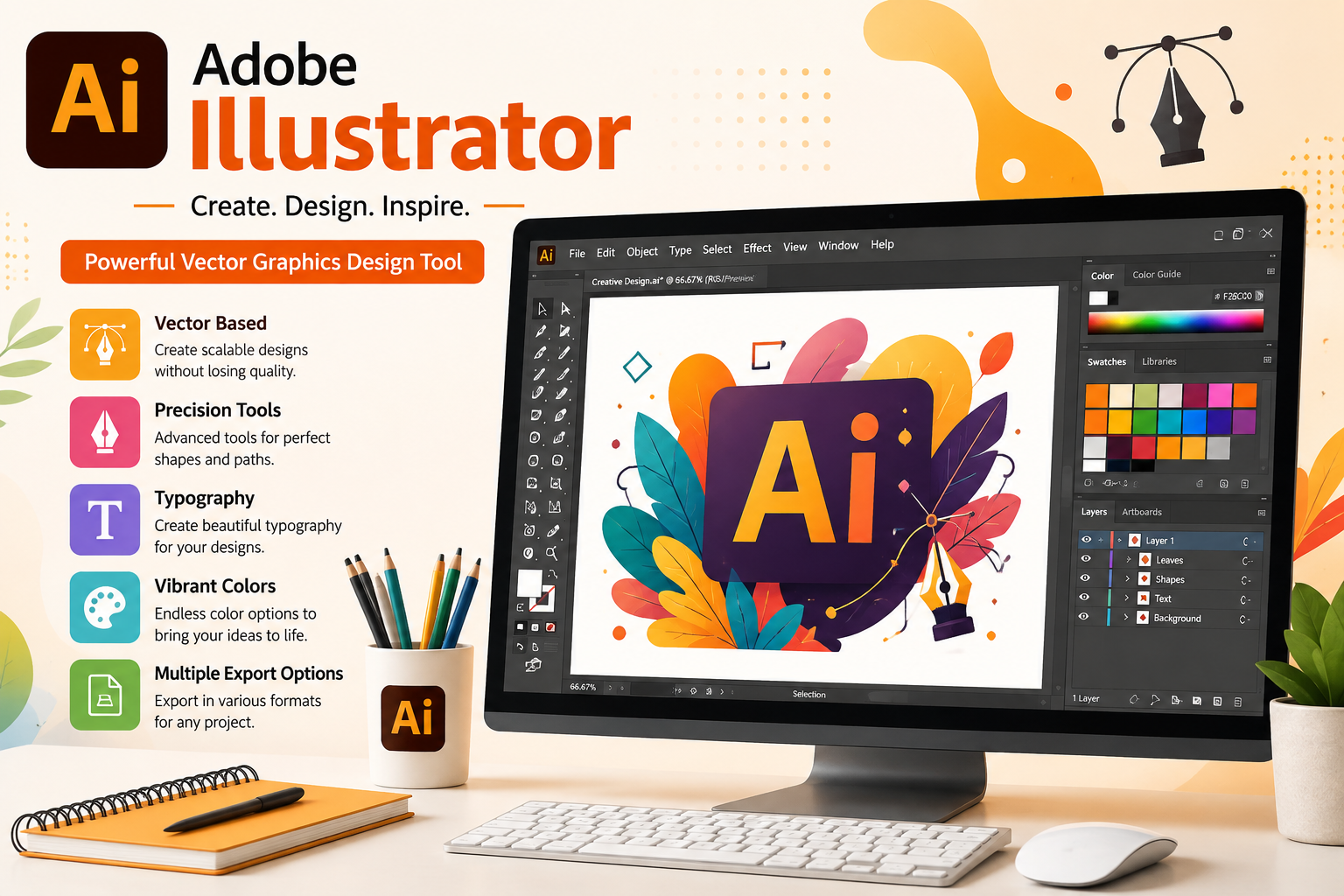
Illustrator focuses on vector graphics. Compared to raster graphics, vector graphics can be increased or decreased in size and hold quality of the art. Therefore, Illustrator is great software for logos, illustrations, and anything for branding and packaging.
There are advanced pen and shape tools and a variety of vector graphics controls such as typography, gradients, patterns, and tools for precise alignment.
The main features of Illustrator include:
- vector graphics
- pen
- shape tools
- advanced typography
- tools for logo creation
- control of gradients and patterns
Benefits:
Illustrator allows designers to create sharp graphics at any size. This makes Illustrator great software for branding and for printed materials.
Also Read- Best Video Editing Software: Powerful Tools for Stunning Videos
3. Canva
Canva is popular because of its ease of use and emphasis on no-coding-required design. Canva has templates for flyers, posters, social media graphics, presentation slides, etc. In Canva, you can specify color and text with images and change layouts. You can even drag and drop to reorganize.
Template-driven software can be faster than building design elements from scratch.
Customization:
- Templates
- Drag and drop
- Social media
- Presentations
- Brand kits
- Collaboration
- AI design assistance
Time saved by users: Content Creators, small businesses, students, and marketers.
4. CorelDRAW
CorelDRAW has tools for illustration, typography, and print production, as well as workflows to prepare designs for different kinds of production. CorelDRAW has been used for page layout and print design.
Types of design supported by CorelDRAW:
- Vector illustration
- Vector layout
- Type and typography
- Sign design and page layout
- Print design
- Shape creation and manipulation
- Image editing
Benefits:
CorelDRAW offers a broad creative toolkit, making it useful for designers working across branding, publishing, advertising, and print production.
5. Affinity Designer
Affinity Designer was built for design professionals who wanted a viable alternative to creative apps that charge subscription fees. It has both raster and vector tools for design work in one program.
- CorelDRAW
- Vector Layout
- Type
- Print Tools
- Manipulation of Shapes
- Image Editing
Benefits: Affinity Designer is a choice for professionals looking for a platform that includes an easy-to-use UI, powerful tools, and a creative workspace.
6. Figma
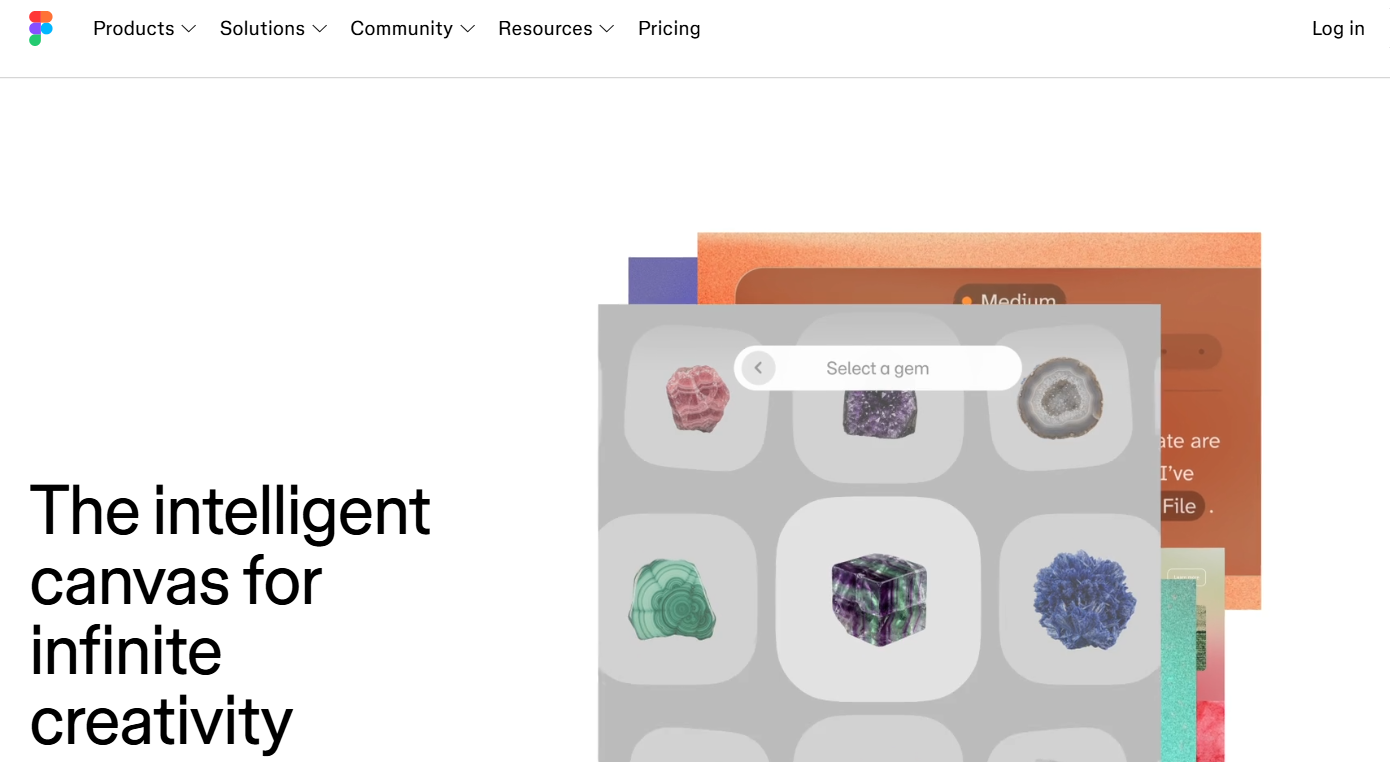
Figma is well-known for its specialization in Interface Design, Prototyping and Collaboration Frameworks for Digital Product Design. Much of Figma’s workflow is cloud-based, so multiple users can work on a project and view changes simultaneously.
Designers can create UI and collaborate with Developers and other stakeholders to create reusable components, prototypes, and design systems.
Key features:
- UI/UX Design
- Prototyping
- Real-time collaboration
- Components
- Design Systems
- Developer Handoff
Benefits: Figma minimizes the gap between designers, developers, and product teams. It’s a great solution for working on websites, mobile apps, and other digital products.
For teams focused on interface design, Figma would definitely be among the top tools in any list of best graphic design software.
Comparison of Popular Graphic Design Applications
| Software | Primary Function | Best Feature | Difficulty |
|---|---|---|---|
| Adobe Photoshop | Photo editing and digital art | Advanced image manipulation | Intermediate to Advanced |
| Adobe Illustrator | Logos and vector artwork | Vector design | Intermediate to Advanced |
| Canva | Social media and marketing | Easy templates | Beginner to Intermediate |
| CorelDRAW | Vector and print design | Professional production tools | Intermediate to Advanced |
| Affinity Designer | Illustration and branding | Vector or raster workflow | Intermediate |
| Figma | UI/UX design | Collaboration and prototyping | Beginner to Advanced |
Main Benefits of Graphic Design Software
Design applications are so much more efficient compared to traditional methods of designing. Rather than adjusting and refining each element separately, designers now have the ability to build their design using a variety of tools to accelerate the overall design process.
Design applications allow a greater degree of consistency. Goals of branding are more easily achieved with design applications as organizations are now able to control various design elements associated with their brand (e.g., colors, logos, etc.) The design elements of a company’s marketing materials can be easily maintained.
Additionally, design applications allow for greater control of the design process. Granular control over individual design elements is provided by design applications. This also includes the ability to control varying dimensions of design, such as typography, components, shapes, colors, and images.
Design applications promote greater collaboration between team members. Cloud design applications enable greater collaboration by making it easier to design and review concepts without the hassle of exchanging large design files.
Lastly, design applications are now more intelligent. Design applications have applied automation to various tasks, including design element creation (i.e., layout, designs, resizing), image clarification, and design editing.
Also Read- Ultimate Drone Batteries Guide: Power Your Flight
How to Choose the Right Software
The key to choosing the right graphic design application is understanding your specific needs.
Photoshop excels in photo editing and image manipulation. Illustrator and Affinity Designer are used more for designing logos and artwork that can be scaled to different sizes. If you need graphics to be posted to your social media accounts or to be used in your business, Canva is your easiest option since it has a beginner-friendly design software.
Figma is ideal for product teams and UI/UX designers since a large portion of its functionality is dedicated to prototyping and designing. Its competitor programs are CorelDRAW and Inkscape, which offer extended capabilities in print design production.
Cost also factors in because some of these programs vary in their purchasing options. License subscriptions at a recurring fee may be an option, but you should also look into whether a program has a one-time cost purchasing option. Operating systems and hardware requirements also influence your decision-making. You should also take into consideration the capabilities your program has in collaboration and document file exporting.
You can’t expect to create excellent designs with the best software if you don’t know design fundamentals such as typography, color theory, composition, and more. To reduce the amount of space in your designs, use fewer design elements. Make sure your designs are cohesive with your brand identity by maintaining brand consistency. Prepare all your graphics with the specifications needed to properly fit in digital platforms you’ll be using.
Create templates to become faster, especially for repeated usage. Posting to social media, making advertisements, presenting to an audience, or any material promotional in nature is great for quicker posting.
Consistency in creating and other design elements helps develop your skills. Practice different techniques and get inspired by others’ designs. Regular practice will combine techniques and inspire new ideas within your design concepts.
Conclusion
The right graphic software for each user depends primarily on user experience and budget. The workflow, design experience, and budget of each user dictate where and how they invest in technology to optimize their design processes.
Photoshop is the best software for image adjustments and edits; Illustrator is best for vector graphics; Canva simplifies workplace content creation; CorelDRAW assists in print work; Affinity Designer has a vector and raster workflow, and Figma is best for creating interface designs.
Be mindful of what you create most when selecting software. The right graphic design software harnessed by creators results in handy yet professional polish for transforming ideas into visual experiences.
FAQs
1. What is the most beginner-friendly graphic design software?
Canva is most novice-friendly due to its ease of use. The templates, interface that allows you to drag and drop, etc., make professional design simple even for people without design experience.
2. What software do professionals use?
Professionals use Photoshop, Illustrator, CorelDRAW, Affinity Designer, and Figma. Once again, which one you choose depends on your area of specialization. Photography? Illustration? Branding? Print? UI/UX?
3. Can Canva be used for professional work?
Yes. Canva is perfect for marketing materials, presentations, social media and other similar professional work. However, for professional work that requires advanced illustrations and images, you may want to look into other software.
4. Which is the best software for designing logos?
Some vector software includes Adobe Illustrator, Affinity Designer, and CorelDRAW. These software tools are useful for designing logos because vector art can be enlarged without losing any crispness.
5. Does graphic design software enhance work efficiency?
Yes, graphic design software can completely change your workflow for the better. With graphic design software, you have accessibility to thousands of ready-to-use templates which speeds up the design process. Additional features of software help to share links, collaborate, automate a design, and even use AI to design for you.
6. Which one do you think is better, subscription or non-subscription software?
That depends on your budget and how you manage your finances. If you need to update software a lot and use services that your design software offers, then a subscription route is the way to go. A non-subscription route offers the flexibility that you don’t have to pay to use the software again.
7. What does Figma offer?
Figma goes beyond graphic design. It is also favored by UI/UX designers and developers. Digital project collaboration and extension is popular among the users of Figma.