10 Best CRM Software to Skyrocket Your Sales
+
Table of Contents
- 1 What is CRM Software?
- 2 Top 10 Best CRM Software Comparison
- 2.1 1. HubSpot CRM
- 2.2 2. Salesforce
- 2.3 3. Zoho CRM
- 2.4 4. Pipedrive
- 2.4.1 Sell Features
- 2.4.2 Sell Benefits
- 2.5 5. Monday CRM
- 2.5.1 Sell Features
- 2.5.2 Sell Benefits
- 2.6 6. FreshSales
- 2.6.1 Sell Features
- 2.6.2 Sell Benefits
- 2.7 7. Microsoft Dynamics 365
- 2.7.1 Sell Features
- 2.7.2 Sell Benefits
- 2.8 8. Insightly
- 2.8.1 Sell Features
- 2.8.2 Sell Benefits
- 2.9 9. Nimble
- 2.9.1 Sell Features
- 2.9.2 Sell Benefits
- 2.10 10. Copper CRM
- 2.10.1 Features & Benefits
- 2.11 Selecting A CRM
- 2.12 Benefits Of Utilizing A CRM
- 2.12.1 Tracking Leads
- 2.12.2 Follow Up Automation
- 2.12.3 Improving The Customer Experience
- 2.12.4 Sales Forecasting
- 2.12.5 Productivity Boost
- 2.13 What You Should Require When Reviewing CRM Options
- 3 Final Thought
In the modern age of business, having a reliable CRM system can manage your customer engagement and drive your business on the path to success, no matter if you’re a small business, large corporate entity, or anything in-between. The right CRM Software can help you collect and analyze customer data, optimize your sales efficiency, simplify and enhance the quality of your business communications and increase your closing ratios.
Great CRM solutions offer a means for organizations to capture and visualize data concerning prospects, streamline organizational communication, all while combining various business branches and offering a means to quantify a plethora of variables pertinent to selling.
This article outlines the 10 best CRM solutions and all of the advantages, pricing models, and features that will assist you in determining the best fit tool for your organization.
What is CRM Software?
A CRM system is an organizational tool that allows a company to manage contact customer, sales, and support related data in a singular space.
The best systems help organizations manage their customer relationships and retain their clientele and drive their sales and profits.
Why Utilize the Best Solutions?
There are numerous reasons why the best CRM systems help nurture your business.
Major Benefits
- Centralized customer database
- Better lead management
- Automated follow-up reminders
- Improved communication with customers
- Enhanced sales productivity
- Better accuracy in sales forecasting
- Workflow automation
- In-depth analytics and reporting
- Team collaboration
- Higher customer retention
Top 10 Best CRM Software Comparison
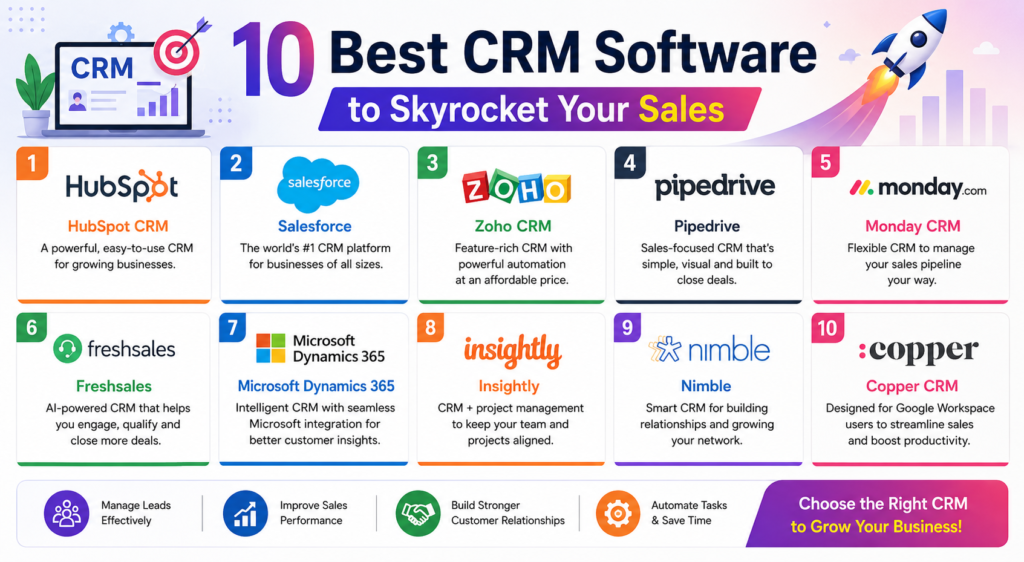
| CRM Software | Best For | Free Plan | AI Features | Starting Price |
|---|---|---|---|---|
| HubSpot CRM | Small Businesses | Yes | Yes | Free |
| Salesforce | Large Enterprises | Trial | Yes | Paid |
| Zoho CRM | Growing Businesses | Yes | Yes | Affordable |
| Pipedrive | Sales Teams | Trial | Yes | Paid |
| Monday CRM | Workflow Management | Trial | Yes | Paid |
| Freshsales | Customer Engagement | Yes | Yes | Affordable |
| Microsoft Dynamics 365 | Enterprise Organizations | Trial | Yes | Premium |
| Insightly | Project-Based Businesses | Trial | Limited | Paid |
| Nimble | Relationship Management | Trial | No | Paid |
| Copper CRM | Google Workspace Users | Trial | Yes | Paid |
1. HubSpot CRM
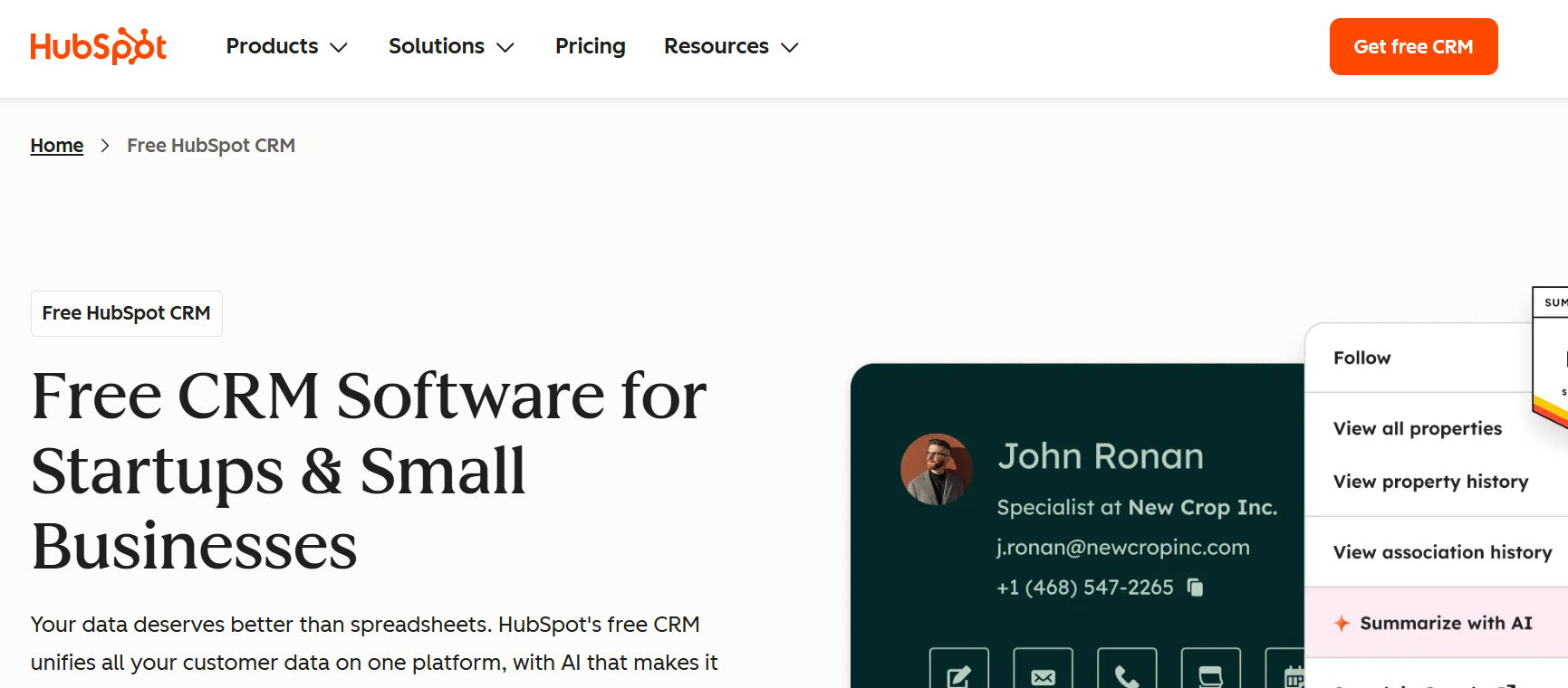
HubSpot CRM is perfect for businesses that want free CRM software that is powerful and scalable.
Features
- Contact management
- Email tracking
- Live chat
- Sales pipeline
- Marketing automation
- AI insights
- Meeting scheduler
Benefits
- Free forever
- Easy to set up
- Great reporting
- Startups and SMEs
2. Salesforce
Salesforce is one of the best advanced and customizable CRM software that large enterprises use.
Features
- AI Einstein Assistant
- Sales forecasting
- Workflow automation
- Customer service tools
- Advanced dashboards
Benefits
- Highly scalable
- Enterprise security
- Extensive integrations
3. Zoho CRM
Zoho CRM is a great combination of affordability and powerful sales and marketing automation.
For each CRM system, I’ve included a summary of tools and benefits, then ranked each based on how much value I think they provide for small businesses.
4. Pipedrive
Pipedrive focuses on closing deals fast with a visual sales pipeline.
Sell Features
- Drag and drop pipeline
- Email Integration
- Sales automation
- Activity reminders
- AI Recommendations
Sell Benefits
- Ease of use
- Excellent sales tracking
- Ideal for growing teams
5. Monday CRM
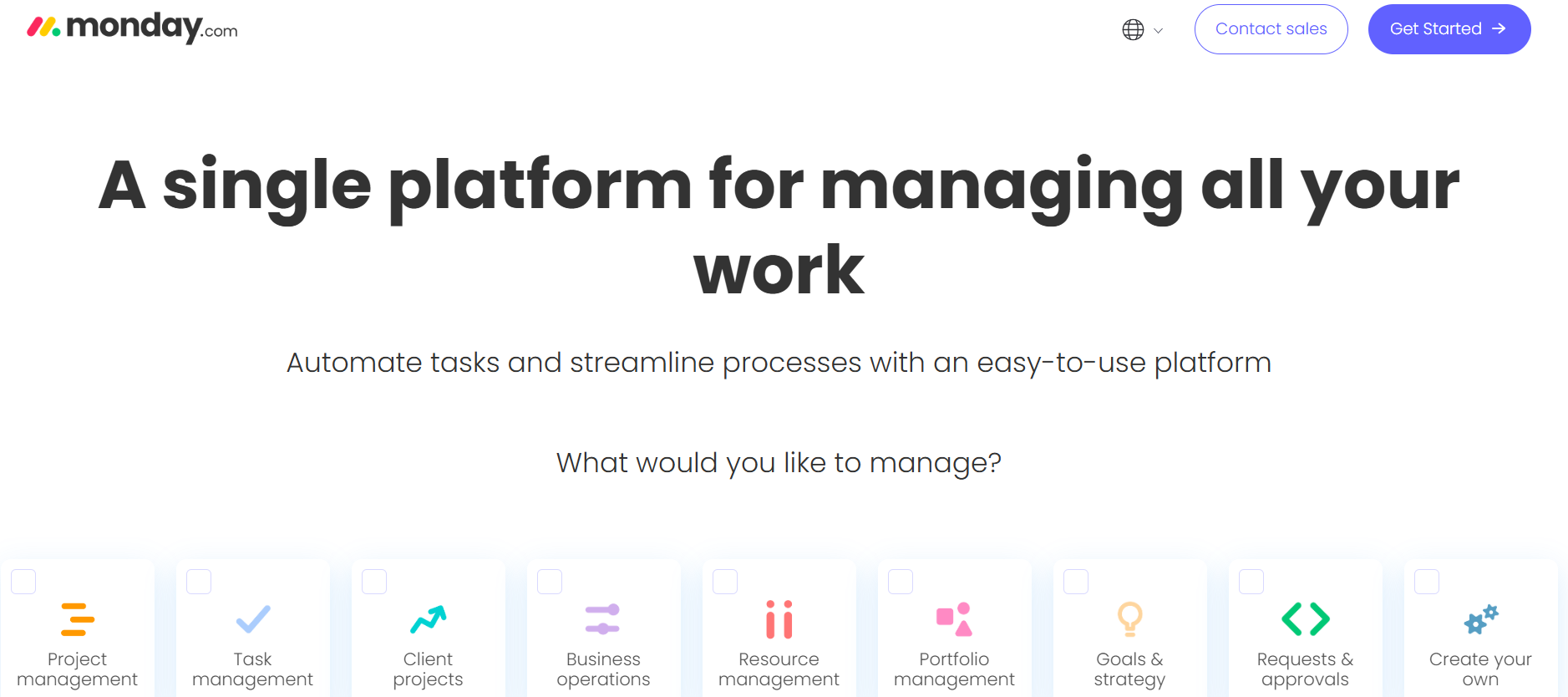
Monday combines project management and CRM.
Sell Features
- Automation
- Lead management
- Dashboards
- Email Sync
- AI
Sell Benefits
- Uses a visual interface
- Offers diverse options
- Flexible customization
- Easy Collaboration
6. FreshSales
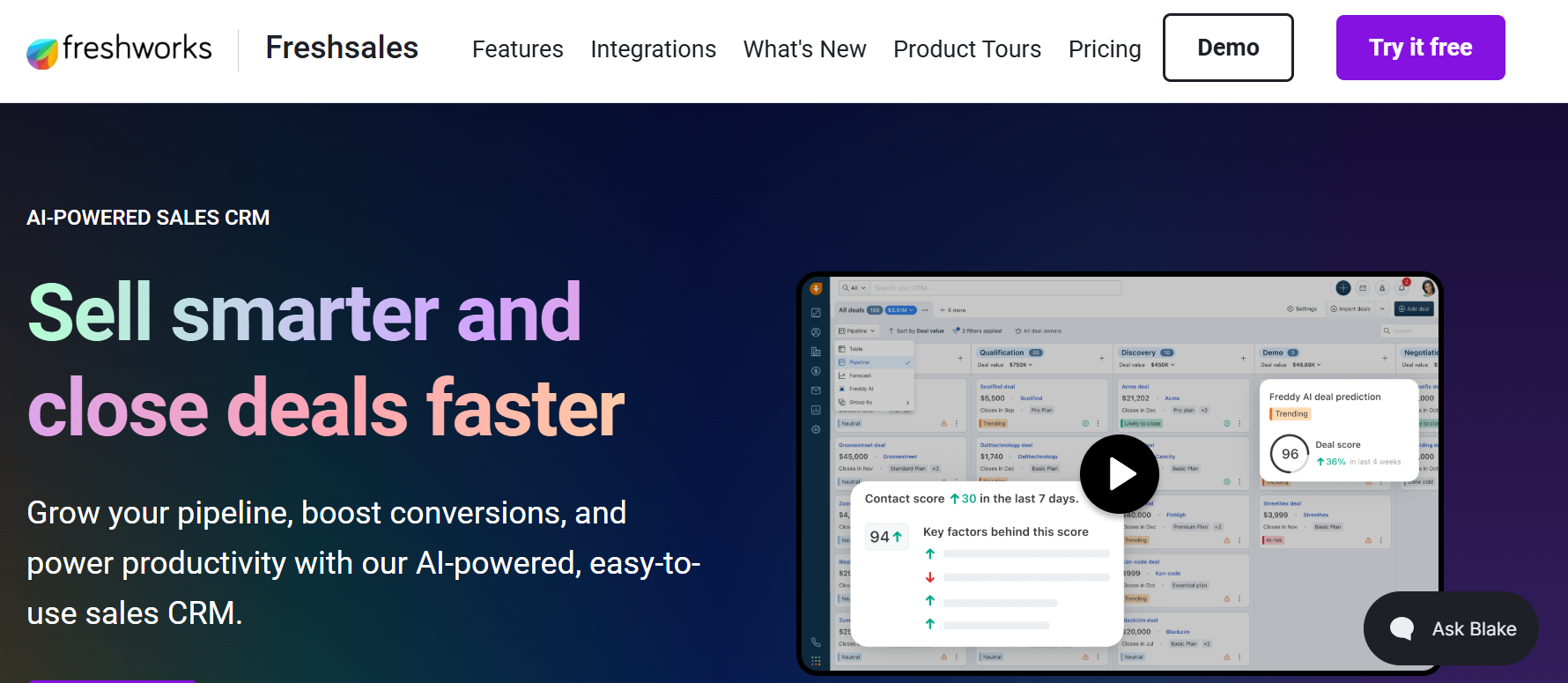
FreshSales helps businesses manage customer leads and enhance customer interaction.
Sell Features
- AI Lead Scoring
- Email Campaigns
- Built-in phone
- Customer journey tracking
- Sales forecasting
Sell Benefits
- Great automation
- Cheap
- Good communication tools
7. Microsoft Dynamics 365
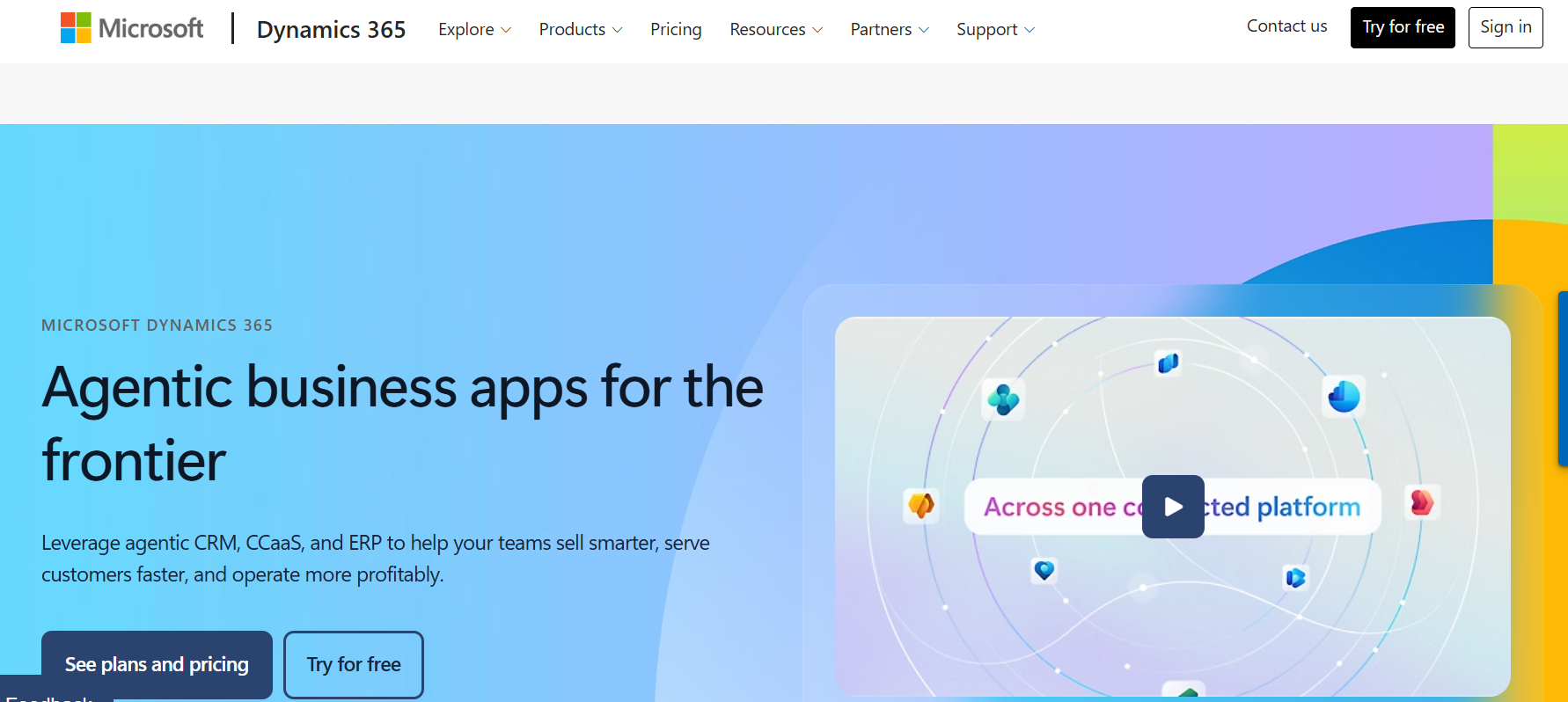
Microsoft Dynamics integrates CRM with ERP solutions, making it Enterprise ready.
Sell Features
- AI Copilot
- Customer insights
- Business intelligence
- Work automation
- Microsoft integrations
Sell Benefits
- Enterprise ready
- Great Analytics
- Great Security
8. Insightly
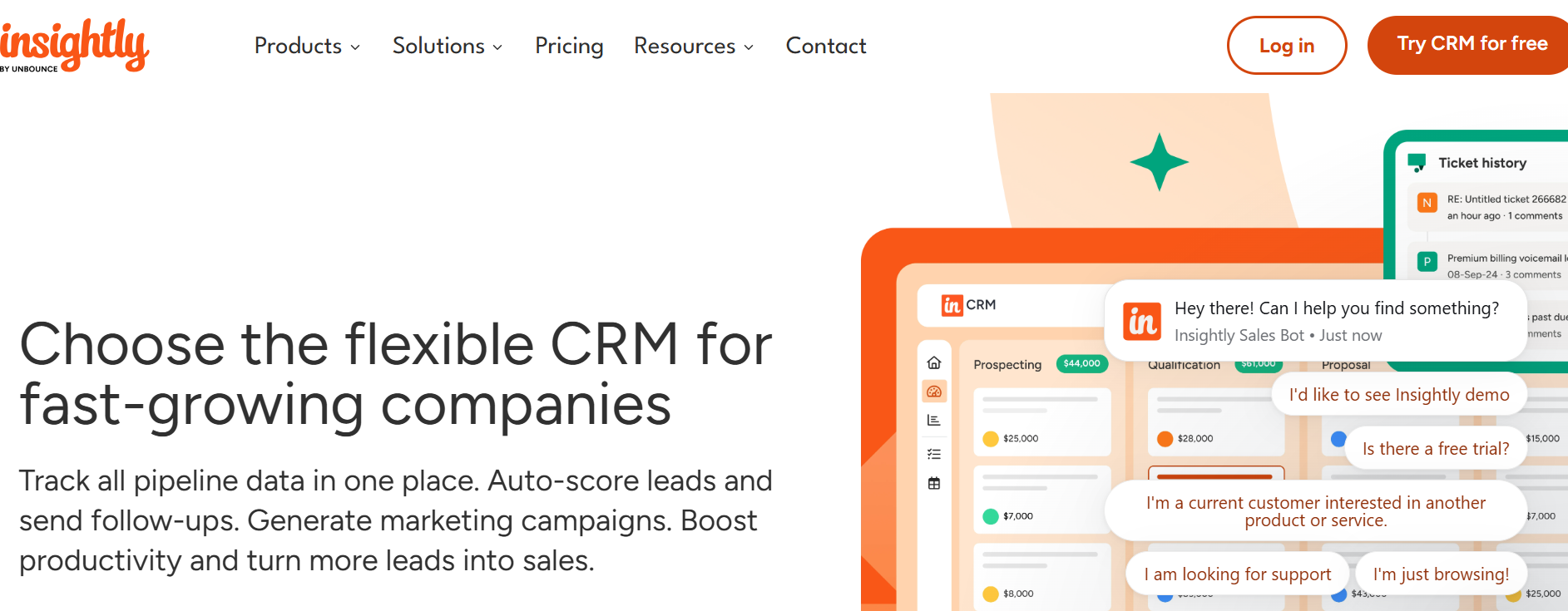
Insightly integrates CRM with Project Management and aims to enhance post-sale CRM operations.
Sell Features
- Lead Management
- Workflow Automation
- Project Tracking
- Reporting
- Email Templates
Sell Benefits
- Good project management
- Good Collaboration
- Good Reporting
9. Nimble
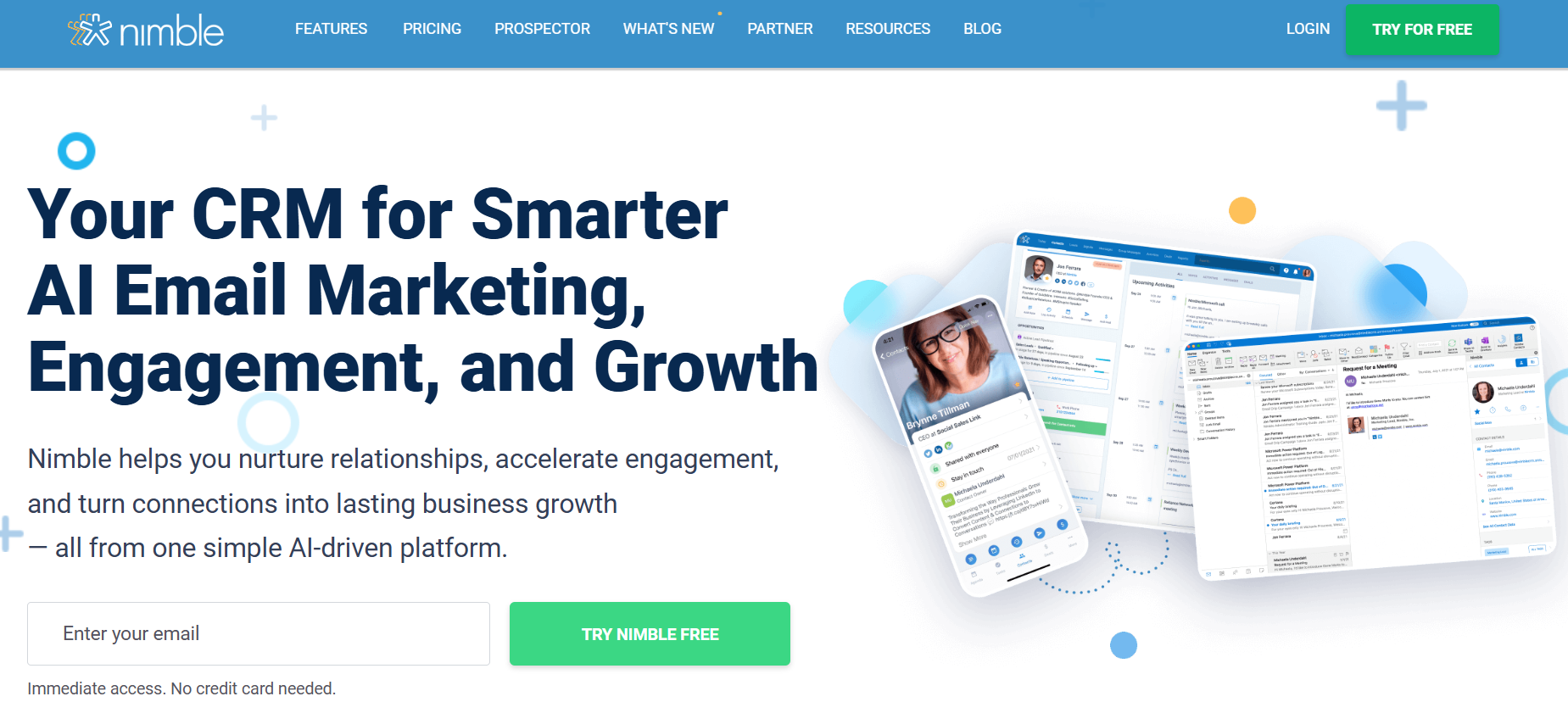
Nimble focuses on relationship management with emphasis on social media.
Sell Features
- Contact Enrichment
- Built-in Social Media
- Email tracking
- Tasks
- Sales Pipeline
Sell Benefits
- Excellent networking features
10. Copper CRM
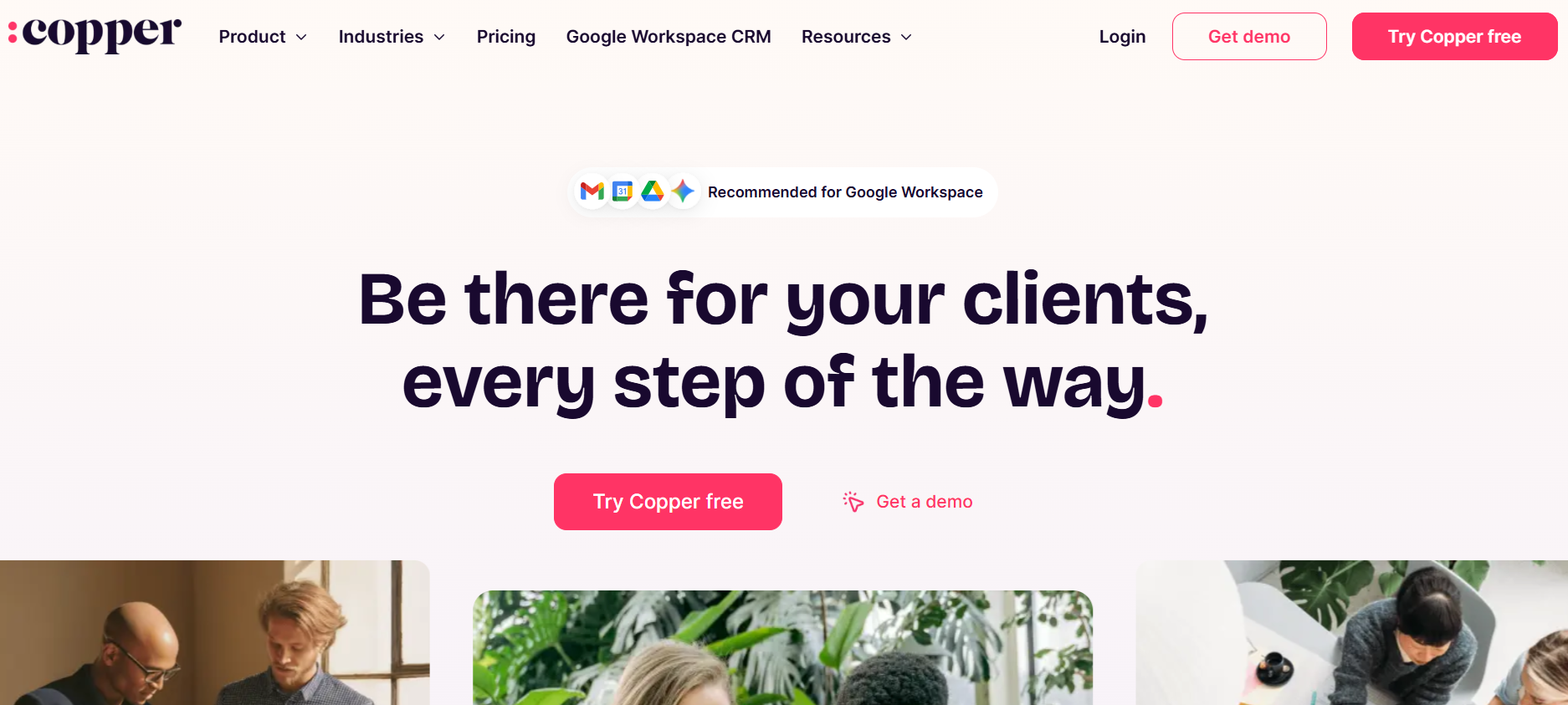
Copper CRM is targeted to businesses that use Google Workspace.
Features & Benefits
- Gmail integration
- Contact management
- Workflow automation
- Opportunity tracking
- AI recommendations
- Seamless Google integration
- Easy setup
- Excellent user experience
Also Read- Top 10 Powerful Trello Alternatives for Better Productivity
Selecting A CRM
First, determine your business needs from your CRM.
Address the following questions:
- What is the size of your business?
- What is your budget?
- How user friendly is the application?
- Does it utilize AI?
- Is the sales process integrated and automated?
- What integrations are available?
- Is it mobile?
- What is the response time of customer service?
- How are the reports generated?
- How scalable is it?
Utilizing the free trials offered by many CRM providers will help you identify the CRM that is the best fit for your business before you commit.
Benefits Of Utilizing A CRM
Optimizing CRM software will enhance every phase of the sales process.
Tracking Leads
Sales teams will have the ability to track all engagements for each sale.
Follow Up Automation
With automated follow up, sales teams are able to engage every sales opportunity.
Improving The Customer Experience
With automated and customized communications, customers will be more satisfied and loyal.
Sales Forecasting
With the analytics provided by a CRM, forecasting sales and engagement will be more accurate.
Productivity Boost
With all the sales process automation, sales teams are free to sell.
What You Should Require When Reviewing CRM Options
When reviewing CRM systems, the systems you evaluate should include:
- Contact Management
- Sales Pipeline Visuals
- Marketing Automation
- Email Integration
- AI Insights
- Workflow Automation
- Reporting Dashboards
- Mobile Apps
- Integrations
- Data Security
- Implementing a CRM will provide value to your business.
Final Thought
The best CRM purchase is the best decision a business owner can make. A good CRM will help you organize customer data, automate tasks, streamline communications and boost sales.
Most businesses are drawn to HubSpot CRM due to its fantastic free plan, ease of use, and automation tools. They are a competitor to Salesforce for larger businesses, Zoho CRM for the best budget option, Pipedrive for the best sales management tool, and Microsoft Dynamics 365 for businesses using the Microsoft ecosystem.
To select the right CRM platform for your business, consider the long-term goals, budgets, and size of your teams.
Frequently Asked Questions
1. What is the best CRM software?
The best CRM software is HubSpot CRM. It is free, easy to use, and highly automated.
2. Which CRM software is best for small businesses?
The best CRM software for small businesses is HubSpot, Zoho, and Freshsales. They are affordable and provide the core offerings of a CRM.
3. Does CRM software increase sales?
Absolutely. The best CRM software will enhance the management of leads, automate follow ups, improve the relationship with customers, and provide insights on sales to help close more deals.
4. Is there free CRM software available?
HubSpot CRM, Zoho CRM, and Freshsales are all free CRM software that are great for startups and small businesses.
5. What features should I look for in the best CRM software?
Best CRM software features will include management of contacts, sales automation, reporting dashboards, workflow automation, email integration, mobile features, and security.