Top 10 Powerful Trello Alternatives for Better Productivity
+
Table of Contents
- 1 Why Seek Alternatives to Trello?
- 2 Here’s a comparison of the top 10 Trello alternatives
- 2.1 1. ClickUp
- 2.1.1 Key Features
- 2.1.2 Benefits
- 2.2 2. Asana
- 2.2.1 Key Features
- 2.2.2 Benefits
- 2.3 3. Notion
- 2.3.1 Key Features
- 2.3.2 Benefits
- 2.4 4. Monday.com
- 2.4.1 Key Features
- 2.4.2 Benefits
- 2.5 5. Jira
- 2.5.1 Key Features
- 2.5.2 Benefits
- 2.6 6. Airtable
- 2.6.1 Key Features
- 2.6.2 Benefits
- 2.7 7. Wrike
- 2.7.1 Key Features
- 2.7.2 Benefits
- 2.8 8. Basecamp
- 2.8.1 Key Features
- 2.8.2 Benefits
- 2.9 9. Todoist
- 2.9.1 Key Features
- 2.9.2 Benefits
- 2.10 10. Microsoft Planner
- 2.10.1 Key Features
- 2.10.2 Benefits
- 2.11 Benefits of Using Trello Alternatives
- 2.11.1 The main benefits are:
- 2.12 How to Pick the Best Trello Alternative
- 2.12.1 Team Size
- 2.12.2 Cost
- 2.12.3 Usability
- 2.12.4 AI Capabilities
- 2.12.5 Integrations
- 2.12.6 Data Security
- 2.13 Most Suitable Trello Alternative
- 3 Conclusion
An organized workforce is a productive workforce. There are a plethora of project management applications to help you manage your to-do list, your teams, and even your entire organization. Each comes with its own advantages. Trello is incredibly popular due to its ease of use and Kanban-style workflow. As projects become more complex, many users start exploring Trello alternatives that provide better customization, automation, and team collaboration.
There are a number of different options available to users who are no longer satisfied with the capabilities of Trello. These applications provide a multitude of features such as automation, AI, detailed reports, advanced views of their projects, and collaboration and communication tools. These applications present teams with the opportunity to improve their workflows and manage their tasks while communicating and collaborating with each other.
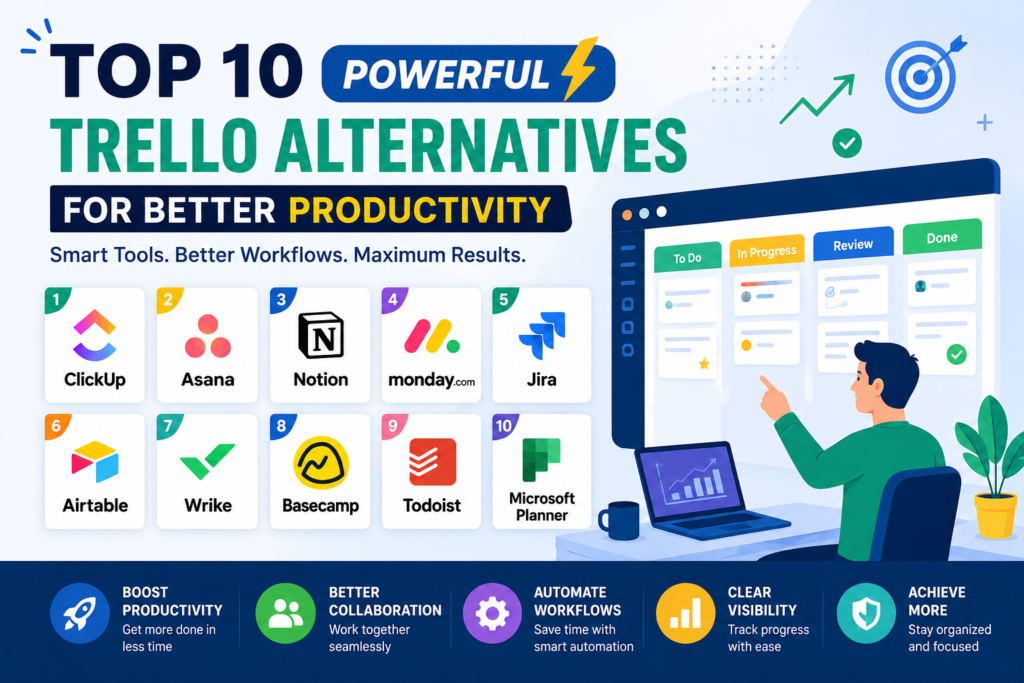
This article will cover ten alternative applications to Trello and what they offer. The goal is to outline multiple possible substitutes to Trello so that individuals and companies can improve their productivity and work more efficiently.
Why Seek Alternatives to Trello?
Trello is an excellent entry-level project management tool. Its highly organized and visual design is excellent for basic task management. However, many users hit a wall when their project management needs become more advanced and require features that Trello lacks.
There are a few reasons why people are looking for Trello alternatives
- Project management features that are more advanced
- Productivity tools that are AI-powered
- More automation
- Time tracking
- Resource management
- Gantt charts and timelines
- Advanced reporting and analytics
- Improved collaboration tools
- Greater customization options
- Better scalability for growing businesses
These newer platforms integrate Trello’s functionalities and a variety of features, including task and project management, documentation, and communication. These platforms can be used to do automation and management as well as generate reports.
Here’s a comparison of the top 10 Trello alternatives
| Tool | Best For | Free Plan | AI Features | Collaboration | Platform |
|---|---|---|---|---|---|
| ClickUp | Teams and Businesses | Yes | Yes | Excellent | Windows, Mac, Web, Mobile |
| Asana | Project Planning | Yes | Yes | Excellent | All Platforms |
| Notion | Documentation and Tasks | Yes | Yes | Excellent | All Platforms |
| Monday.com | Workflow Automation | Limited | Yes | Excellent | Web and Mobile |
| Jira | Software Development | Yes | Yes | Excellent | All Platforms |
| Airtable | Database Projects | Yes | Limited | Very Good | All Platforms |
| Wrike | Enterprise Teams | Yes | Yes | Excellent | All Platforms |
| Basecamp | Small Businesses | Limited | No | Excellent | All Platforms |
| Todoist | Personal Productivity | Yes | Limited | Good | All Platforms |
| Microsoft Planner | Microsoft 365 Users | No | Microsoft Copilot | Excellent | Windows and Web |
1. ClickUp
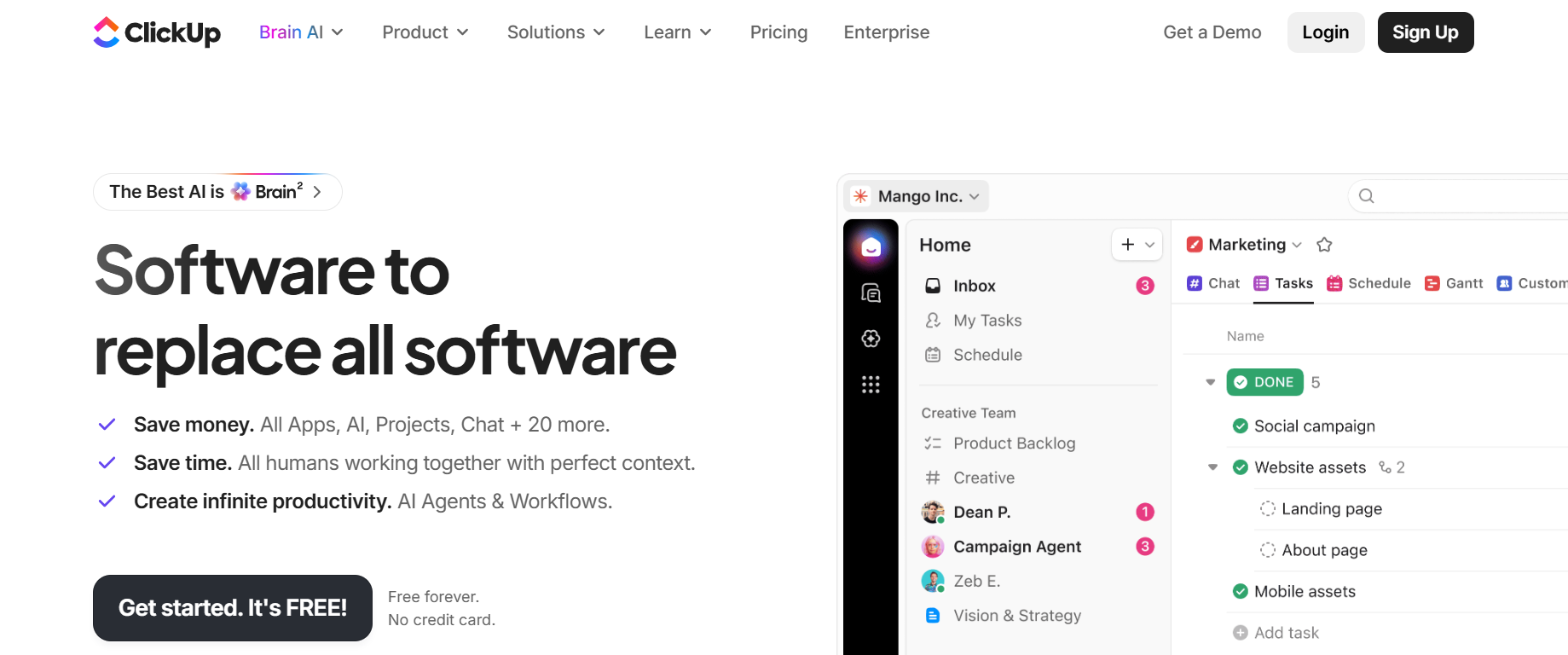
ClickUp is a favorite of Trello
Key Features
- AI help for writing and tasks
- Different views like List, Board, Calendar, Timeline, and Gantt
- Time tracking
- Goal management
- Automation
- Collaborative Docs
- Custom dashboards
- Thousands of integrations
Benefits
- No need for all other productivity apps
- Custom for many industries
- Great reporting and analytics
- Scales from freelancers to enterprises
2. Asana
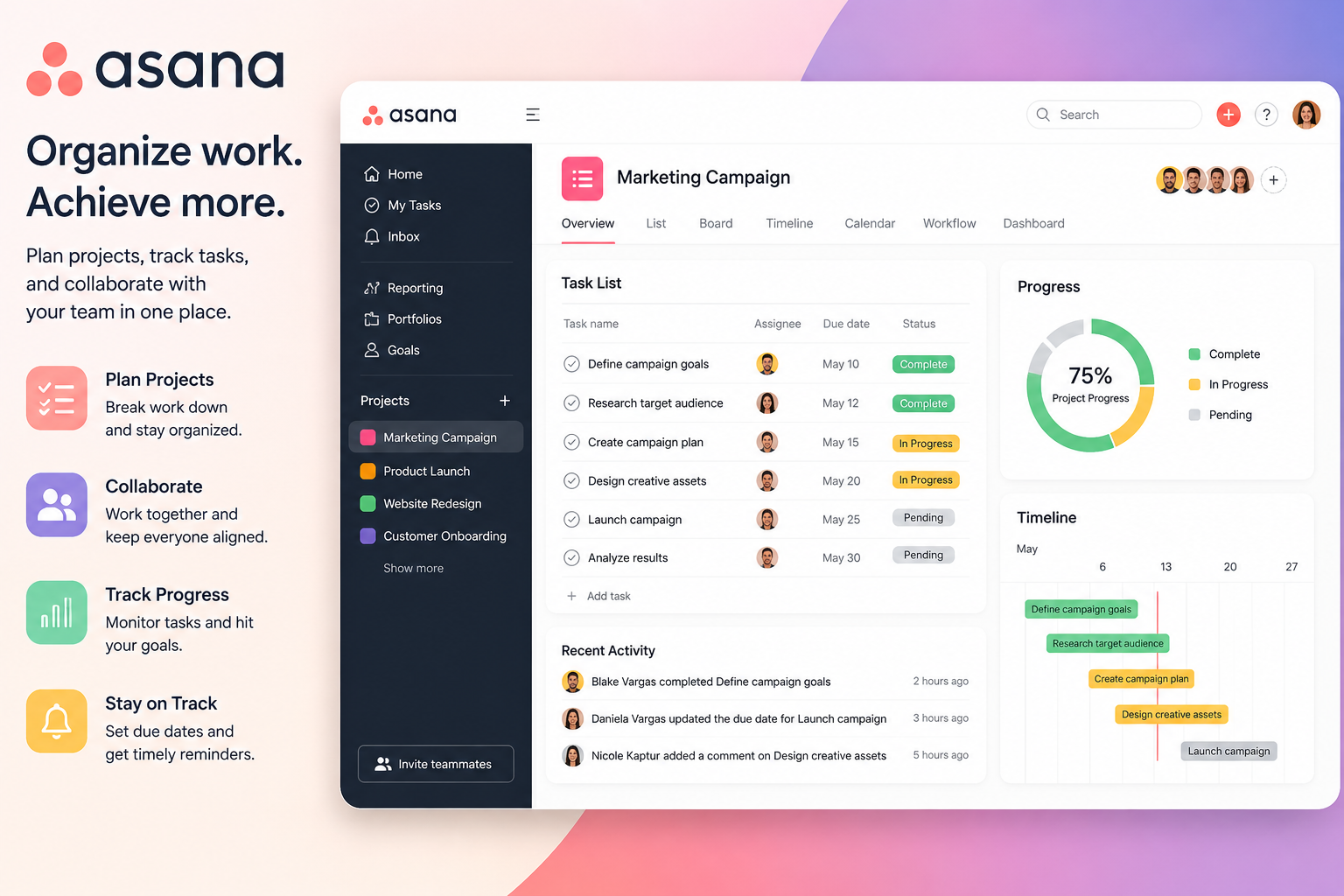
Asana helps with collaboration and project planning. Its interface helps teams organize, assign, and follow the progress of work.
Key Features
- Timeline and calendar views
- Task dependencies
- Workflow automation
- AI work recommendations
- Project templates
- Portfolio management
Benefits
- Project visibility
- Easier tracking tasks
- More accountability
- Great for marketing, HR, and operations teams
3. Notion
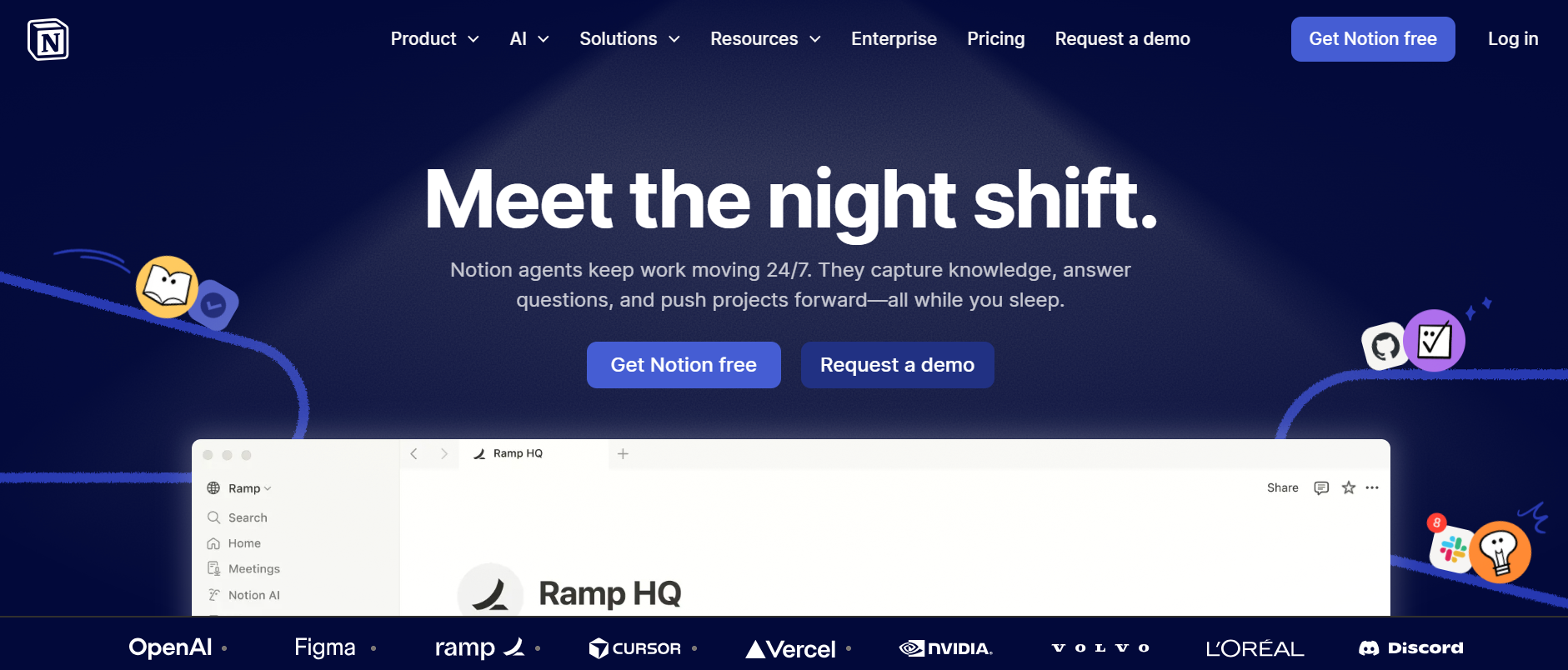
Notion is a flexible all-in-one workspace that includes notes, project management, docs, and databases. Because of its flexibility, it is one of the best Trello alternatives.
Key Features
- AI writing help
- Custom databases
- Project boards
- Team wiki
- Rich editor
- Templates
- Tasks
Benefits
- Knowledge management
- Highly flexible and customizable
- Great for content creators and startups
- Multiple productivity uses combined
4. Monday.com
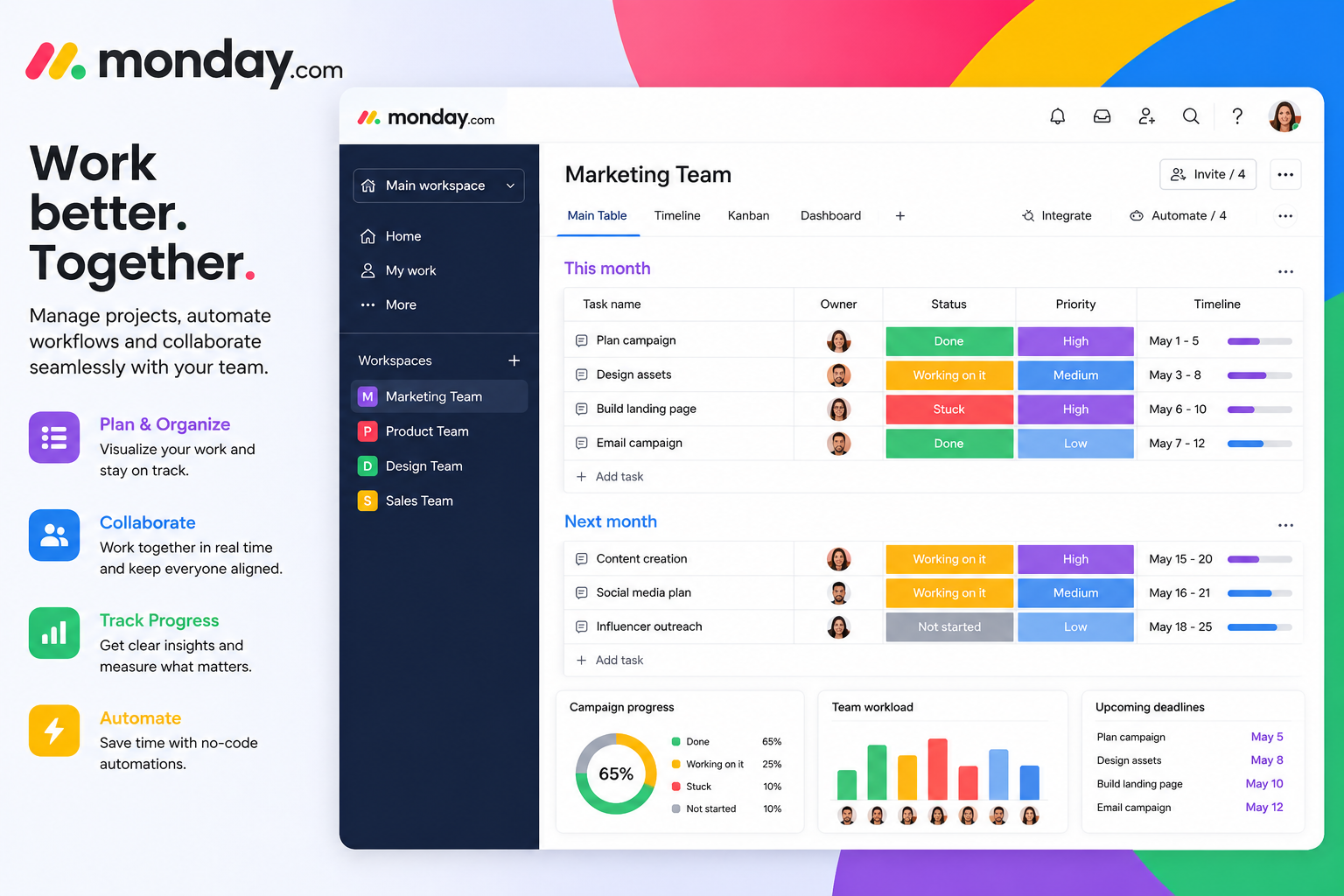
Structured workflows and automation with visual dashboards are the focus of Monday.com.
Key Features
- Custom workflows
- AI Automation
- Interactive Dashboards
- Multiple project views
- Time tracking
- CRM Integration
Benefits
- Simplicity at its finest for business processes
- Easy to monitor team performance
- Strong reporting
- Great for cross-functional teams
5. Jira
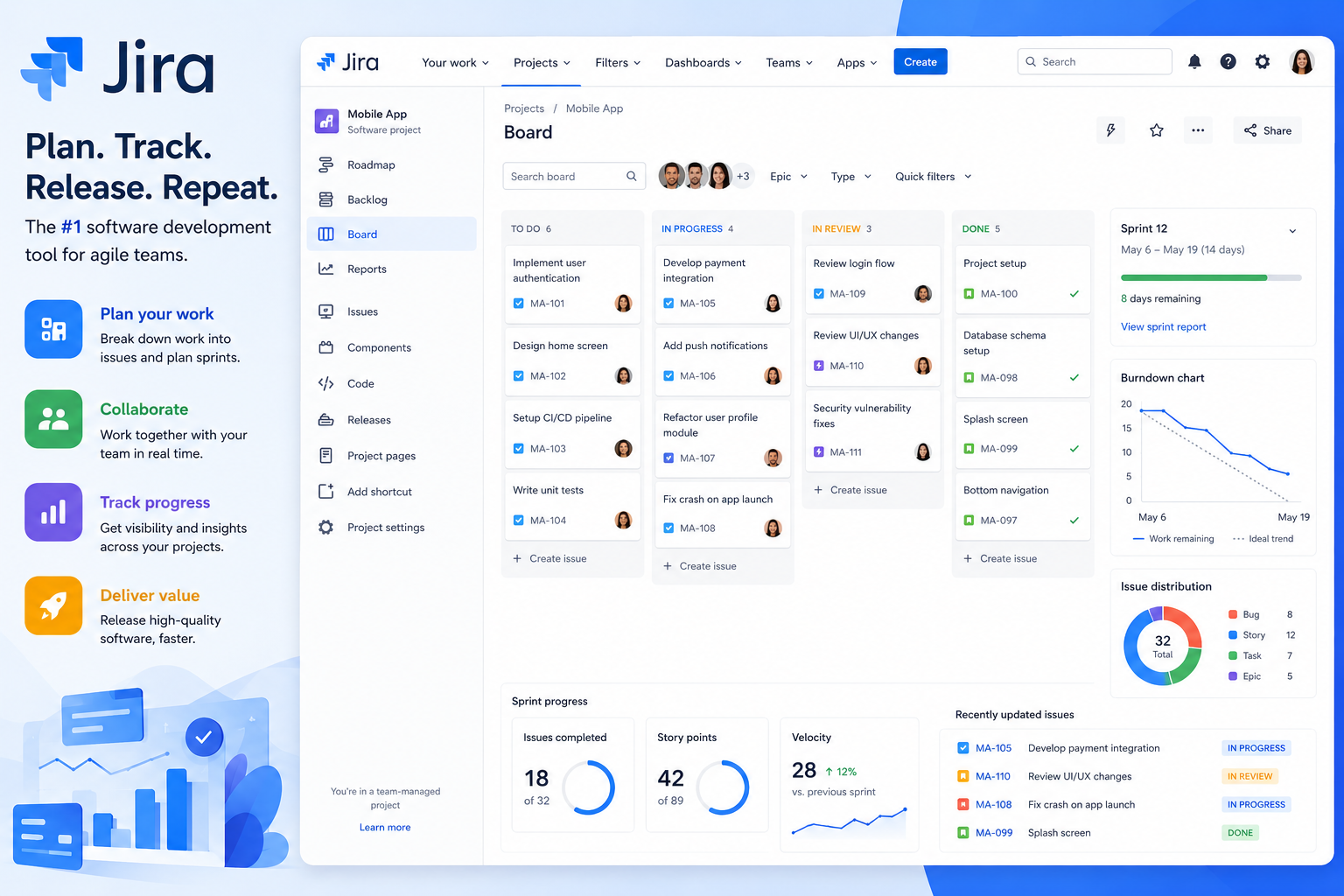
Jira is the Agile app of choice for software project teams.
Key Features
- Scrum and Kanban boards
- Sprint planning and bug tracking
- Roadmaps and DevOps integration
- Advanced reporting
Benefits
- Ideal for developers
- Tracking issues
- Support for Agile workflows
- Scalable to large engineering teams
6. Airtable
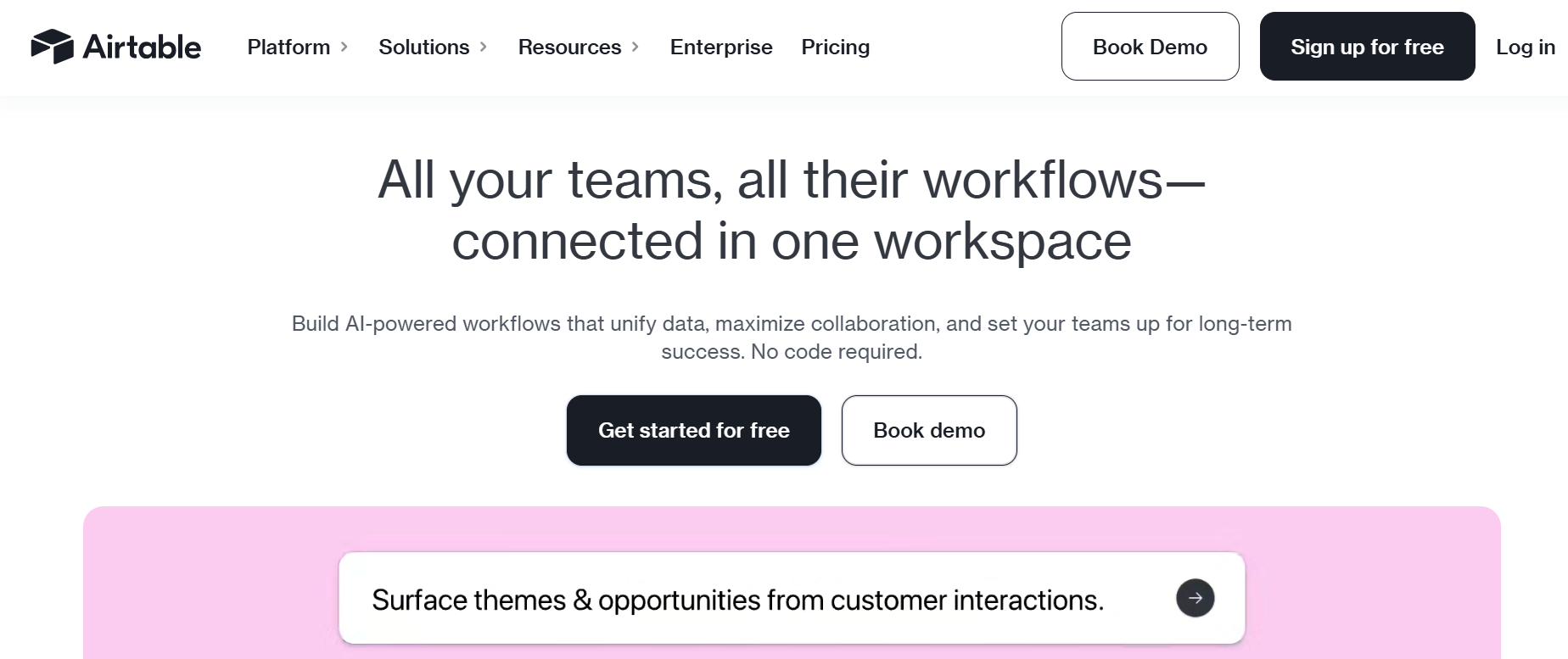
Airtable is easily one of the most flexible Trello alternatives because it blends the traditional spreadsheet construct with a relational database.
Key Features
- Relational databases and custom fields
- Automation, calendar, and grid views
- Forms, integrations, and collaboration tools
Benefits
- Information is complex, but can be organized efficiently
- Excellent for marketing campaigns, CRMs, and content
- User friendly
7. Wrike

Wrike is an enterprise-level project management system built to support large projects spanning multiple departments.
Key Features
- Gantt charts with workload management
- Resource allocation and AI recommendations
- Workflow automation and real-time reporting
Benefits
- Superior enterprise solution
- Enhanced project visibility and improved workload management
- Wrike also offers advanced analytics
8. Basecamp
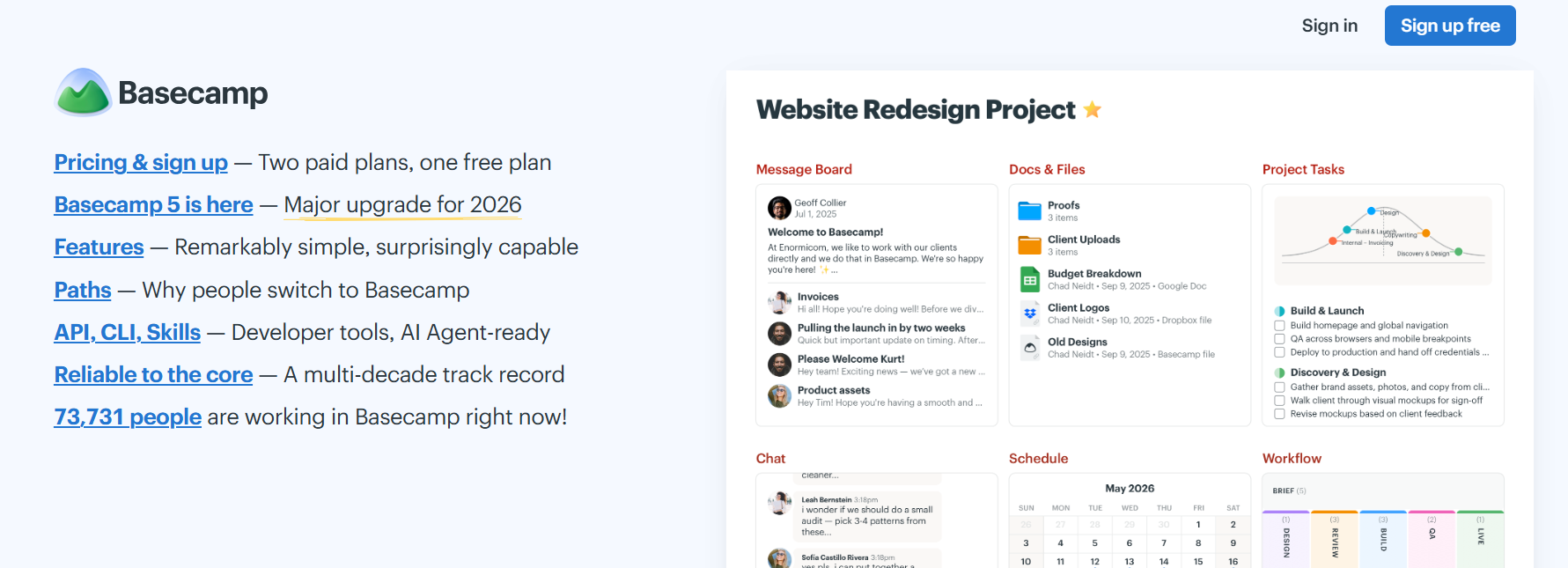
Basecamp does not focus on feature bloat
Key Features
- To-do lists, team chat, and message boards
- File sharing, scheduling, and client collaboration
Benefits
- Organizational focus keeps communication clear
- Eliminates most meetings
- Ideal for small teams
9. Todoist
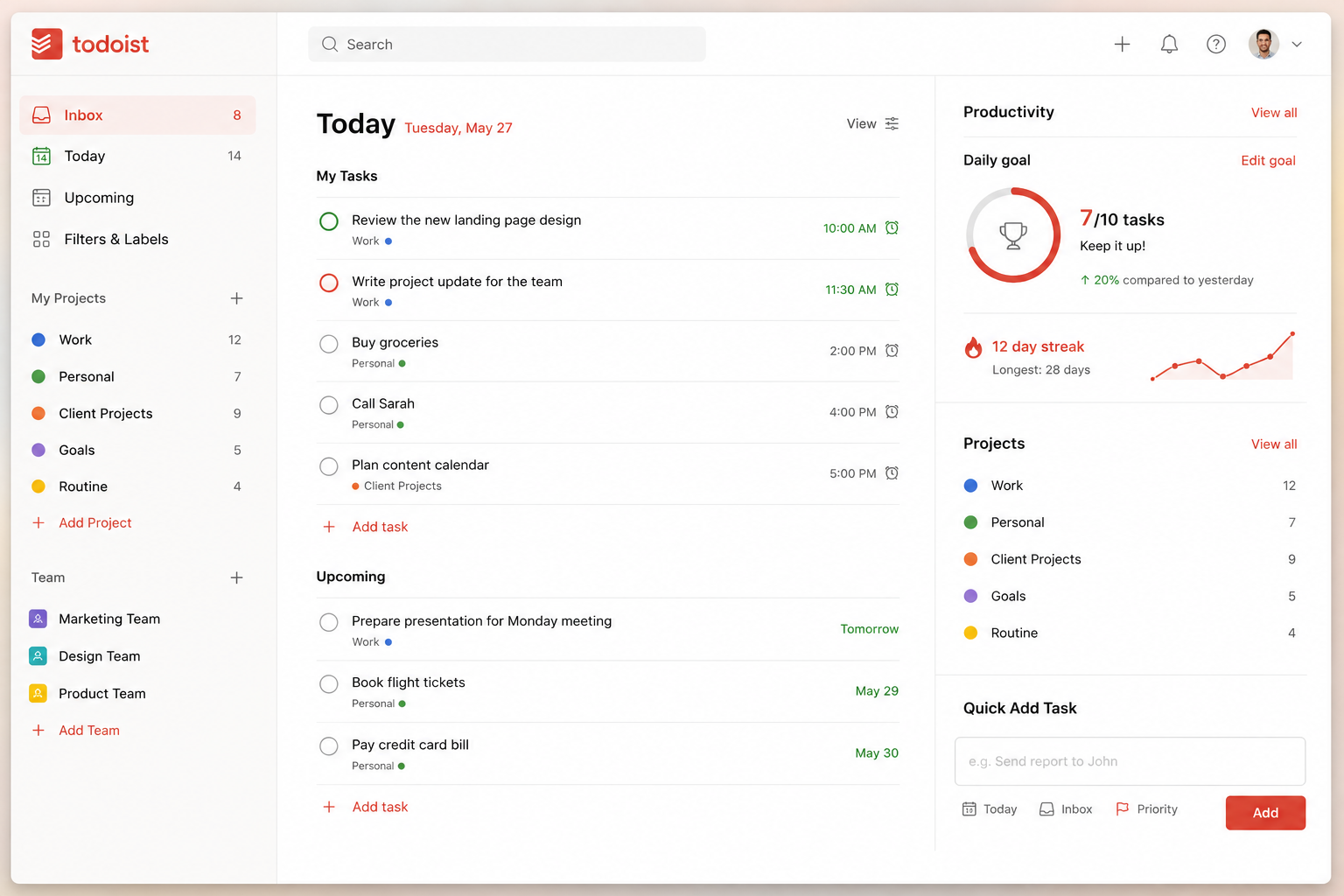
Todoist lightweight Trello alternative is a personal productivity app
Key Features
- Task prioritization and reminders
- Calendar integration, Labels, and Filters
- Productivity tracking and cross-platform sync
Benefits
- Simple, great for personal use, and fast
10. Microsoft Planner
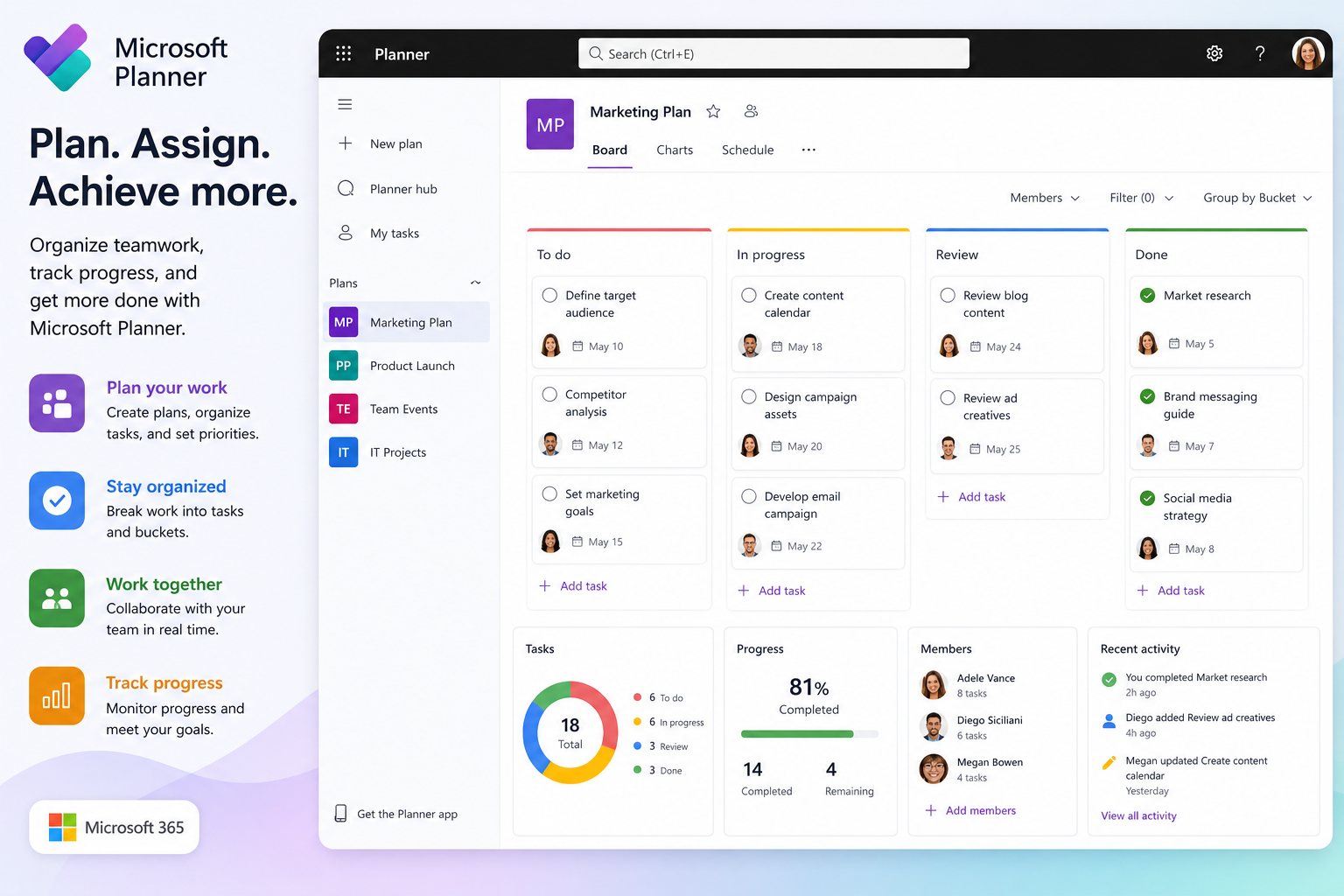
Microsoft Planner is a perfect option for companies using Microsoft 365.
Key Features
- Integration with Microsoft Teams
- Use of Planner boards
- Assignment of tasks
- Ability to track progress
- Inclusion of Microsoft Copilot AI
- Secure storage in the cloud
Benefits
- Integration throughout the Microsoft ecosystem
- Security of an enterprise solution
- Simplified collaboration
- An MS interface
Also Read- Best Productivity Apps to Supercharge Your Workflow
Benefits of Using Trello Alternatives
Using quality Trello Alternatives can optimize project and team collaboration in your organization.
The main benefits are:
- Faster completion of projects
- Improved automation of workflows
- AI-enhanced productivity
- Communication improvements
- Reporting enhancements
- Resource management improvements
- Collaboration improvements
- Multiple visualization methods for projects
- Scalability improvements
- Less manual work
- Improved prioritization of tasks
- Increased productivity of team members
With these tools, teams are able to focus on important tasks, and the tools reduce repetitive work for the team.
How to Pick the Best Trello Alternative
It is important to determine the needs of your team to correctly assess a project management tool, as there are many factors to consider.
Before you decide, think about the following:
Team Size
Todoist and Basecamp may be preferable to smaller businesses, but larger businesses may benefit from Wrike or Monday.com.
Cost
Several Trello Alternatives have competitive free versions, so do not choose a product with a paid subscription without checking others.
Usability
Your team should be able to easily and quickly use the tool with little to no training.
AI Capabilities
Productivity tools built on AI should offer task automation, meeting and task summarization, and assistance with content creation.
Integrations
Look for a tool that works with Slack, Google Workspace, the Microsoft Suite, Zoom, GitHub, Dropbox, and more.
Data Security
For organizations that handle data of a sensitive nature, the solution should have security and compliance provisions at the enterprise level.
Most Suitable Trello Alternative
It all depends on your requirements.
Best Overall: ClickUp
Best for Teams: Asana
Best for Documentation: Notion
Best for Business Workflows: Monday.com
Best for Developers: Jira
Best Database Tool: Airtable
Best Enterprise Solution: Wrike
Best for Small Teams: Basecamp
Best for Personal Productivity: Todoist
Best for Microsoft Users: Microsoft Planner
All these Trello Alternatives have different strengths, so enjoy free trials to help you decide.
Conclusion
Many Trello users are happy with the platform, though many eventually express a need for improved functionality. Most Trello Alternatives are packed full of AI, productivity, features around advanced automation, multifaceted reporting, workflow flexibility, highly scalable collaboration, and plenty of other enhanced business needs.
For the all-inclusive productivity platform, ClickUp is a good one to try. If your team is focused on productivity, Asana is a great alternative, while Notion is a great alternative for project and documentation management. Developers are going to love Jira, while business process-focused automation will be happy with Monday.com and Wrike.
The best project management software is the software that meets your team’s needs and goals for the most productivity, workflow, and budget. Each of these Trello Alternatives has the potential to boost productivity, collaboration, and project management in the coming years.
Frequently Asked Questions (FAQs)
1. What are the best Trello Alternatives?
Best Trello Alternatives include ClickUp, Asana, Notion, Monday.com, Jira, Airtable, Wrike, Basecamp, Todoist, and Microsoft Planner.
2. Which Trello alternative is best for beginners?
Beginner Trello Alternatives include Asana, ClickUp, and Todoist since they are the most user friendly and have the best free plans.
3. What is the best Trello alternative for software development?
Of the many Trello alternatives, Jira remains the best option for Agile software development, and for managing sprints, bugs, and the DevOps workflow.
4. What Trello alternatives are free?
All of the following are free to use and have solid project management functionality: ClickUp, Asana, Notion, Jira, Airtable, Wrike, and Todoist.
5. What alternative to Trello has the best AI capabilities?
The best Trello alternatives with the most advanced AI tools include ClickUp, Monday.com, Asana, Notion, Wrike, and Microsoft Planner via Microsoft Copilot. These tools help enhance productivity, build automations for repetitive tasks, and help plan projects.