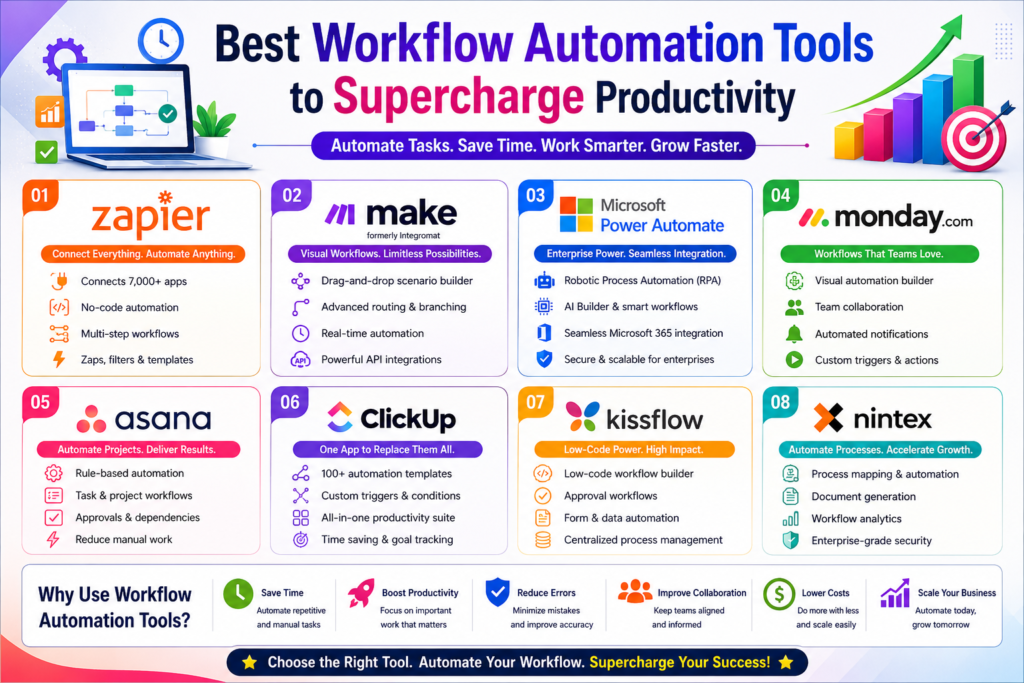
Best Workflow Automation Tools to Supercharge Productivity
+
Table of Contents
- 1 What are Workflow Automation Tools?
- 2 Top Picks for Workflow Automation Tools
- 2.1 1. Zapier
- 2.1.1 Key Features
- 2.1.2 Best For
- 2.2 2. Make (Formerly Integromat)
- 2.2.1 Key Features
- 2.2.2 Best For
- 2.3 3. Microsoft Power Automate
- 2.3.1 Key Features
- 2.3.2 Best For
- 2.4 4. Monday.com Automation
- 2.4.1 Key Features
- 2.4.2 Best For
- 2.5 5. Asana Automation
- 2.5.1 Key Features
- 2.5.2 Best For
- 2.6 6. ClickUp Automations
- 2.6.1 Key Features
- 2.6.2 Best For
- 2.7 7. Airtable Automations
- 2.7.1 Key Features
- 2.7.2 Ideal for
- 2.8 How Businesses Can Benefit from Workflow Automation
- 3 Important Aspects of Workflow Automation
- 3.1 1. No-Code Automation
- 3.2 2. Application Integrations
- 3.3 3. Custom Automation
- 3.4 4. Instant Notifications
- 3.5 5. Multiple Automation Actions
- 3.6 6. AI-Powered Automation
- 3.7 7. Workflow Automation Analytics
- 3.8 Benefits of the Best Workflow Automation Tools
- 3.8.1 Greater Productivity
- 3.8.2 Fewer Errors
- 3.8.3 Speed
- 3.8.4 Improved Collaboration
- 3.8.5 Savings
- 3.9 The Best Workflow Automation Tools
- 3.10 Things to Consider When Deciding on the Best Workflow Automation Tools
- 3.10.1 1. Simplicity
- 3.10.2 2. Integrations
- 3.10.3 3. Growth
- 3.10.4 4. Security
- 3.10.5 5. Pricing
- 3.11 Common Use Cases for Workflow Automation
- 3.11.1 Marketing
- 3.11.2 Sales
- 3.11.3 Human Resources
- 3.11.4 Finance
- 3.11.5 Customer Support
- 3.11.6 IT Operations
- 3.12 Best Practices for Workflow Automation
- 4 Conclusion
- 4.1 Frequently Asked Questions (FAQs)
- 4.1.1 1. What are the Best Workflow Automation Tools?
- 4.1.2 2. Why should businesses use automation tools for workflows?
- 4.1.3 3. Are workflow automation tools designed for small businesses?
- 4.1.4 4. Is coding knowledge a prerequisite for using workflow automation tools?
- 4.1.5 5. Who benefits the most from workflow automation?
- 4.1.6 6. How Do I Choose the Best Workflow Automation Tools?
Businesses routinely strive to be more efficient to save time and reduce manual tasks. Automation is key to a business’s competitive edge, no matter if it’s project management, customer support, marketing, or operational management.
The most useful workflow automation tools connect software, automate approvals, send out notifications, organize information, and streamline everyday tasks. Helping businesses reduce manual tasks makes room for more customer support and more tasks that help a business grow.
From freelancers to big businesses, the most useful workflow automation tools are being implemented all over to help streamline collaboration, reduce mistakes, and simplify workflows. These tools use integrations with hundreds, if not thousands, of popular software tools, allowing virtually any business task to be automated.
This article presents the best workflow automation tools, their top features, and advantages. We have also included a comparison chart and a guide to help you choose the best workflow automation tools for your business.
What are Workflow Automation Tools?
Workflow automation tools are a subset of software that help businesses automate the tasks that are most likely to require constant repetition and help reduce the need for human oversight. They connect multiple applications and perform actions based on a set of conditions.
For example, some of the best workflow automation tools can help move customer data seamlessly from a web form to a customer relations management platform, send a customer a welcome email, notify the sales staff, and create a follow-up task, all in a matter of seconds.
These tools help improve the overall efficiency of a business by helping create agile workflows between the applications a business uses.
Top Picks for Workflow Automation Tools
1. Zapier
With the ability to connect 7,000+ apps, Zapier is one of the leading platforms. Plus, it doesn’t require coding skills to use.
Key Features
- No-code builder
- Multi-step automation
- AI suggestions
- Conditional logic
- Webhooks
- Scheduled automation
- Integrations
Best For
- Small businesses, freelancers, startups, marketers.
2. Make (Formerly Integromat)
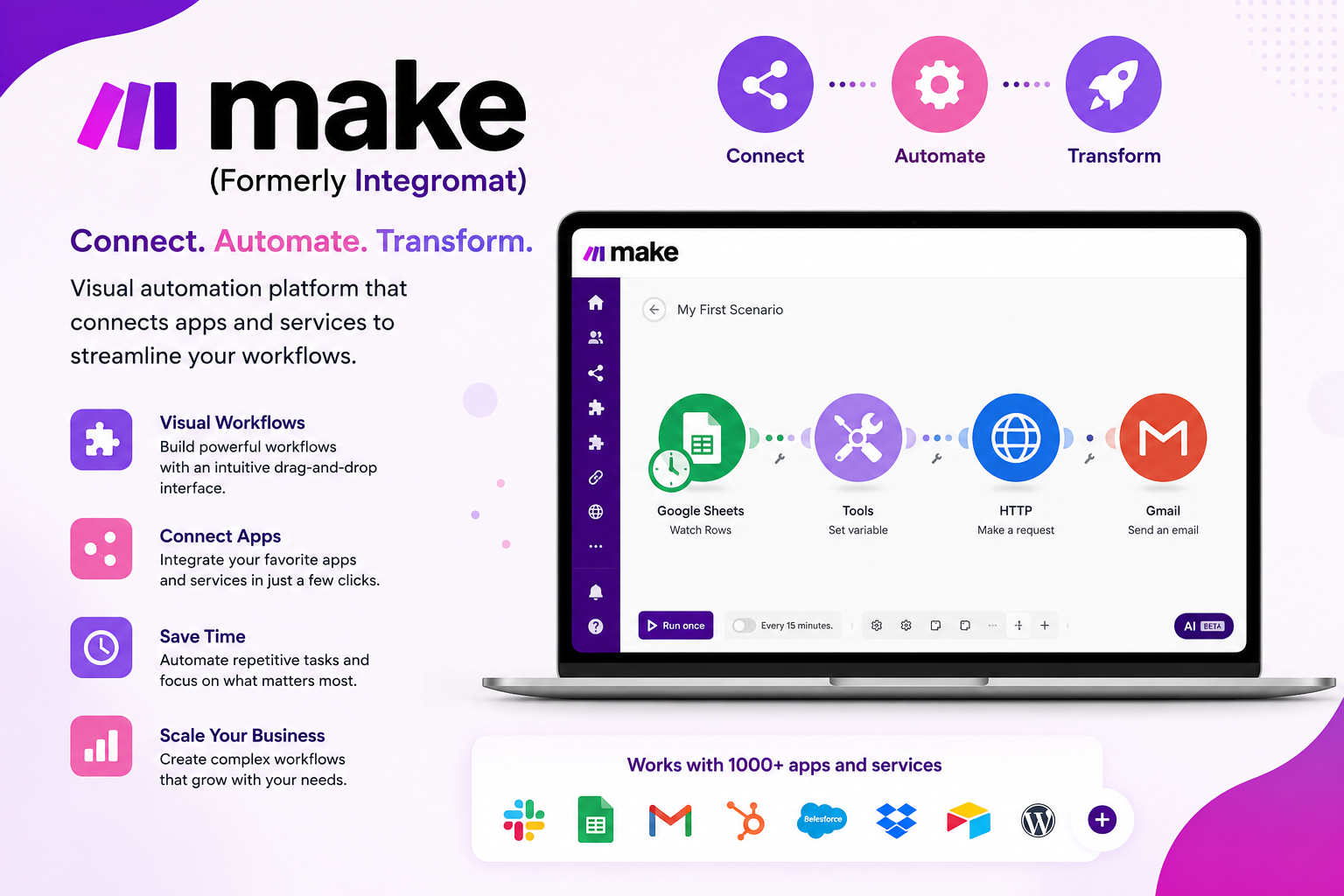
For users who need more control, Make provides flexible automation with a visual interface.
Key Features
- Drag-and-drop editor
- Advanced branching
- Error control
- API
- Real-time automation
- Scenario scheduling
Best For
- Power users, developers, and growing businesses.
3. Microsoft Power Automate
For those in the Microsoft ecosystem, Power Automate will connect all the various Microsoft platforms along with hundreds of other apps.
Key Features
- Robotic process automation
- AI Builder
- Desktop automation
- Cloud workflows
- Approval workflows
- Enterprise secure integration
Best For
- Large organizations that use Microsoft products.
4. Monday.com Automation
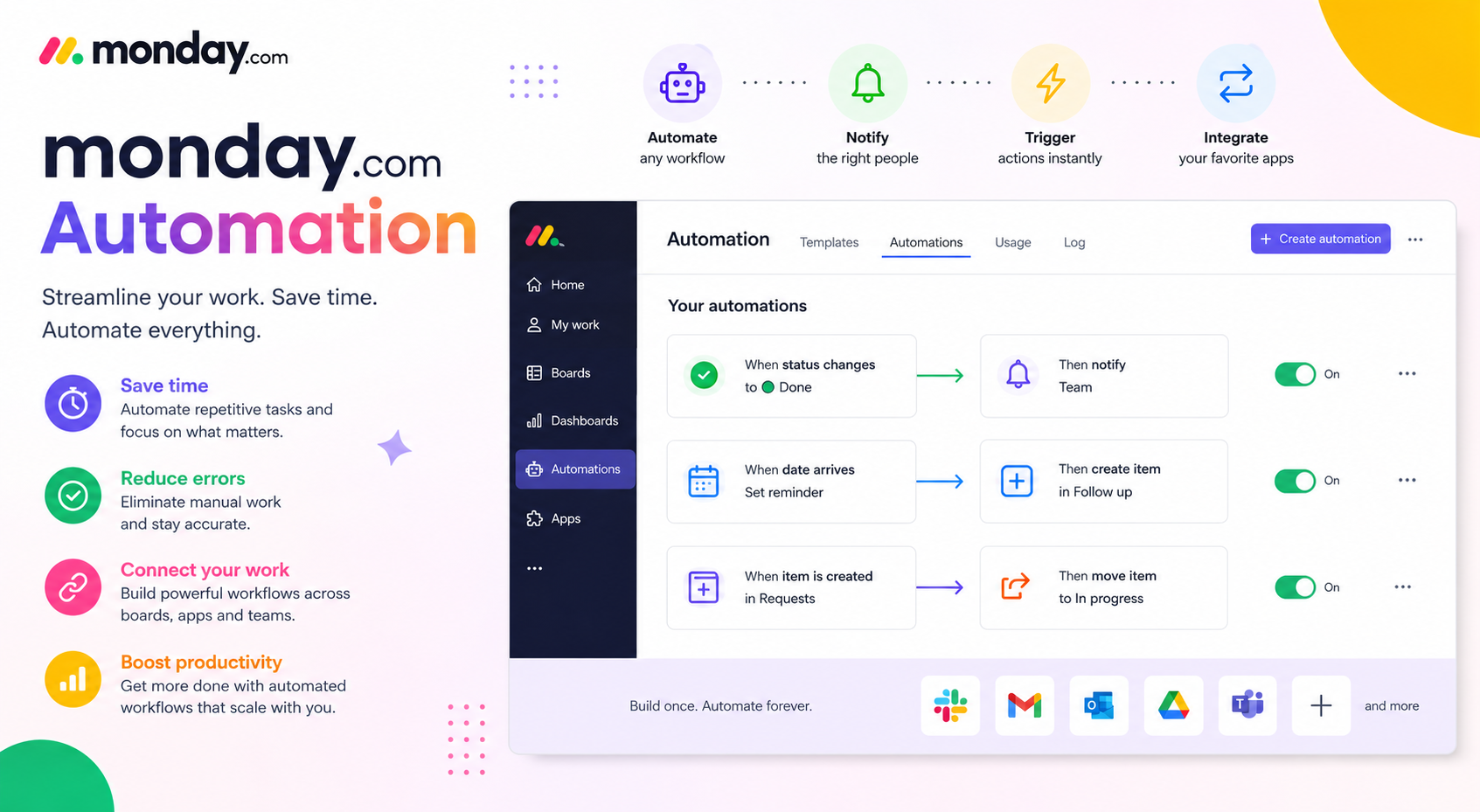
Now you can manage your projects and automate workflows all in one platform when you use Monday.com.
Key Features
- Visual workflows
- Team collaboration
- Automated notifications
- Task assignment
- Deadline reminders
- Integrations with CRM
Best For
- Project managers, collaborative teams.
5. Asana Automation
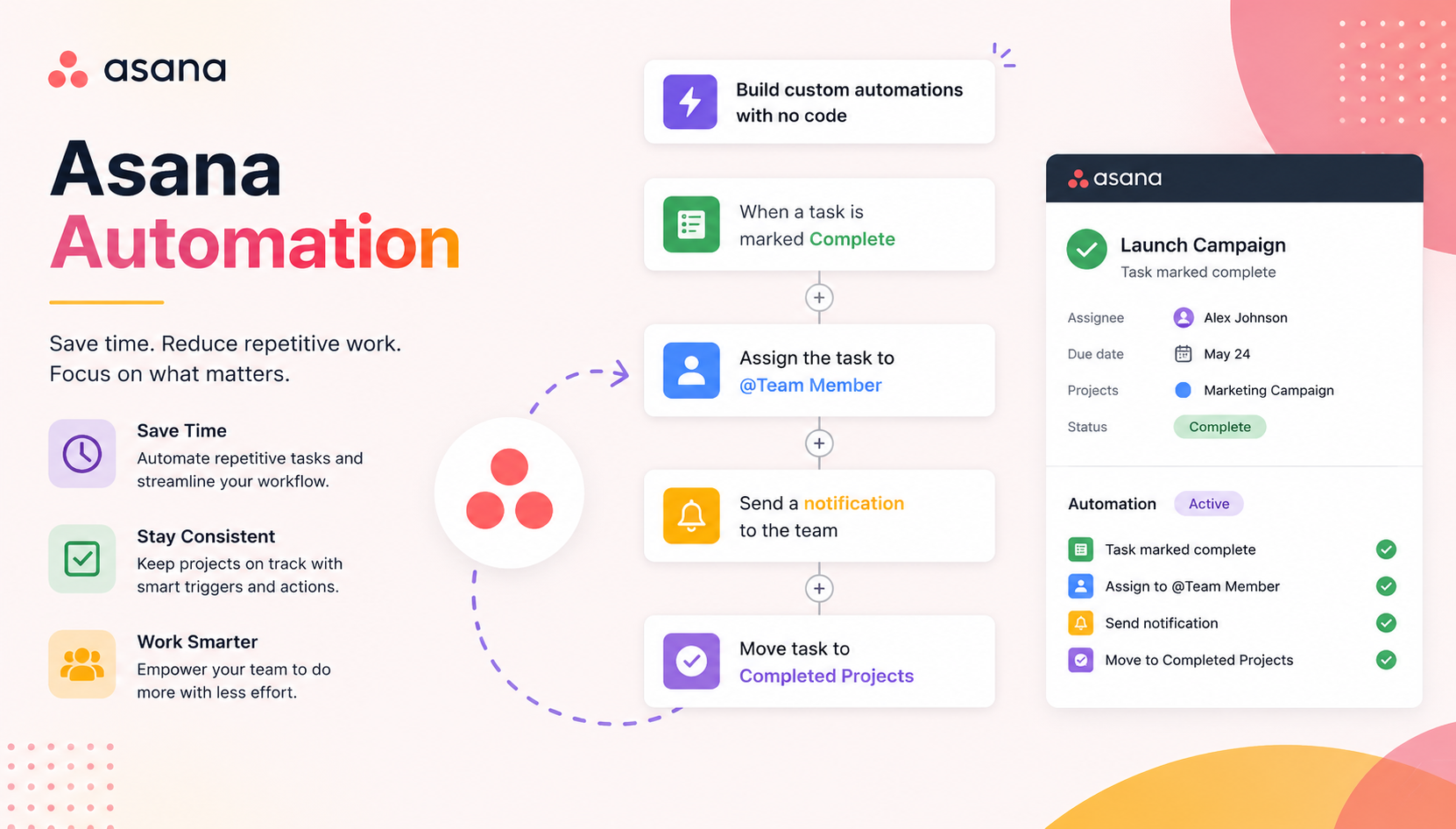
Let Asana do the repetitive tasks for you with their built-in automation.
Key Features
- Rule-based automation
- Task dependencies
- Automated approvals
- Timeline management
- Custom templates
Best For
- Project teams, marketing departments.
6. ClickUp Automations
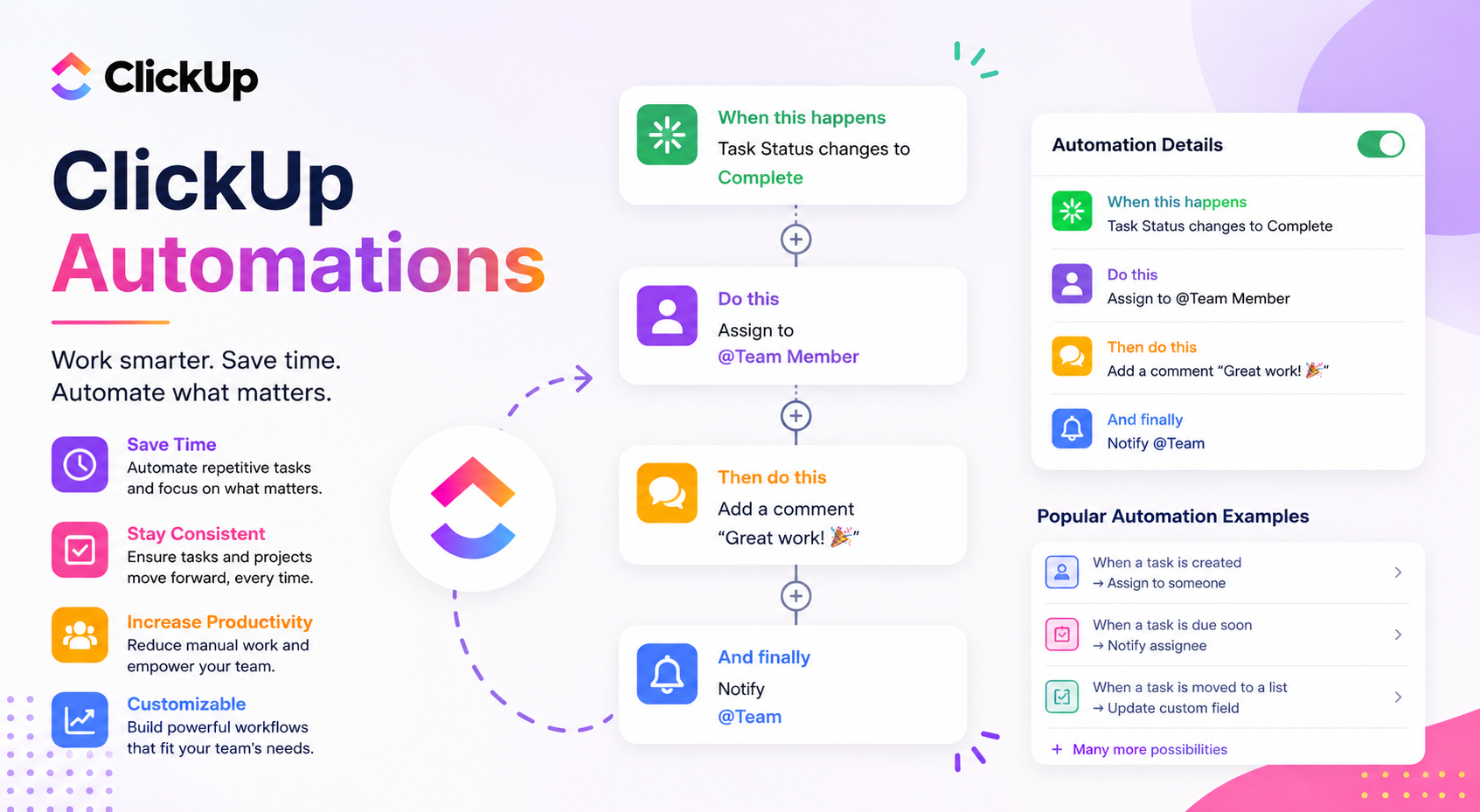
Workflow automation within productivity is highly customizable in ClickUp.
Key Features
- 100+ automation templates
- Custom triggers
- Time tracking
- Goal setting
- Document collaboration
- AI
Best For
- All-in-one productivity platform.
7. Airtable Automations
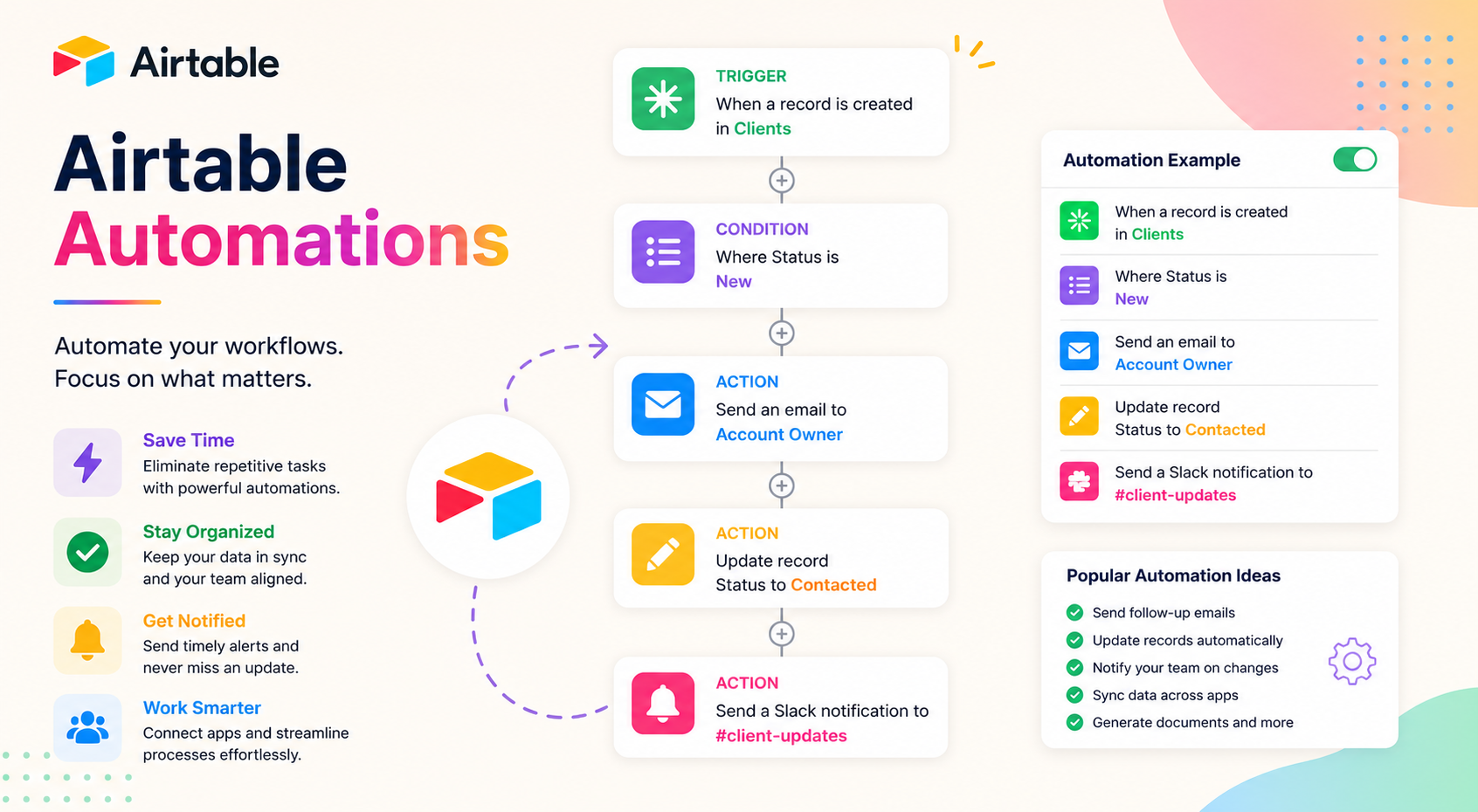
With a unique combination of a spreadsheet, database, and automation, Airtable is a great option for users who prefer this format.
Key Features
- Automated database features
- Notifications sent via email
- Automatic updates
- Scripting options
- Automated forms
- API access
Ideal for
- Business operations and content teams.
Also Read- Best Zoom Alternatives for Seamless Video Meetings
How Businesses Can Benefit from Workflow Automation
Automation adds value for any company. Every company has routine processes that require
- Data input
- Notification and update emails
- Onboarding
- Approval of invoices
- Automated marketing and customer support
- File and data management
- Updates to customer relationship management
Manual work on these processes consumes time. A well-designed workflow automation system helps automate the process so that employees can work on more value-adding processes.
Important Aspects of Workflow Automation
There are several aspects to consider when choosing the right automation system.
1. No-Code Automation
Workflow automation systems use drag-and-drop, code-free systems. Automation systems that offer this are making automation work available to all employees regardless of their technical aptitude.
2. Application Integrations
To offer seamless automation, the systems have to integrate the most commonly used applications. These include:
- Google and MS Workspaces
- Slack, Trello, and Asana
- Salesforce and HubSpot
- Shopify
- Zoom and Dropbox
3. Custom Automation
Most automation systems will allow customization for the application. Conditional logic, approvals, scheduling, and triggers are examples of the customization options.
4. Instant Notifications
Automation systems will notify employees of critical events. Examples are new clients, new sales, payments, and support tickets and tasks.
5. Multiple Automation Actions
Automation systems will allow multiple processes to be automated in a single action.
- Customer Order →
- Inventory Update →
- Invoice Generation →
- Email Confirmation →
- Shipping Notification →
- CRM Update
This reduces the manual effort significantly.
6. AI-Powered Automation
Examples of artificial intelligence applications that are part of modern workflow automation tools are
- smart recommendations
- AI-driven workflows
- Predictive Automation
- Intelligent Document Processing
- AI-powered Content Generation
AI brings further efficiencies and flexibility to the Best Workflow Automation Tools.
7. Workflow Automation Analytics
Automation platforms create reports with:
- The success rate of automation
- failed automations
- Execution Logs
- the time savings
- The productivity improvement
Automation workflow analytics propels the optimization of workflow automation.
Benefits of the Best Workflow Automation Tools
After automation is adopted, businesses notice the various advantages across the different industries.
Greater Productivity
Automation eliminates the repetitive business tasks that are time-consuming and allows employees to do creative and productive tasks.
Fewer Errors
Mistakes are part of manual business tasks. Automation eliminates that with process accuracy.
Speed
The instantaneous execution of workflow automation helps with the most positive and productive customer interactions.
Improved Collaboration
Automated task assignments and notifications help keep team members in the loop with approvals.
Savings
Reduced work and inefficiencies from operations allow a business to do more and spend less with the Best Workflow Automation Tools.
The Best Workflow Automation Tools
The Best Workflow Automation Tools are from companies that have successfully automated their own processes and are based on the size of your business, budget, and workflow.
| Tool | Best For | Key Features | Free Plan |
|---|---|---|---|
| Zapier | Small Businesses | 7,000+ app integrations, no-code automation | Yes |
| Make | Flexible Visual Automations | Visual automation builder, advanced scenarios | Yes |
| Microsoft Power Automate | Microsoft Ecosystem | AI automations, Office 365 automations | Limited |
| Monday.com | Project Management | Automating workflows and tasks | Trial |
| Asana | Team Collaboration | Automate tasks and project progress | Yes |
| ClickUp | Productivity | Workflows, dashboards, AI tools | Yes |
| Kissflow | Enterprise Workflow | Automating business processes and approvals | Trial |
| Nintex | Large Enterprises | Automating documents and process management | Trial |
These tools are some of the best workflow automation tools because they make task automation easier and allow teams to collaborate better.
Things to Consider When Deciding on the Best Workflow Automation Tools
The right automation tool depends on your brand. Here are some things to keep in mind.
1. Simplicity
Find something with an easy-to-understand interface and drag-and-drop workflow building. Good tools should be easy to use regardless of your tech level.
2. Integrations
Verify the tool can fit your tech stack, i.e., your CRM, email, cloud, accounting, and comms tools.
3. Growth
At some point, your brand will outgrow the tool. Pick something that offers more users, workflows, and advanced automations.
4. Security
There are a number of security features to look for to keep business data secure. These include:
- Role-based access
- Data encryption
- Audit logs
- Multi-factor authentication
- Compliance certifications
5. Pricing
Carefully compare pricing details of each subscription. Some tools charge per user, while others charge based on the number of workflows executed.
Common Use Cases for Workflow Automation
The Best Workflow Automation Tools can be used to automate workflows in almost all areas of a business.
Marketing
- Automating email campaigns
- Lead nurturing
- Scheduling social media posts
- Updating CRM
Sales
- Automating lead assignment
- Follow-up reminders
- Generating proposals
- Customer onboarding
Human Resources
- Automating employee onboarding
- Leave approval workflows
- Document collection
- Recruitment notifications
Finance
- Automating invoice processing
- Payment reminders
- Approving expenses
- Creating financial reports
Customer Support
- Routing tickets
- Creating auto responses
- Managing escalations
- Collecting feedback
IT Operations
- Creating user accounts
- Deploying software
- Incident notifications
- Scheduling backups
Using the Best Workflow Automation Tools enables businesses to minimize repetitive tasks and maximize the effectiveness of all business operations.
Best Practices for Workflow Automation
To get the most return on investment from automation, use these best practices:
- Focus on repetitive tasks that consume the most time.
- Start small and simple with automation.
- Thoroughly test workflows before going live.
- Keep an eye on performance.
- Adjust workflows to the current needs of the business.
- Be sure all integrations are current.
Implementing these best practices allows companies to realize the full potential of the Best Workflow Automation Tools while remaining effective and precise.
Conclusion
Best Workflow Automation Tools are a great investment for freelancers, small business owners, and large corporation owners. Automating workflows offers a radical change to the operations in the business and increases productivity in the long run. The right tools will help you make efficient workflows that yield greater results and will integrate with your existing software and expand with your business.
Frequently Asked Questions (FAQs)
1. What are the Best Workflow Automation Tools?
The Best Workflow Automation Tools are: Zapier, Make, Microsoft Power Automate, ClickUp, Asana, Monday.com, Kissflow, and Nintex.
2. Why should businesses use automation tools for workflows?
The Best Workflow Automation Tools offer a variety of benefits such as: reduced manual work, better productivity, decreased mistakes, greater collaboration, and operational cost savings.
3. Are workflow automation tools designed for small businesses?
Yes. Many of the Best Workflow Automation Tools have free offerings and affordable pricing plans, so they are great options for freelancers, small business owners, and large corporation owners.
4. Is coding knowledge a prerequisite for using workflow automation tools?
No, most of the Best Workflow Automation Tools are designed with a no-code or low-code philosophy, so creating automations can be done with ease by the average person.
5. Who benefits the most from workflow automation?
Workflow automation is beneficial for virtually everyone from the fields of: healthcare, finance, education, retail, manufacturing, marketing, IT, customer service, and human resources.
6. How Do I Choose the Best Workflow Automation Tools?
When identifying the most appropriate workflow automation tools for your business, consider ease of use, integrations, security, pricing, scalability, customer support, and the type of workflows you wish to automate amongst other factors.