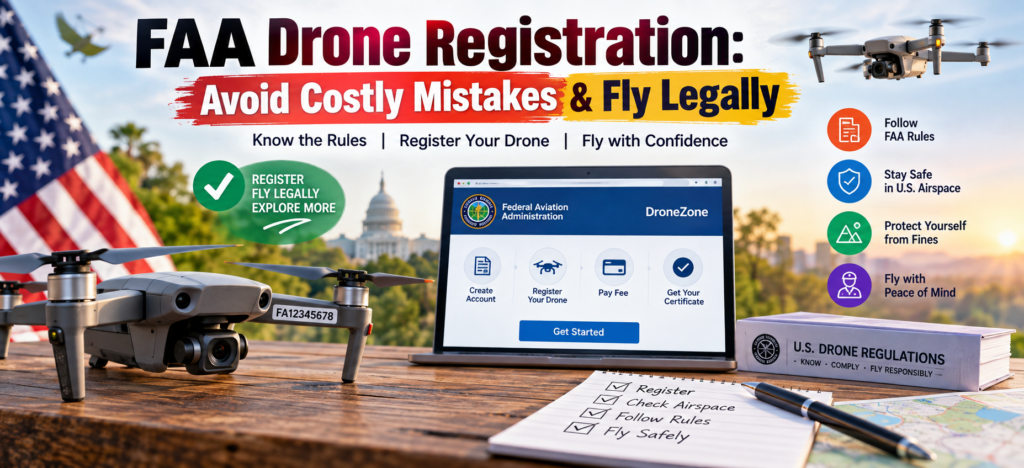
FAA Drone Registration: Avoid Costly Mistakes & Fly Legally
+
Table of Contents
- 1 What is FAA Drone Registration?
- 2 Essential Apps for Drone Use
- 2.1 B4UFLY
- 2.1.1 Key features include:
- 2.2 LAANC Apps
- 2.3 FAA Drone Registration vs. Airspace Authorization
- 2.4 Benefits of FAA Drone Registration
- 2.4.1 Legal Compliance
- 2.4.2 Easier Documentation
- 2.4.3 Better Operational Awareness
- 2.4.4 Support for Responsible Flying
- 2.5 Common Drone Registration Errors
- 2.6 A Simple Pre-flight Checklist
- 2.6.1 Drone users should:
- 2.7 Conclusion
- 2.8 Frequently Asked Questions
- 2.8.1 1. How much does FAA Drone Registration cost?
- 2.8.2 2. How long is drone registration valid?
- 2.8.3 3. How do I register my drone?
- 2.8.4 4. Are all recreational drones required to be registered?
- 2.8.5 5. Is FAA registration the same as the ability to fly?
- 2.8.6 6. Are registered drones exempt from Remote ID?
- 2.8.7 7. Does B4UFLY permit me to fly?
The Federal Aviation Administration (FAA) has rules and regulations for the use of drones. For example, to fly a drone for commercial purposes under Part 107 of the FAA’s rules, or for recreational use if the drone weighs more than 0.55 pounds (250 grams), you must register it. The FAA has a limited exception for recreational use if the drone weighs 0.55 pounds or less.
The FAA’s Drone Registration process can be simple and quick. It is important to familiarize yourself with the rules and laws to avoid potential violations.
What is FAA Drone Registration?
According to the FAA, Drone Registration is the process of using the Drone Registration Website to provide the required information to register an Unmanned Aircraft (Drone).
Drones under 55 pounds can be registered online by the FAA for a fee of $5. Part 107 registration is valid for 3 years and can be renewed. Recreational Drone registration is also valid for 3 years and covers all drones flown by the registrant. Upon successful completion of the Drone Registration process, the FAA provides a digital copy of the Registration to the applicant. The Drone Registration Number must be marked on the Drone. The Registrant of the Drone is responsible for providing the registration information to the Pilot in Command of the Drone prior to each flight.
Who is Required to Register Their Drone?
The FAA regulates the registration of recreational drone use. If you are going to use your drone for commercial purposes, you will need a pilot’s license. Drone operators also need to consider laws regarding other forms of aircraft.
All drones above 0.55 pounds must be registered. The FAA requires all drones, regardless of weight, used by Part 107 operators to be registered.
There are additional regulations regarding Remote ID for drone registrations. Drone registrations and required drone use are governed by the same remote ID regulations.
The FAA has online tools to help the public understand drone regulations. It is always best to check these resources to ensure you fly your drone legally.
How to Register Your Drone
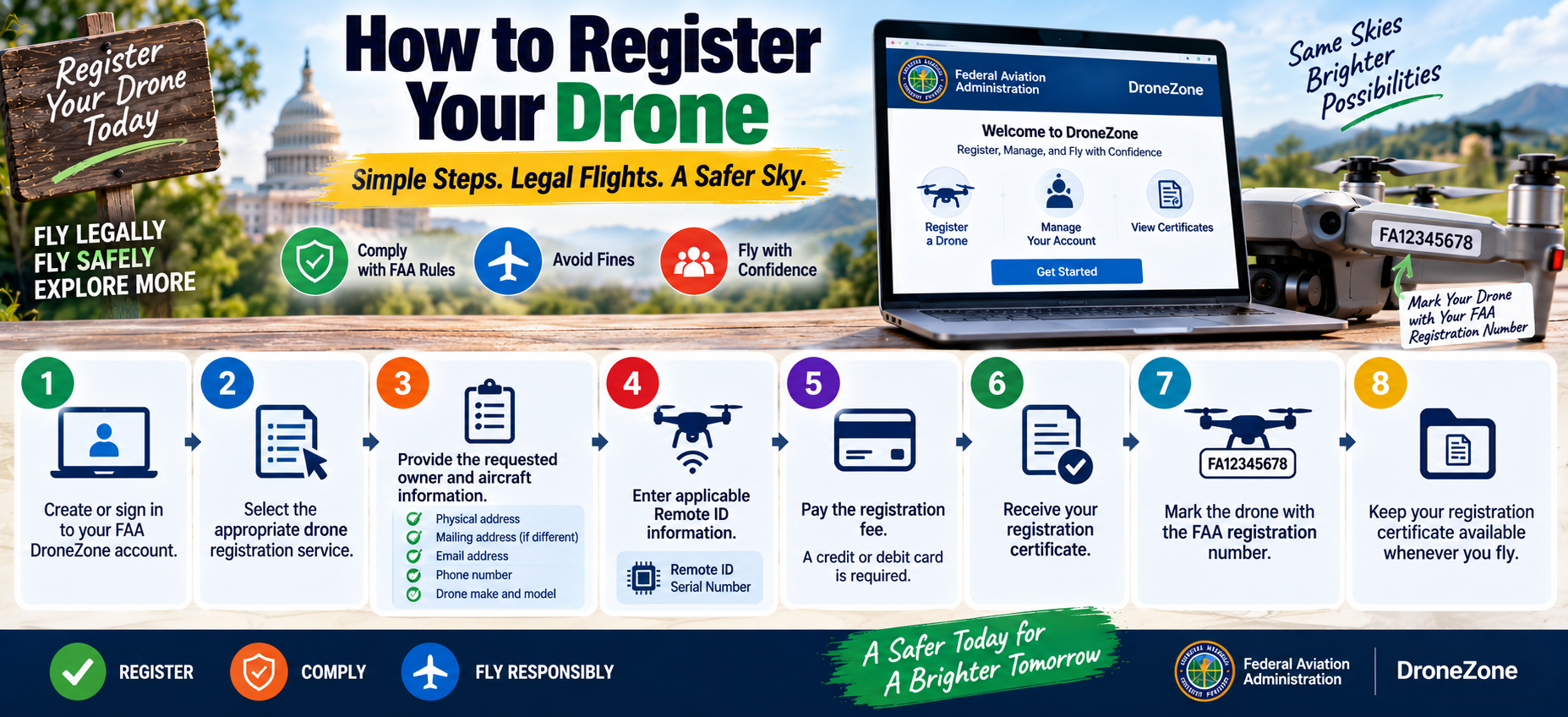
The registration process can be completed through FAA DroneZone.
You will generally need information such as your physical address, mailing address if different, email address, phone number, drone make and model, and applicable Remote ID serial number information. A credit or debit card is also required for the registration fee.
A simple process looks like this:
- Create or sign in to your FAA DroneZone account.
- Select the appropriate drone registration service.
- Provide the requested owner and aircraft information.
- Enter applicable Remote ID information.
- Pay the registration fee.
- Receive your registration certificate.
- Mark the drone with the FAA registration number.
- Keep your registration certificate available whenever you fly.
One common mistake is assuming that registering a drone automatically permits you to fly anywhere. Registration and airspace authorization are separate requirements.
Also Read- LiDAR Drones Explained: The Ultimate Guide to Smarter Mapping
Essential Apps for Drone Use
Registration is only one part of legal drone operation. Several FAA-supported or FAA-approved digital services can help pilots understand airspace requirements.
B4UFLY
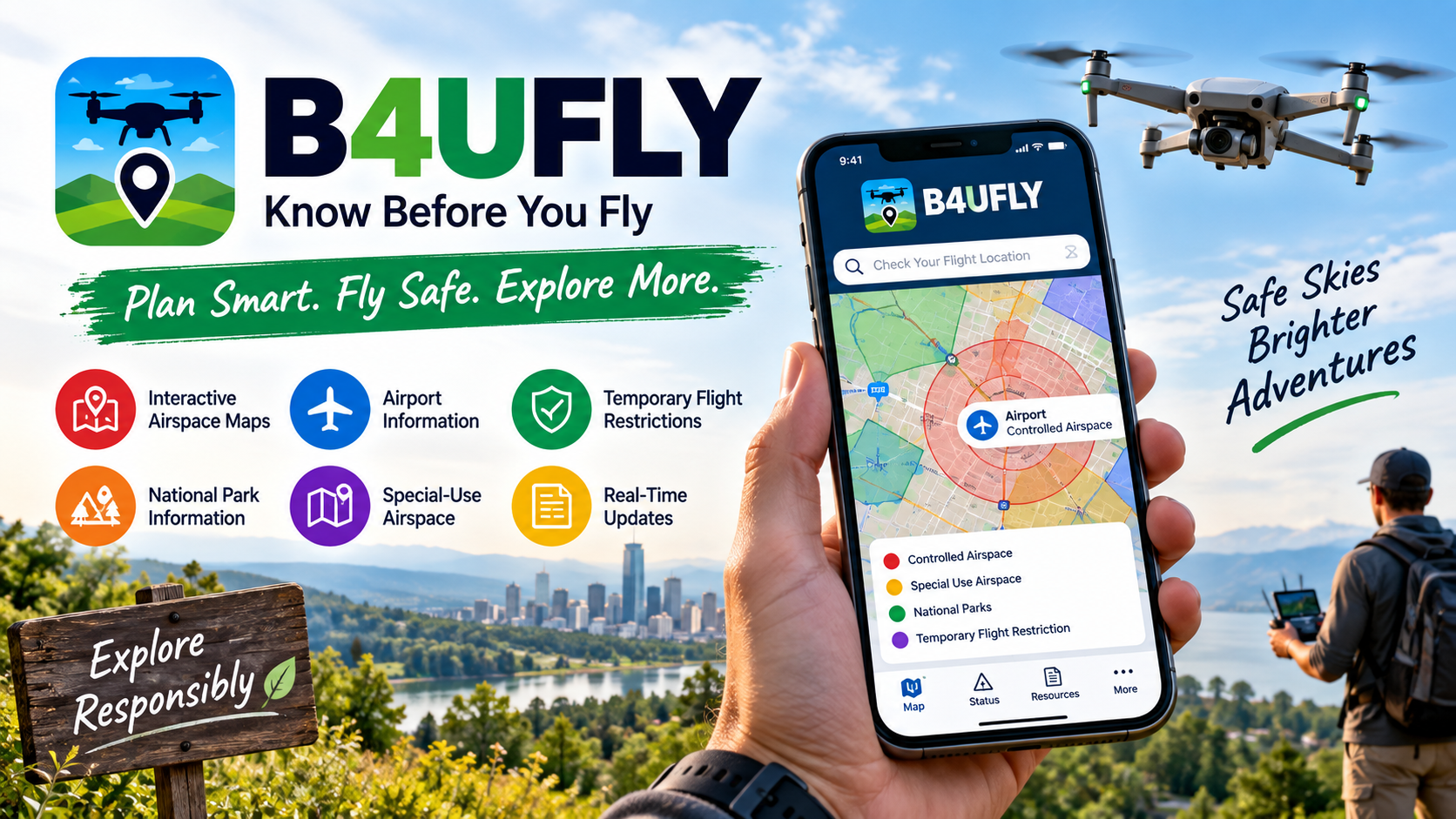
B4UFLY is an FAA service that helps recreational flyers and other drone users understand where they can and cannot fly. The FAA currently lists approved B4UFLY service providers offering mobile and desktop applications.
Key features include:
- Interactive airspace maps
- Controlled-airspace information
- Special-use airspace information
- Airport information
- National park information
- Military training route information
- Temporary Flight Restriction information
- Location searching
- Flight-status indicators
- Links to additional FAA resources
B4UFLY provides situational awareness, but it does not itself provide controlled-airspace authorization. Authorization is handled through LAANC or other applicable FAA processes.
LAANC Apps
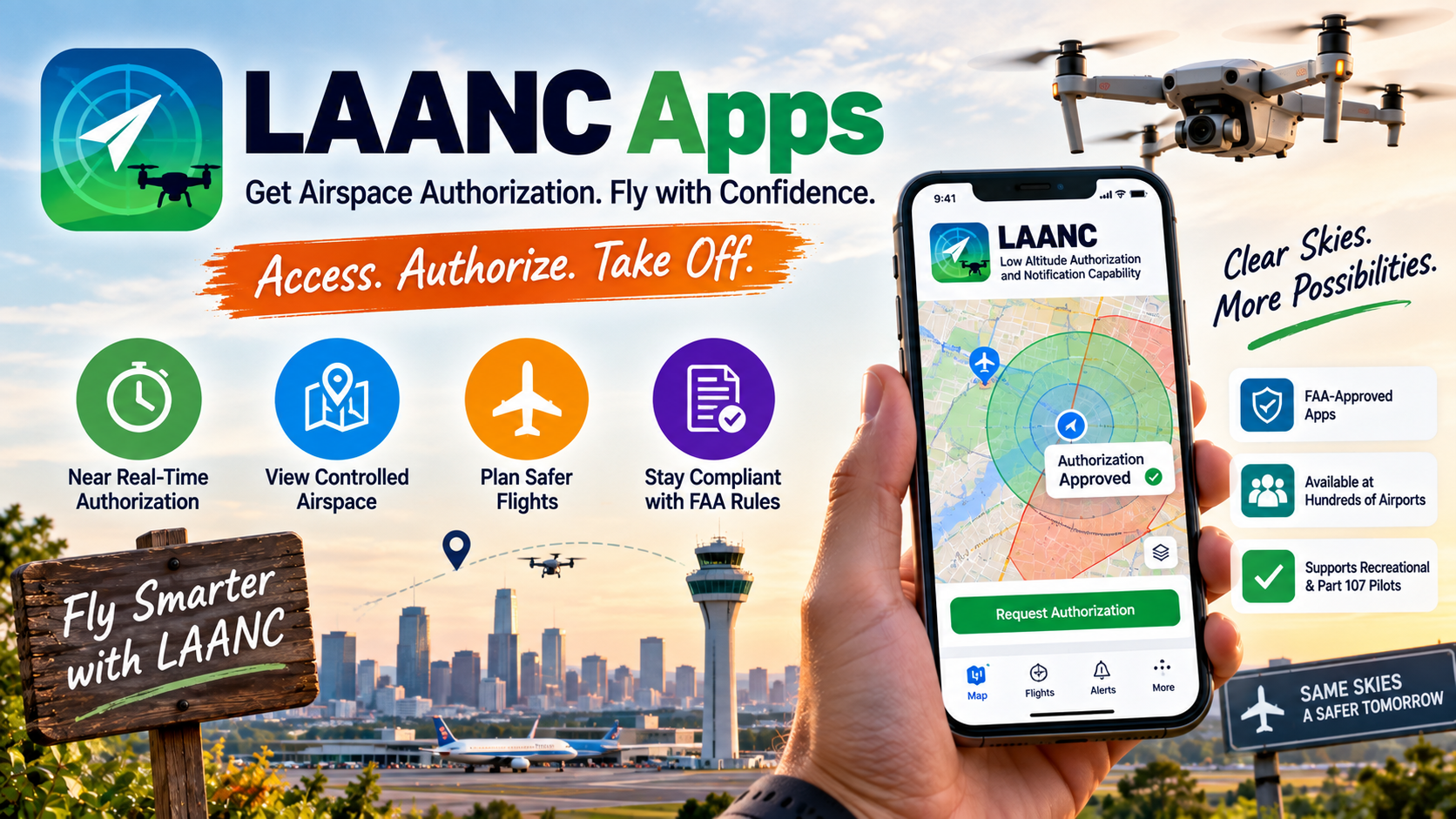
The Low Altitude Authorization and Notification Capability, commonly called LAANC, allows eligible drone pilots to obtain near-real-time airspace authorizations in controlled airspace through participating FAA-approved service suppliers.
LAANC applications can provide:
- Airspace authorization requests
- Near-real-time authorization
- Airspace restriction information
- UAS Facility Map information
- Location-based planning
- Support for recreational and Part 107 operations where applicable
The FAA states that LAANC is available at hundreds of airports, while certain situations may require an authorization request through FAA DroneZone instead.
FAA Drone Registration vs. Airspace Authorization
These are often confused with one another.
| Purpose | Where It Is Handled |
|---|---|
| Registration – Identifies eligible drones with the FAA. | FAA DroneZone |
| B4UFLY – Helps pilots check airspace information and restrictions. | Approved B4UFLY service providers |
| LAANC – Provides eligible airspace authorizations in controlled airspace. | FAA-approved LAANC providers |
| TRUST – Provides the required safety test for recreational drone flyers. | FAA-approved TRUST administrators |
| Part 107 Certification – Certifies pilots who operate drones under Part 107. | FAA certification process |
This distinction matters because completing FAA Drone Registration does not mean every location is automatically open for flight.
Benefits of FAA Drone Registration
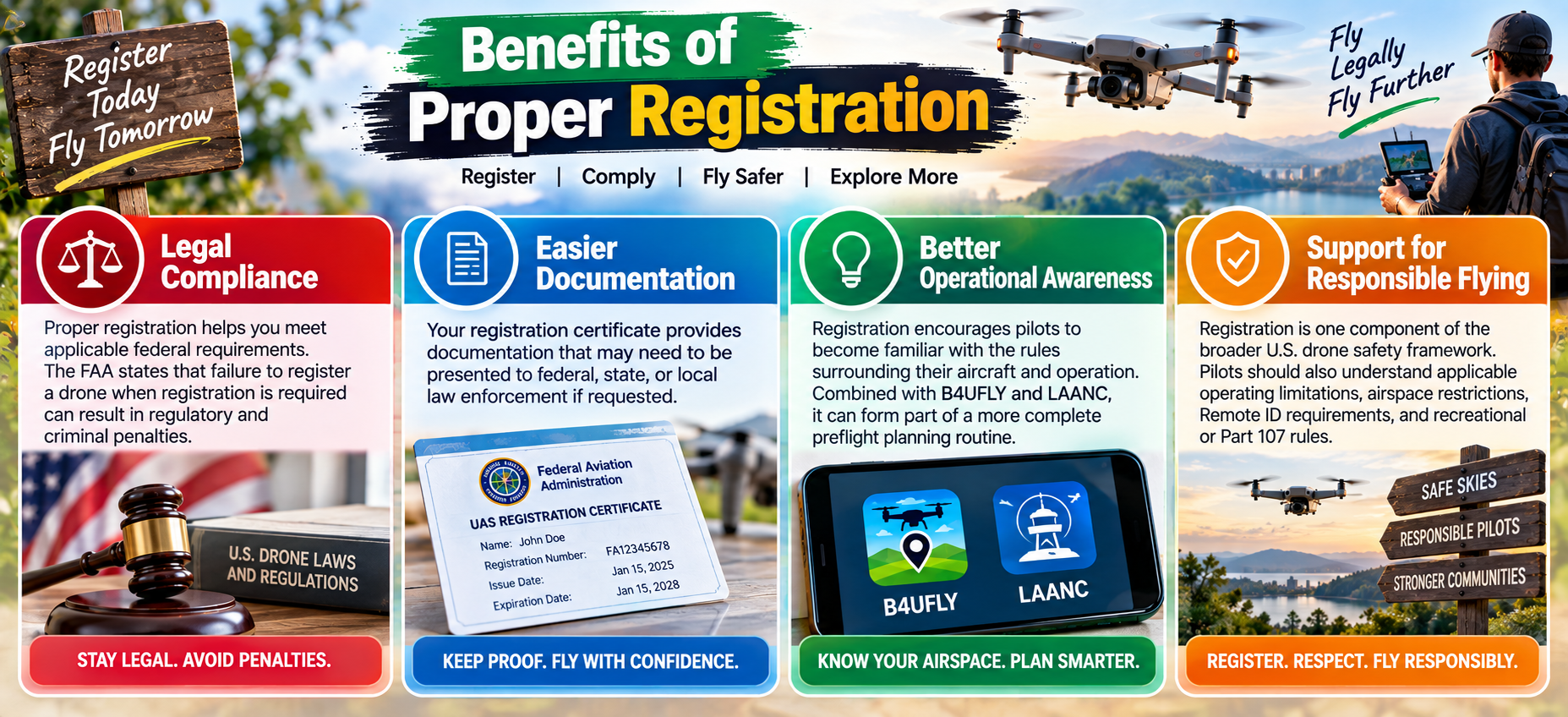
Following registration requirements provides several practical benefits.
Legal Compliance
In FAA Drone Registration, proper registration helps you meet applicable federal requirements. The FAA states that failure to register a drone when registration is required can result in regulatory and criminal penalties.
Easier Documentation
Your registration certificate provides documentation that may need to be presented to federal, state, or local law enforcement if requested.
Better Operational Awareness
Registration encourages pilots to become familiar with the rules surrounding their aircraft and operation. Combined with B4UFLY and LAANC, it can form part of a more complete preflight planning routine.
Support for Responsible Flying
Registration is one component of the broader U.S. drone safety framework. Pilots should also understand applicable operating limitations, airspace restrictions, Remote ID requirements, and recreational or Part 107 rules.
Also Read- AI Marketing: Supercharge Your Success
Common Drone Registration Errors
The biggest mistake a drone operator can make is to assume that because their drone does not require registration, they are permitted to fly it wherever they wish. No matter how small your drone may be, it is always best to register it before your first flight.
1. Failing to provide the registration number: The FAA mandates that drones in applicable categories be registered and that registered drones display their registration number on the aircraft.
2. Thinking registration means authorization: Registration of drones does not grant flight approval in restricted or controlled airspace.
3. Neglecting Remote ID: Registered drones are required to comply with Remote ID.
4. Not changing registrations: Owners are required to change the registration of their drones after three years.
5. Ignoring TRUST: Recreational drone users must take the FAA’s online safety test to gain approval for flight.
A Simple Pre-flight Checklist
Drone users should:
- Affix the registration number to their drones.
- Have their drone registration certificate with them.
- Determine if Remote ID is required.
- Use B4UFLY to determine flight restrictions.
- Review airspace authorization and restrictions.
- Obtain authorization if required.
- Complete the TRUST test if flying for recreation.
Conclusion
Compliance with the FAA is important, and understanding drone regulations can help first-time drone users in the U.S. to become more responsible drone users. The FAA drone registration process is rather simple, and users should take it in conjunction with other processes like airspace authorization, flight restrictions, safety testing, Remote ID compliance, and others. B4UFLY and LAANC provide convenience to users to check airspace restrictions and get authorization to fly, respectively.
It is crucial to verify the FAA’s website for the latest requirements, as restrictions to airspace and regulations for operating a small unmanned aircraft system (sUAS) are dynamic. Taking the time to cross-check requirements against the latest FAA information can assist in avoiding a costly violation.
Frequently Asked Questions
1. How much does FAA Drone Registration cost?
The FAA charges $5 for drone registration. Part 107 pilot registration is charged on a per-drone basis, and recreational registration is charged per person and covers all drones operated by that person.
2. How long is drone registration valid?
Drone registrations are valid for a period of 3 years.
3. How do I register my drone?
Drones that weigh less than 55 pounds can be registered through the FAA Drone Zone.
4. Are all recreational drones required to be registered?
No, as stated in the recreational exception to the small UAS rule, drones that weigh less than 0.55 pounds (approximately 250 grams) do not require registration.
5. Is FAA registration the same as the ability to fly?
Registrations allows the FAA to trace an aircraft. It does not permit flight. Restrictions and/or flight authorizations may still be applicable to you and your aircraft.
6. Are registered drones exempt from Remote ID?
Drones, and other aircraft, that require registration and are registered, must abide by Remote ID rules.
7. Does B4UFLY permit me to fly?
B4UFLY will not give you flight authorization. To request and receive flight authorization, you can use an FAA-authorized service, or use the FAA Drone Services website.