AI Meeting Assistants: The Ultimate Productivity Boost
+
Table of Contents
- 1 What Are AI Meeting Assistants?
- 2 Popular AI Meeting Assistants
- 2.1 1. Otter.ai
- 2.1.1 Related features are:
- 2.2 2. Fireflies.ai
- 2.3 3. Fathom
- 2.4 4. Microsoft Copilot
- 3 Key Features of AI Meeting Assistants
- 3.1 Benefits of AI Meeting Assistants
- 3.1.1 1. Time Saving
- 3.1.2 2. Enhanced Meeting Focus
- 3.1.3 3. No Important Details Are Missed
- 3.1.4 4. Simplify Follow-Ups
- 3.1.5 5. Improve Team Collaboration
- 3.1.6 6. Create a Searchable Knowledge Base
- 3.2 Are AI Meeting Assistants Worth Using?
- 3.3 How to Choose the Right Tool
- 4 Conclusion
- 4.1 FAQs
- 4.1.1 What are AI Meeting Assistants?
- 4.1.2 What do people consider to be the best AI Meeting Assistant?
- 4.1.3 Are AI Meeting Assistants capable of taking meeting notes?
- 4.1.4 How accurate are AI Meeting Assistants?
- 4.1.5 Do these tools integrate with Zoom and Microsoft Teams?
- 4.1.6 Are AI meeting assistants safe?
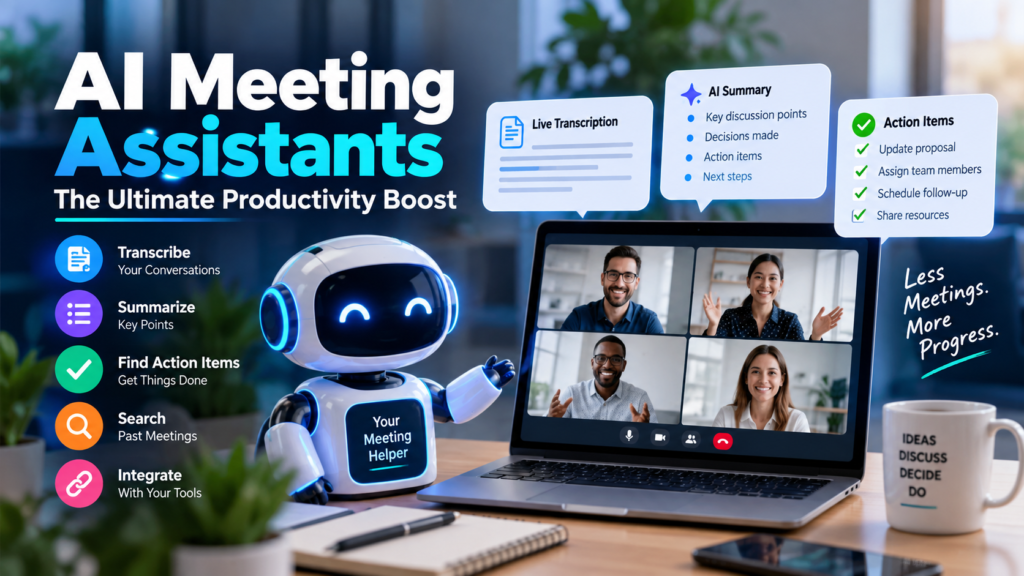
Documenting the outcomes of every call can be overwhelming and time-consuming. Even after you document outcomes, you still have to send follow-up emails and track open items. Thanks to AI Meeting Assistants, participants in a call can now document outcomes without having to take notes.
These software solutions automate the documentation of calls by transcribing calls and keeping notes. They can also answer questions about the contents of past meetings and maintain notes about meeting action items. Some even integrate with CRM or project management tools.
What Are AI Meeting Assistants?
AI Meeting Assistants work alongside various applications to help with the management of meetings.
Depending on the platform, assistants have the capability to join virtual calls, document, and structure call notes. Some can even transcribe, highlight important meeting points, and identify action items.
These assistants are popular in sales, marketing, management, and recruiting as they perform through back-to-back calls.
The primary reason people love AI Meeting Assistants is that they allow people to spend less time meeting and more time acting on the results of meetings.
How AI Meeting Assistants Work
AI Meeting Assistants are pretty simple in design.
They are comprised of the following:
1) Documentation and organization of meeting notes
2) Recollection of answers and responses to questions about previous meetings
3) Action Item trackers and management systems
To start, the assistant connects to Zoom, Microsoft Teams, or Google Meet (or any other meeting application that is supported). Depending on the app, it will either enter the meeting as another user or capture the audio that the user of the device is hearing.
Speech-to-text technology will transcribe the conversation in real time, and NLP (Natural Language Processing) will understand what was said in the transcribed messages.
After the meeting, the system is able to provide a meeting summary based on key discussion points, major decisions, actionable tasks, questions and their answers, follow-ups, speaker names, important time intervals, and meeting topics.
Some meeting assistants will provide users with a way to search their meeting history for old conversations.
Popular AI Meeting Assistants
1. Otter.ai
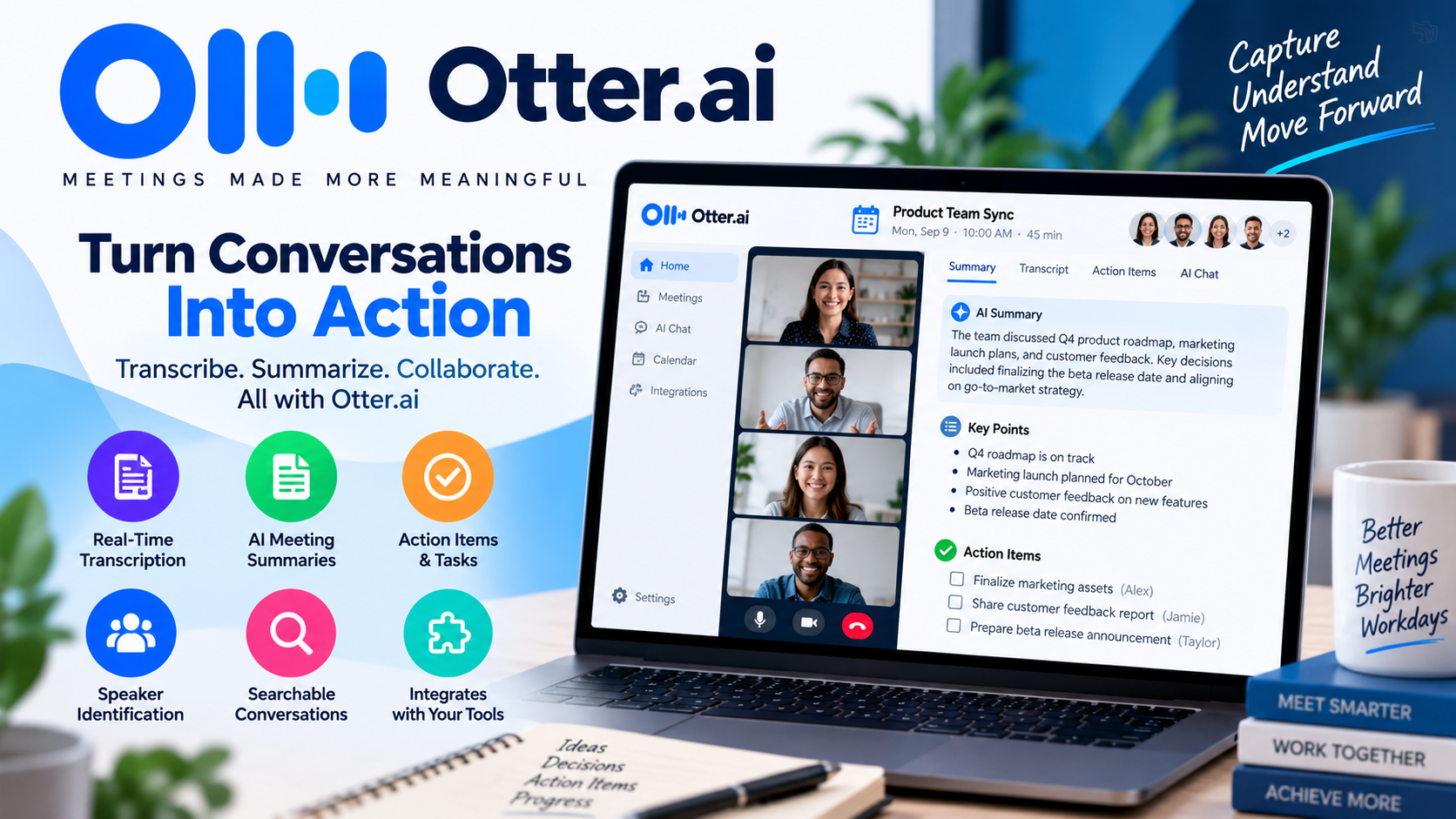
Otter.ai is a service that provides automated transcription and notes for meetings. It is geared toward real-time transcription and summaries, search functions, and AI-enhanced question generation.
The live transcription is useful for people who want to see what is being said during the discussion. Once the meeting is over, the user can review the transcript and locate specific data or information.
Related features are:
- real-time transcription
- automated meeting summarization
- anticipated tasks based on the meeting
- speaker identification
- conversations that can be searched
- question generation by AI
- meeting integrations
Otter.ai is a good service for people who want easy transcription and notes for meetings.
2. Fireflies.ai
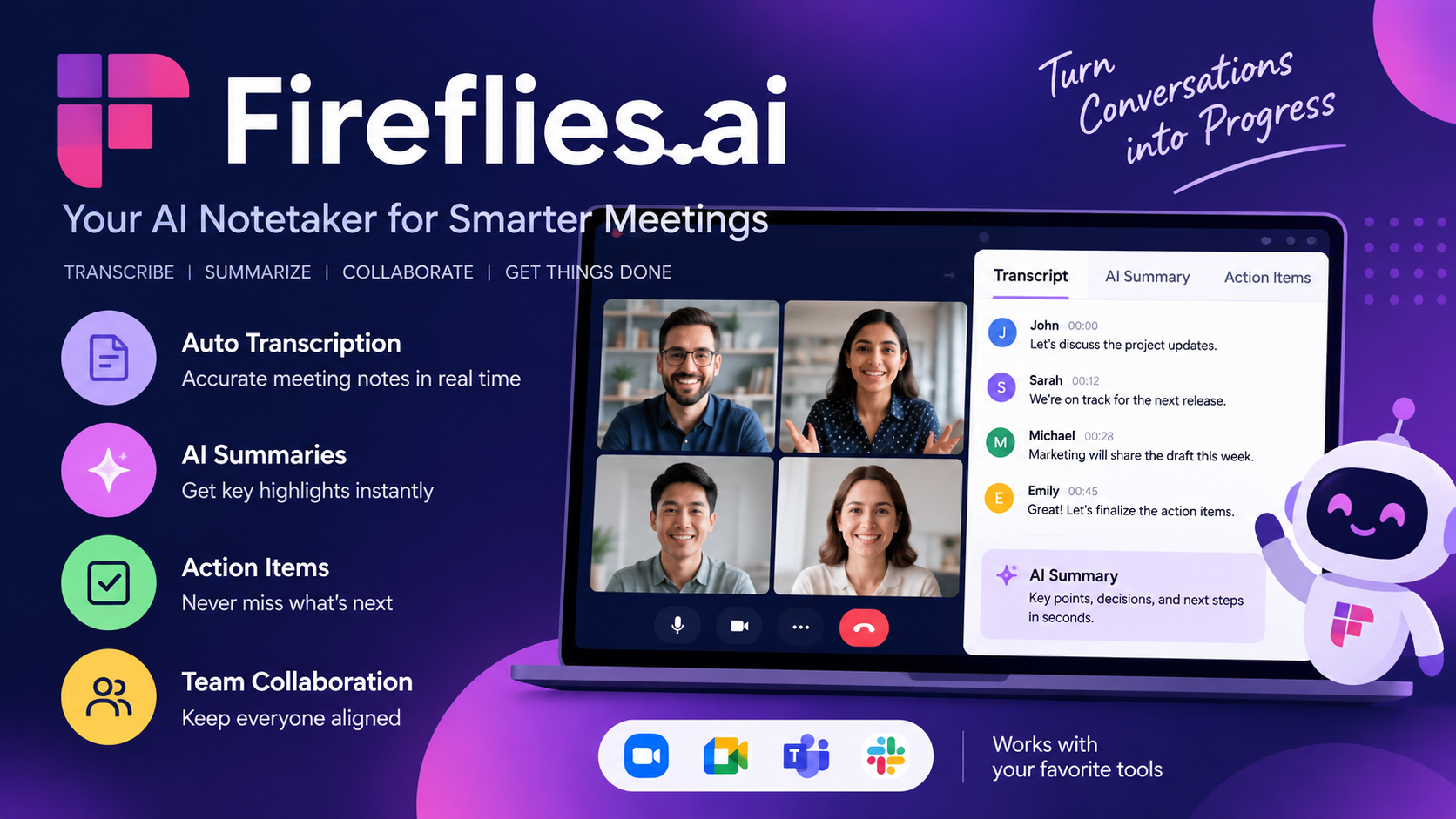
Fireflies.ai goes beyond just capturing and transcribing notes for your meetings. Their tools allow you to search your meeting notes, analyze meeting discussions, and integrate your meeting notes with your business workflows.
A strong aspect of their tool is its integrations. Teams are able to tie their meeting notes into tools they use for sales, customer relationship management, communications, and productivity.
Some of their key features include:
- Transcripts
- Summaries
- Action items
- Search
- Meeting analytics
- CRM integrations
- Workflow integrations
- Automated search across multiple meetings
Fireflies.ai is a functionality many sales and customer-facing teams would benefit from because it converts unstructured meeting notes into truly actionable business information.
Also Read- AI Prompt Engineering: Unlock Powerful AI Results
3. Fathom
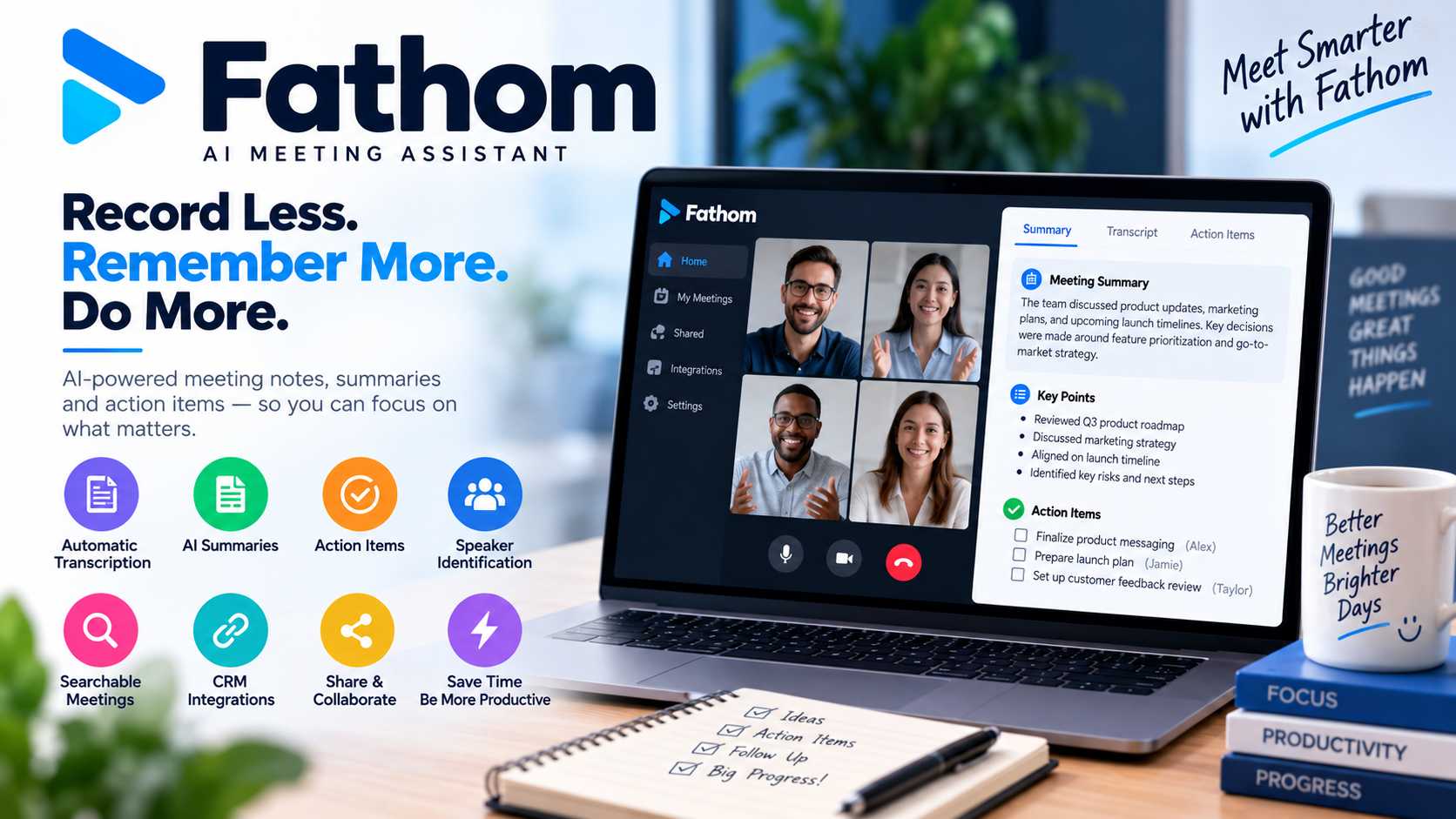
Fathom builds tools around simplicity for meeting note recordings and summarizations. Because of this, they have gained a good amount of small team and individual user adoption.
Conversations, transcriptions, and summaries that include important points are all features Fathom has developed.
Some of their key features include:
- Automated transcriptions
- Automated summaries
- AI-generated action items
- Important meeting highlights
- Searchable meeting notes
- CRM integrations
- Collaboration tools
- Follow-up tools
For users looking for simple meeting assistants with tools that need little to no configuration, Fathom is a good option.
4. Microsoft Copilot
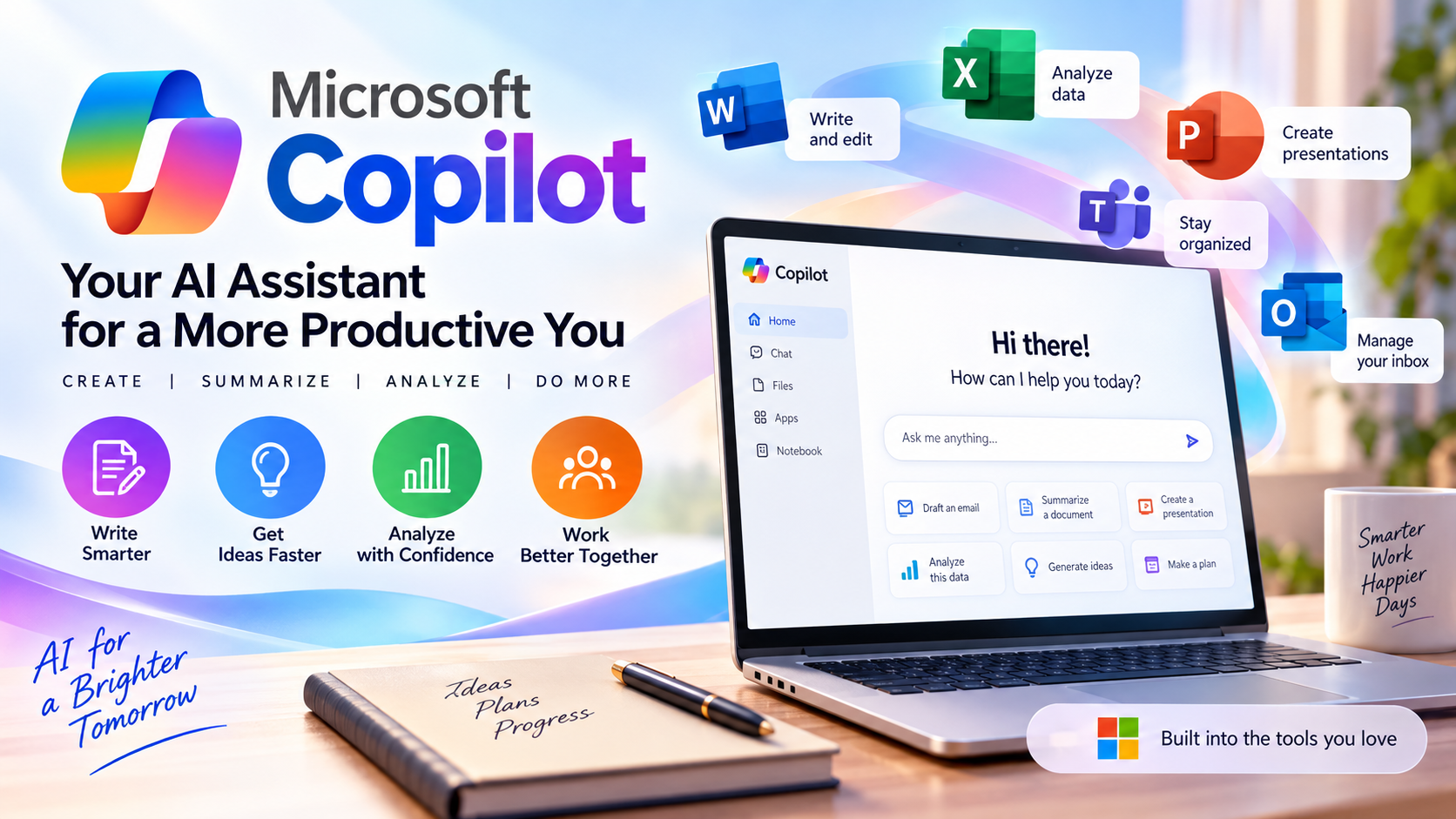
Microsoft Copilot brings AI assistance to Microsoft’s suite of productivity tools for meeting assistance. For customers already using Microsoft 365 and Teams, meeting intelligence would be functionality that is most convenient.
Copilot helps users summarize their meetings and note important information to answer post-meeting queries. Their greatest advantage is the breadth and depth of their integration with the Microsoft workplace ecosystem.
For businesses reliant on Microsoft products, streamlining the process can potentially eliminate the need to implement a different, separate program.
Key Features of AI Meeting Assistants
Some meeting assistants vary in what they offer. While tool selection can depend on your particular needs, below are some offerings and what they can mean for your work.
| Feature | Why It Matters |
|---|---|
| Transcription | Converts meetings into detailed text notes |
| AI Summaries | Compiles highlights and key takeaways |
| Action Items | Identifies responsibilities and assigned tasks |
| Speaker Identification | Identifies speakers and attributes their comments |
| AI Search | Provides quick, convenient access to past conversations |
| Integrations | Seamlessly connects meeting data with other platforms |
| Meeting Analytics | Analyzes participation and discussion performance |
| Follow-Up Automation | Reduces time spent on post-meeting tasks |
| Security | Provides data protection features to minimize business exposure |
The combination of features matters more than the individual offering.
Benefits of AI Meeting Assistants
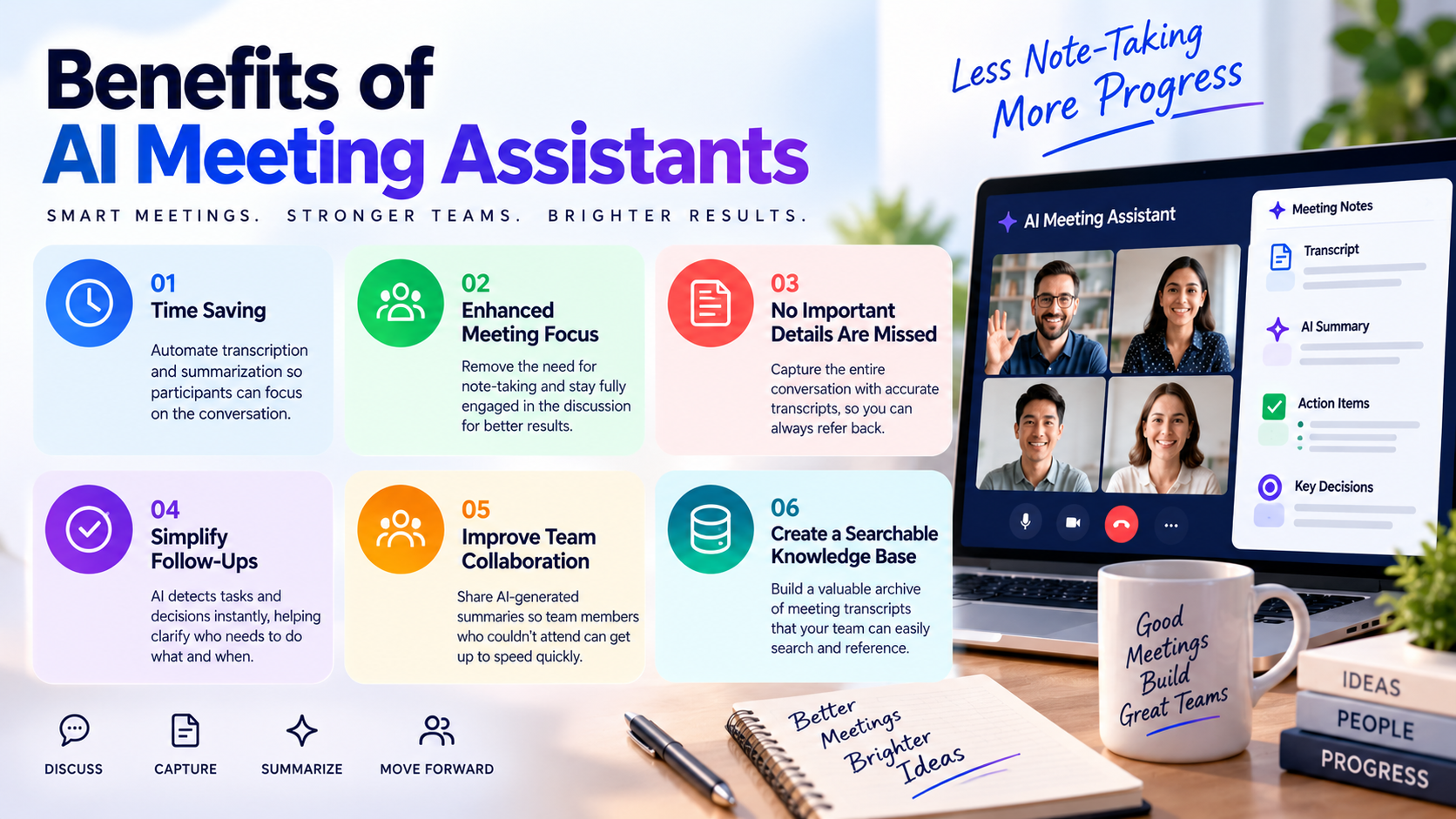
While many tools apply some level of automation, meeting assistants are designed to maximize productivity in a range of ways.
1. Time Saving
The act of taking notes can be a distraction. Participants can focus on the conversation by incorporating transcription and summarization automation.
2. Enhanced Meeting Focus
If note-taking is eliminated, participants can focus on the conversation and ultimately engage more, which can strengthen the conversation and lead to improved results.
3. No Important Details Are Missed
Conversations can become quite extensive. Automated transcription provides a safe format to reference the conversation in its entirety.
4. Simplify Follow-Ups
AI detects tasks and decisions that happen immediately after a meeting. This helps specify who needs to do what and when.
5. Improve Team Collaboration
Not everyone can attend every meeting. AI-generated summaries mean that team members who were not present can have the key points of the meeting explained quickly, without having to watch a lengthy recording.
6. Create a Searchable Knowledge Base
In time, meeting transcripts will become yet another valuable source of a company’s knowledge. Rather than asking the same questions over and over, employees can simply look through a transcript of a previous meeting.
Are AI Meeting Assistants Worth Using?
For professionals who attend multiple meetings in a single week, they are usually worth it.
The main value is not in transcription, as previously thought, but in what happens after that.
Think about wrapping up a 60-minute client meeting to receive a meeting summary, task list, and decision logs. Rather than spending another 20-30 minutes to organize your notes, you can start the tasks you need to immediately.
Before installing any software or service, companies have to consider the legal and ethical side of the situation. Meetings can contain sensitive customer information, strategies, financials, or even personal information about an employee. A company should review the security policies and ensure the vendors meet the necessary compliance requirements.
It is important to abide by the law and company policies when a meeting is recorded or a meeting is transcribed, and inform participants of this.
How to Choose the Right Tool
The AI Meeting Assistant that you choose should be the one that fits your requirements the best.
If you want to focus on transcription and basic meeting notes, then Otter.ai might be right for you. If you need more integrations, conversation intelligence, advanced integrations, and greater automation, then you should check out Fireflies.ai. For individuals and small teams looking for simplicity, you should check out Fathom.
If your organization already uses Microsoft 365, then you may likely benefit from Microsoft Copilot along with your current workplace tools.
Prior to purchasing a subscription, it is important to get to know the tool by sitting in on several real-life meetings. Pay extra attention to the quality of the transcriptions, the accuracy of the summaries, speaker identification, the available integrations, ease of use, and the quality of the action items.
Conclusion
AI Meeting Assistants are making meetings more than just talk. They’re making them searchable and actionable. This allows people to focus on talking rather than on capturing meeting notes to facilitate the outcomes of the meeting.
Otter.ai, Fireflies.ai, Fathom, and Microsoft Copilot have different strategies to aid meeting productivity. Your meeting platforms and your budget, along with your team size and integrations, will help you decide which is the best of these.
AI Meeting Assistants will be more proactive as the technology improves. They will help you prepare for meetings by identifying talking points and automated follow-ups, along with connecting meeting activities to the rest of your work.
For time-constrained meeting participants, AI meeting assistants can be an excellent meeting productivity tool.
FAQs
-
What are AI Meeting Assistants?
AI Meeting Assistants are software systems that make use of AI to automatically record, transcribe, summarize, translate, and analyze meetings. In addition, many are able to find action items and connect meeting data to other workplace apps.
-
What do people consider to be the best AI Meeting Assistant?
There unfortunately isn’t a clear winner for most people. Depending on your needs, Otter.ai has good transcription and note capturing abilities, Fireflies.ai has useful integrations and advanced features for conversation intelligence, Fathom has a simple meeting capturing tool, and for businesses that use MS 365, Microsoft Copilot may be a good fit.
-
Are AI Meeting Assistants capable of taking meeting notes?
Yes, Many systems are able to automatically generate notes, meeting summaries, decisions, and action items from recorded or transcribed meetings.
-
How accurate are AI Meeting Assistants?
Accuracy of most systems is dependent on the meeting’s audio quality, background noise, accents, and if multiple people are talking at once. Meeting summaries and action items should still be reviewed before using them.
-
Do these tools integrate with Zoom and Microsoft Teams?
Many tools are able to integrate with different meeting platforms such as Zoom, Google Meet, and Microsoft Teams. However, the exact features are dependent on the tool and integration.
-
Are AI meeting assistants safe?
This depends on the tool and plan you have. For confidential meetings, a company should do their due diligence and look into the tools’ encryption, data retention, privacy policies, access controls, compliance, and AI model training certifications.