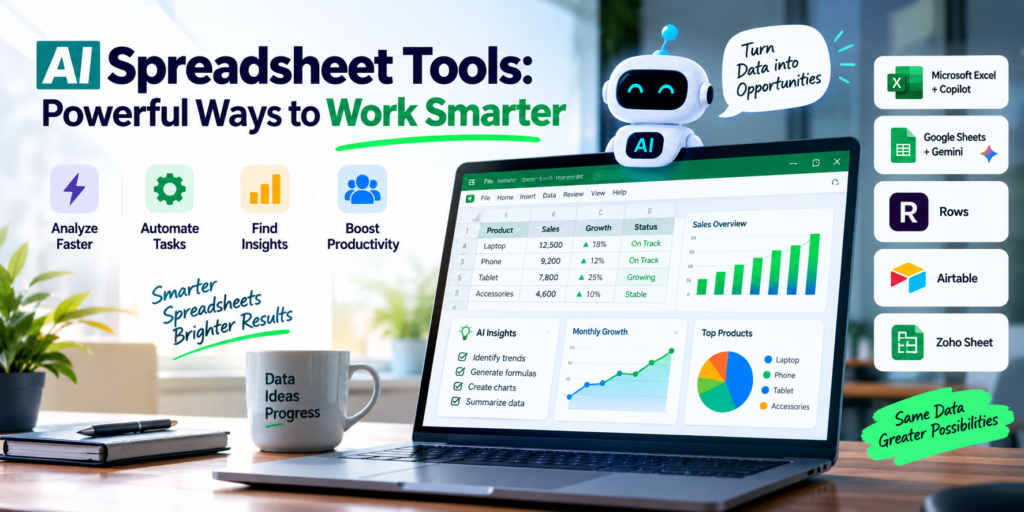
AI Spreadsheet Tools: Powerful Ways to Work Smarter
+
Table of Contents
- 1 What are AI Spreadsheet Tools?
- 2 Best AI Spreadsheet Tools to Try
- 2.1 1. Microsoft Excel with Copilot
- 2.1.1 Key features:
- 2.2 2. Google Sheets with Gemini
- 2.2.1 Key features:
- 2.3 3. Rows
- 2.3.1 Key features:
- 2.4 4. Airtable
- 2.4.1 Key features:
- 2.5 5. Zoho Sheet
- 2.6 Key Features of AI Spreadsheet Tools
- 2.6.1 Automated Formula Creation
- 2.6.2 Data Analysis
- 2.6.3 Natural-Language Commands
- 2.6.4 Data Summarization
- 2.6.5 Visualization
- 2.6.6 Automation
- 3 Comparison table of AI Spreadsheet Tools
- 3.1 Productivity With AI Spreadsheet Tools
- 3.1.1 1. Save Time
- 3.1.2 2. Decrease Mistakes
- 3.1.3 3. Increased Productivity
- 3.1.4 4. Simplify Data
- 3.1.5 5. Help Amateurs
- 3.2 How to Pick the Right AI Spreadsheet Tool
- 3.3 The Outlook on AI Spreadsheet Tools
- 4 Conclusion
For decades, spreadsheets have helped people organize their work and personal matters. But manually inputting, analyzing, and reporting on information seems to be the biggest time-suck. This is where AI Spreadsheet Tools come in, offering users the potential to automate many of the repetitive parts of spreadsheet tasks. Artificial Intelligence can help smooth this process by understanding instructions, creating formulas, analyzing data, and outputting information, all without the user having to be an advanced Excel user.
What are AI Spreadsheet Tools?
AI Spreadsheet Tools are systems built to help users build, manage, or interpret data within a spreadsheet. They help analyze information and draw conclusions based on instructions given in natural language.
For instance, to find the month-over-month growth of company revenue, you ask an AI assistant to do the task. The assistant would then formulate the proper growth equation, explain the formula, and present the result.
AI Spreadsheet Tools and Automation in Spreadsheets
Combining spreadsheets with AI reduces the time taken to complete repetitive tasks within a spreadsheet while providing the user with a tool to help drive quicker, informed decisions based on data.
Best AI Spreadsheet Tools to Try
There are multiple applications that offer AI-powered spreadsheets. Each has its own unique workflow and automations.
1. Microsoft Excel with Copilot
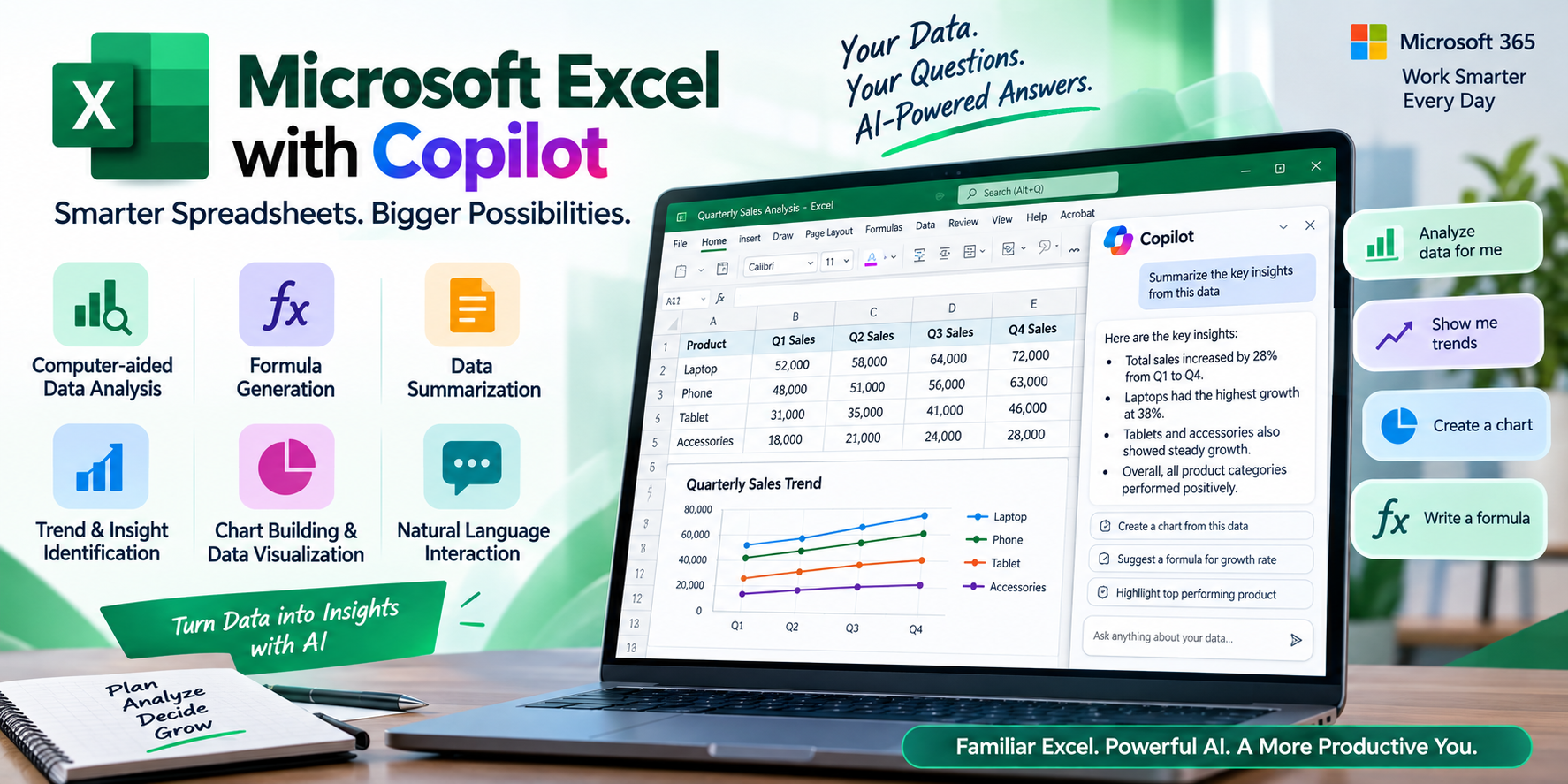
As one of the most popular spreadsheet applications, Microsoft Excel continues to grow with the addition of AI technology. Copilot makes user interaction with Excel and spreadsheets easier by providing various features to help analyze data, understand trends, create and suggest formulas, and summarize data.
Users can skip the dependency on traditional spreadsheet commands and annotate data in spreadsheets with natural language.
Key features:
- Computer-aided data analysis
- Formula generation
- Data summarization
- Trend and insight identification
- Chart building and data visualization
- Natural language interaction
Excel with Copilot is mainly aimed at professionals using Microsoft 365 as part of their day-to-day operations.
2. Google Sheets with Gemini
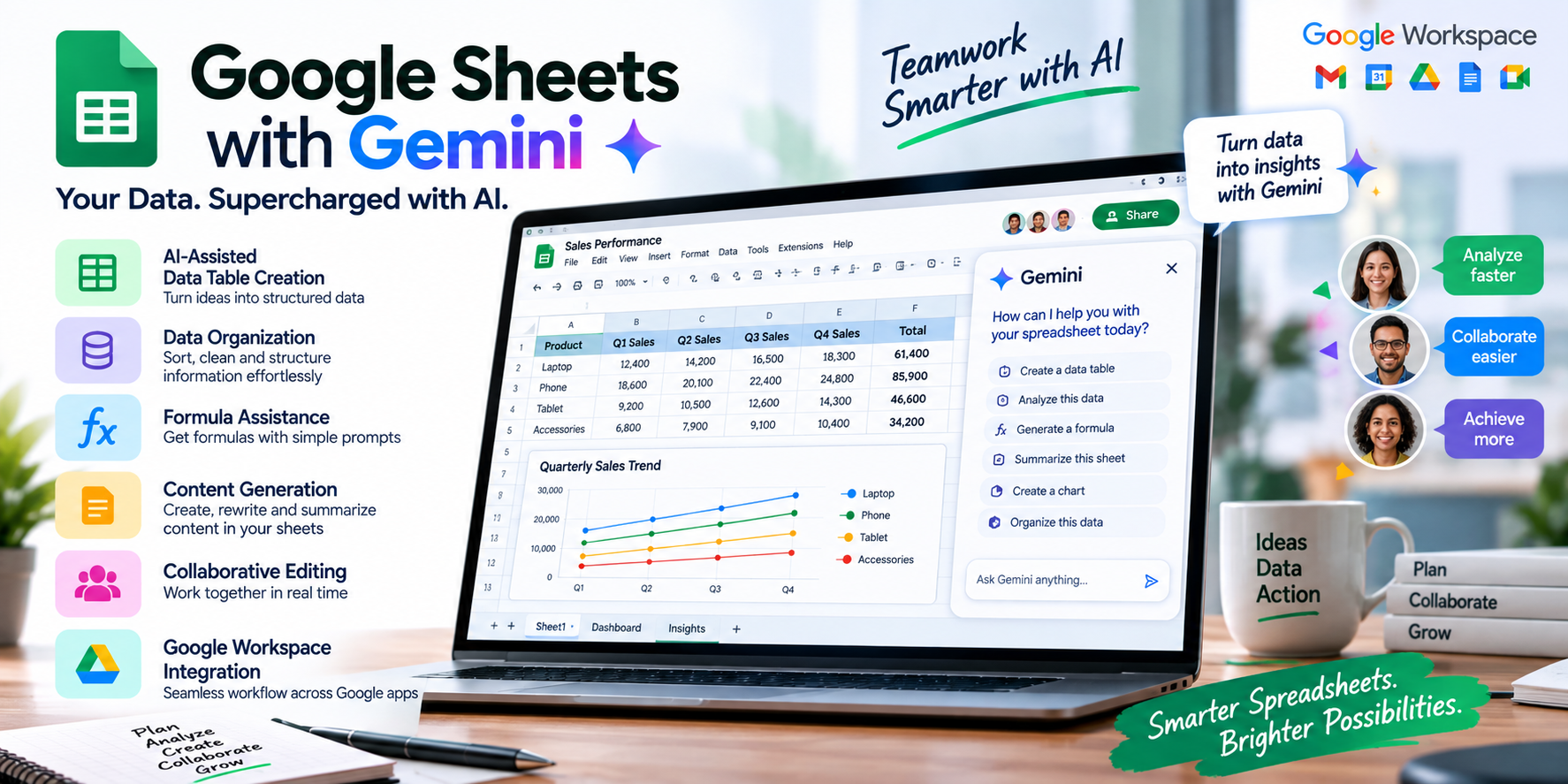
Google Sheets has Gemini to achieve the same thing as Microsoft Excel through the inclusion of AI. Gemini uses AI to help users organize data, generate content, analyze data, and perform a variety of tasks related to spreadsheets.
Because Google Sheets is part of the Google Workspace, it is ideal for teams that engage in cloud-based collaboration through documents.
Key features:
- AI-assisted data table creation
- Data organization
- Formula assistance
- Content generation
- Collaborative editing
- Google Workspace integration
This is a good option for teams that need a spreadsheet platform to facilitate online collaboration.
3. Rows
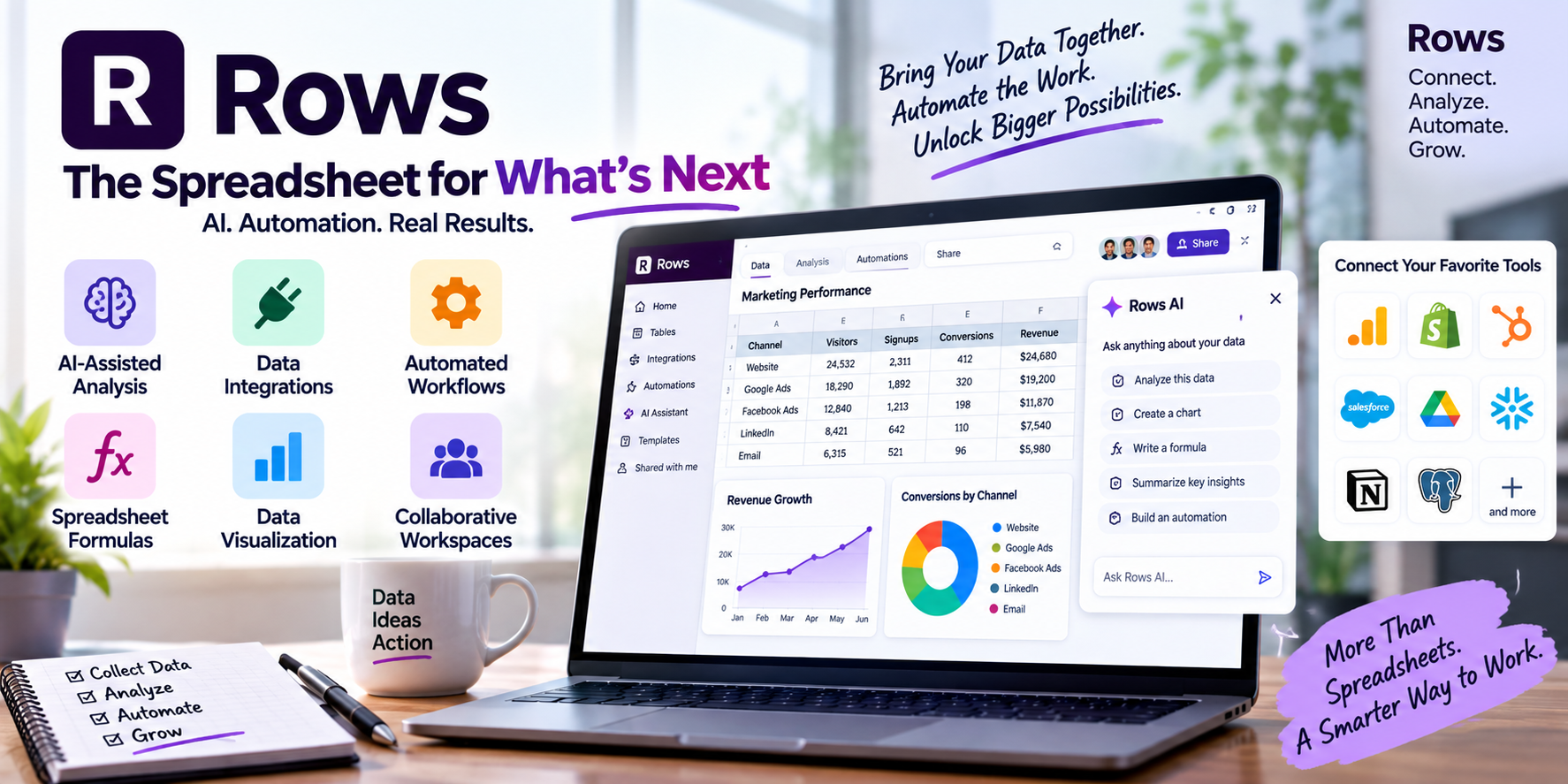
Rows is built to provide a lot of AI and automation features to users. The platform offers the functionality of a spreadsheet as well as features for data collection, analysis, and automation.
The platform can replace the spreadsheets of marketing departments, analyst teams, entrepreneurs, and all the other teams that need to aggregate multiple sources of data into one integrated system.
Key features:
- AI-assisted analysis
- Data integrations
- Automated workflows
- Spreadsheet formulas
- Data visualization
- Collaborative workspaces
Rows is a good alternative for users wanting a spreadsheet that offers more than cell-based calculations.
4. Airtable
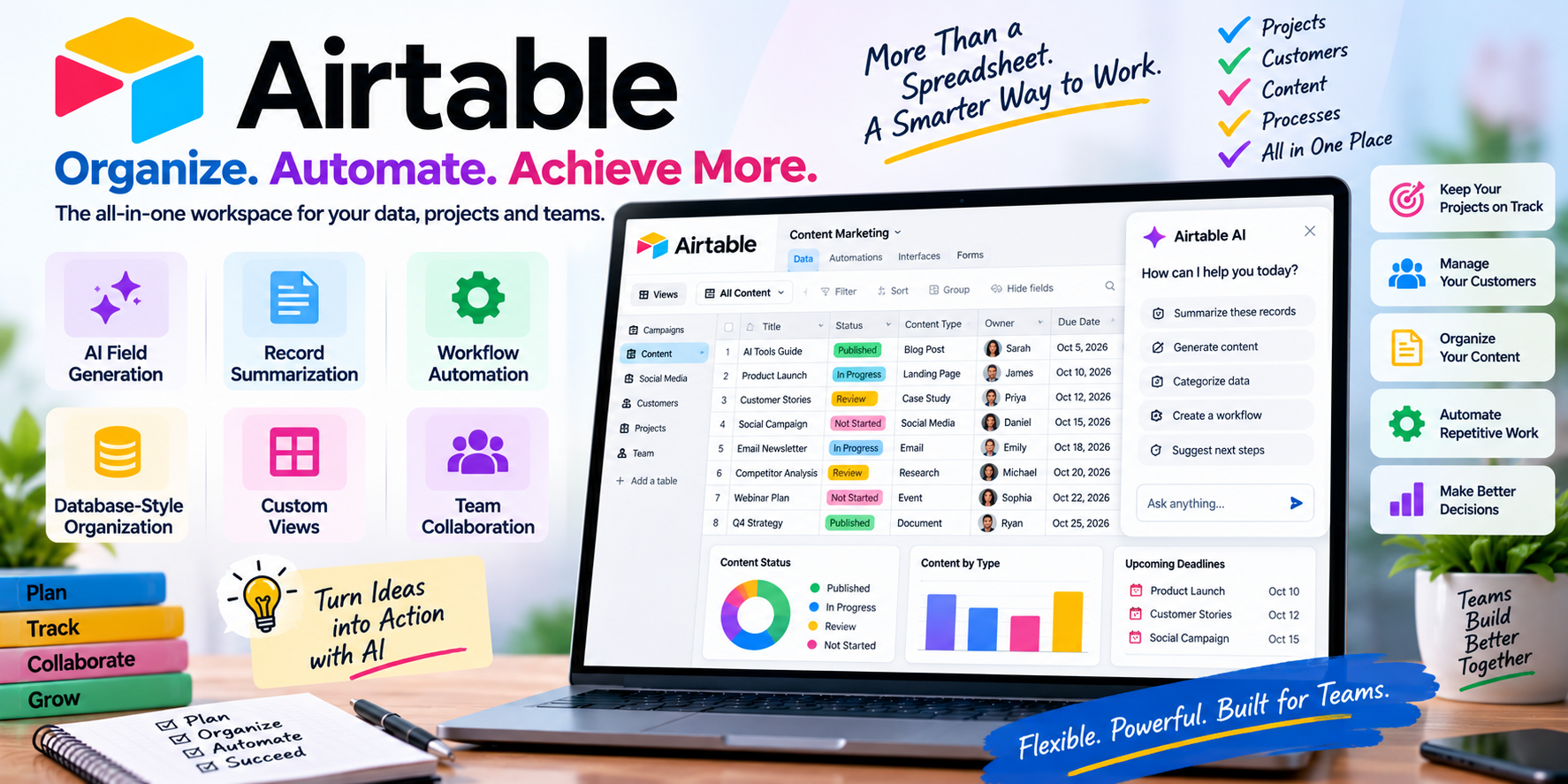
Airtable combines the functionality of spreadsheets and databases with automation. AI tools allow teams to categorize data, summarize records, and generate content while automating workflows.
Rather than just using a spreadsheet to do some calculations, businesses can use Airtable to manage their projects, customers, content, and internal processes in an organized manner.
Key features:
- AI field generation
- Record summarization
- Workflow automation
- Database-style organization
- Custom views
- Team collaboration
It can be very beneficial to companies that manage lots of data in multiple projects.
5. Zoho Sheet
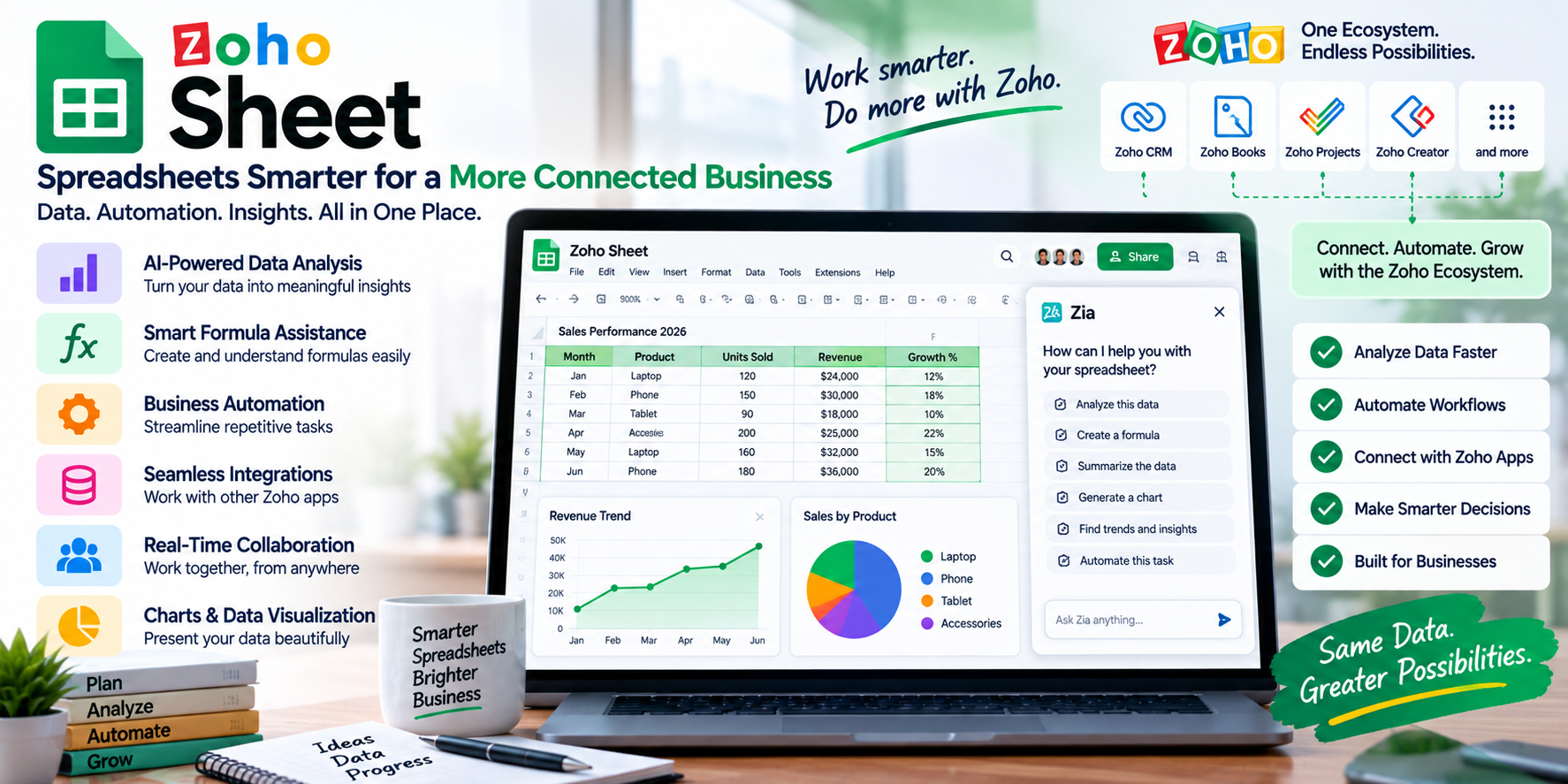
AI automation and tools also power Zoho Sheet’s spreadsheet capabilities. Zoho Sheet is capable of data analysis, formula calculations, and business-related automation.
For companies that use Zoho ecosystem applications, Zoho Sheet is a good way to build workflow automation with other applications in their business ecosystem.
Key Features of AI Spreadsheet Tools
The major benefit of AI Spreadsheet Tools is handling tasks that previously required intensive manual work.
Automated Formula Creation
Formula writing is difficult and particularly bothersome for beginners. Many AI tools have the capability of formula generation with natural language prompts and explanations.
Data Analysis
AI can understand and work with data to pull out values that can be insightful to a business.
Natural-Language Commands
If interacting with your data, then asking a question beats remembering a command.
Data Summarization
Large sheets with thousands of rows are cumbersome to review entry by entry. This is why we need AI to summarize important findings for us.
Visualization
Charts and graphs? AI tools could recommend the best way to present data.
Automation
Repetitive tasks can be automated, such as the organization of data, the generation of text, or report preparation.
Comparison table of AI Spreadsheet Tools
| Tool | Best For | Key Strength | Collaboration |
|---|---|---|---|
| Excel + Copilot | Business Professionals | Advanced Spreadsheet Analysis | Yes |
| Google Sheets + Gemini | Online Teams | Cloud Collaboration and AI Assistance | Yes |
| Rows | Analysts and Marketers | Data Integration and Automation | Yes |
| Airtable | Business and Project Teams | Database-style Workflows | Yes |
| Zoho Sheet | Business Users | Automation and Ecosystem Integration | Yes |
Productivity With AI Spreadsheet Tools
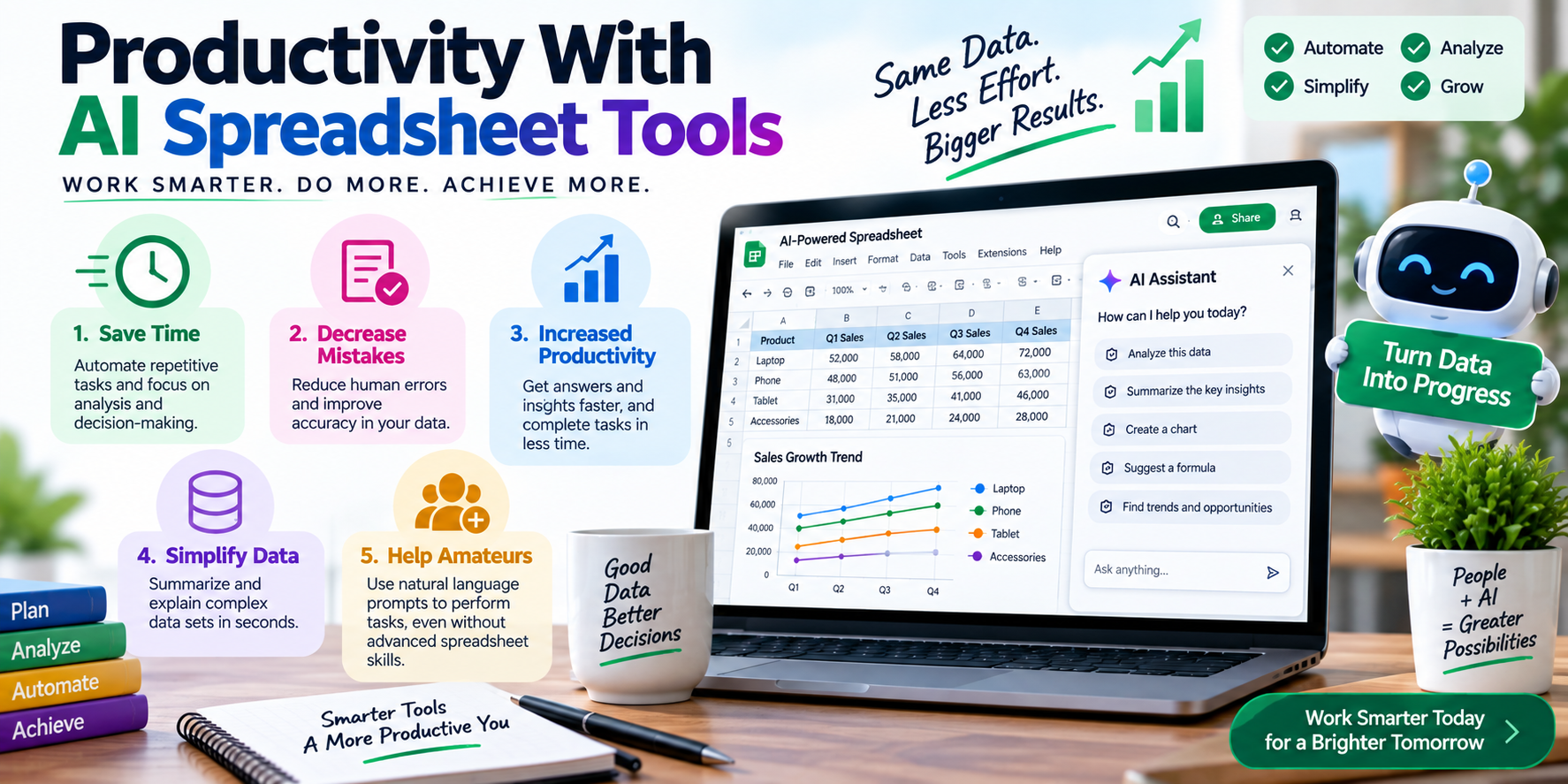
The biggest and fastest-growing advantage of using an AI-powered tool is productivity enhancement.
1. Save Time
AI can help users save time because it can automate repetitive tasks. This allows them to focus on the analysis and decision-making parts of their work, rather than on the manual data processing part of their work.
2. Decrease Mistakes
It’s no secret that mistakes come from manual tasks and/or repetition. AI tools help minimize mistakes in the workplace, and while this is true, it’s always good to double-check and confirm important calculations.
3. Increased Productivity
If users can answer and analyze data more quickly, the length of time it takes to complete a task related to a spreadsheet will decrease.
4. Simplify Data
AI tools can help managers describe or summarize complex data sets. This is handy for managers as it eliminates the need to spend hours looking at rows of data.
5. Help Amateurs
Users who do not know how to deal with complicated spreadsheets can perform certain tasks with the use of natural language prompts.
How to Pick the Right AI Spreadsheet Tool
Not all tools will work for all people. When choosing a tool, look at your workflow and what data you work with daily.
If you can’t imagine a life without Microsoft Excel, then Excel with Copilot is the tool. If you work mostly inside Google’s ecosystem, like many modern companies take advantage of, Google Sheets with Gemini is the tool for you. Database-centered users should use Airtable. If you set the integration between your apps as a priority, you may want to use Rows.
Pricing, security, collaboration, integration, automation, and the complexity of your tasks should be the main things you consider.
Also Read- Best Drones Under $500: The Ultimate Buying Guide
The Outlook on AI Spreadsheet Tools
While AI is still in its infancy and automation is limited, the value of these tools is more than just advanced data handling. In the future, as natural language and machine learning become integrated for data capture, users will have the option for more predictive analysis, intelligent reporting, and data handling tools that manage workflows.
More and more, spreadsheets will be the tools in which users ask meaningful questions and draw meaningful conclusions, and will allow users to design flexible and innovative workflows.
The importance of AI and other productivity enhancers comes back to the balance of human and machine intelligence. Critical financial, operational, and business processes will always require human intervention before decisions are made.
Conclusion
Spreadsheets require both data analysis and management, and AI-Powered spreadsheets excel in both. From understanding large datasets to creating business summary sheets and cross-functional automation, these programs enable businesses and individuals to be more productive.
Depending on your unique needs, you can use Excel (with Copilot), Google Sheets (with Gemini), Rows, Airtable, or Zoho Sheet. The AI assistant can help you perform tasks with less repetitive work, giving you more time to provide products and services that make a difference.
FAQs
-
What are AI Spreadsheet Tools?
They are spreadsheet applications or features that are able to assist users in automating various spreadsheet tasks through the use of artificial intelligence.
-
Are AI Spreadsheet Tools useful for beginners?
Yes. Users are able to describe in natural language what task they wish to perform and input the required data. This makes performing more complex tasks easier for beginners while avoiding the need to memorize more advanced formulas.
-
Can AI create spreadsheet formulas?
Yes, with adequate detail provided regarding the function that the user wishes to perform, they can generate the required spreadsheet formula.
-
Which AI spreadsheet tool is best for businesses?
It is not possible to definitively choose which of the available options is the best. Excel (with Copilot) may be better for traditional spreadsheet integration, whereas Airtable and Rows may be optimal for more specialized and custom workflows.
-
Can AI spreadsheet tools replace Excel?
Currently no, however AI is now beginning to be integrated within Excel as well. For most users, the current implementation of AI within Excel and spreadsheets in general is supplemental to the existing tools and does not replace them.